A useful opportunity for me would be to create a new type of pages. The type of pages on which it will be possible to place graphic elements, forming schemes, diagrams, mind maps and the like from them.
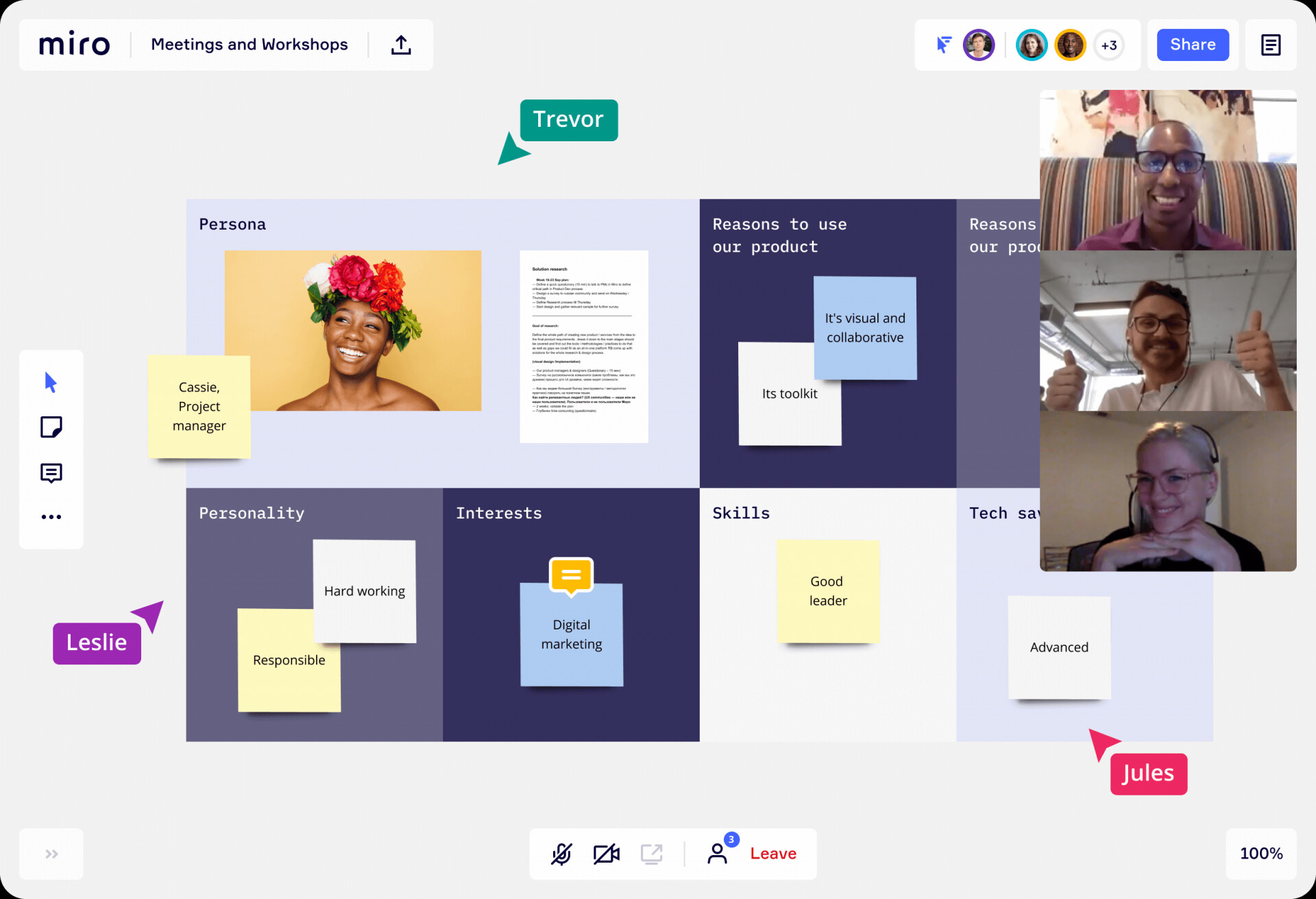
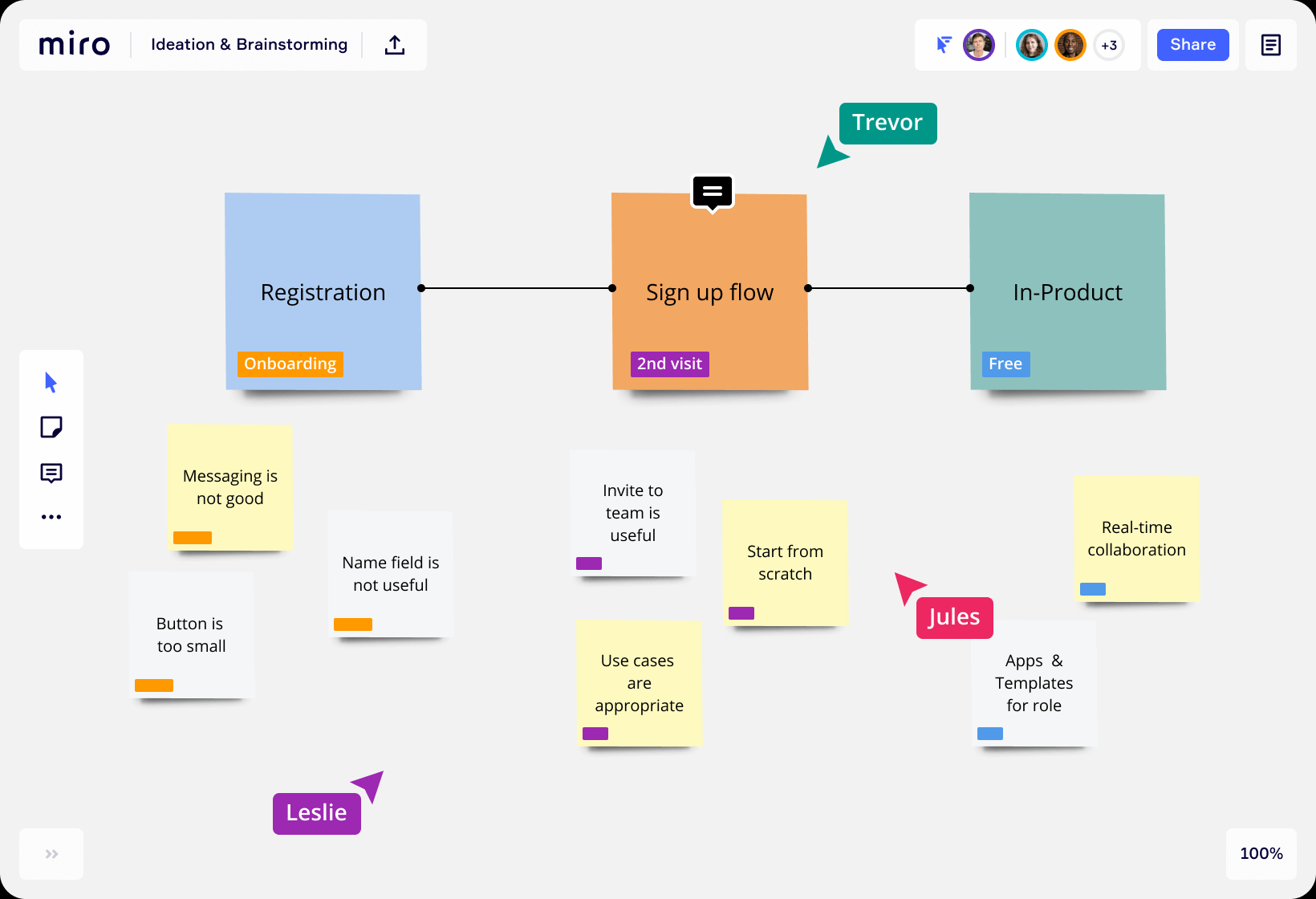
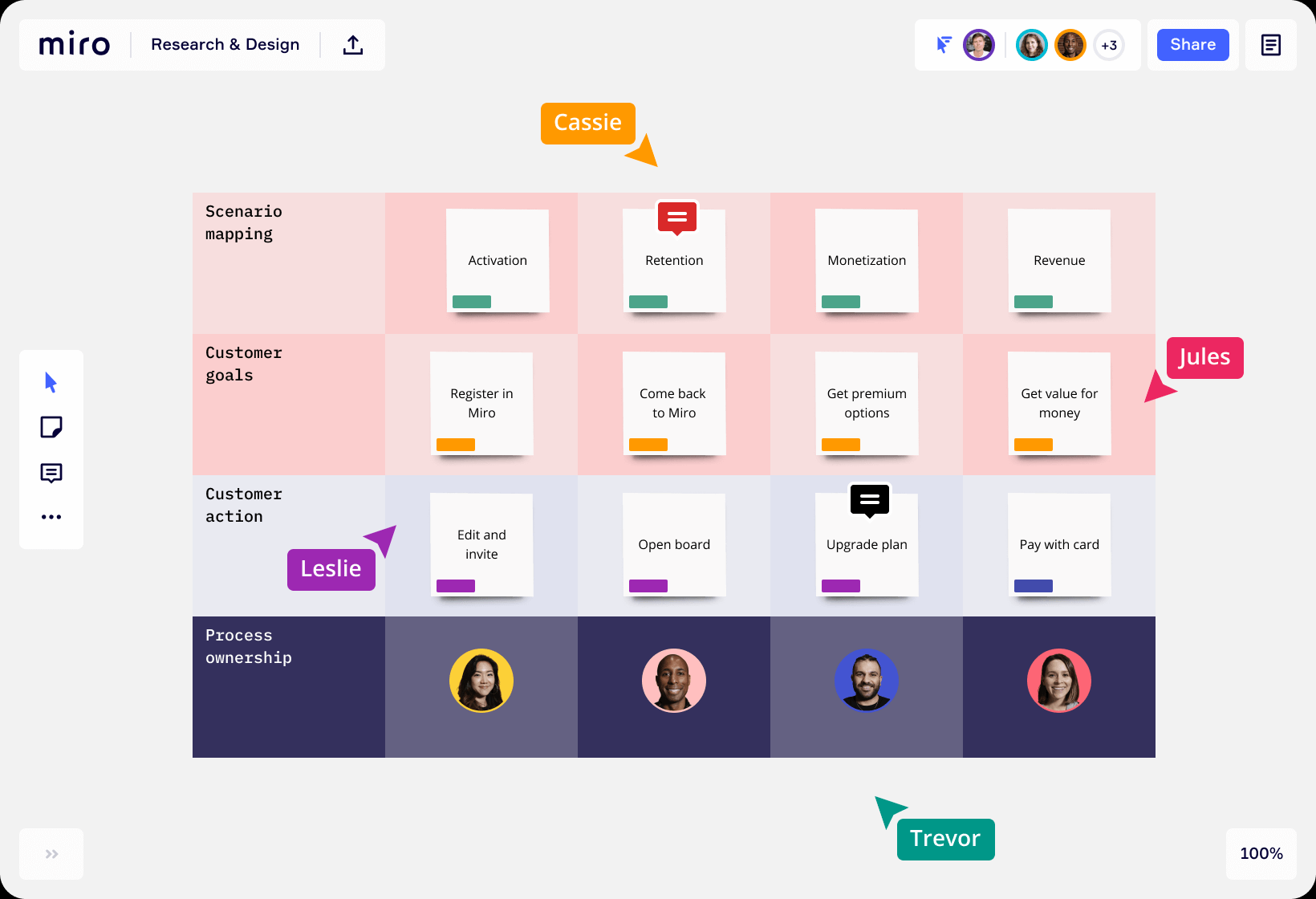
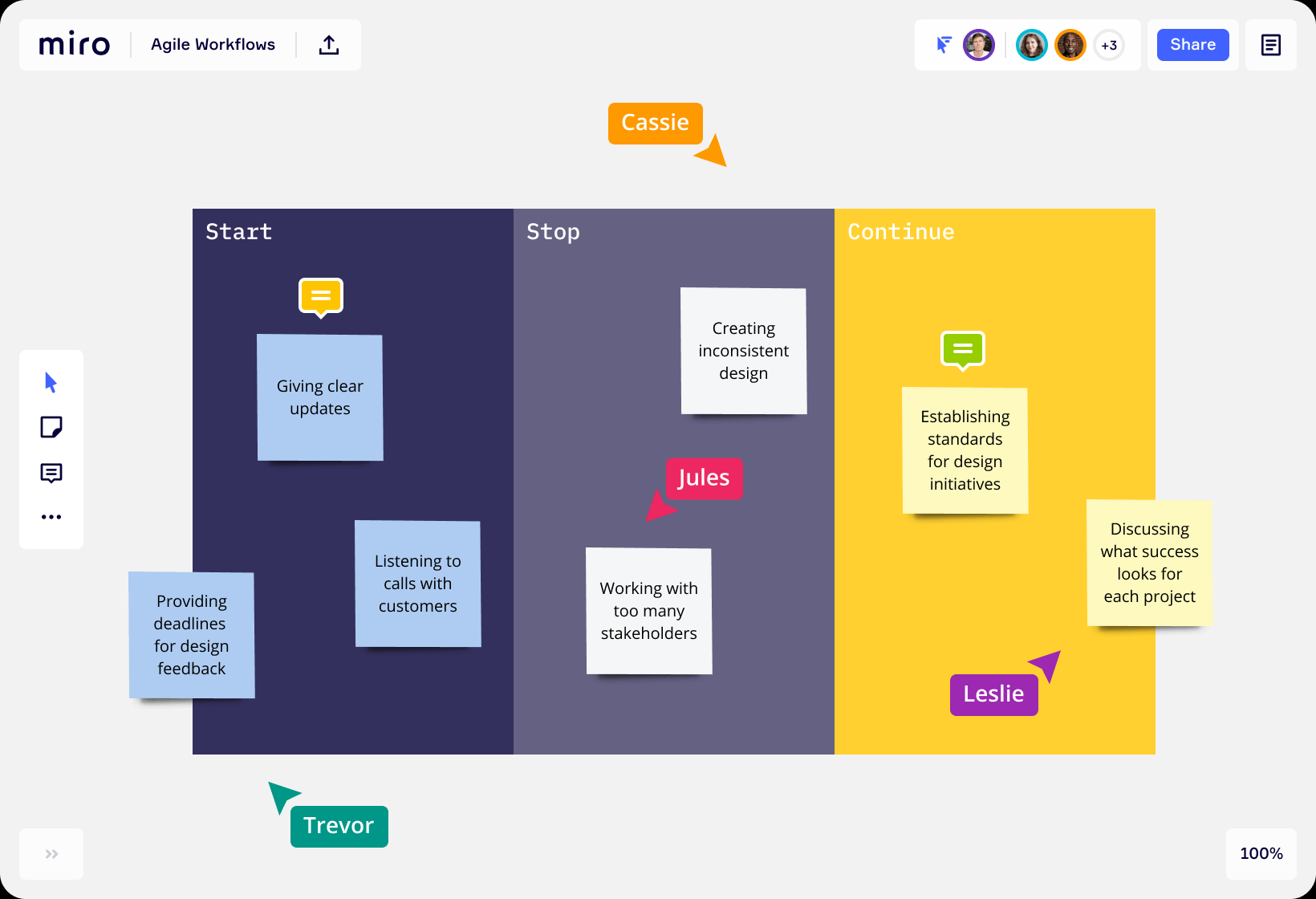
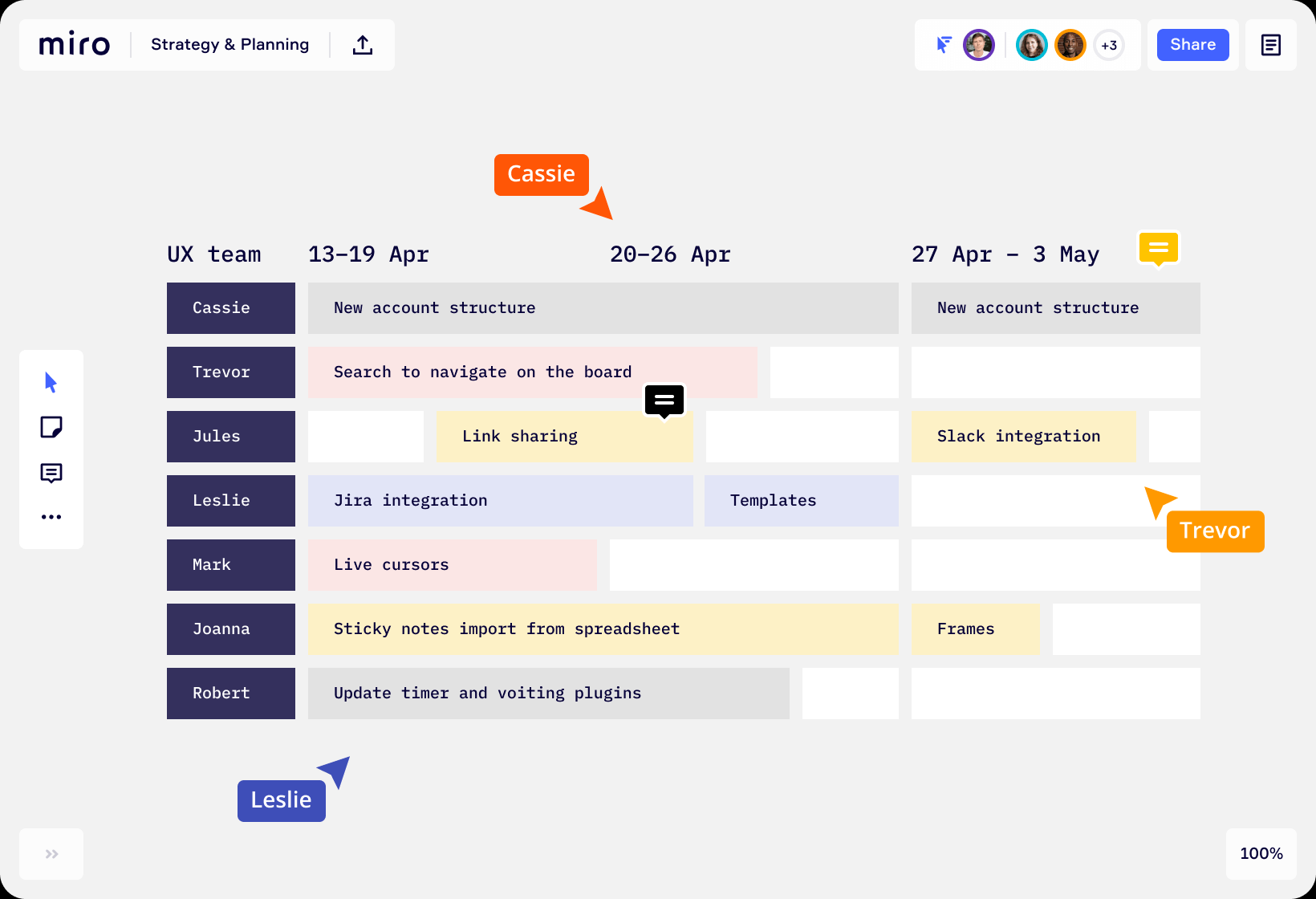
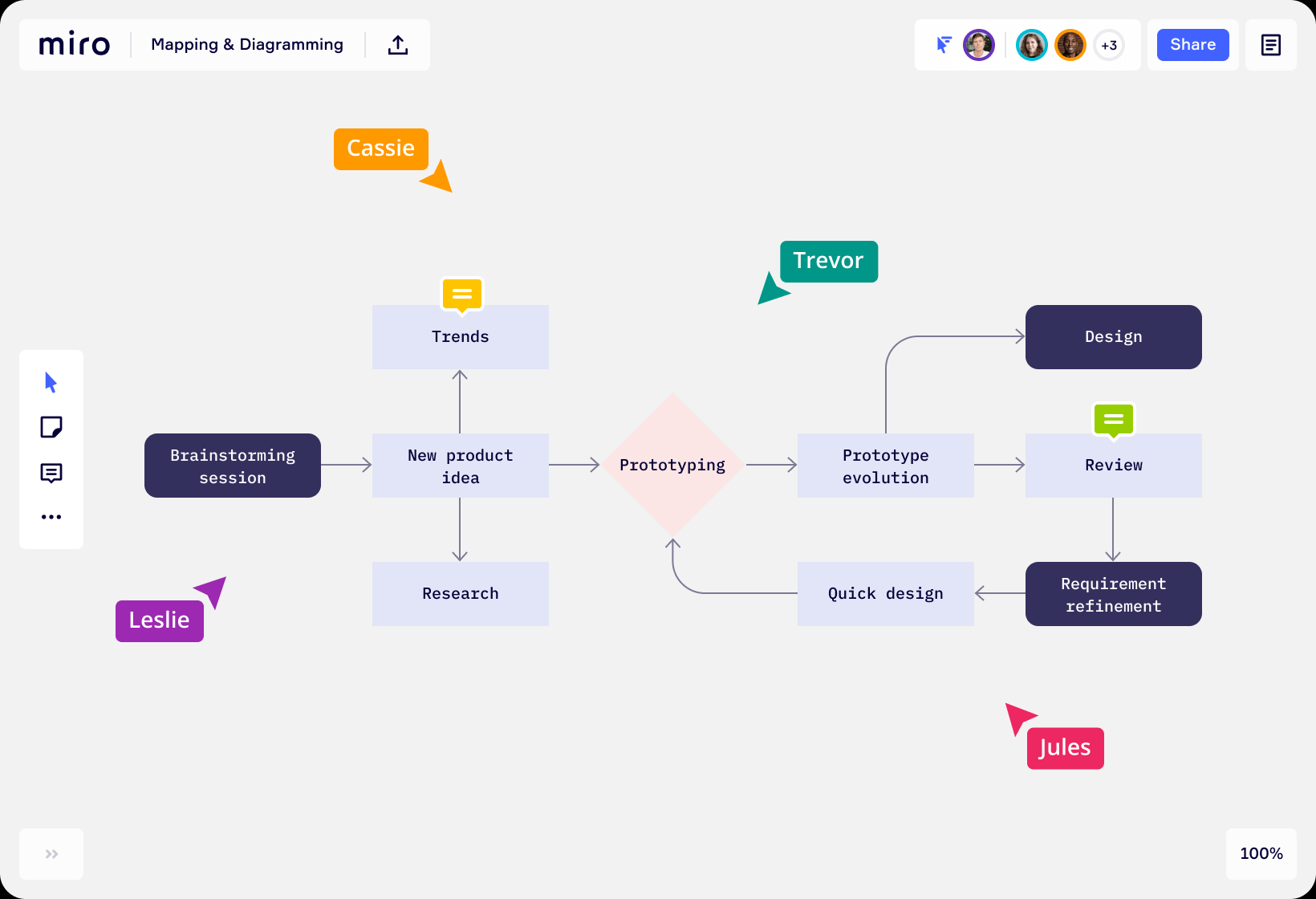
A good example of this is the Miro online service:
True, in Miro, special attention is paid to the possibility of user collaboration; personally, I do not need this opportunity. Basic functionality will be enough.
In principle, almost any graphic editor can be cited as an example. The necessary functionality is there.
And I would like to pay special attention to the process of moving elements around the workspace. In all MindMap programs, these processes are terribly inconvenient, they are not automated, and as a result, it takes more time to arrange objects in the workspace exactly and with the same distance than the work itself.
I want to be able to do this in Anytype, because using multiple services is terribly awkward. If I use the same Miro, then I will not be able to link to any page in Anytype. And in principle, I want everything to be in one place, and not be scattered across several programs/services. It is not comfortable.
The only problem with Miro is that their Settings are too complicated to understand, I once had a whole canvas deleted due to not being able to understand if a canvas had me as the owner or not.
They surely make money, lots of it, but because there’s no competition against them. There’s no other platform (that I know) which makes exactly what the offer.
It would be quite useful if Anytype had some canvas feature.
If by canvas you mean infinite page canvas, then yes, that is being discussed, I believe Zhanna also mentioned this in one of the onboarding meetings, but is it going to be the same as Miro? I cannot really say.
I’d also use it. for visual planning of processes and storyboards, Anytype could replace another app (Figma, figjam, Invisison, Miro ect. and Milanote)
I mentioned earlier the Kosmik App and there’s a good webinar that provides more background. It is IPFS based, like Anytype, will eventually be open source like Anytype and may also have API’s. This is really the decentralized web in the making! Very exciting.
Very curious about this as well. After having looked at tools like Muse, Kosmik, and Heptabase, I’ve decided that visual and spacial relationships are very important to me for my note-taking and ideation. If Anytype were to include such functionality, it would be perfect. Spacial representation of semantic relationships (a la Heptabase), as well as intuitive, non-semantic spacial placement and markup. And other combinations
Hi @abheek no plans on this for now. We have more robust products like Miro on the market. We want to enrich stuff that makes us special and not ready to play on the fields of canvas like apps. But we are keeping this request in mind for a future
Good to know. Sounds reasonable to craft a unique product first.
And what about providing opportunity for 3rd party / community developers for doing sth like that?
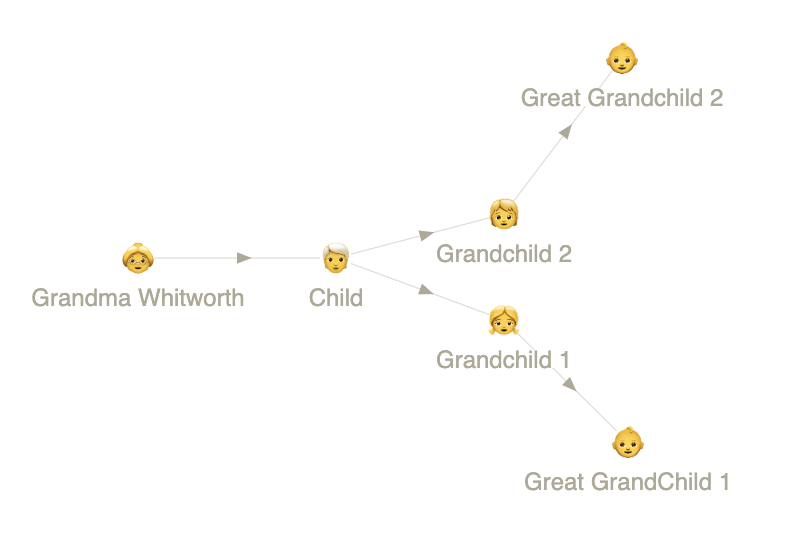
If this feature gets implemented, I would use it to create mind maps and store family trees. (Imagine family members as objects ) I don’t use a lot of collaboration tools, so I find it such a waste to keep another app like Miro. I just want to create graphs that I can access and edit from time to time. While I can do it in Illustrator, it takes more effort to adjust designs. I feel like my use case is more under the mind dump category, which fits in with a note-taking app like Anytype. Perhaps basic Whiteboard features (like inserting movable shapes, arrows, and objects) can go with Support for handwritten notes?
If I were to do this for real, instead of basic links, I’d use Relations to define Grandma, Child, Grandchild, etc. and give each Object their human names. One could make it rather crafty with some effort.
Yeah, a graph view could work for now. The problem is it wouldn’t display some infos by default like birthdays and death dates. Also, without a ‘fixed’ layout, entries that snap into alignment, and line customization, an asian family tree could really get out of hand with all its members.
This reminds me, would the graph view be shareable once public pages are introduced? If yes, how would it handle private relations? (Example in this context are non-family relations to an object)
Oh yeah, I agree. It would be so much easier to process what we’re seeing if we had some Graph View layout options. It’s the only way to realistically draw any insights from it, or easily navigate your Space. Otherwise it can even be argued that the Graph View doesn’t serve much of a practical purpose, aside from looking cool.
They would only be visible to the people with whom you share it, or allow to enter the Space. So you could collaborate on the project as a family, I suspect with varying permissions. Different tools like that will probably have to be administrated by each community, but I’m certain someone will development them.
Interesting. I’ve never thought of using graph view to illustrate ideas or any kind of chart. I thought it was just a really cool way to visualize object relations. But definitely not a main view to draw insights from.
This makes you wonder, would it be more beneficial to add whiteboard features to a page, or does the graph view only need customization options? I can imagine the competing features if both are implemented.


 ) I don’t use a lot of collaboration tools, so I find it such a waste to keep another app like Miro. I just want to create graphs that I can access and edit from time to time. While I can do it in Illustrator, it takes more effort to adjust designs. I feel like my use case is more under the mind dump category, which fits in with a note-taking app like Anytype. Perhaps basic Whiteboard features (like inserting movable shapes, arrows, and objects) can go with