I have been working on and off on a way to use Anytype as a framework for fiction writing projects. I don’t know if it is at a stage it would be useful to anyone really but maybe it can give you a few ideas for practical use. It’s also been a bit of a learning experience for me and should help with not only my writing but understanding Anytype better going forward.
What I made
I made a hub of pages and started with an inline set.
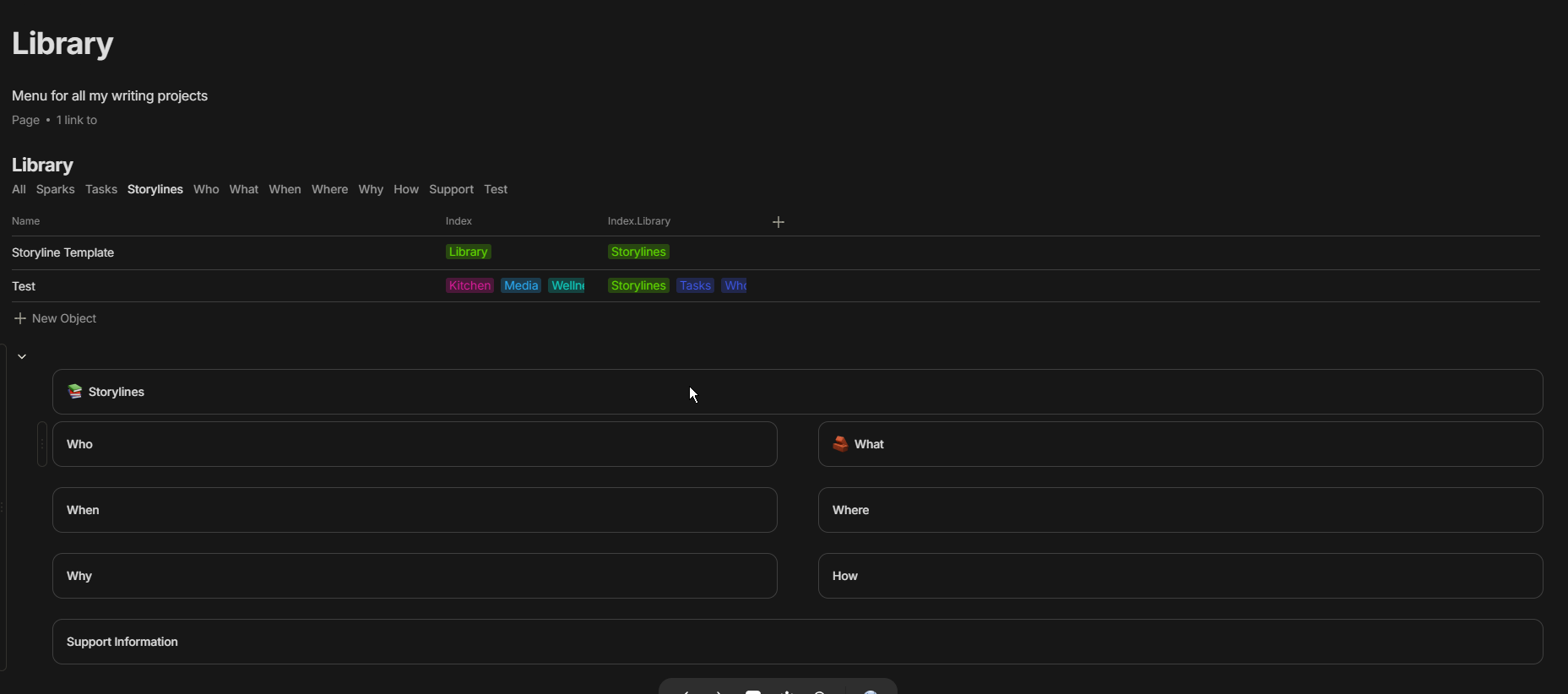
Instead of establishing a set by types which is often too narrow for what I’m trying to do, I’ve absolutely fallen in love with setting up a set by a common relation and then filtering for different relation tags by view.
So in that picture, the Set is pulling everything with the library tag in index and each view has a filter that looks for its specific tag for its view in the index.library field. My little workaround for nested or multi-dimensional relations which I would still love.
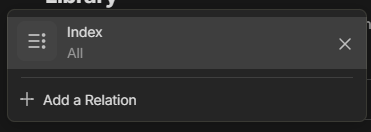

I figured I was going to have elements that might exist across multiple stories so this first set is a catch-all for everything story-related.
From there I break the views up into: ideas, tasks, storylines, who, what, when, where, why, how, and support information. Each of those is going to get its own type and sub-templates for different things in each category.
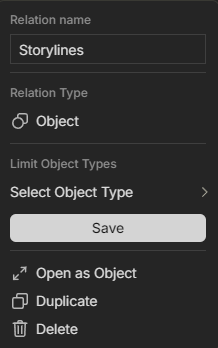
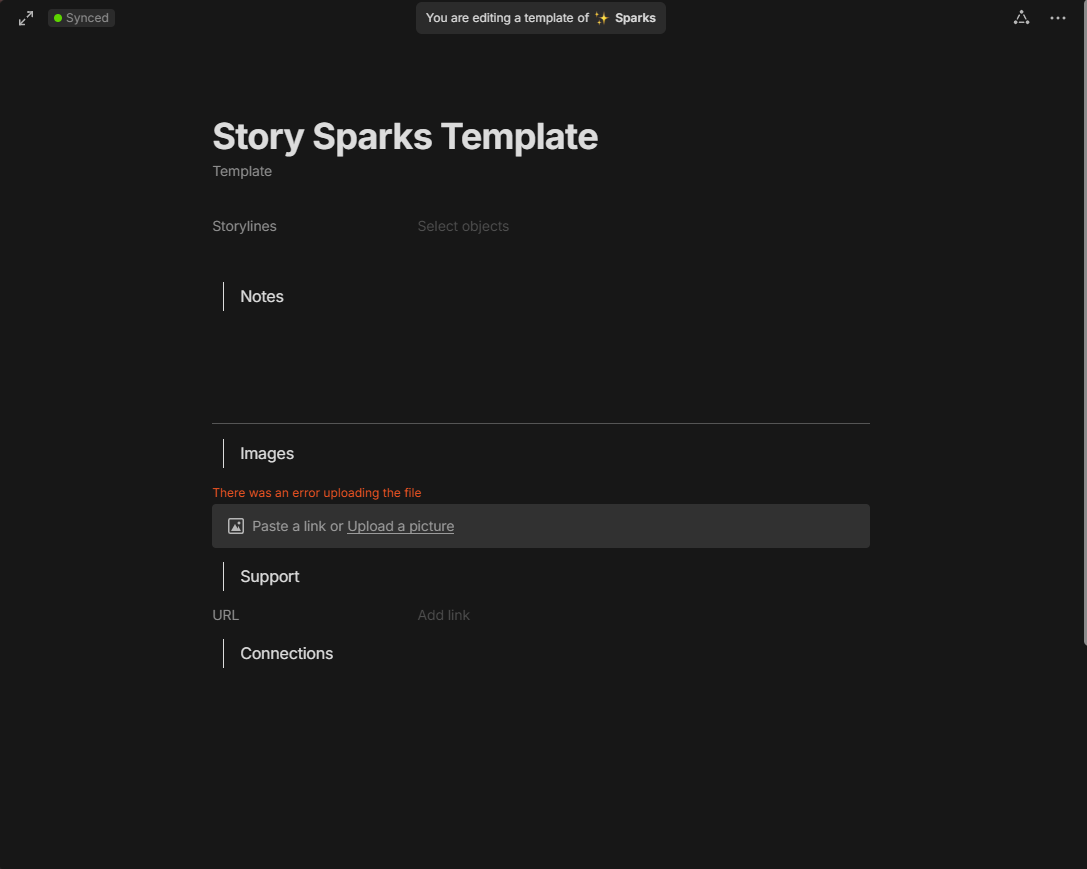
Every template for each view has a Storylines Object relation this allows me to assign everything to multiple storylines as well and seemed like the quickest way to organize everything.
Sparks are something I’ve always just called ideas so I stuck with it. But its one of the more basic templates that kinda sets conventions for the other templates.
Not a whole lot more with tasks
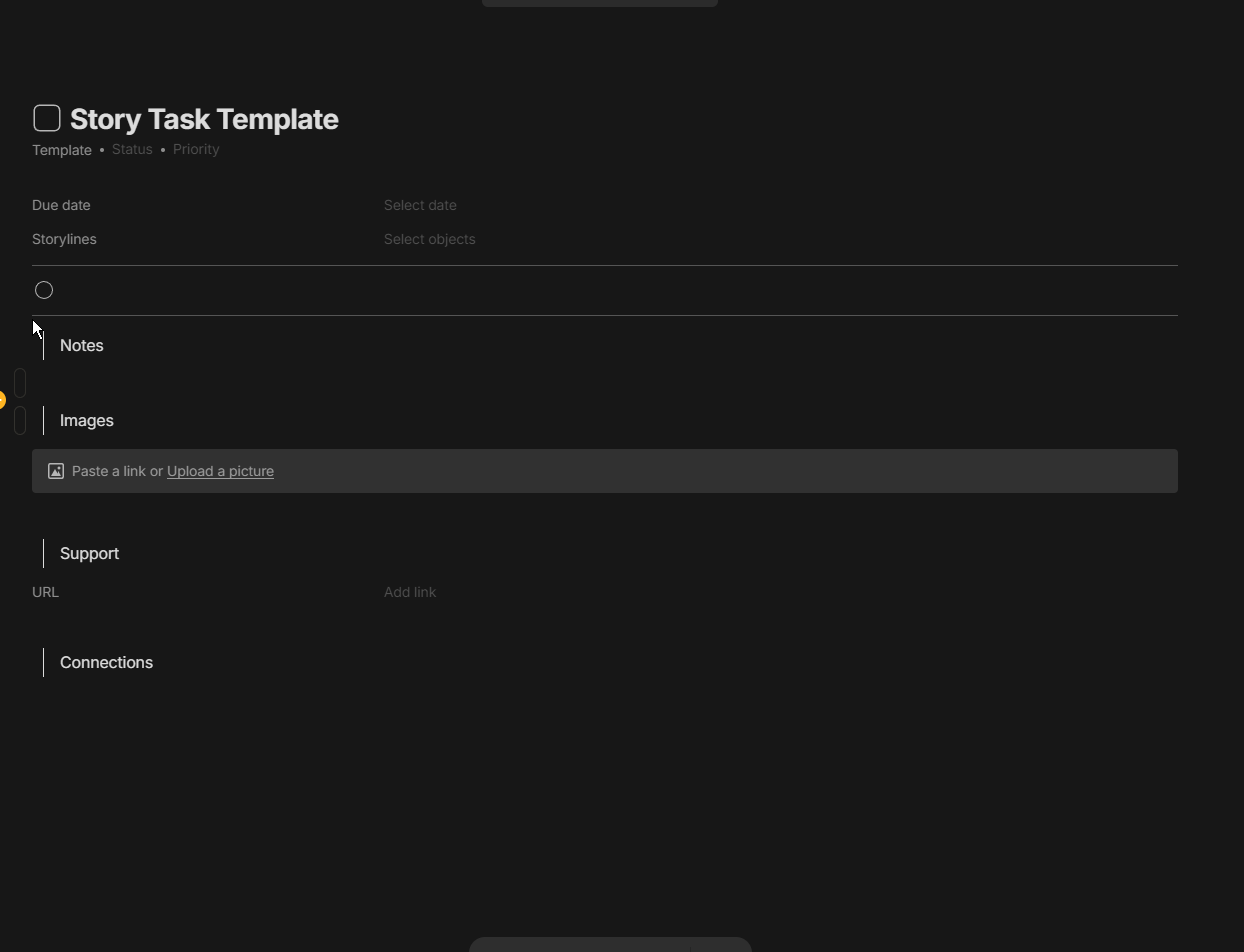
Storyline is much of the same except this will now look for those Storyline objects to populate the set rather than how the previous level worked.
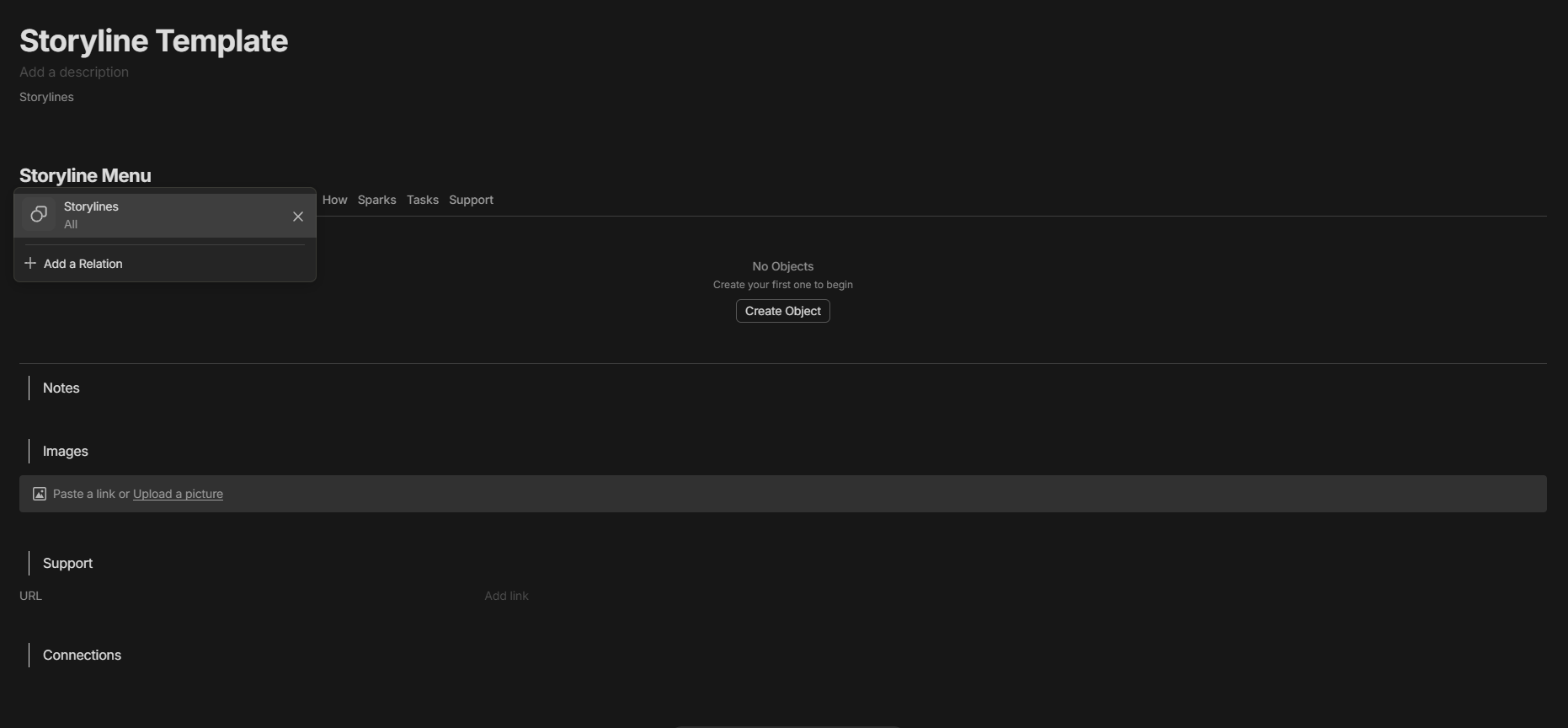
The addition is a manuscript view replacing storylines as this is where the actual chapters for that specific story are to be stored and processed.

The first template I have made for Who is a general Entity, they can be characters or whatever. I tried to with the templates just put in as many elements I could think of that would help create some questions and ideas to make a more fleshed-out character.
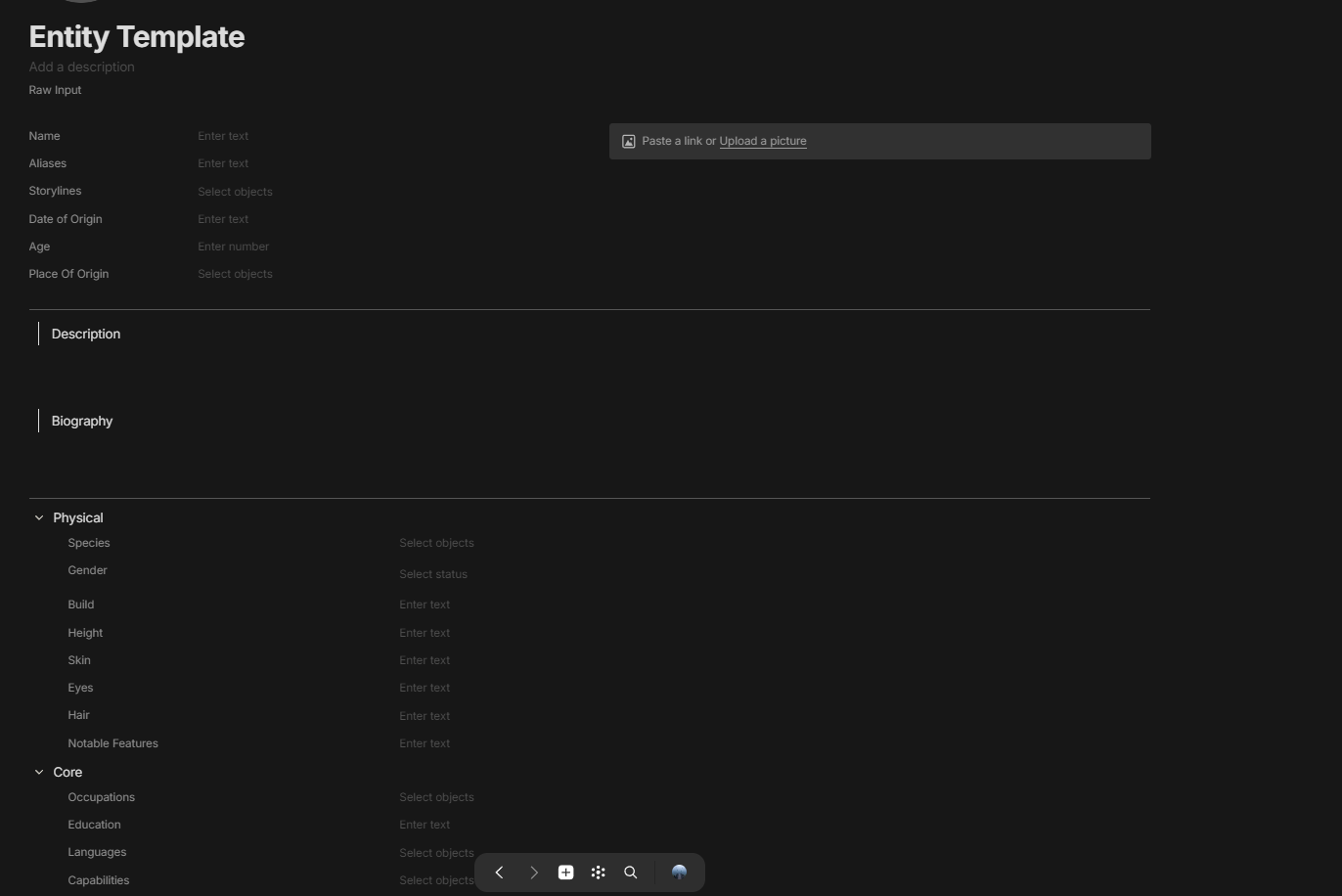
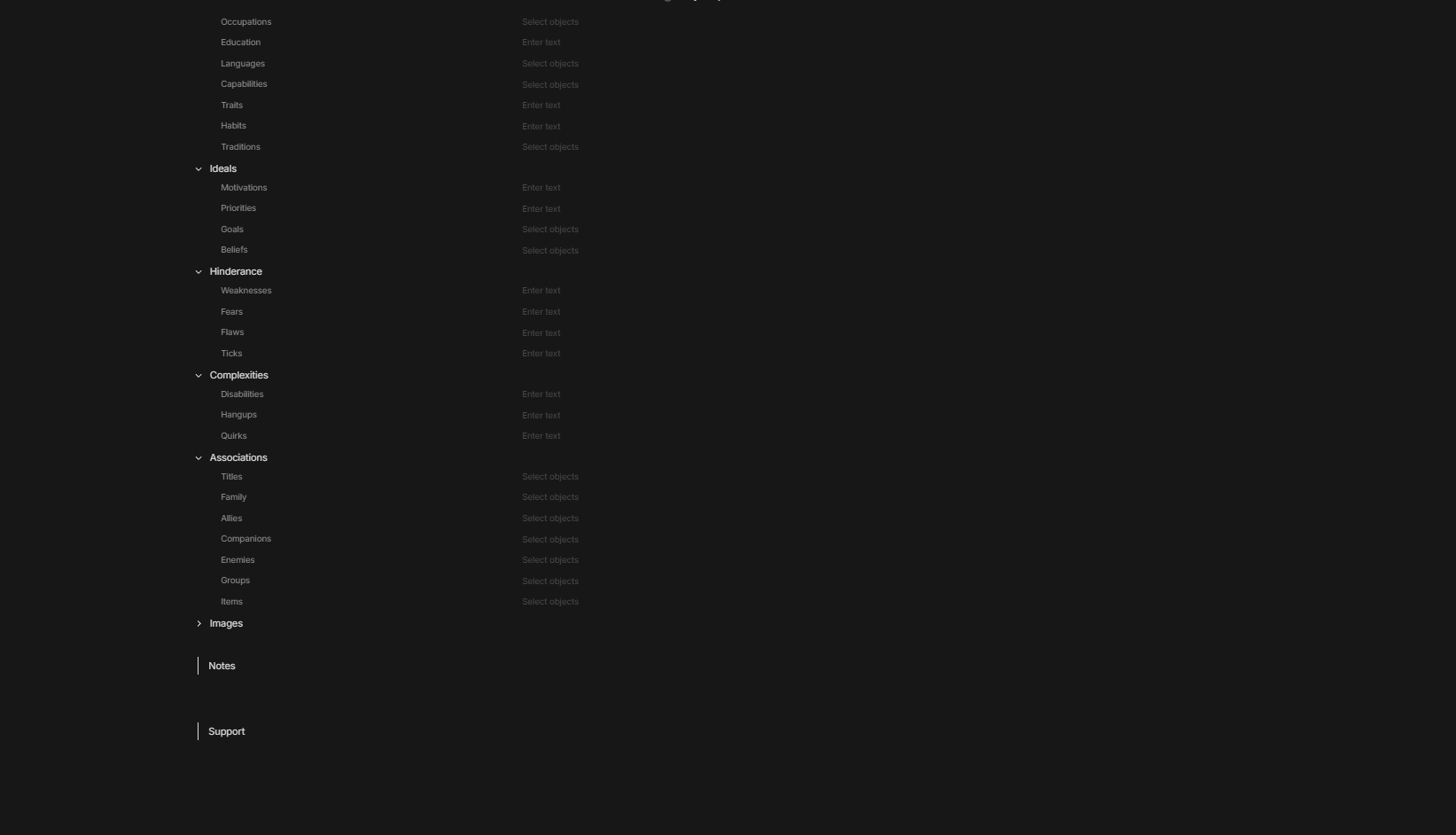
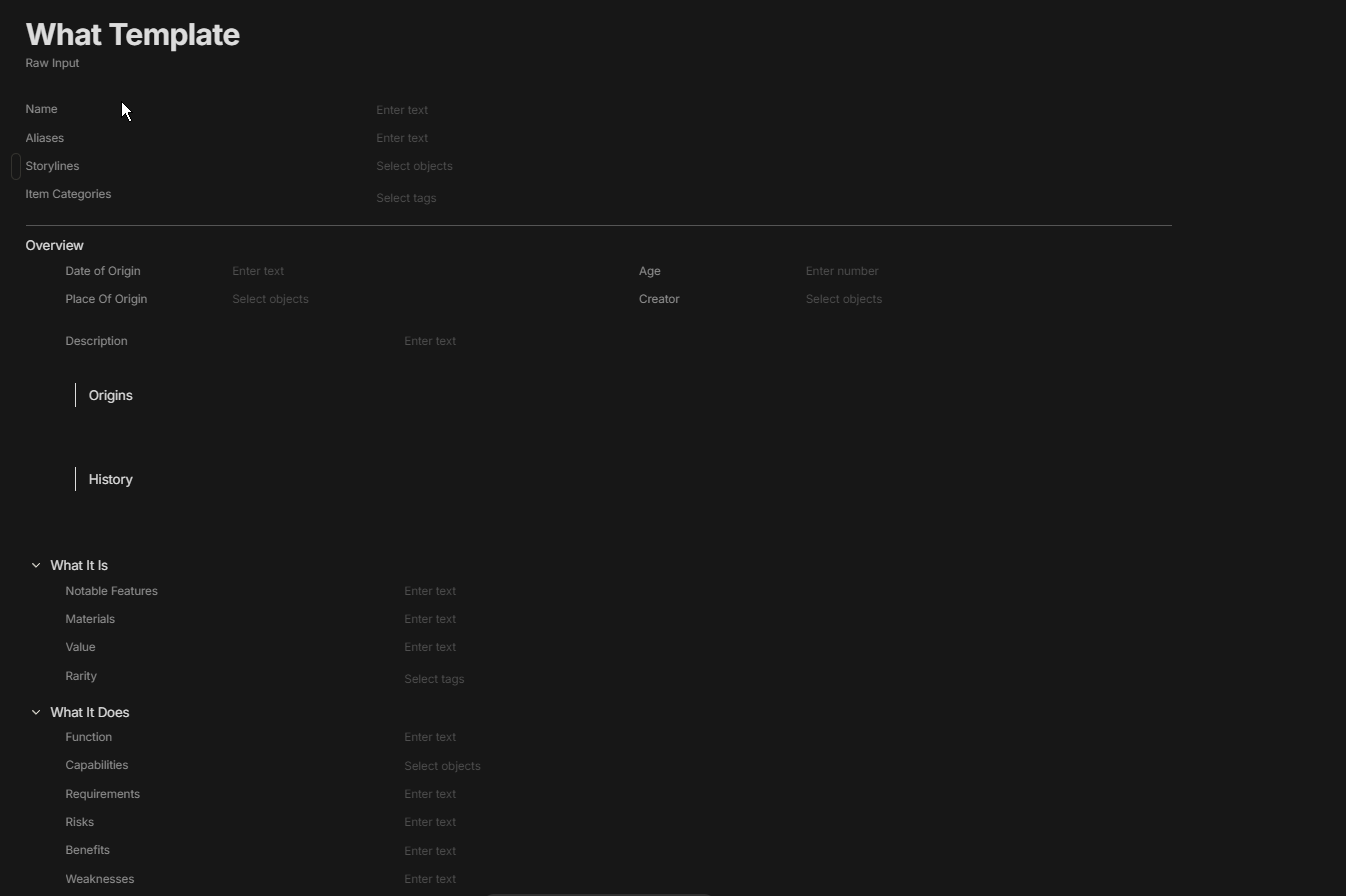
The first template I have done for What is just a General Item.

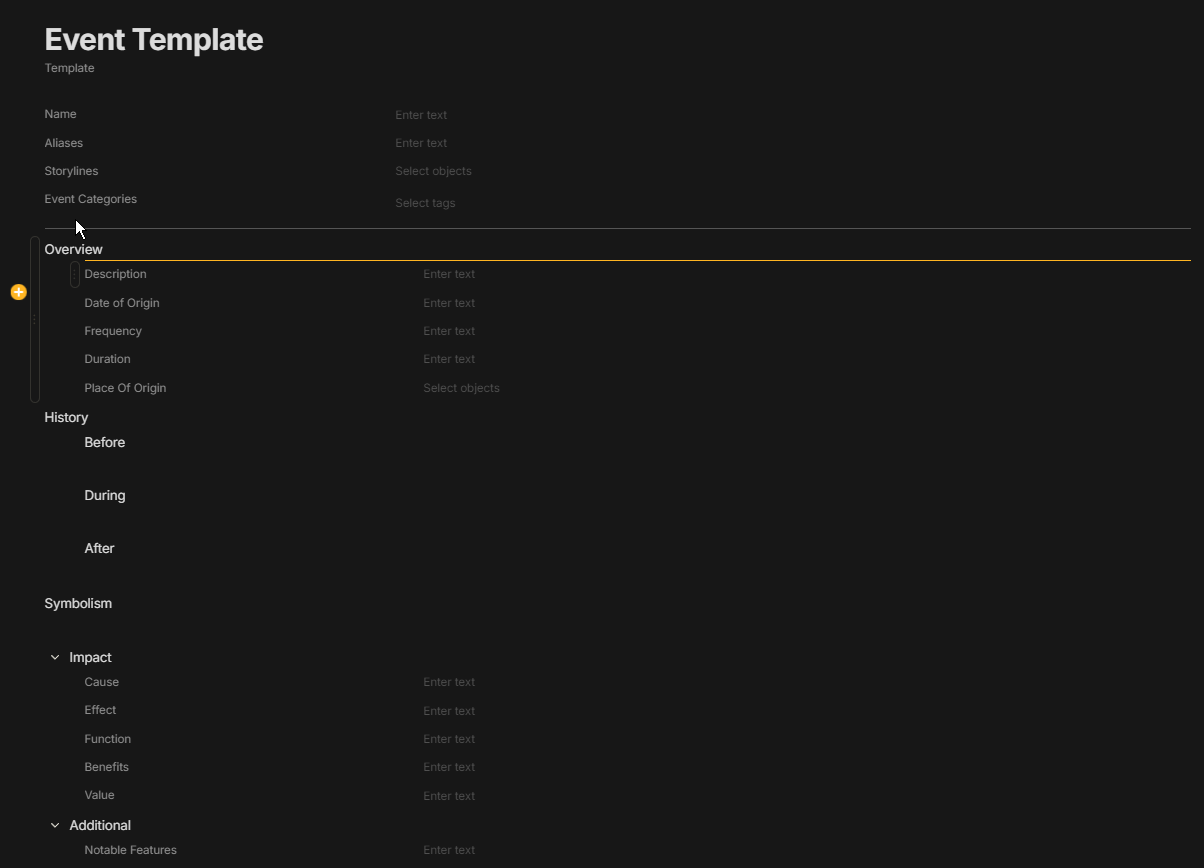
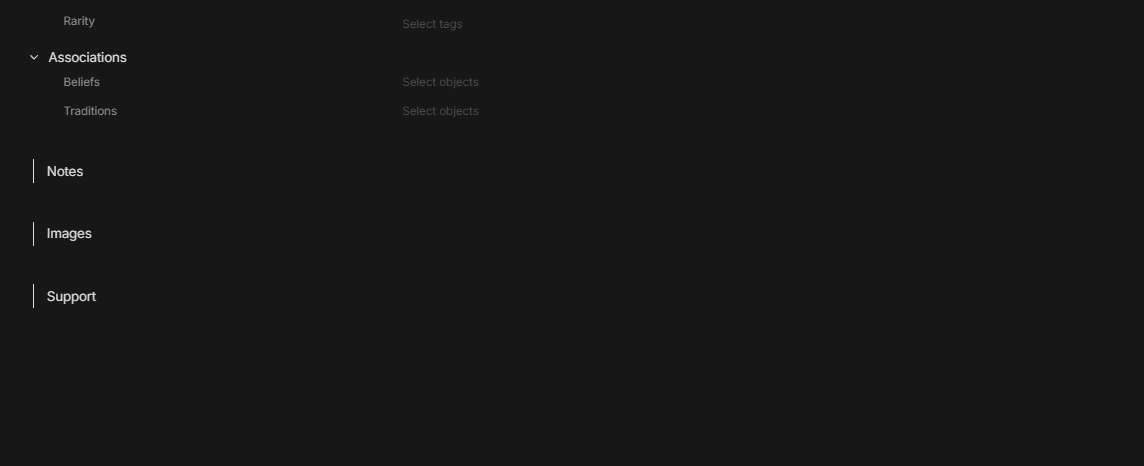
The When category is where things got kinda challenging, Ideally all this could be done very easily if Anytype had some sort of integrated Canvas/Whiteboard. For now, it will just be either writing it out or doing the visual things I have planned like a good timeline in another program, unfortunately. For now, I have a general Event template made for this section but I intend to add Arcs, Timelines, and Storyboards as well.
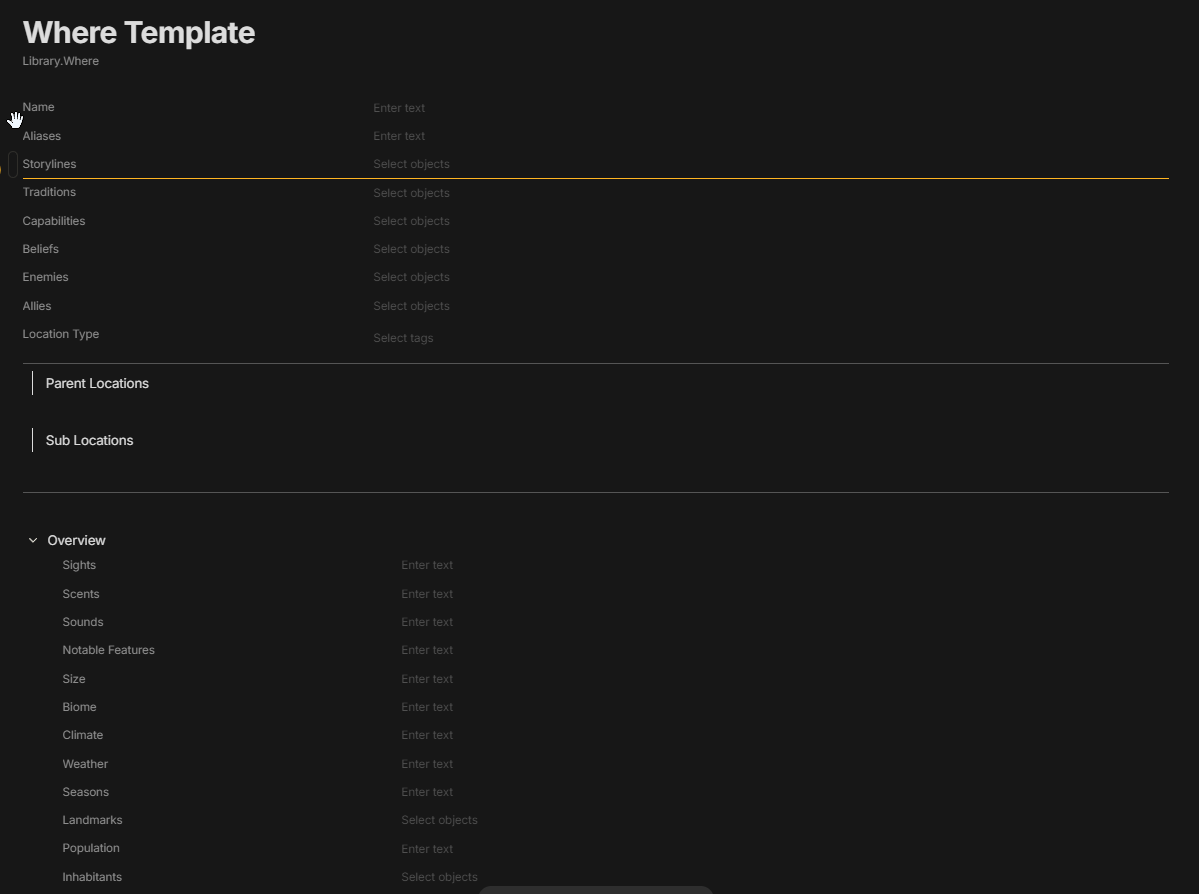
The Where category has a general Location Template
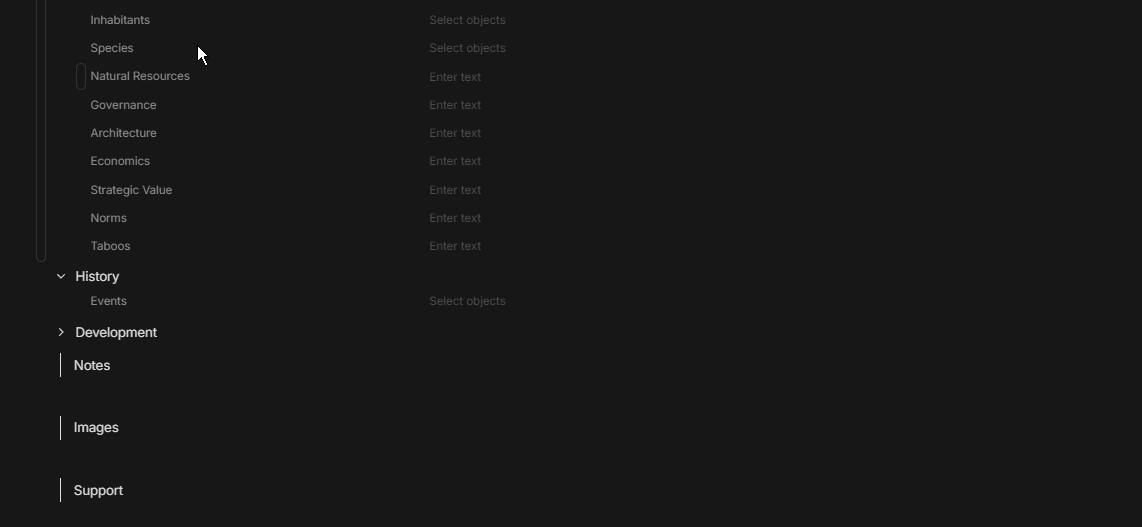
Why and How and support are very similar for the moment but I intend to add more of them as I make more entries.
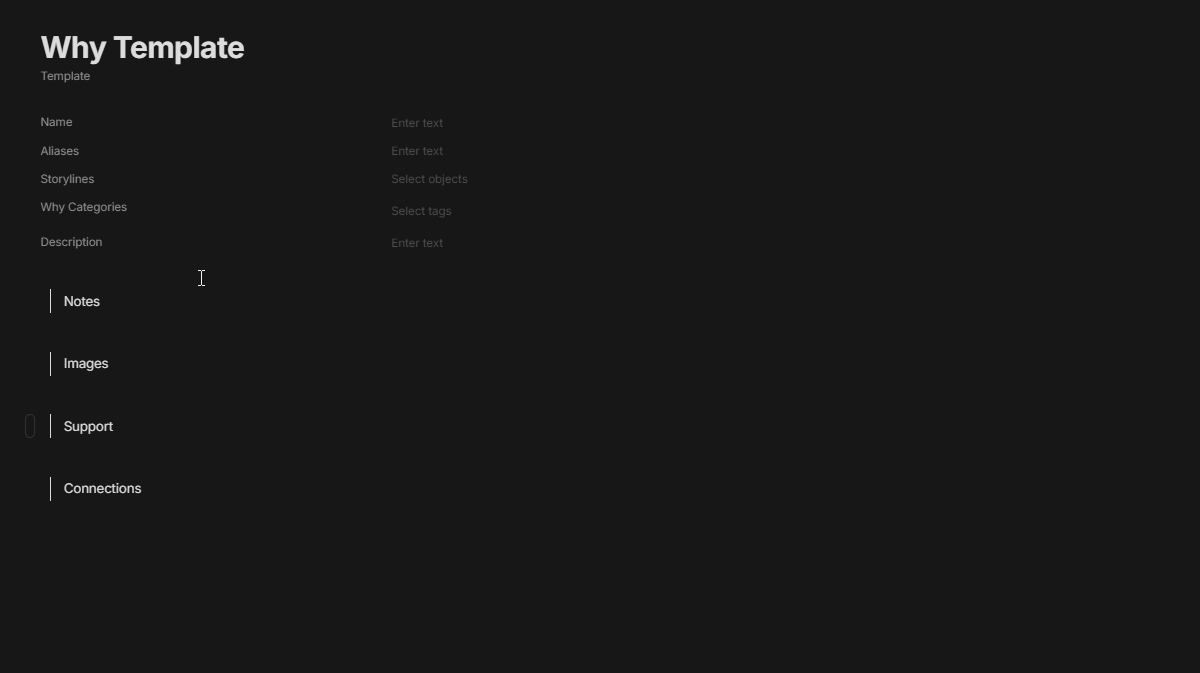
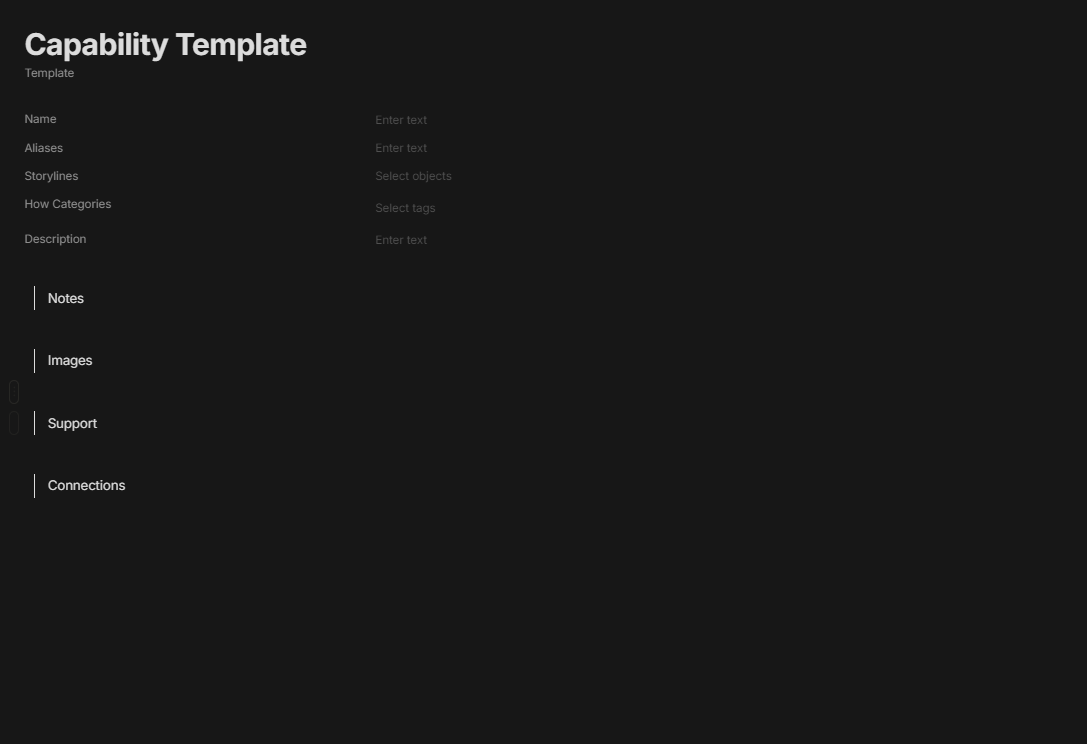
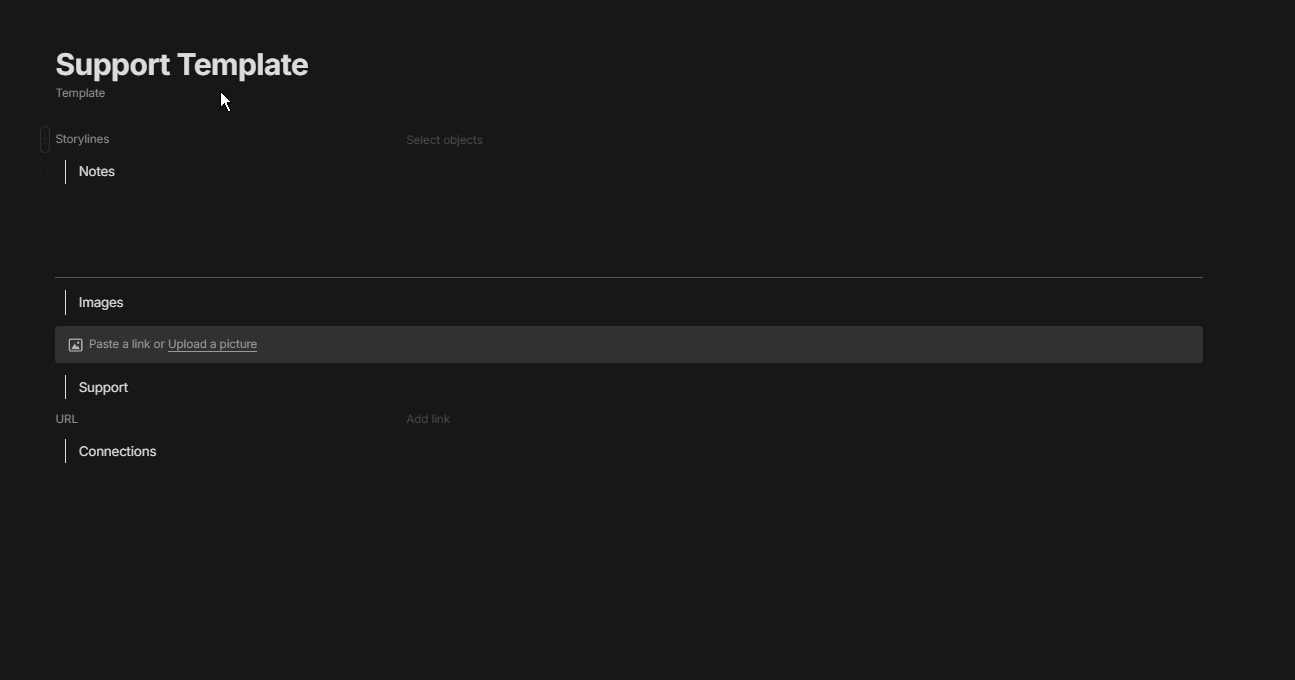
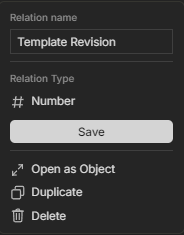
I included a Template Revision number relation to all of them so I know if something from an older iteration in the future.
What I learned
Sets filtered by relations were like a whole new world of possibilities for me allowing me to organize together items of different types the way I wanted when it turned out Collections worked Nothing like I was expecting them to.
I may have overdone or underdone many areas I probably didn’t need so many relations but I think it looks cleaner and there are no sort of Form Entry options in Anytype outside of them.
Templates are cool take advantage of them they can do some neat stuff with inline sets.
The + does not always show up unless you have the page you are in maximized.
I learned some things about my thought process as well from all this so that was neat.
My Wishes
Oh my god is the Add menu cluttered and the way it is it’s only going to take longer to do anything the more you work in it. If you want to add a relation you have to scroll through all this. (These got dropped in out of order but you get the idea)
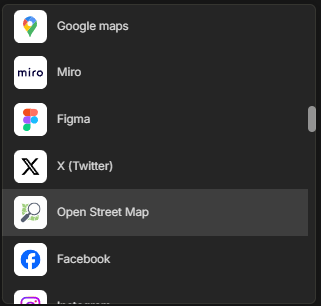
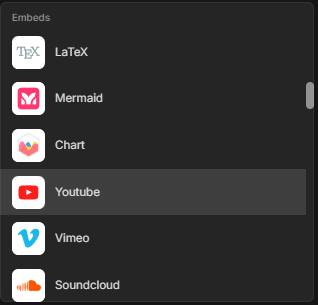
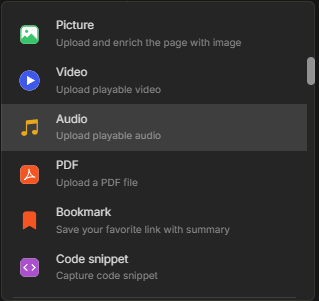
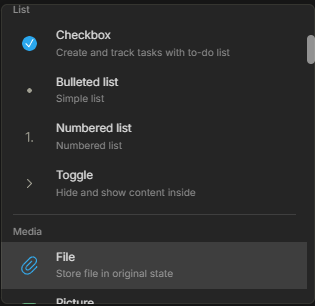
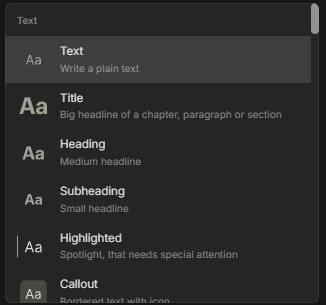
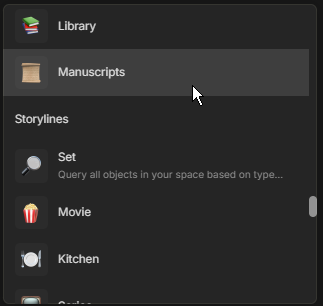
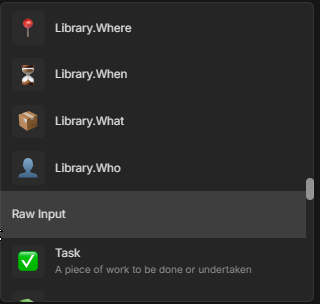
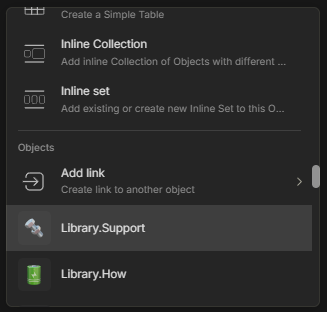
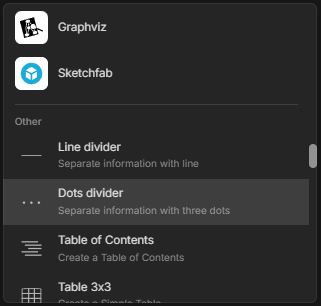
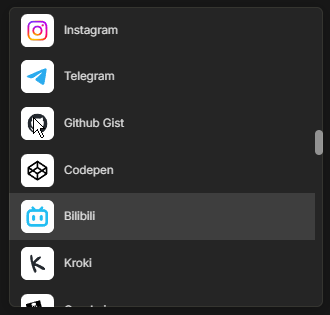
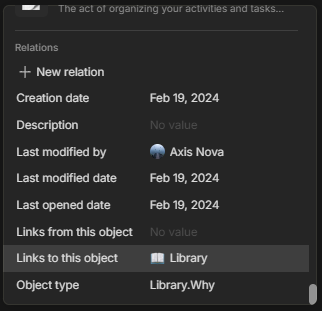
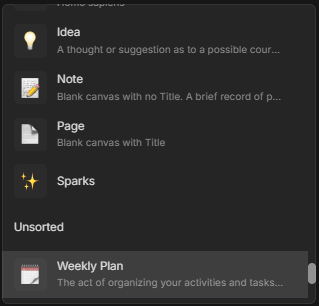
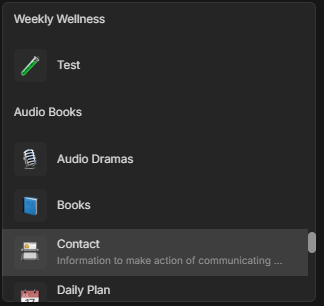
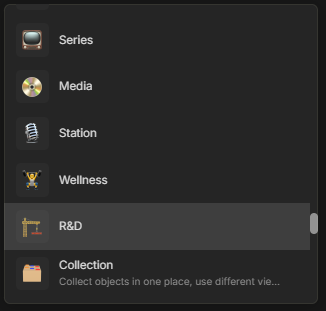
Luckily I found out that if you type in /rel it sometimes works to let get you there somewhat quickly. I would love some sub menus I don’t know how difficult it is but radial menus if I can make a request, but I have no idea how difficult that would be.
Some sort of a Form Entry Block instead of making a million relations.
In addition to that a sort of Omni Relation allowing Multiple Text, Tags, and Objects to be entered into it. There are situations where I want a relation that can have simple Text or Tag entries as well as complex ones that require a link to another page. For example, if a character is to have common traits a word can be defined easily but maybe they also have “insert fantasy word” I can’t immediately assess what that is and would want to go to my entry for it when clicking on it.
Nested relations, multi-dimensional relations are features that can’t get here sooner. I’ve been using a workaround for them but it’s on my shortlist of things that would help my workflow. Multi-dimensional Relations
Integrated Whiteboard/Canvas options would be a dream feature for Anytype there are so many scenarios I would love to have this functionality. Whiteboards / canvas
Relation Descriptions
Other than that some more styling options would always be welcomed.
Sorry this is probably long hopefully it’s interesting to someone.
