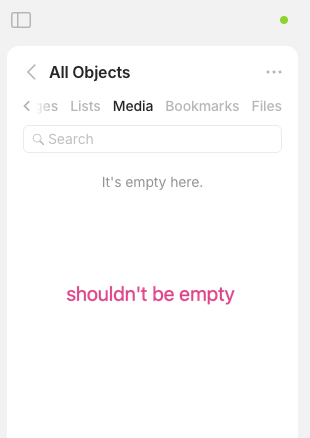
This update brings a range of improvements across the app, from visual refinements to quality of life updates, all designed to make your experience smoother and more consistent. In the meantime, we’re continuing our ongoing work to support data ownership, easier backups and long-term resilience.
Highlights
Import Improvements
Obsidian import supports [[double bracket]] links, allowing internal links to be correctly converted to object links in Anytype. The [[ shortcut is also supported inside Anytype for linking between objects.
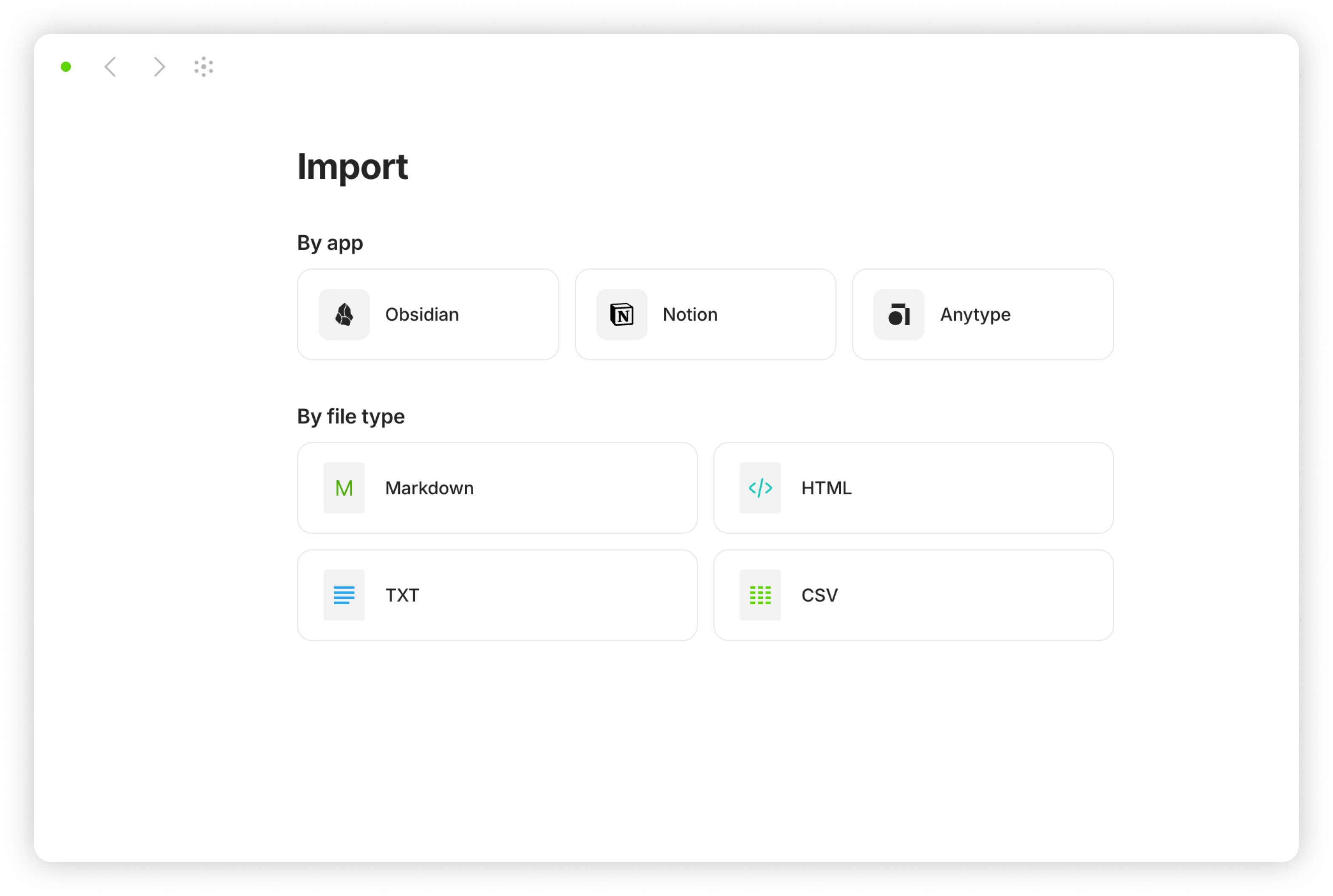
Sidebar Design Refresh
We’ve refreshed the Sidebar with several design and usability improvements:
- The
Newbutton for creating objects has a new design - Favorites have been renamed to Pinned, with a new icon and updated empty state
- Help menu
?has been moved to the bottom of the sidebar - The Bottom bar now has a transparent gradient for a smoother visual transition
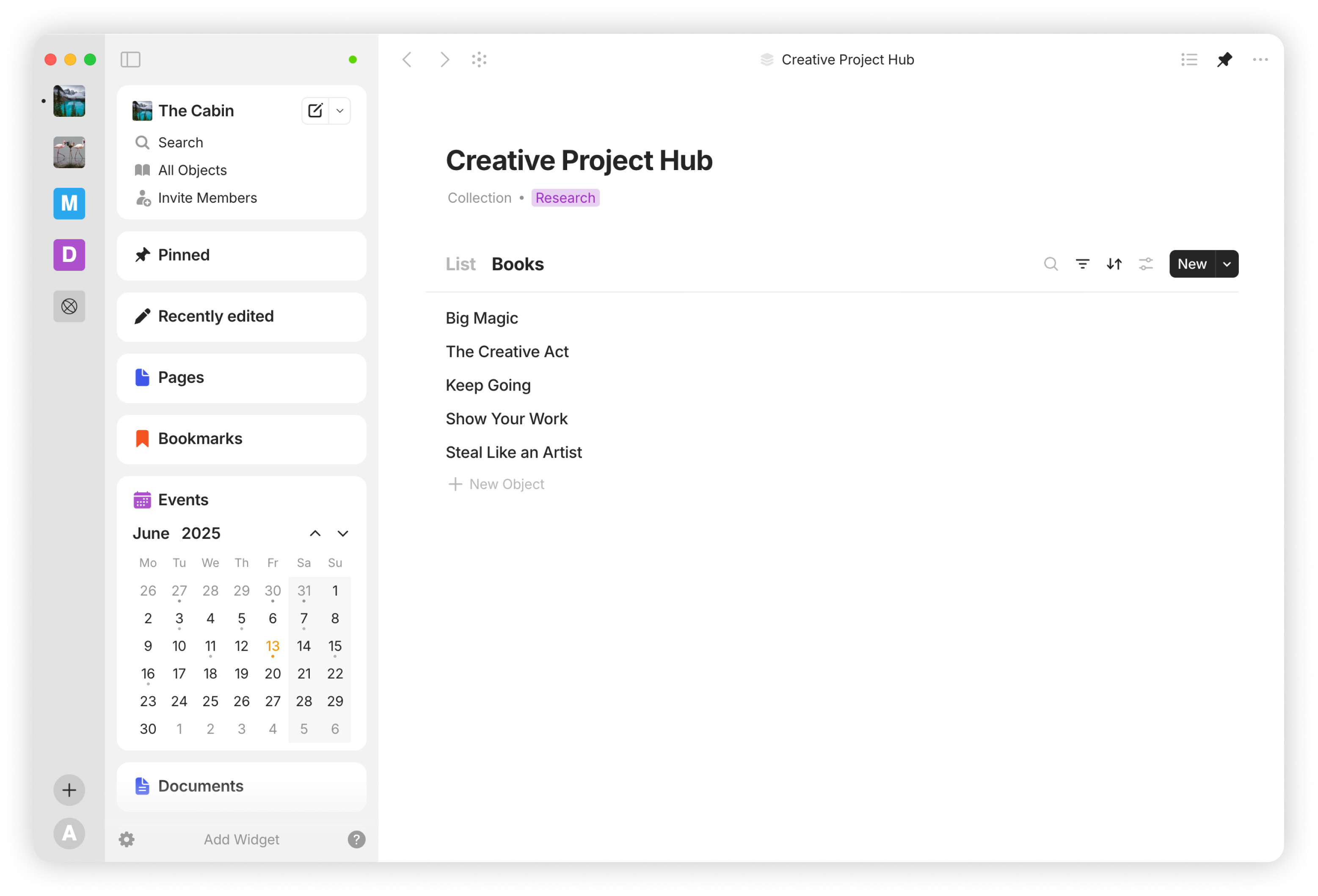
Type Links in Graph
New setting to connect Types to Objects has been added to the Graph.
Quality of Life Improvements
Quick Access to Templates
You can now manage templates directly from the Edit Type menu, accessible from every object.
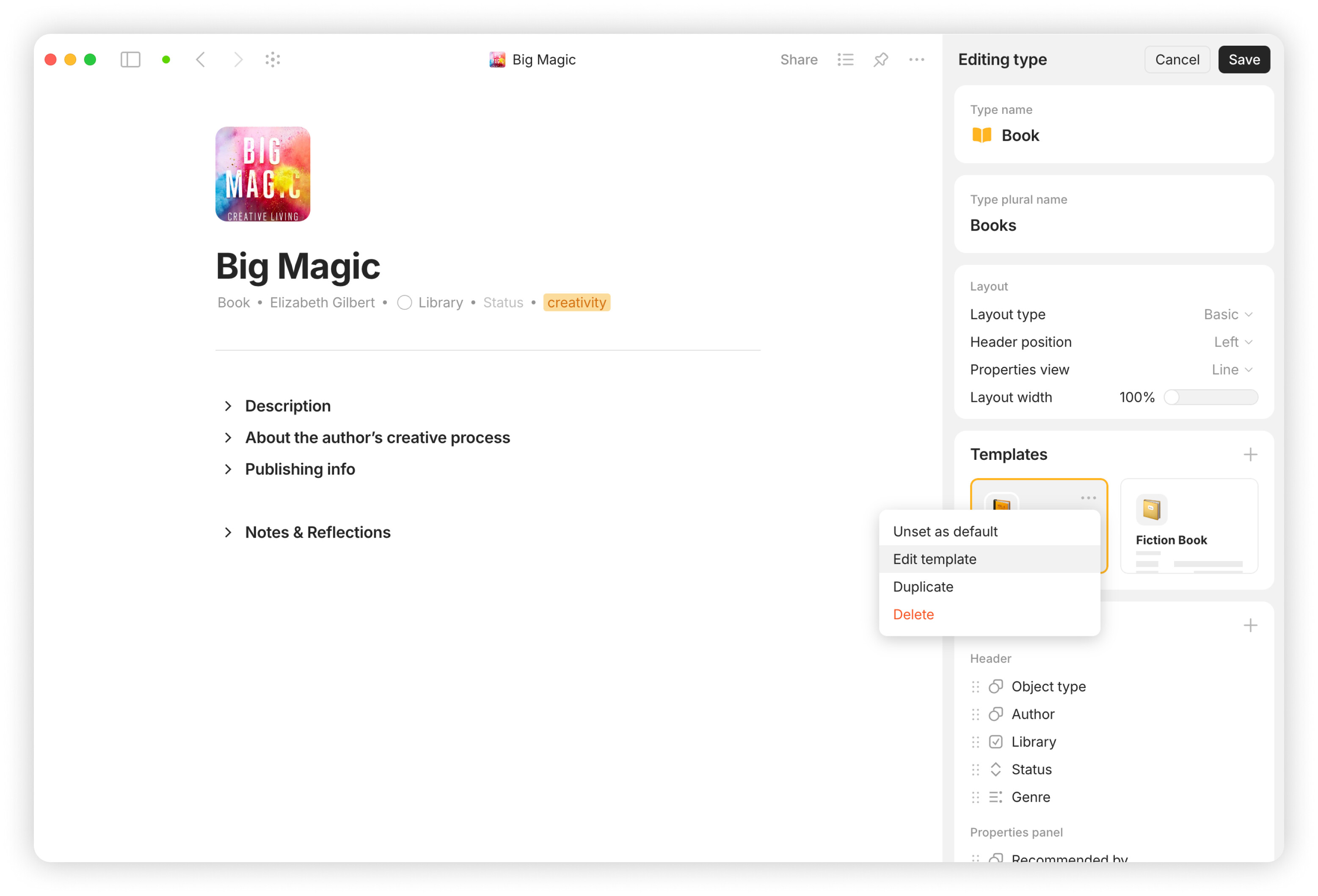
Header Properties Column View
Added column view for the properties displayed in the object header, which you can switch to from the line view when editing a Type layout.
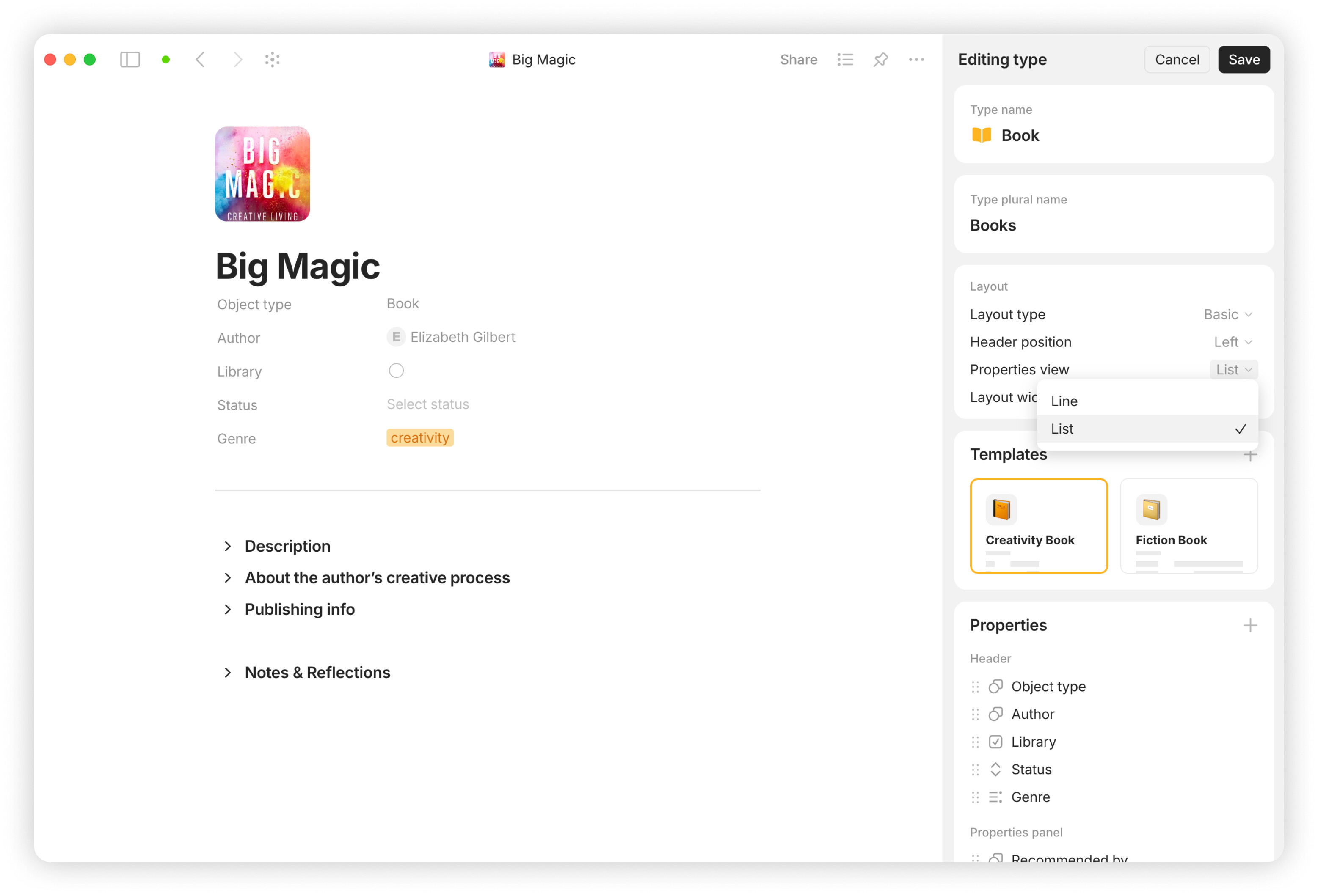
Bookmark Paste Menu
Creating a new object with the Bookmark type now instantly opens the Paste link menu.
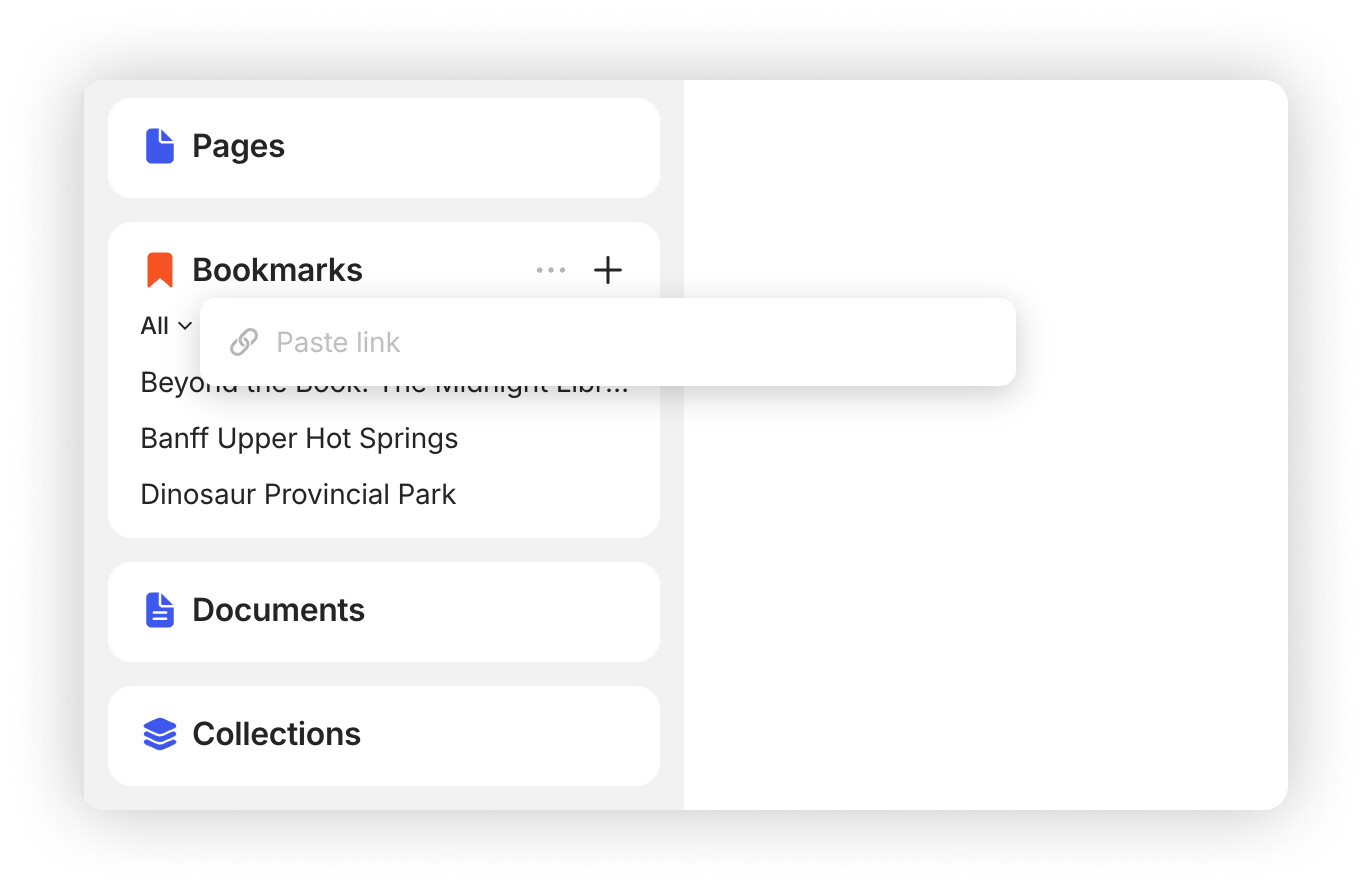
Add to Pinned
The new Add to Pinned button in the navigation bar lets you quickly save objects to the Pinned widget (formerly Favorites).
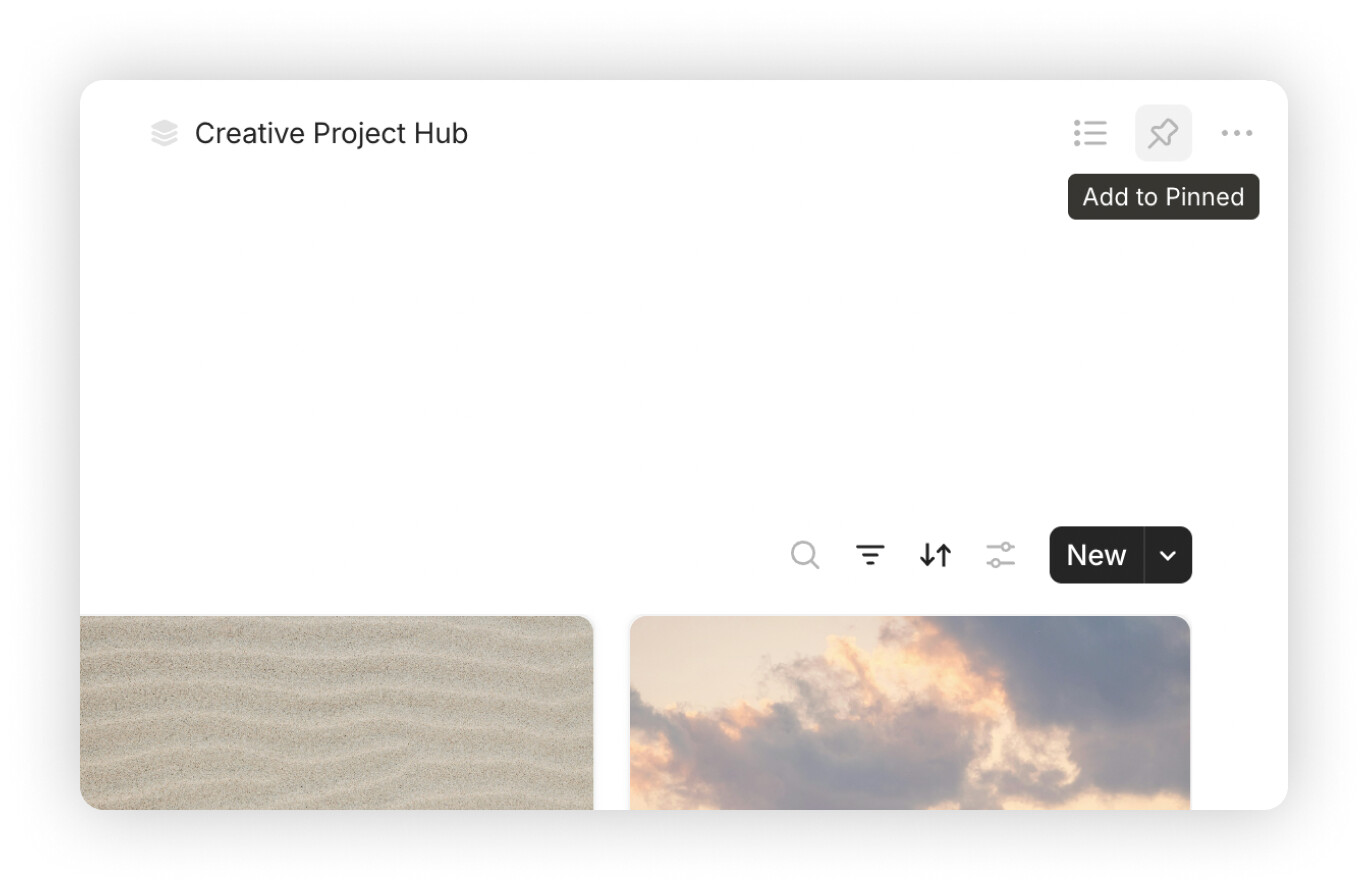
Draw.io Embeds
Draw.io diagrams are now supported in embed blocks. Big thanks to @Shampra for the contribution!
Improved Sorting Logic
Ascending sort now places empty values at the end by default.
Type Page Default View
The Type page was updated to use List view by default.
Calendar Drag and Drop
You can now drag and drop objects in the Calendar when using a custom date property.
New Shortcuts
Added new shortcuts to create Widgets, open Space settings, Pin / Unpin objects, open Bin and more.
Access Pop-up Update
Updated the “No access to this space” pop-up with clearer messaging and a new icon.
Space Name and Description Limits
Set character limits for Space name (50) and description (200).
Bug Fixes
- Addressed an issue where using Raycast snippets in empty object titles on macOS added an unintended new line. Thanks to @Simon Lanz!
- Fixed a bug where using a reassigned
Caps Lockkey caused selected blocks to be deleted instead of copied. Thanks to @pytat0! - Fixed a macOS issue where the Finder window didn’t close automatically after uploading a Space profile image. Thanks to @Khang!
- Fixed an issue where text selection in the Editor would break when autoscroll was triggered, causing the start and end points to shift unexpectedly. Thanks to @Code-Jack!
- Text selection now works correctly in formatted blocks: highlighting part of a bold, italic or underlined string no longer selects the entire block. Thanks to @Code-Jack!
- Fixed a visual glitch where a horizontal line briefly appeared at the top of Queries and Collections when switching from another page. Thanks to @Divinity!
- The text cursor no longer disappears when clicking on or near emphasized text (such as underlined or italic) from a block in the Editor. Thanks to @zewwo!
- Newly added properties now appear in the menu when selecting which properties to display in a view on the Type page. Thanks to @r0the!
- Locked objects fully prevent all changes to Properties. Thanks to @VisualNotes!
- Fixed a bug where the Description field was incorrectly shown in the header. Thanks to @sandyeggo!
- Fixed an issue where the “Name” property was missing in Queries created via widgets. Thanks to @HarshaRaj & @BadWorld!
- Improved performance when switching between Grid and Gallery views with a large number of objects in the Query. Transitions are now smoother and more responsive. Thanks for the detailed report @Code-Jack!
- Clearing date properties works correctly when using bulk edit in Grid view. Thanks to @garyp!
- Search now works correctly in Queries that were previously Sets before the new structure migration. Thanks to @stendekoniko!
- Changing bullets to checkboxes now correctly applies to all selected items, including multi-level lists. Thanks to @spiffytech!
- Resolved an issue where some Queries could appear reset. Thanks to @boots!
- Resolved an issue where some Templates were not displayed for certain Types. Thanks to @boots!
- Fixed a bug where some objects could appear without a title and showed as “Untitled”.
- Vertical videos maintain their correct orientation when resized.
- Opening a Property in the settings no longer causes the title bar to flicker when the window is narrow.
- Fixed an issue where switching Spaces after unlocking the app with a PIN code didn’t work on the first attempt.
- Fixed drag-and-drop behavior for Properties in the
Edit Typemenu within the modal window. - Fixed an issue where the Name column in a Query could shift when rearranging other columns in the modal window.
- Lock icon is no longer shown on Types for users with Viewer access.
- Profile icons now display with the correct background in Widgets.
- Objects permanently deleted via the sync menu now close automatically.
- Switching to the backlinks in Global Search no longer causes the selection to reset while navigating results with the keyboard.
- Navigation back works correctly after clicking a link to an object in the Editor.
- Switching to Kanban in view Settings no longer causes layout issues in the Settings menu.
- Long titles from Notes are now correctly displayed in the top navigation bar.
- Fixed an issue where Select and Multi-select property searches didn’t work on locked pages.
 I don’t see 0.47 when I check for updates, is this a pre-release, or am I just too impatient?