Happy festive season, Anytypers! 

To celebrate a stellar 2023, we wanted to dazzle you with one final release that checks off as many items from your feature wish list as possible. Let’s dive in!
HIGHLIGHTS OF THIS RELEASE 
Introducing: The ANY Experience Gallery

For all of you who’ve longingly admired the various setups others have shared in our community showcase, or for those of you who’ve created incredible setups of your own that you’ve wished to share, the wait is over.
Introducing: The ANY Experience gallery, a marketplace of use cases, templates, and setups where any member of our community can upload their own experience, or import an experience created by others. To browse the gallery, click here (we’ve kickstarted the process with a few experiences of our own). If you’d like to contribute your own experience to the gallery, you can follow the instructions here.
Embed Blocks
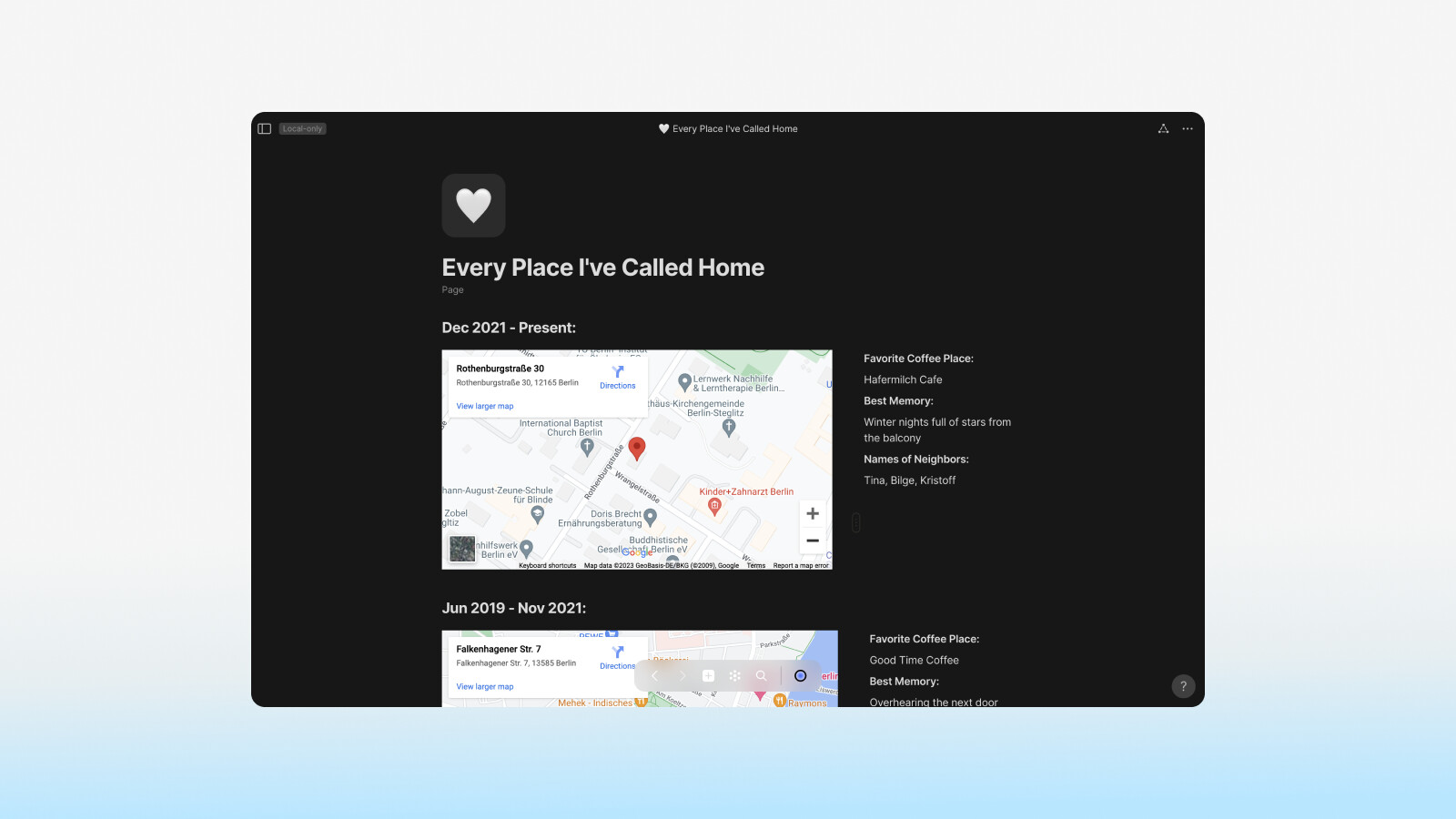
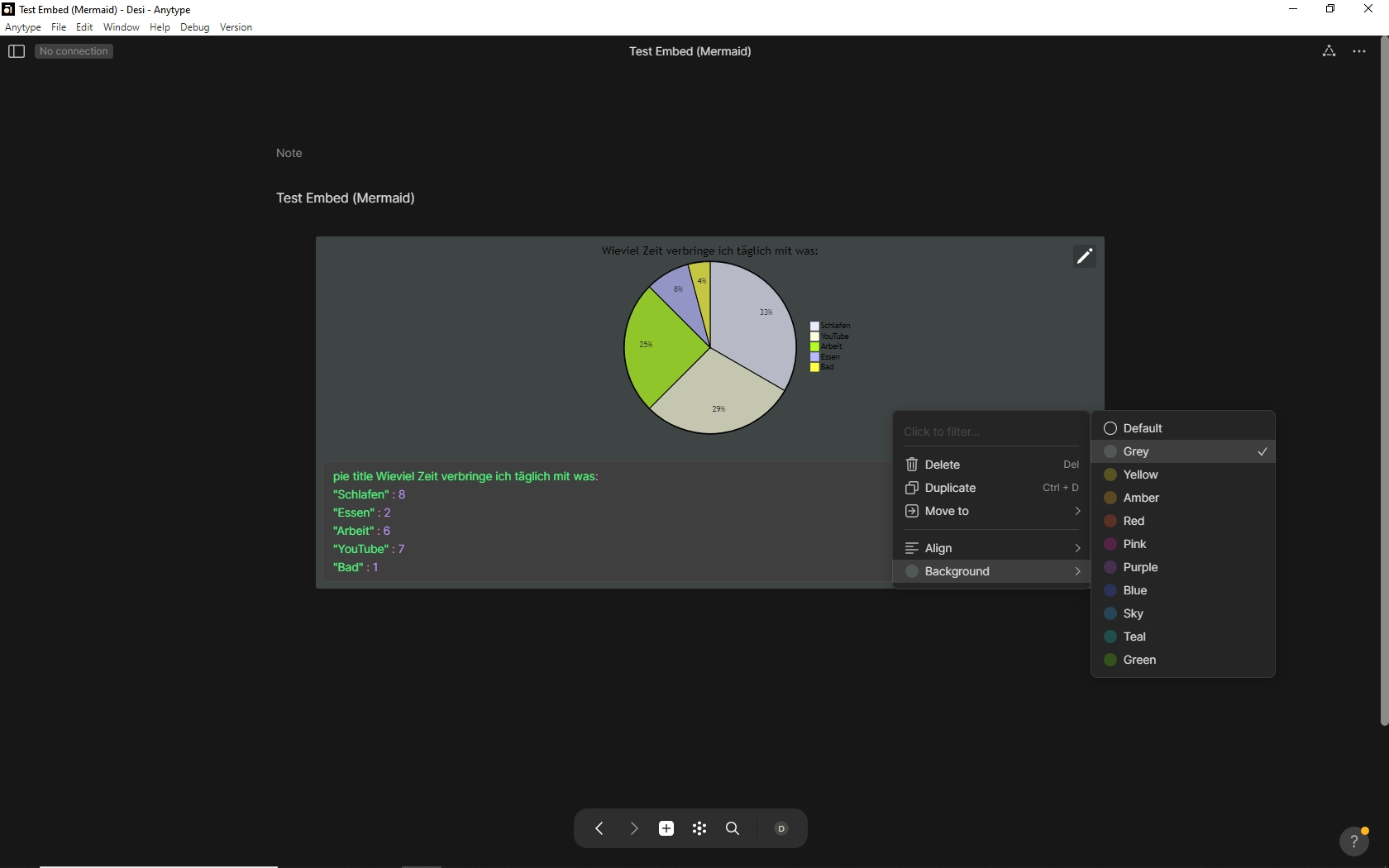
Now live! Simply type /embed in the editor to pull up a menu of currently supported embeds. These include: Mermaid diagrams, Youtube videos, Miro boards, Google Maps, and several more.
Backlinks MVP
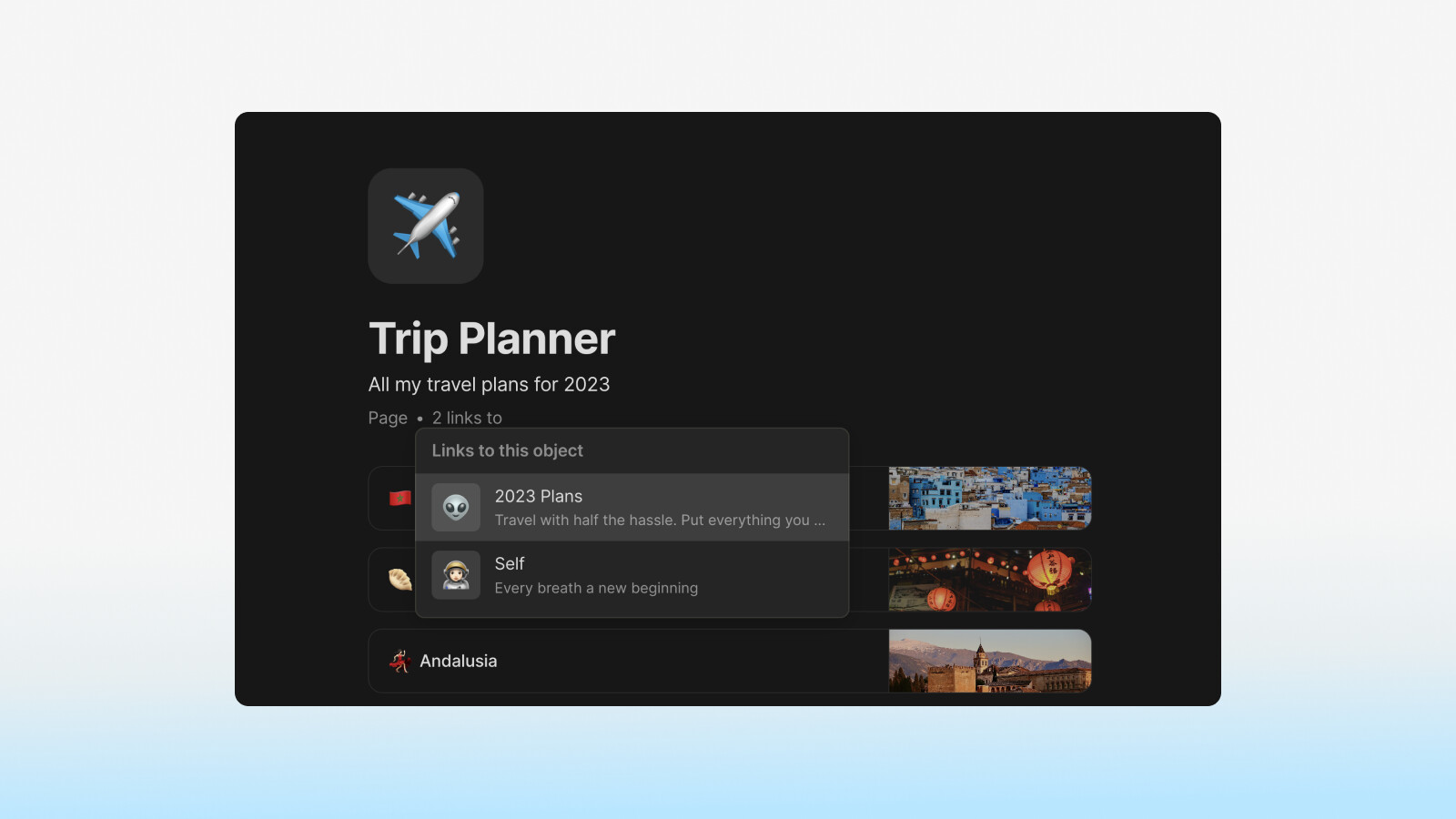
Another highly-requested feature we’re thrilled to deliver with this release, is the first iteration of backlinks. Backlinks and forward links have been implemented as relations, and can be found in the relations panel of any object.
By default, if an object already has backlinks, the backlinks will be displayed as a featured relation, indicating the number of backlinks and - when clicked the linked objects. If an object has no backlinks, the relation will not be featured, but can be located in your relations panel.
Configurable Self-hosting & Local-Only Mode

The final feature in the highlight reel of this release is configurable settings for self-hosting and local-only mode for your data. To change your sync settings, log out of your account and tap the settings wheel in the top right of the window. There, you’ll see options to choose Self-hosting or Local-only.
QUALITY-OF-LIFE IMPROVEMENTS 
New Object Creation Menu
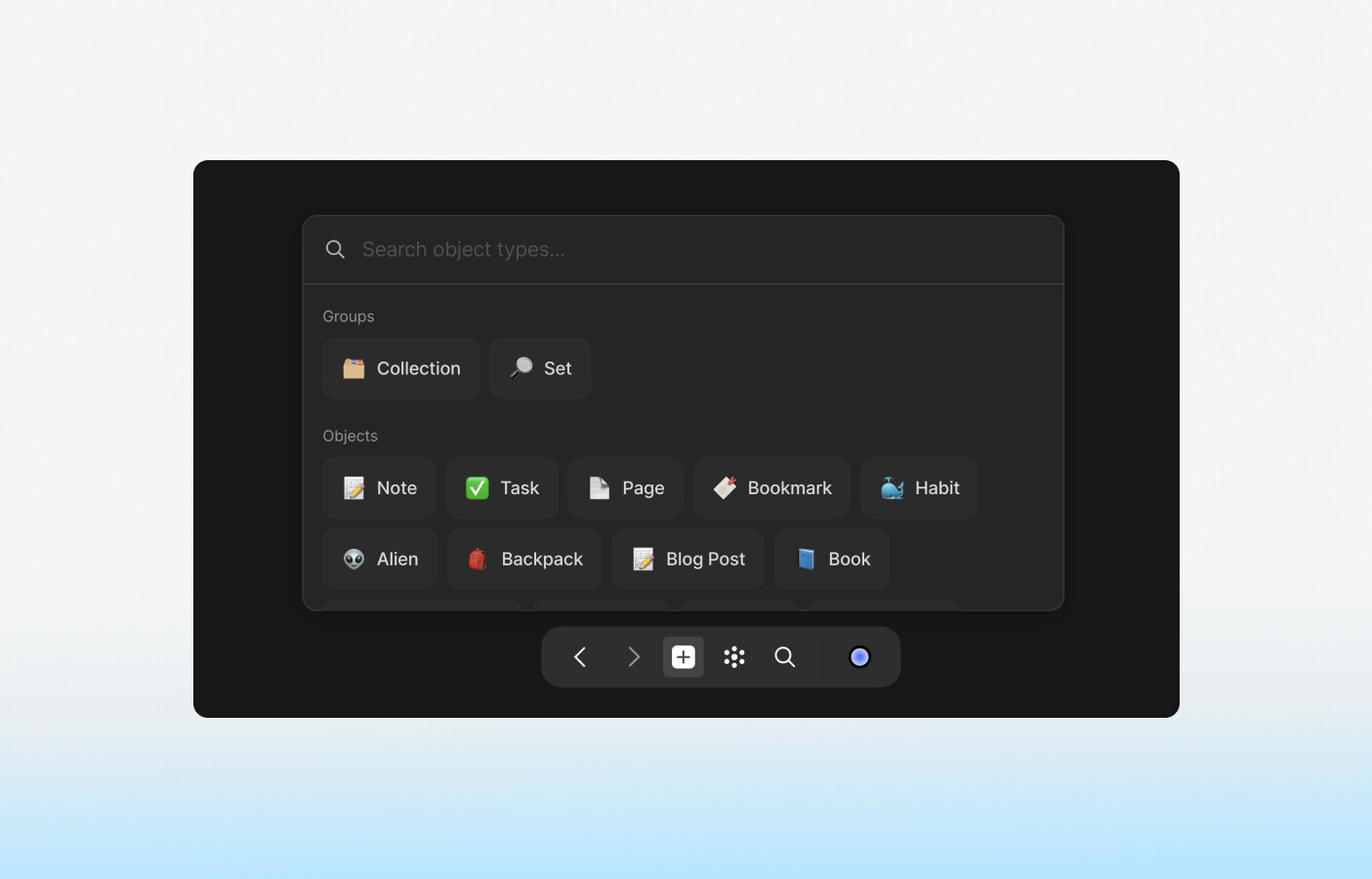
When right-clicking the plus-button from the navigation menu, you’ll be presented with a menu of standard types, plus your most recently-used Types. In this way, we hope to reduce the number of clicks needed to create objects of a specific type, especially for those of you who love custom object types.
Object Creation from Widget
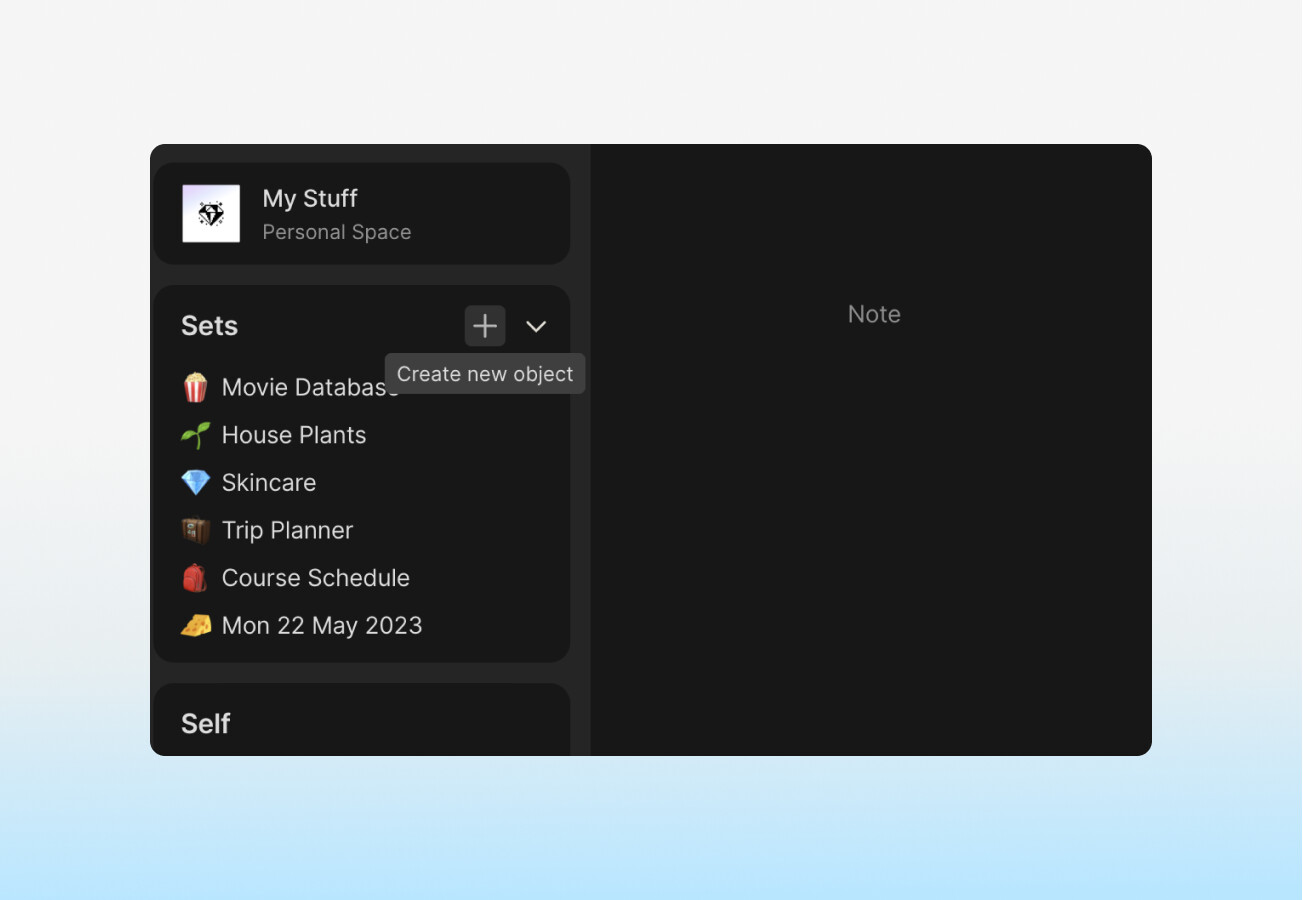
When hovering over any widget in your sidebar, you’ll see a new plus button next to the widget settings button. By pressing it, you can add any new object to the target widget.
Local Graph Mode
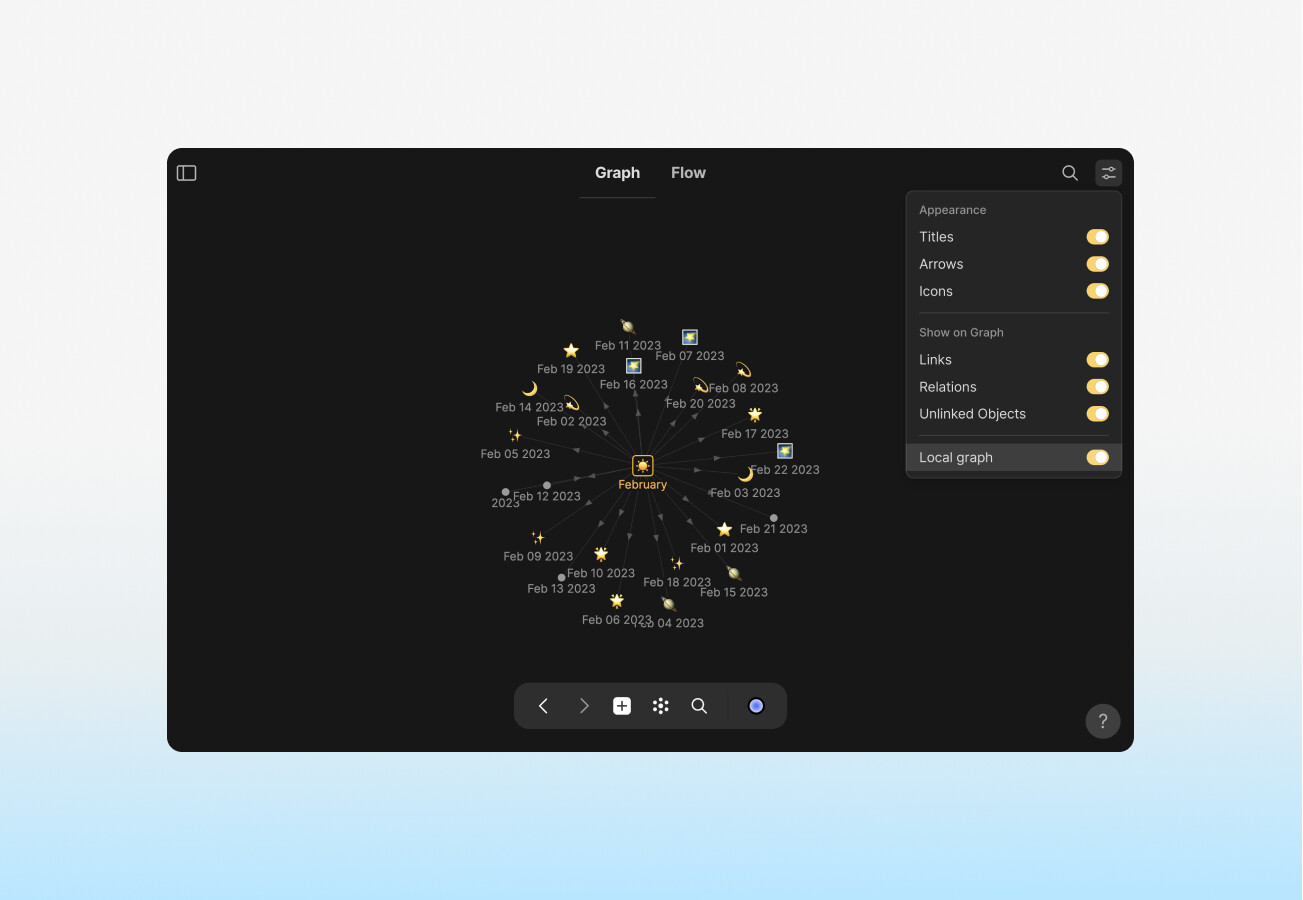
When selecting an object in the graph, you’ll have an option in the graph settings menu to toggle on ‘Local Graph’, which will display only the selected object and its linked objects, rather than your entire graph.
Widgets can now be created from object 3-dots menu
Any object can now be transformed into a widget simply by clicking the three-dots menu and selecting the first option: Create Widget.
Settings pages added to global search
You can now use the global search to navigate to your account settings pages, such as Preferences, Appearance, Recovery Phrase, and Data Management.
Search now includes content inside closed toggles
When using the Ctrl+F command in the editor, the search will now include content inside of closed toggles. If your search term is found inside the closed toggle, the toggle will open.
Japanese Language Added to Interface Options
Hooray! Japanese is now part of the growing pool of interface languages available on Desktop.
Updated Emoji Library
The emoji library has been updated to include additional emojis.
TECH 
- Fixed application icons in Linux builds (Thanks, D-Brox!)
- Closed possible XSS attack vectors in block content (Thanks, dragorsrotaru!)
FIXES 
- Fixed: Calendar view now properly loads objects outside of current month (Thanks, edion86!)
- Fixed: Emojis & Mentions can now be easily deleted with backspace (Thanks, @whereisj9!)
- Fixed: Space key can now be used properly in @mention searches (Thanks, @dzshch)!
- Fixed: Hovers for filter menu options are now working correctly for set & collection filters (Thanks, PavloUA!)










 I thought all the images etc were saved locally as well?

