Anytype works well on desktops and phones, but the experience for tablets is lacking a lot.
Through the popularity of Chromebooks and tablet manufactures adapting to changing demands of consumers, android-based devices replace the low-end/budget laptop market.
While a lot of modern apps tend to already support tablets due to responsive frameworks like react, anytype with compose needs to add bigger changes to existing layouts. While adapting the existing android UI might be simpler, having an unified UI would be beneficial for plugins (when they support modifying the UI) and in the long term: the biggest device group for handwritten notes are tablets, which will definitely require changes of the UI
Anytype hasn’t had any focus on tablets, features like stylus and physical keyboards (which can also have trackpads) are unsupported or lacking at best.
Although I focus on the Android version, the iOS versions seems to have similar problems.
Features/issues which need to be addressed in my opinion
no horizontal orientation is possible (workaround is possible on Samsung Tablets with multi-window view) Landscape Mode - #24 by nikm07 (already acknowledged)
the top right menu on objects is not suited for larger screens, for example undo requires to move across the entire screen twice while the desktop UI only requires it once (if the desktop menu would have an undo entry)
the desktop UI navigation bar is better than mobile UI due to tighter spacing
adding this menu in the area between sync status and title
on iOS, clicking there opens the Cover menu, on Android, nothing happens if there isn’t already a cover
exiting screens is only possible via gesture or keyboard
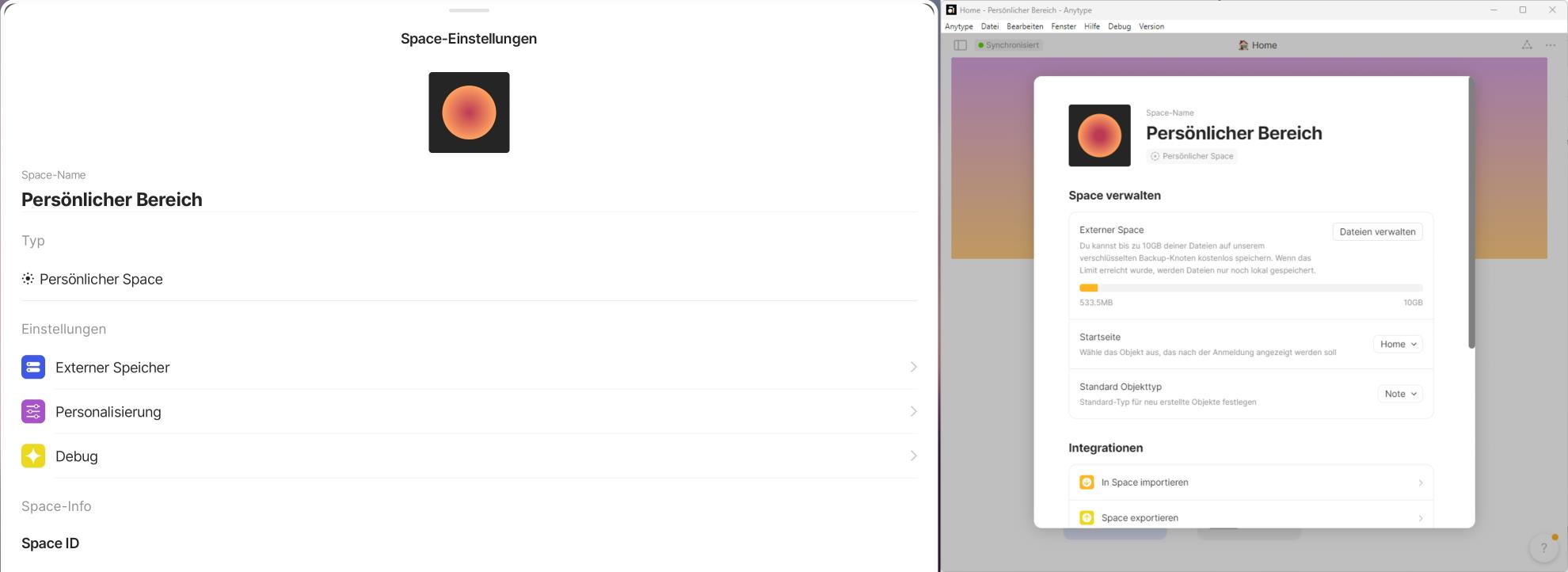
(left: tablet, right: desktop) It would be easier to exit the screen on a desktop with touchscreen than on a tablet.
An simple back button in an corner could be added like in the top right of the next image
no support for Ctrl+Z and Ctrl+Y
selecting with Shift+[up/down arrow] should select affected blocks if the end of an single text block is reached
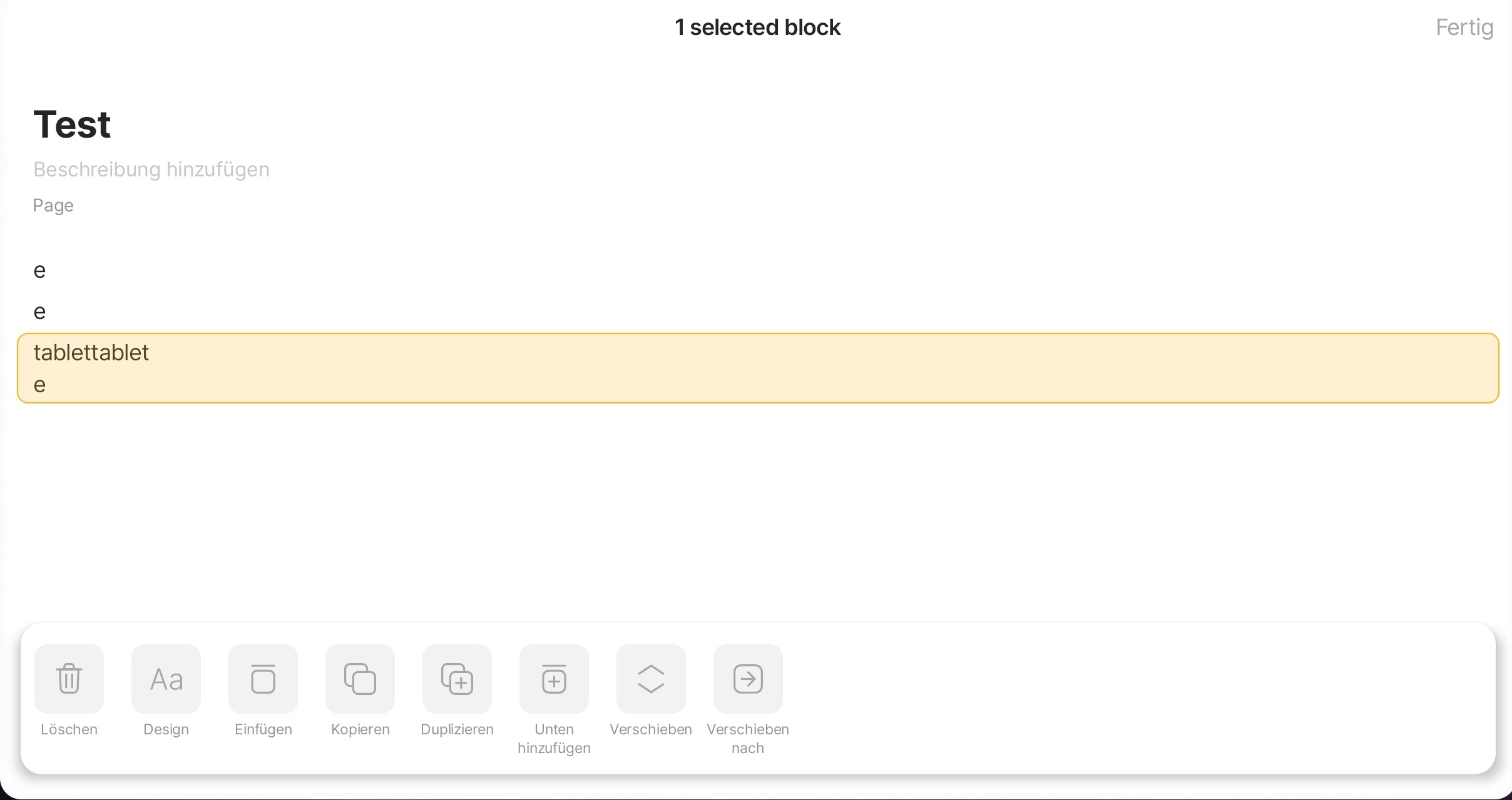
this menu adds extra steps and makes editing more confusing
longer relations (eg. tags) shown in grid view are cut-off even if they are the last relation and there is a lot of space to the right
on Samsung, swiping with a stylus either scrolls or adds an letter to existing text based on how the movement path looks if the stylus is placed next to text (so basically anywhere)
already existing requests regarding functionality/parity with desktop
Hi @Sandr44! I’m just starting to take more digital handwritten notes on a tablet and I agree with your feedback. Support for handwritten notes natively in Anytype will be a dream come true!
I created this account to follow the community, and I had planned to make a post like this at some point. As a user with a tablet, I noticed several details lacking for proper adaptation. While I can force horizontal mode on my Samsung tablet, it’s not optimized, and some elements of the GUI look distorted. I don’t think I could have made a better post than this; hopefully, they can improve this aspect soon.
I feel the same way, it’s really difficult to work with the tablet without landscape mode, as having the keyboard is useless (at least when you have a keyboard attached)