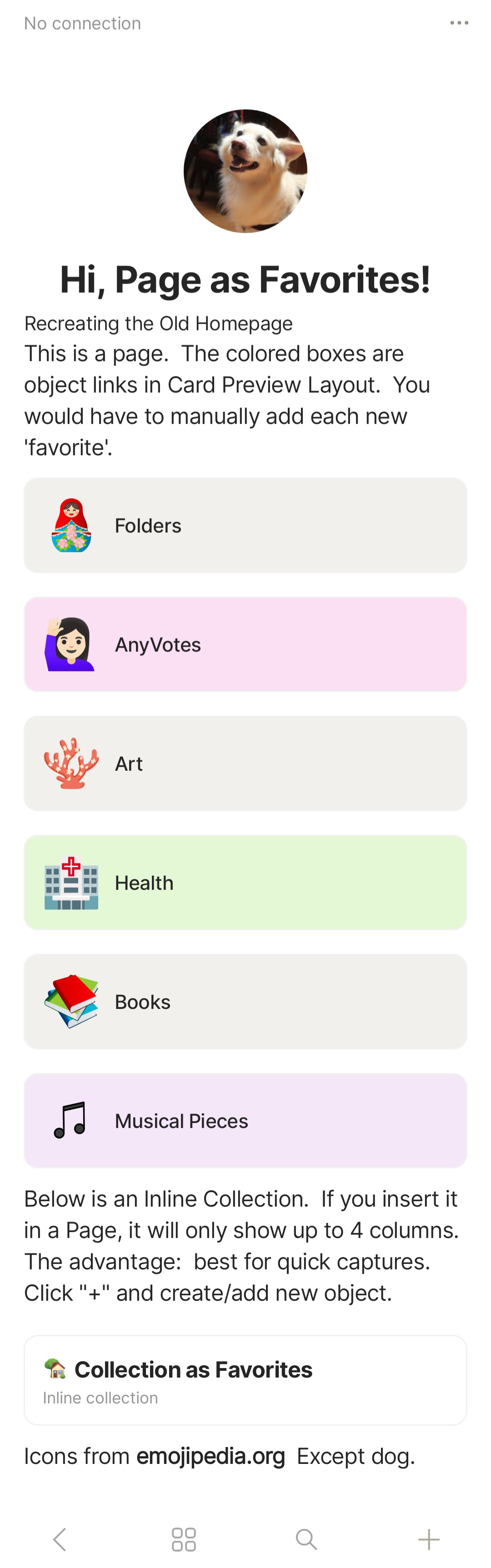
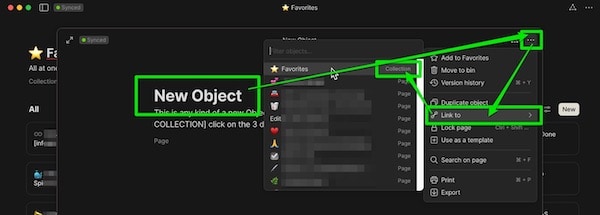
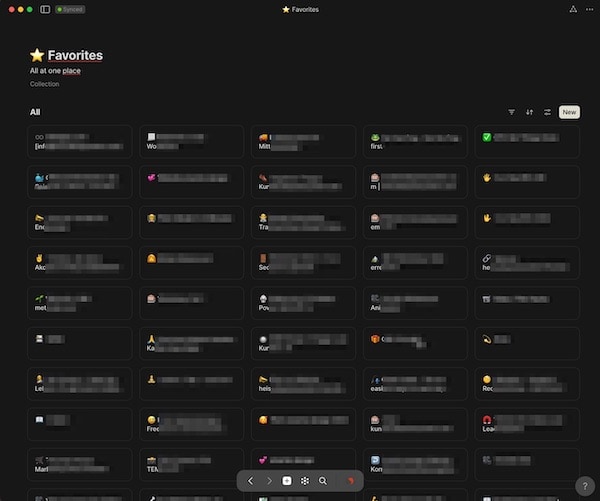
Mod notice (@kerbless): I moved your discussion here to keep it all together 
WHAT DO I RECOMMEND
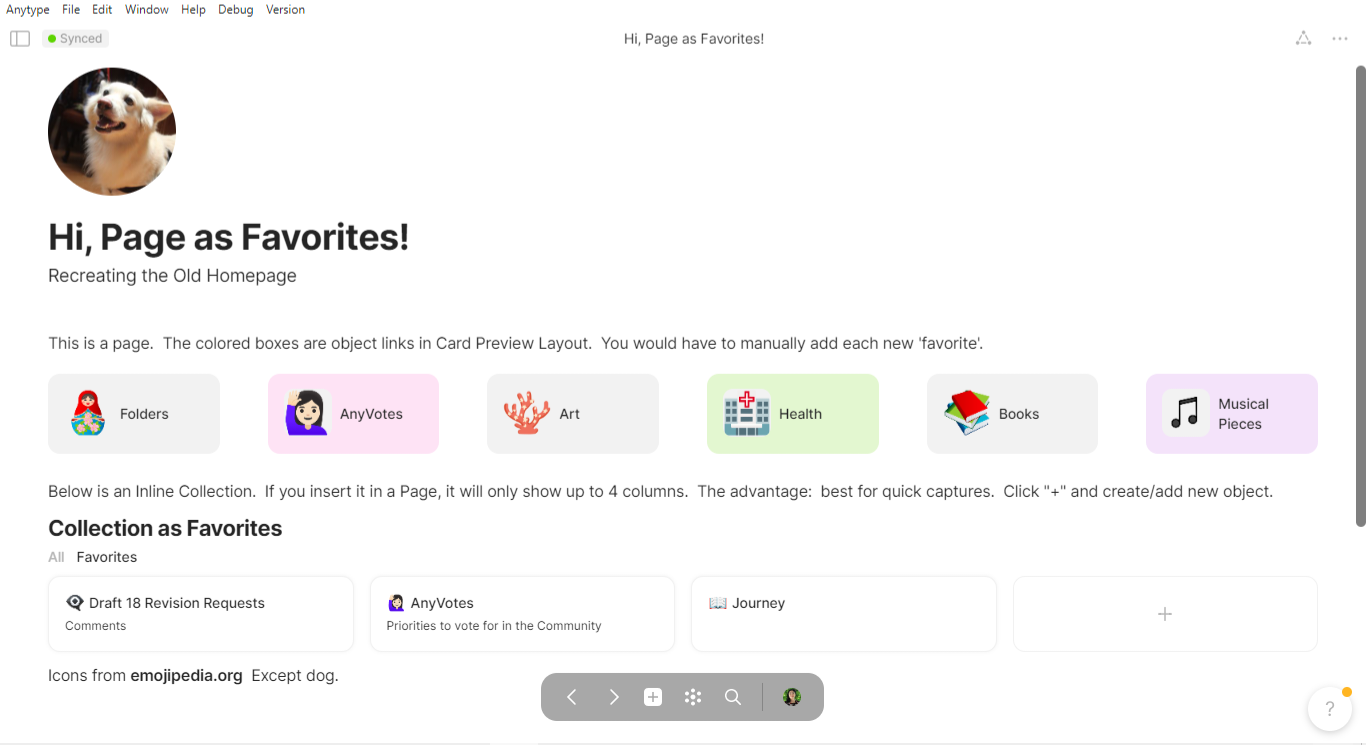
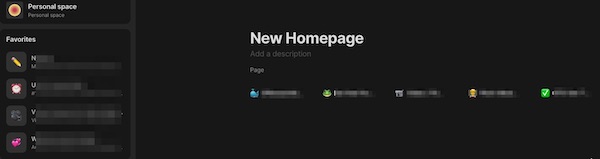
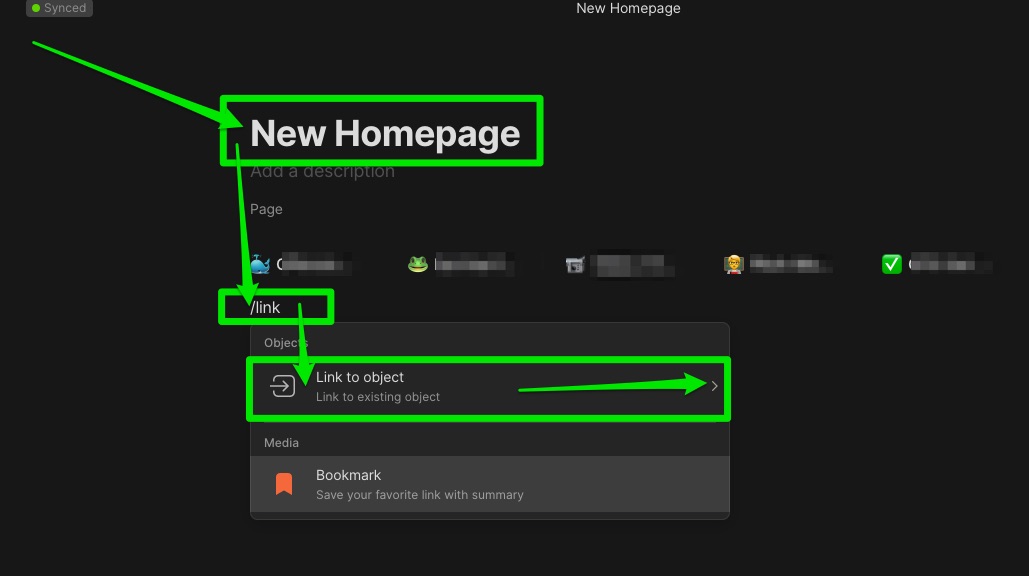
In the Beta-App the old «Homescreen» Homepage is missing. And all the trials to build it on a kind of Object «Page» or «Inline-Set», or something else have failed miserably.

I love Anytype and this feature request is not meant to detract from that. Anytype is a wonderful app!
But the previously wonderfully simple workflow became much more time consuming in the new beta app.
- It takes a lot more clicks
- to find
- and open a desired object.
- And the overview after launch is a disaster (to say the least).
It takes a lot more clicks to find and open a desired object. And the overview after launch is a disaster (to say the least).
HOW COULD IT BE DONE
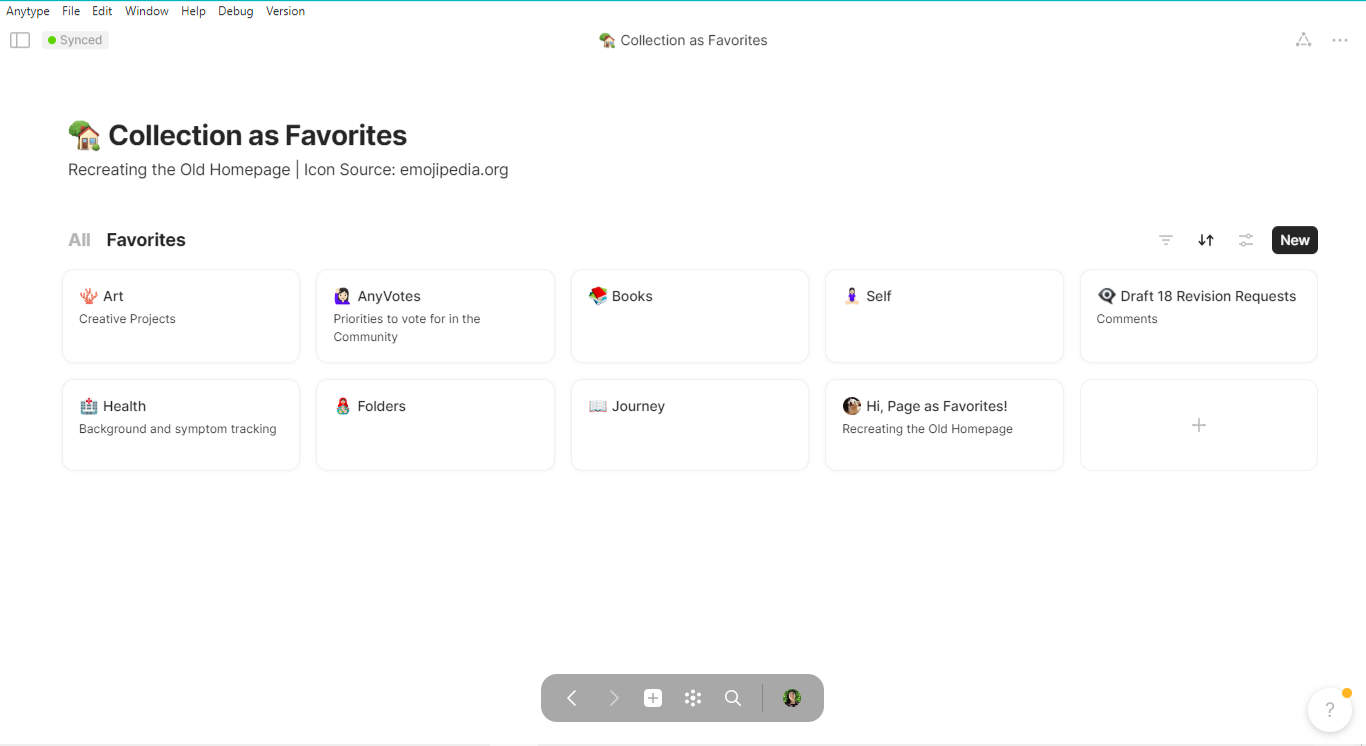
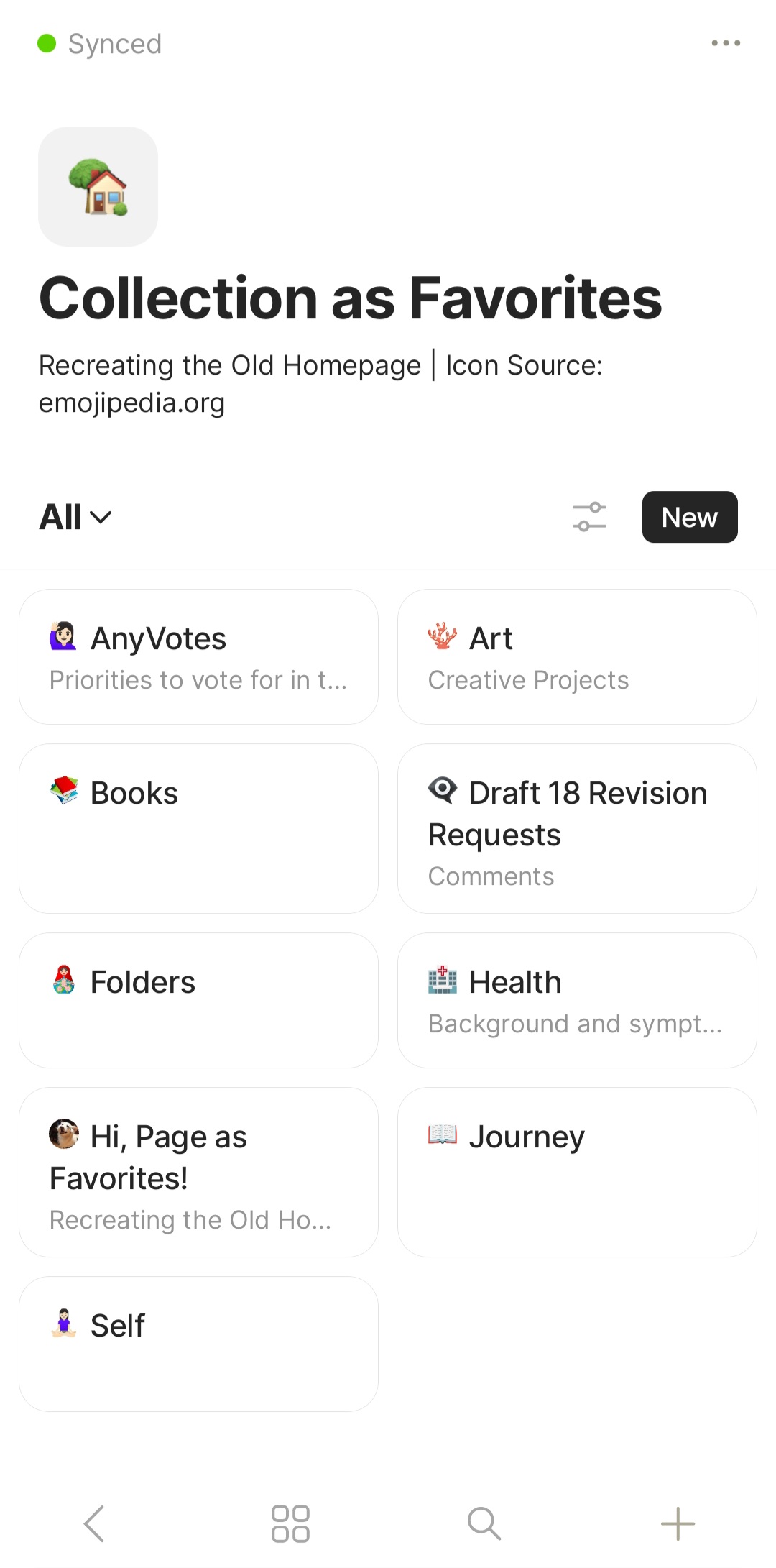
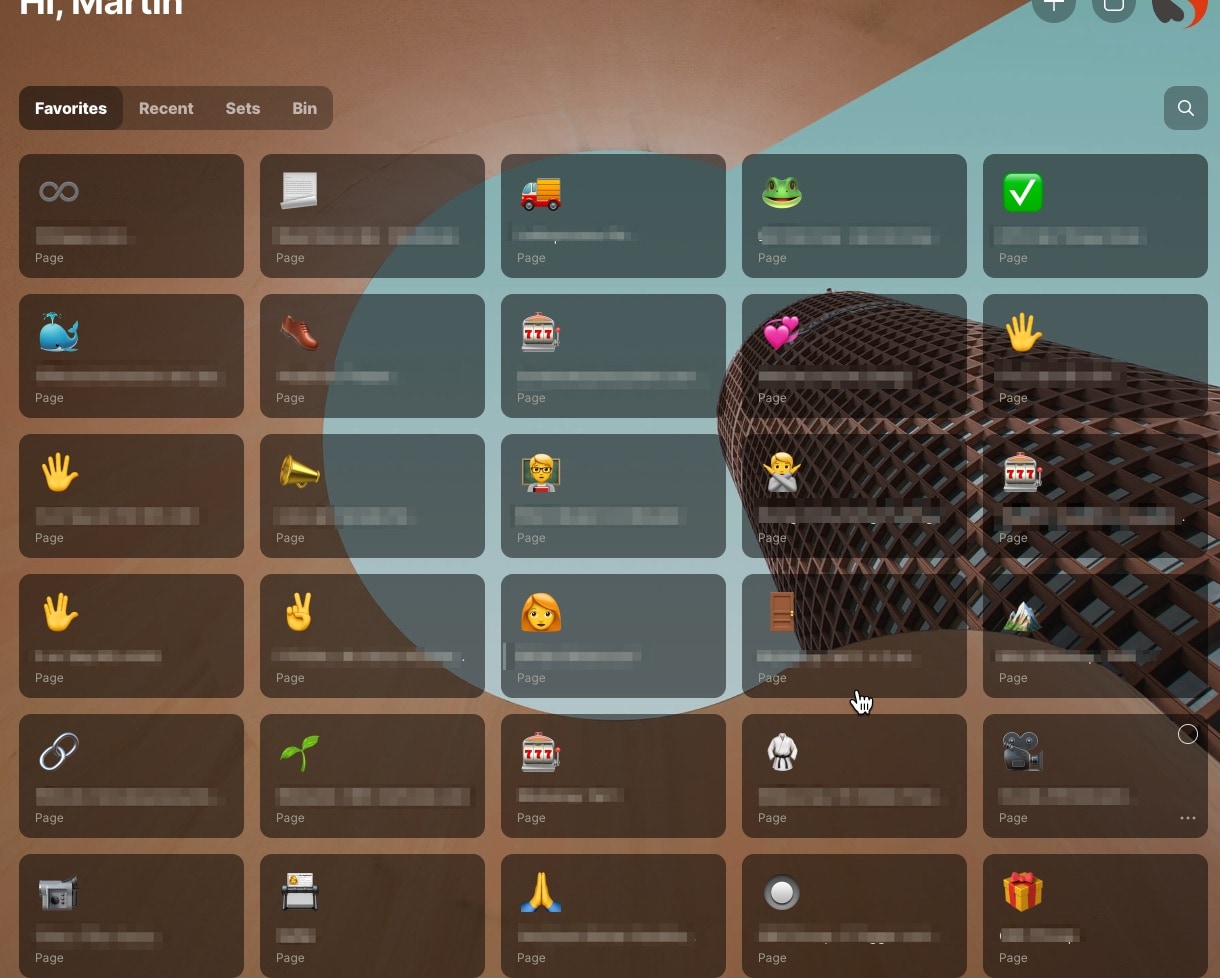
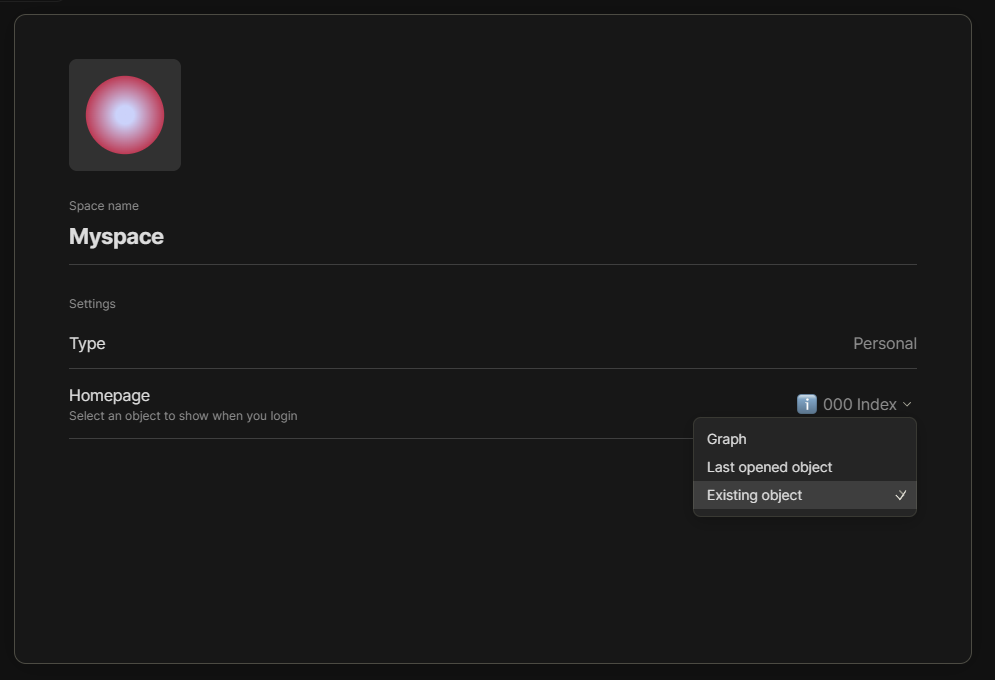
Would be great to get the old «Homescreen» back as Preferences Option. Or maybe a Widget that would work fullwith and same as in the Legacy-App. Dependent on the viewport-with arranged best side-by-side and with auto-filling rows to below.
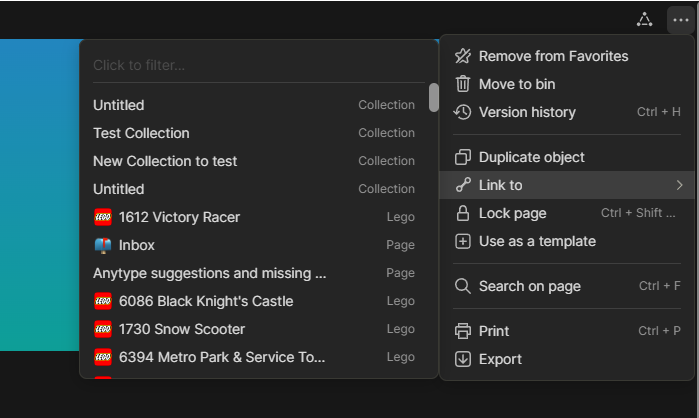
Also the Auto-Filled function when clicked on «Add to Favorites» at the first place should be useable and then the re-ordering by Drag&Drop.
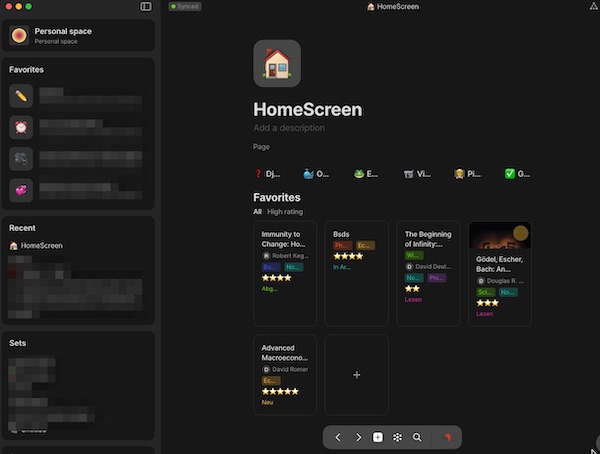
And also the «Go To HomeScreen»-Button at center-bottom was really ingenious compared to the button for the graph overview that has now moved there.(*See more under Additional Context)
REAL WORLD USE CASES
Conclusion with Legacy Homescreeen: 1 Click after 1 Second.
After Start, or after click on the «Go To HomeScreen»-Button there is only ONE Second to grasp the right Object and only ONE click to open those Object one (1) of 24 (see attachment above).
Conclusion with new center-bottom - Button: 3 Clicks and resize and search around 5-10 seconds
With Graph I have wait 1-2 seconds until the Graph will be built, then I have to drag and drop the right area and changer the zoom (ca. 5 seconds) to find the right objects (bye chance) and click maybe a FEW times. It there are few of them with similar names. Not all actually tagged as Favorites but the newest one.

Conclusion with new «Favorites in SideBar» : 1-4 Clicks after 5-8 seconds.
Use the new widget sidebar «Favorites» the order is anytime different. And I also have to remember the name of an older object (3 seconds), because it is not still on the same place in the known HomeScreen-Overfiew from Legacy.
Killed the UX-Logic of memorize places and Icones. Pictures of a Structure are more easy to re-find and remember, than scroll trough the matches (Objects / Sets Entries, …) (2 seconds). Find the right one (maybe at first time or click multi-times and re-open different objects to find the right one at last…
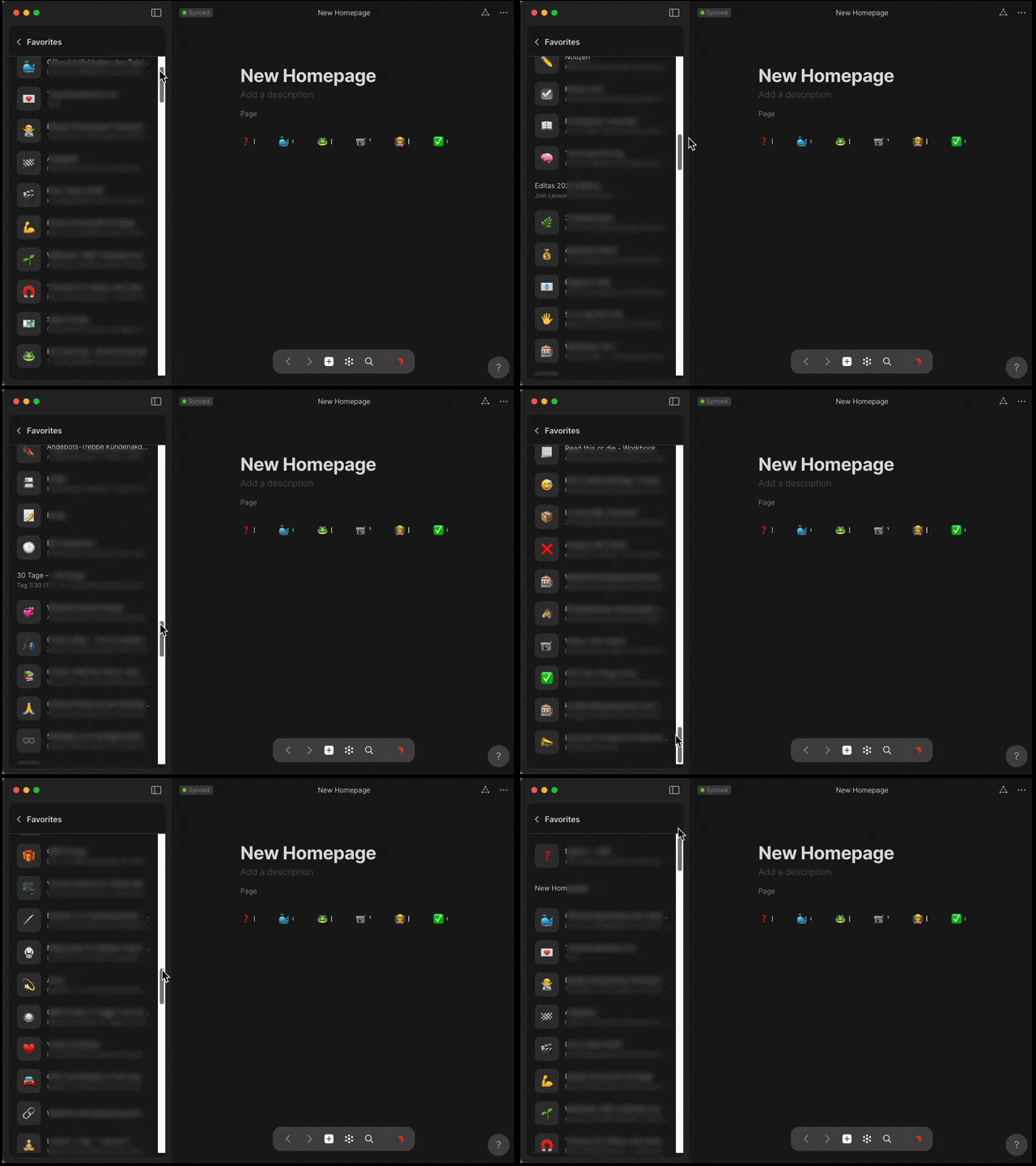
It may sound a bit exaggerated or seem described. But without the familiar HomeScreen, finding objects really takes a lot of pain and time.
RECOMMENDED ALTERNATIVES
All attempts to “build” an alternative yourself are a pure disaster.
I welcome suggestions, but see post here (Community Beta Release & Alpha Migration Trail Guide - #23), I’m not the only one who does not know how to find a solution or is asking why the Homescreen was deleted without any kind of better UX-Solution.
ADDITIONAL CONTEXT
«Go To HomeScreen»-Button
This button is, to be honest, probably built on the joy and love of a developer than a UX designer.
The graph is certainly - seen with the developer glasses - an ingenious tool. Impressive and a unique selling point compared to Notion, Trello and Co.
But in everyday life, this view is simply overwhelming and a disaster to find something quickly.
Please share your thoughts about the Homescreen should come back!
==> Share your opinion by voting
Original post
Hi,
Have made the migration and all seams to be fine.
BUT, I can NOT find the “old” Favorite-HomeScreen…
I’m probably missing something obvious.
Is this a totally new concept about «Spaces» as the new Favorite Screen as Home-Screen from the Legacy?
Question
- Do I have to build it in the new Private Space from Scratch?
- Or is there somewhere in the Preferences/Settings a checkbox to enable the «old style» Favorite-HomeScreen?
-How about automatic fill-in after click on «Add to Favorites»?
I searched in the community-forum but could not find any matching information.
Under https://community.anytype.io/t/anytype-legacy-to-beta-migration-trail-guide/9274 there is only the migration described.
Under Anytype Desktop 0.32.0 Released 🤠 I found only some new concept «Spaces». But not that it was introduced as a replacement, or especially how - if it were - can be used ideally.
Also nothing found in youtube or by google…
Maybe someone could send me a link to the «new to do»-concept or any information/help is very welcome.
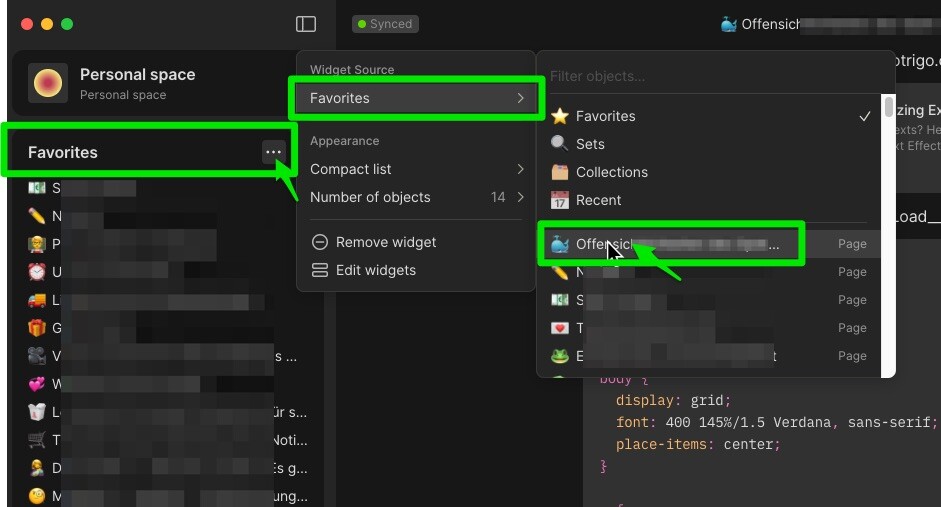
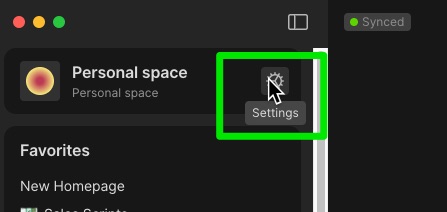
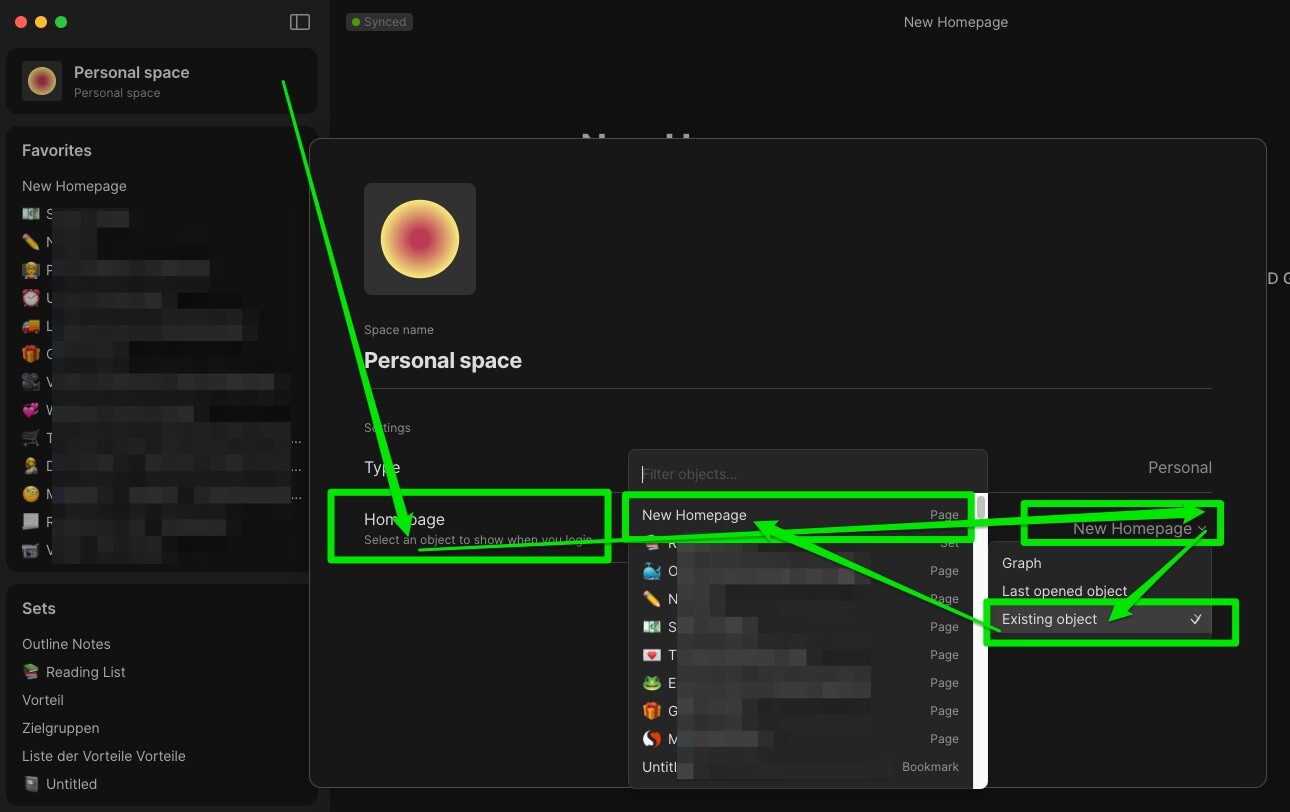

 Legacy homescreen might come back as an option.
 .
.