Is your feature request related to a problem? Please describe.
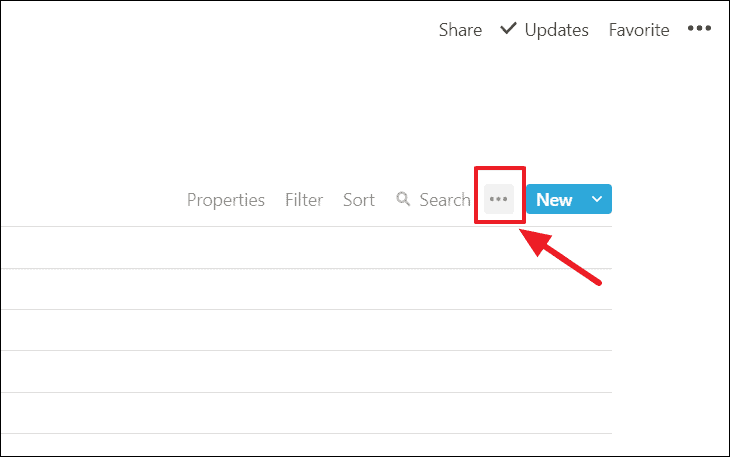
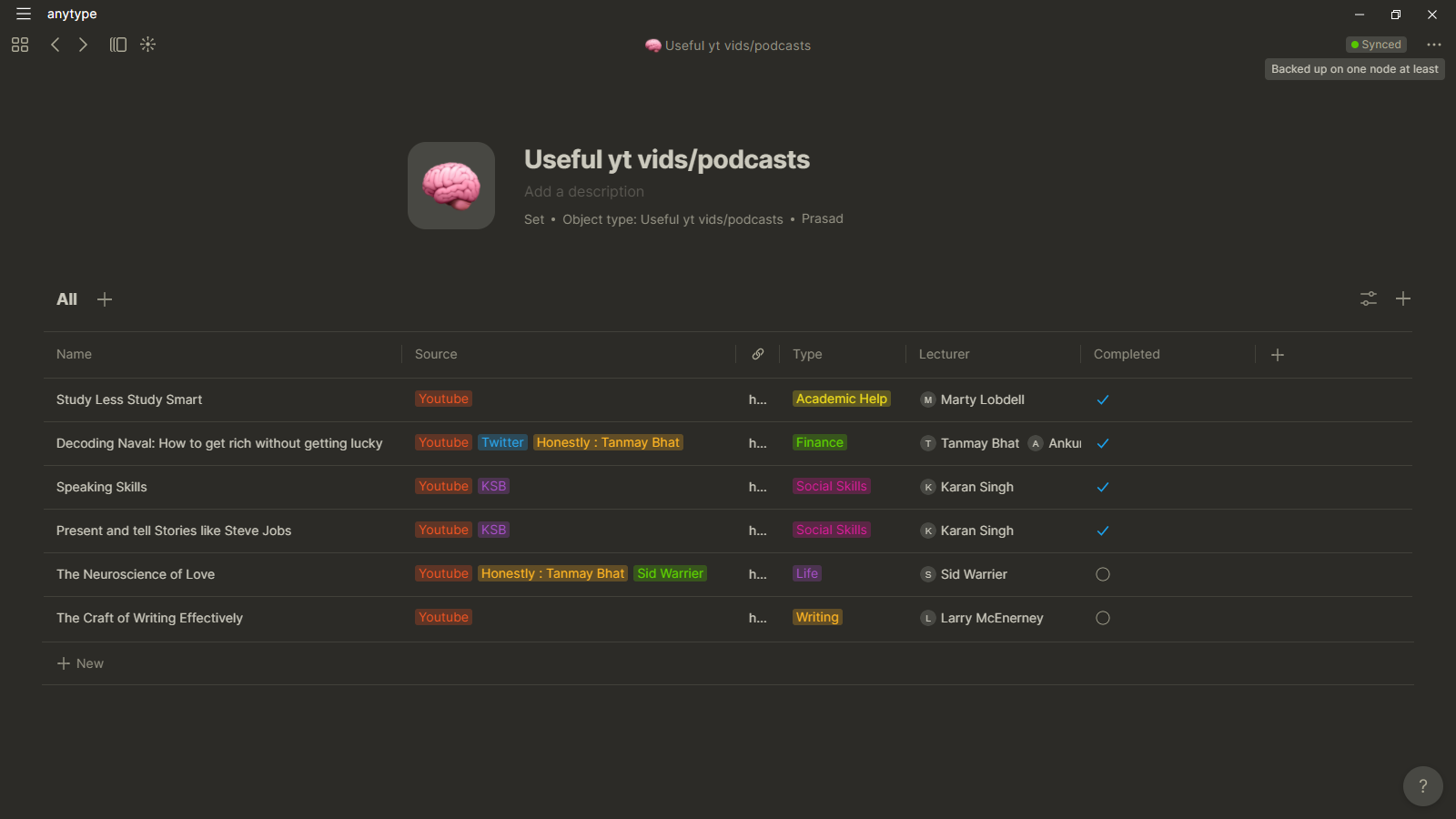
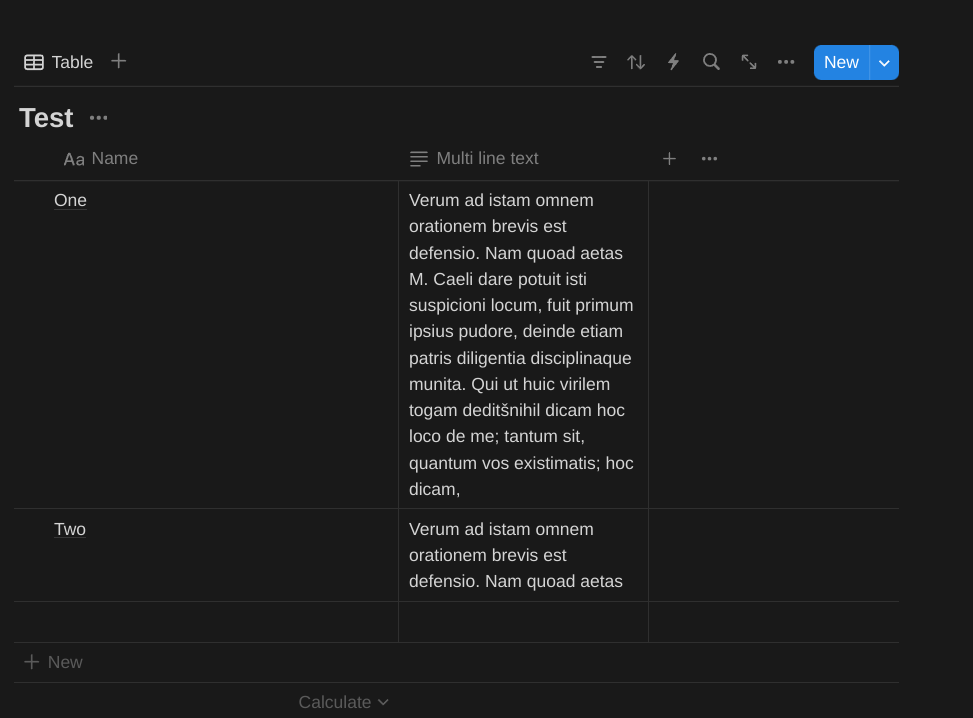
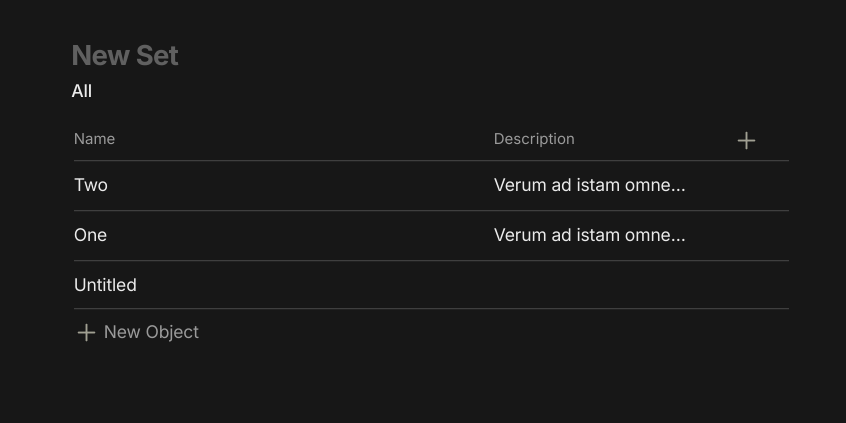
Currently if the content of a cell exceeds the width of the column, only way we can view is opening the cell or expanding the width of the column. This isn’t viable in all cases(when we have lots of columns )
Describe the solution you’d like
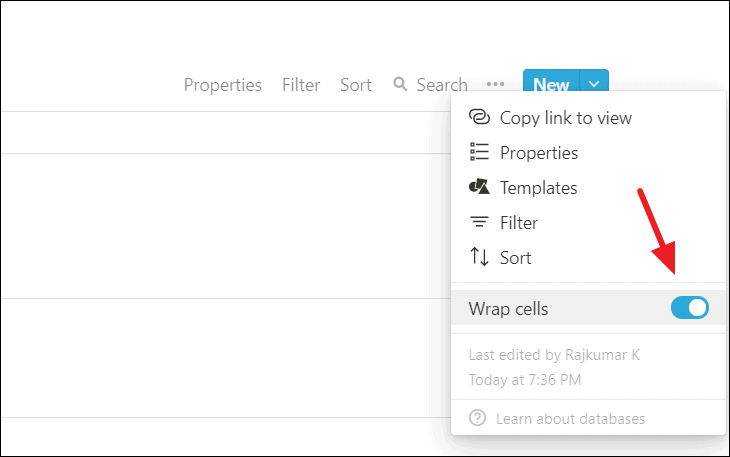
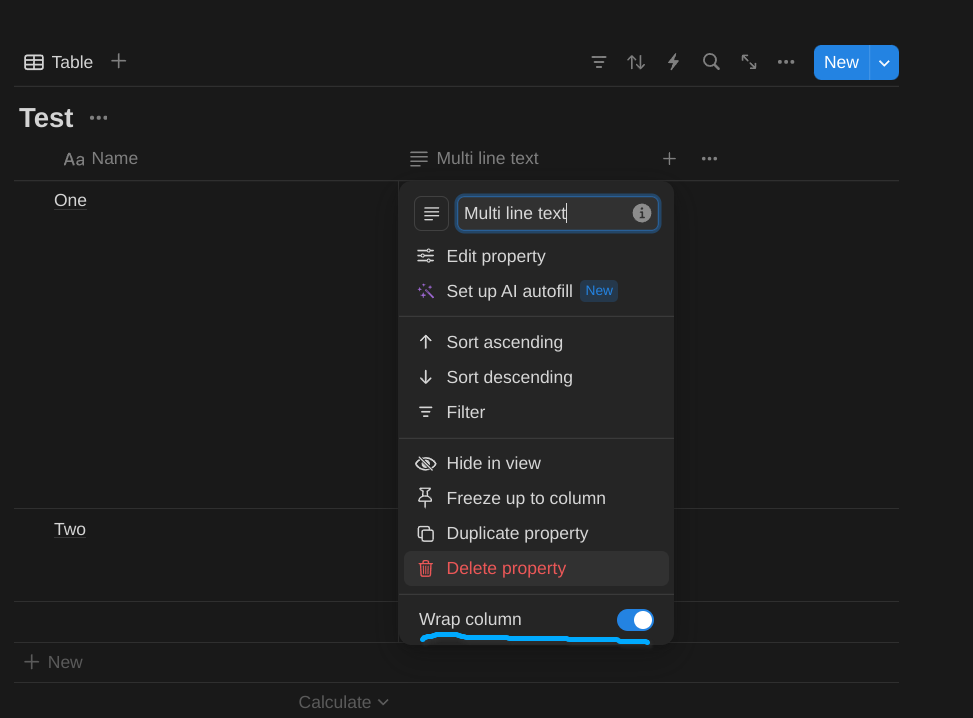
To enable a toggle in Set settings. When enabled, the contents of the cell will be wrapped within the width of the column and all info is visible to us.
Describe alternatives you’ve considered
Only alternatives are to increase the width of the column. The problem is we need to keep scrolling to the right to see other columns
It would be very ideal to have an “Expand” option that allows the text relation box’s height to be dragged and fixed — so it stays as such even when the user clicks off of the box.
Sorry, very poorly explained ^^
Describe alternatives you’ve considered
Individually clicking on each box, then clicking to another.
I really hope this feature will be added as soon as possible. It would be super helpful for quick overviewing of all properties and doesn’t require clicking them one by one all the time.
Text wrapping would be such a good option for sets/collections. Personally I would want the option on a per-column basis instead of the whole set/collection view for more precise control. But even what has been suggested would be great.
On a similar note, I think an option to disable text wrapping on simple tables would be great as well.
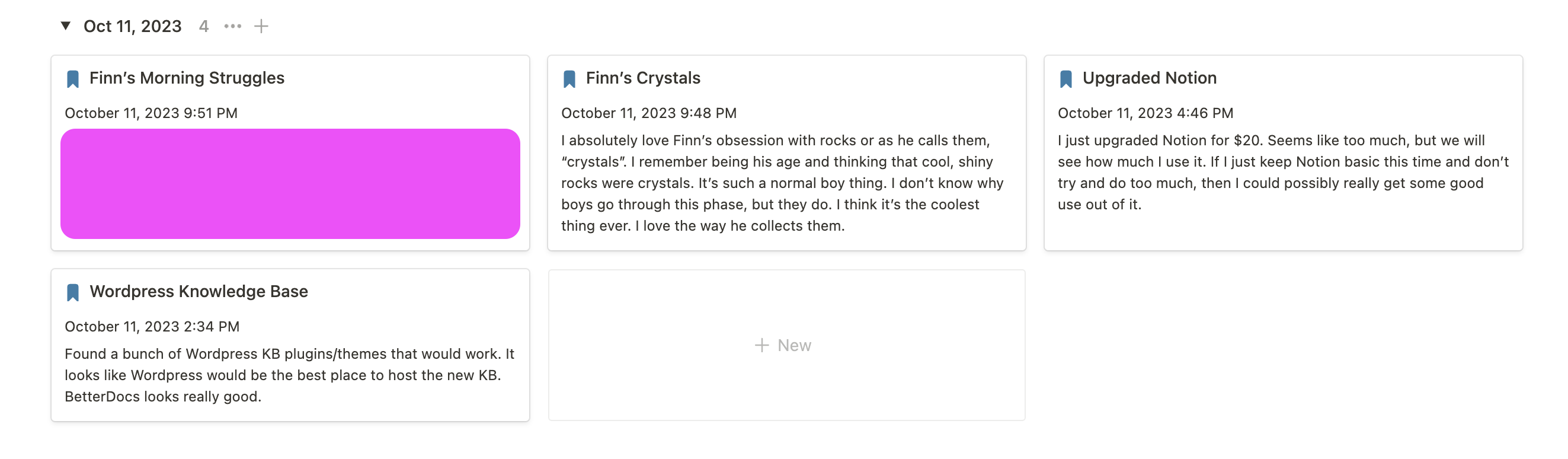
I like to view notes in Gallery view and I want the “text” relation to be able to wrap. So I want to see all the text for Description or any Text field in the Gallery view instead of cutting it off after a certain amount of words/characters.
HOW COULD IT BE DONE
Add a toggle for a relation to be able to wrap.
REAL WORLD USE CASE
I love this feature in Notion, they just added it recently after years. I will make a gallery view and have a Property called Note. It’s just a text field that I can wrap on the Gallery view so I can see all the text. This allows me to make note-cards that I can view without having to jump into the actual note.
When you click on a column, there should be a toggle option in the options list labelled ‘warp text.’
REAL WORLD USE CASES
Helps see long databases column entries (such as a long text property)
RECOMMENDED ALTERNATIVES
writing whatever you want to write in the text property inside an object instead.
ADDITIONAL CONTEXT
this isn’t that related, but there’s also a bug in databases where if I try to sort the properties, three properties show up at once (and they’re all the ‘name’ property) and I can’t delete two of the properties without deleting the third one, too. sorting properties in a database, therefore, is currently impossible.
Thanks for the link.
I just found out, that the amount of votes is restricted for the user in this forum. Seems I have to remove my vote here and there toupvote the most importent ones.
But to the topic:
I wish even more. I would also like to have the option to force columns to overlap!
Why?
Sometimes I have to enter a new data record into a collection while a customer is looking over my shoulder. And this collection contains some sensitive data, such as customer names and their telephone numbers.
On the one hand, I don’t want the customer to see such personal data from other customers.
But on the other hand, it is useful for me to be able to see in the table view after entering the data whether all fields of the input form have really been filled in, including the telephone number.
An empty entry in the column would be noticed immediately, so I could add the missing information while the customer is still there.
The simple solution would be to be able to move another table column overlapping the column with the telephone numbers of all my customers. It is enough to be able to see the first three or four digits of a telephone number to be sure that the customer’s telephone number has not been omitted.
So on the one hand, I would like to be able to switch on the “wrap” for columns with long entries. But I would also like to be able to switch off the wrap and move the columns to overlap in order to make parts of the data invisible.
Features like this are things I don’t vote for because I believe these are no-brainers and are small features that should be implemented for quality of life, not as major features.
Since we have limited votes, I (try to) use them for big and much-needed features.
I write a summary inside a text-relation (“summary”), which is great for quickly reviewing multiple objects.
Now that development seems to be gaining speed and QOL is improving, I hope this will be taken care of soon. The mock UI made 2 years ago still looks like the way to go.
A major bonus would be basic text formatting (bold, italics, bullet points) for the content of text relations.
(While at it: the screenshot also shows how sorting is sometimes unexpected. This Set is ordered by the status of the left checkbox (items for review) and then alphabetically by “Name”. Seems more like a bug than something for a FR.)
I really, really, want to be able to wrap properties in views. I love that in Notion and would be amazing in Anytype. I want to use AnyType because the design is 100 times better than Notion, but Notion just has so many useful features. Wrapping columns would be a big one for me. That and progress bars.
Interesting that this was requested 3 years ago. I am a new user as of today, but the lack of wrapped text/content in databases was a dealbreaker for me unfortunately. Will check in again in a year or so.