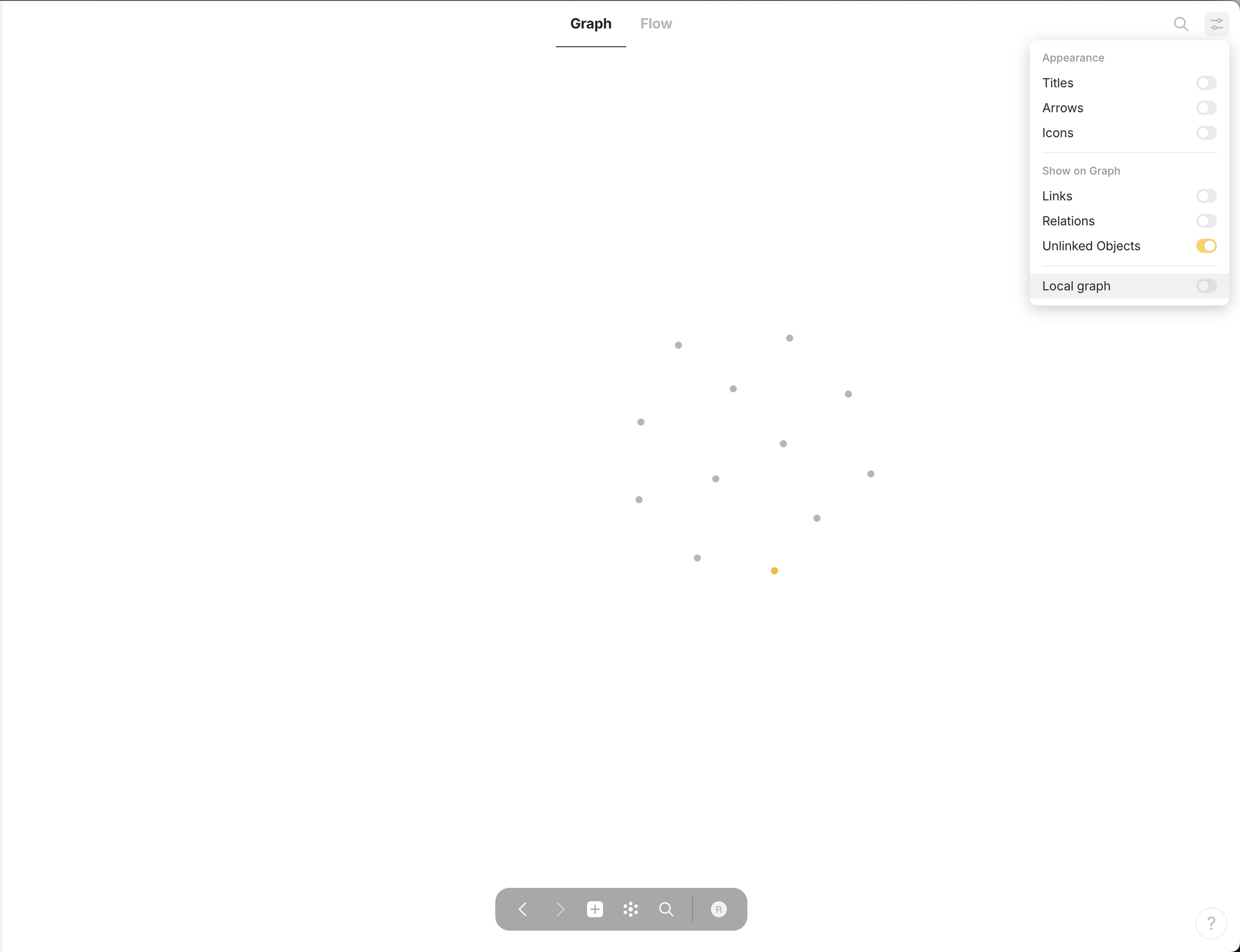
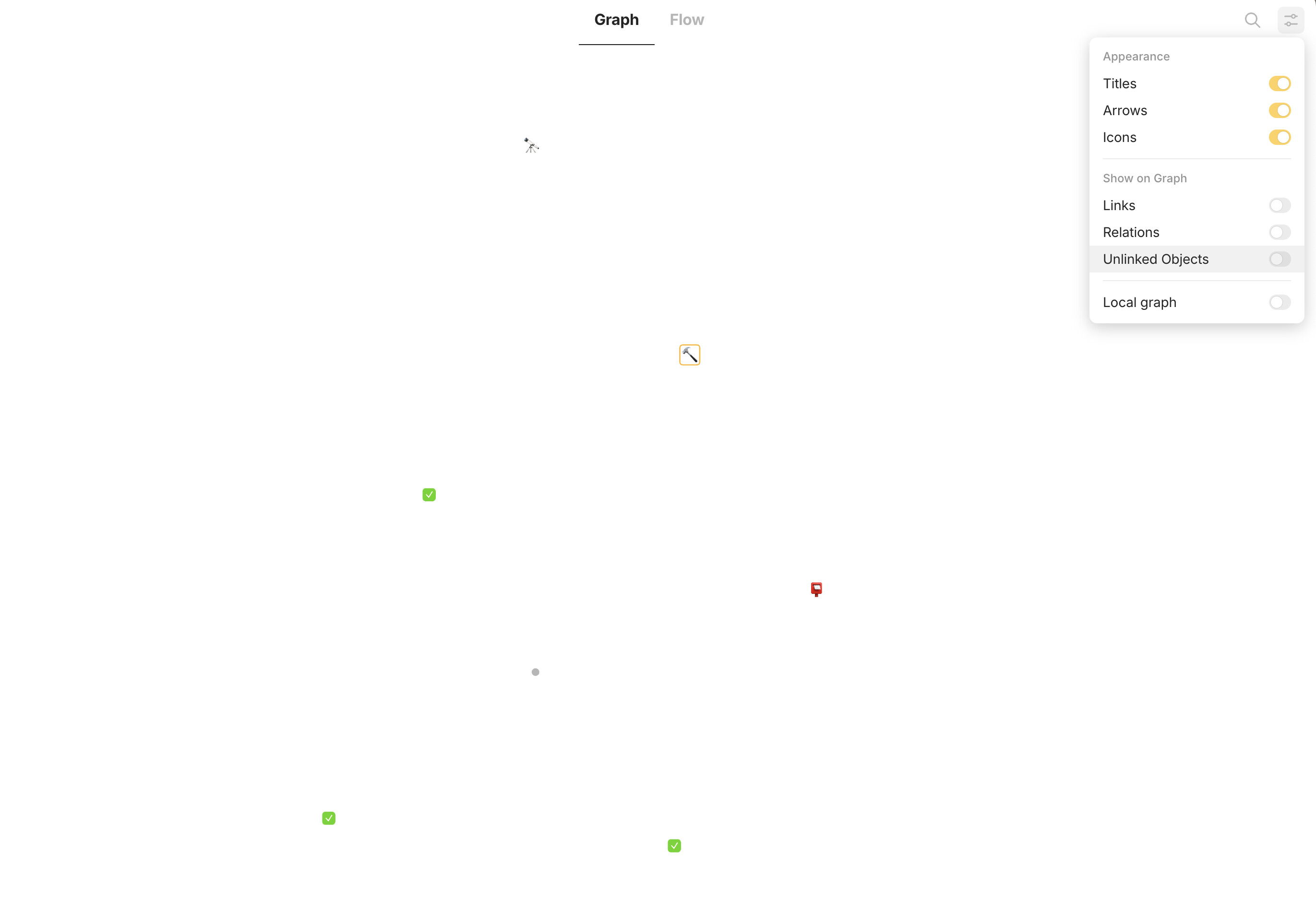
When all objects are shown and I toggle “unlinked objects” only the unlinked objects dispaear/appear (which is the correct behavior) But when only “unlinked objects” is selected ALL objects are shown?
HOW TO REPRODUCE IT
Only select “unlinked objects” in graph view
THE EXPECTED BEHAVIOR
When only “unlinked objects” is selected only unlinked objects should be shown
Actually this is not a bug as the idea was the this filters out orphan objects but we can change how this filter works or even make 3 options there. @ignatovv
Maybe we have a different understanding, about the switch “Unlinked Objects”.
I understand the meaning this way, that this switch ist supposed for orphans.
And that “orphans” mean: “not linked at all”.
But if I activate this switch only, the graph shows seemingly ALL Objects (and I can’t understand why?).
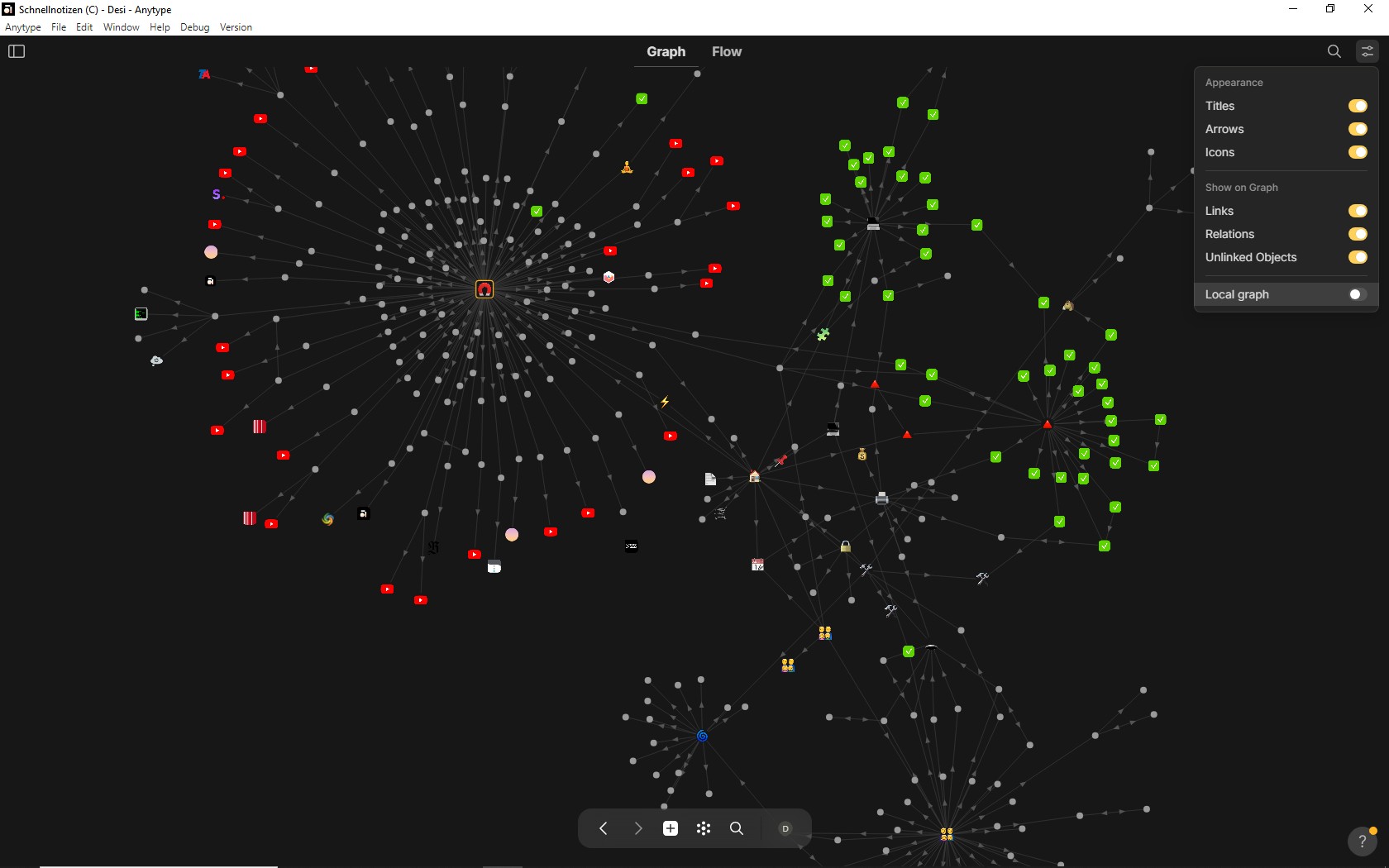
I show you my full graph with all switches ON, see the first pic:
The bevavior above is OK.
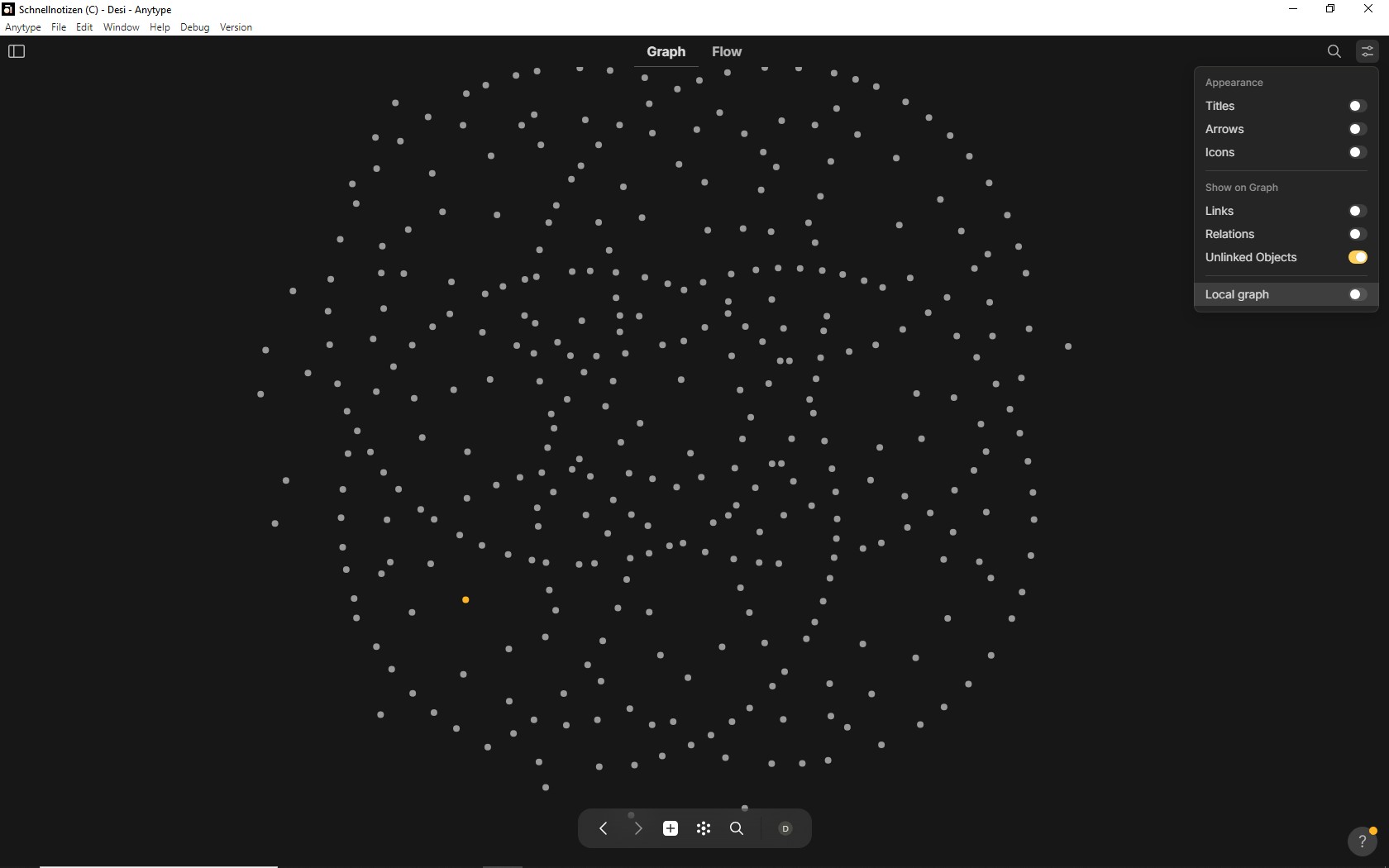
But the next pic shows strange bevavior.
There is only “Unlinked Objects” activated, but the graph shows seemingly all Objects as before (only difference: it doesn’t show the lines for the links):
I am glad this is not just my personal struggle. Since the beginning of my Anytype usage, I already can’t understand orphan (which is now named as unlinked objects).
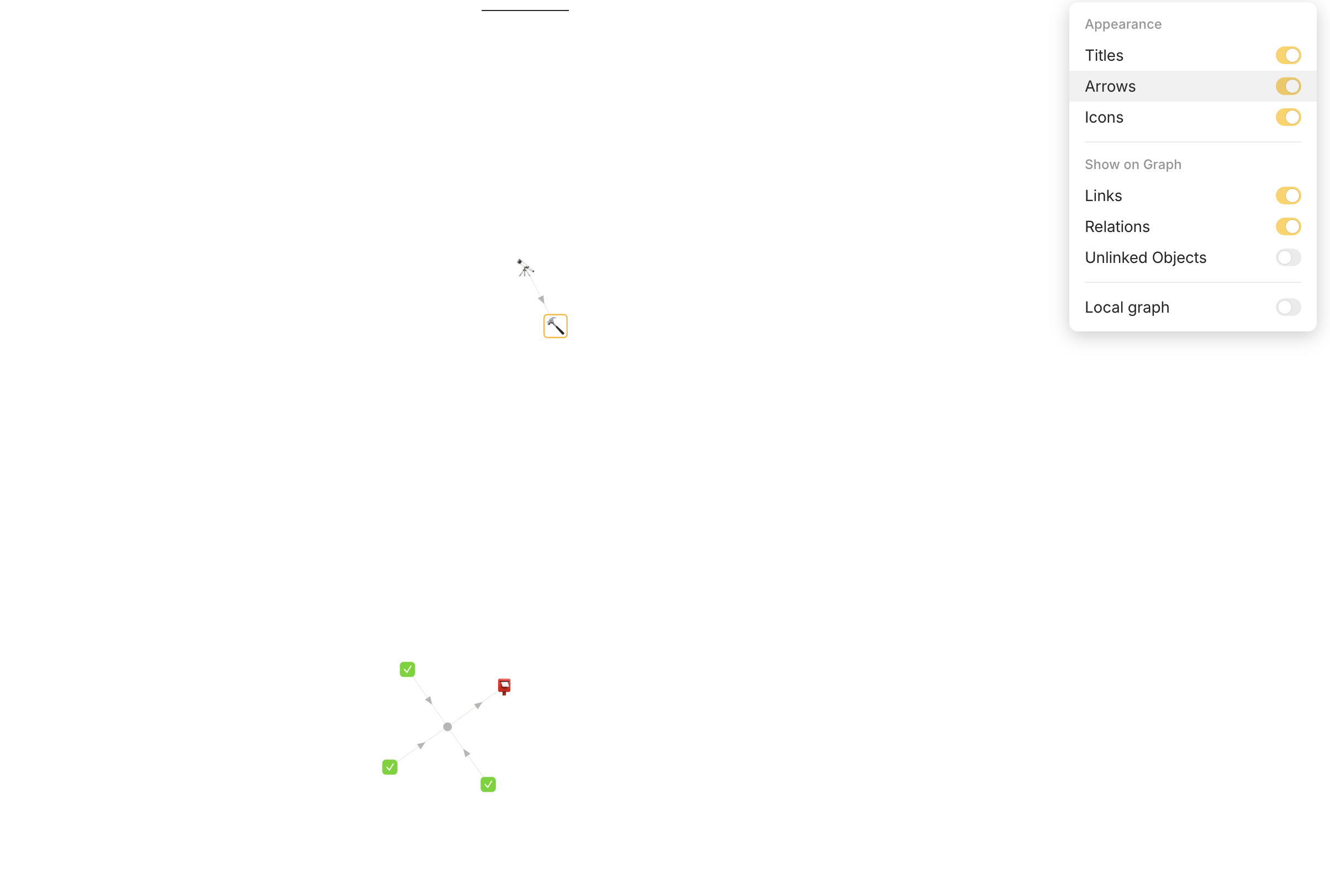
The struggle I currently have is links vs. unlinked objects… Turning off links, everything becomes unlinked anyway… When we turned off links and relations, all objects become unlinked objects anyway, then is 'unlinked objects’option simply a switch for both links and relations? In fact, these objects have not been abandoned and become orphans.
Perhaps one reason behind this confusion is derived from the discrepancy between relation and property. Because relations are not definitive, they can be on/off and contextual. However, since anytype currently doesn’t support contextual relations, all links and relations should be currently be static, aka occur at all times and not orphans.
And thus in current situation, orphans should mean not linked at all. Like in individualism, we don’t need to address people as family members or the collection, but they can still have family and be part of a community.
No, this is not very clear after some development - the problem here lies in the logic that links and relations only filter edges of the graph and not linked or related nodes, so this is where confusion comes from.
Right now I have adjusted the logic so orphan flag is calculated before edge filtering and now when I turn links and relations off I see linked nodes without orphans.
So next step is to remove nodes that have certain edge type when you switch it off, otherwise you won’t see empty graph.