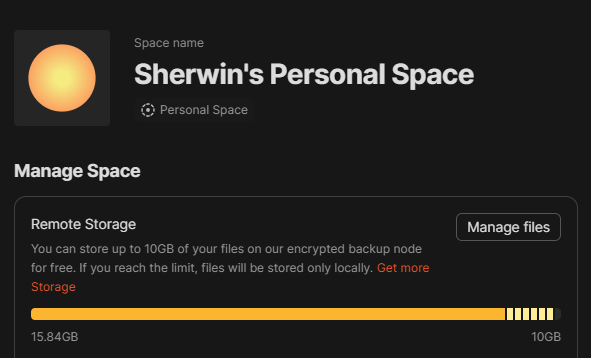
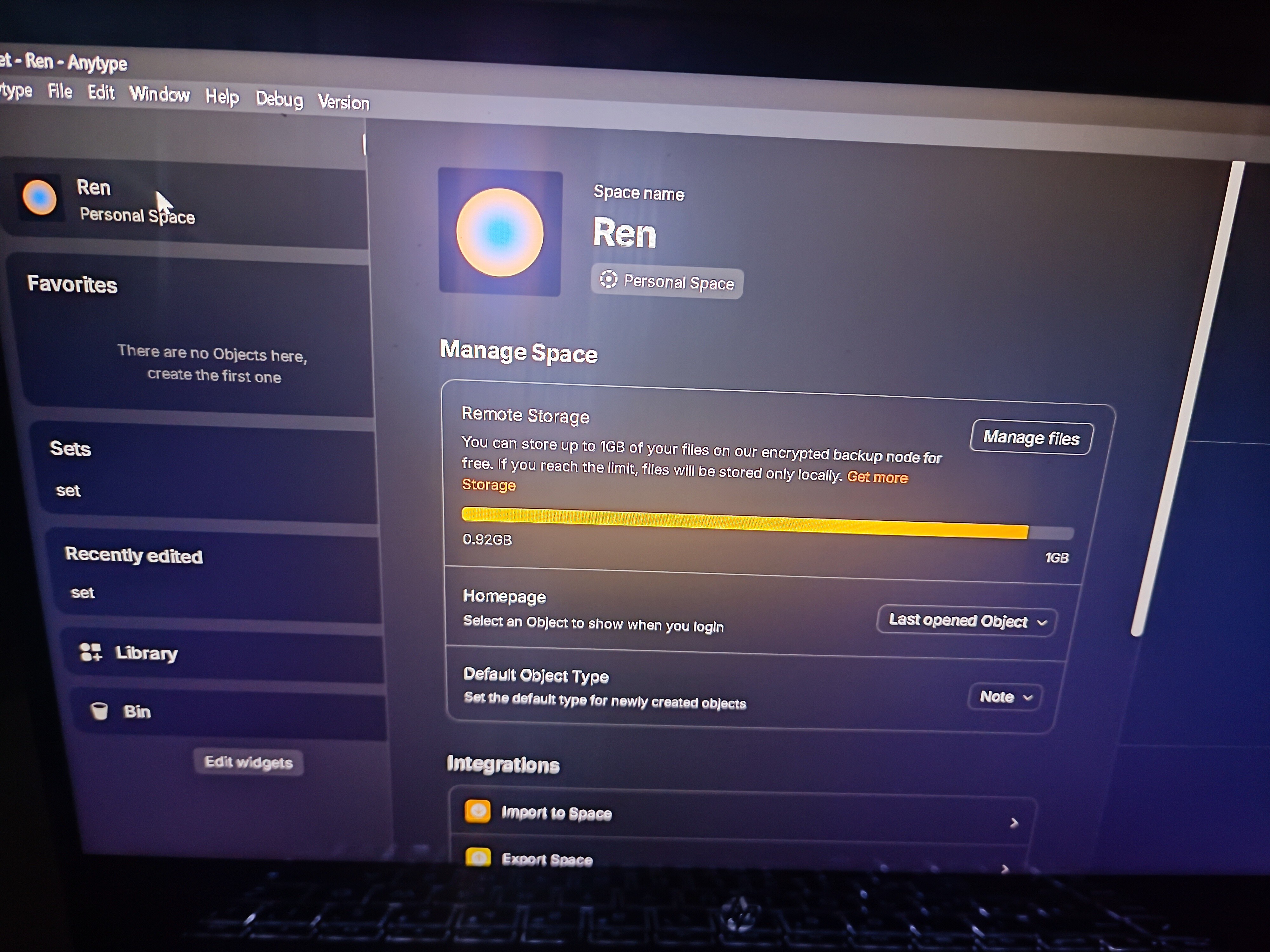
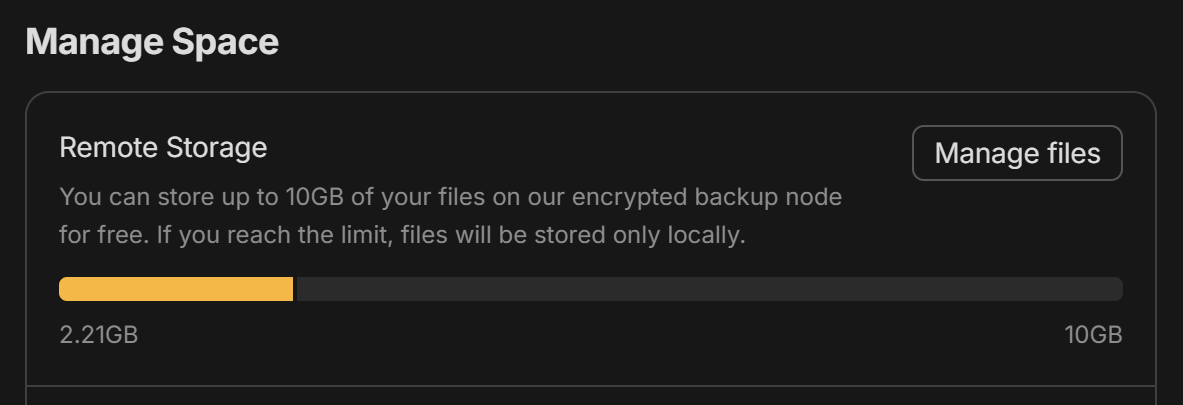
Is there a way to delete whatever is filling my remote storage or an option to just not use remote storage? Or atleast a proper way to manage what files are backed up to remote storage?
Additional Context: I had a lot of files way back Alpha, around 30gb of documents (there was no limit back then).
After upgrading to Beta, I notice that all of the files I have from Alpha was automatically of course migrated. And I notice that every time I open a file, the remote storage would increase from 0gb until it reached 10gb. I thought that was the limit until the it exceeded up to 15.84gb. I thought the reason for this is that my files from Alpha. SO I want to remove all of them since it messes up my new files that I uploaded prior to Beta, if I attached a new file from one device, I could not access it from other device. I can only access file that I uploaded from Alpha days to all of my devices.
That’s why I want to delete it or any way to manage it. Or just self-host (I’m still confused on how to set it up)
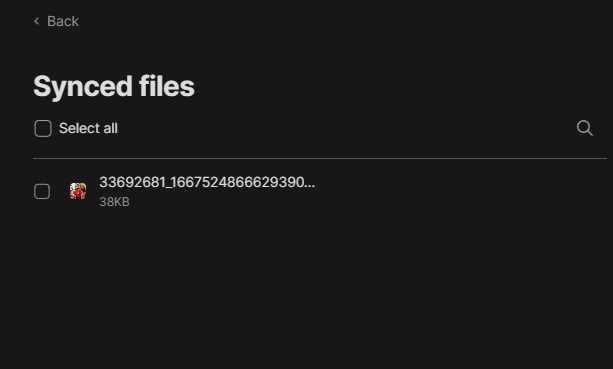
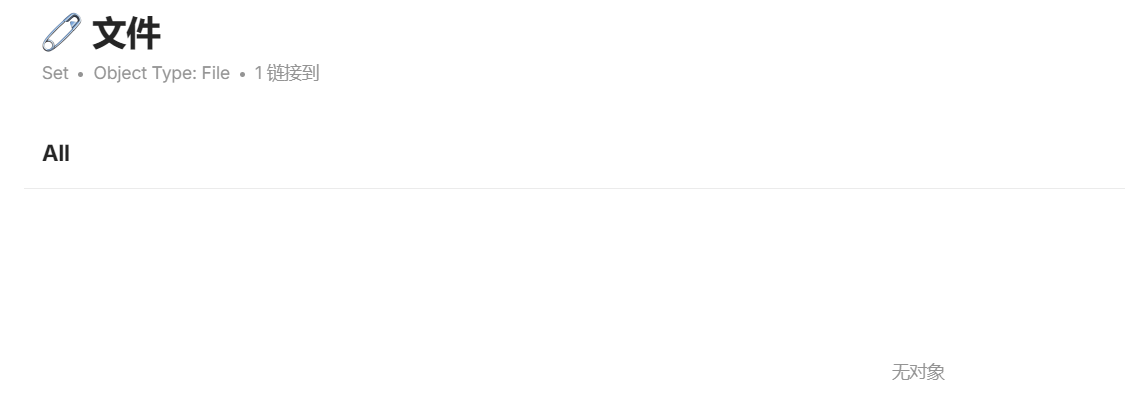
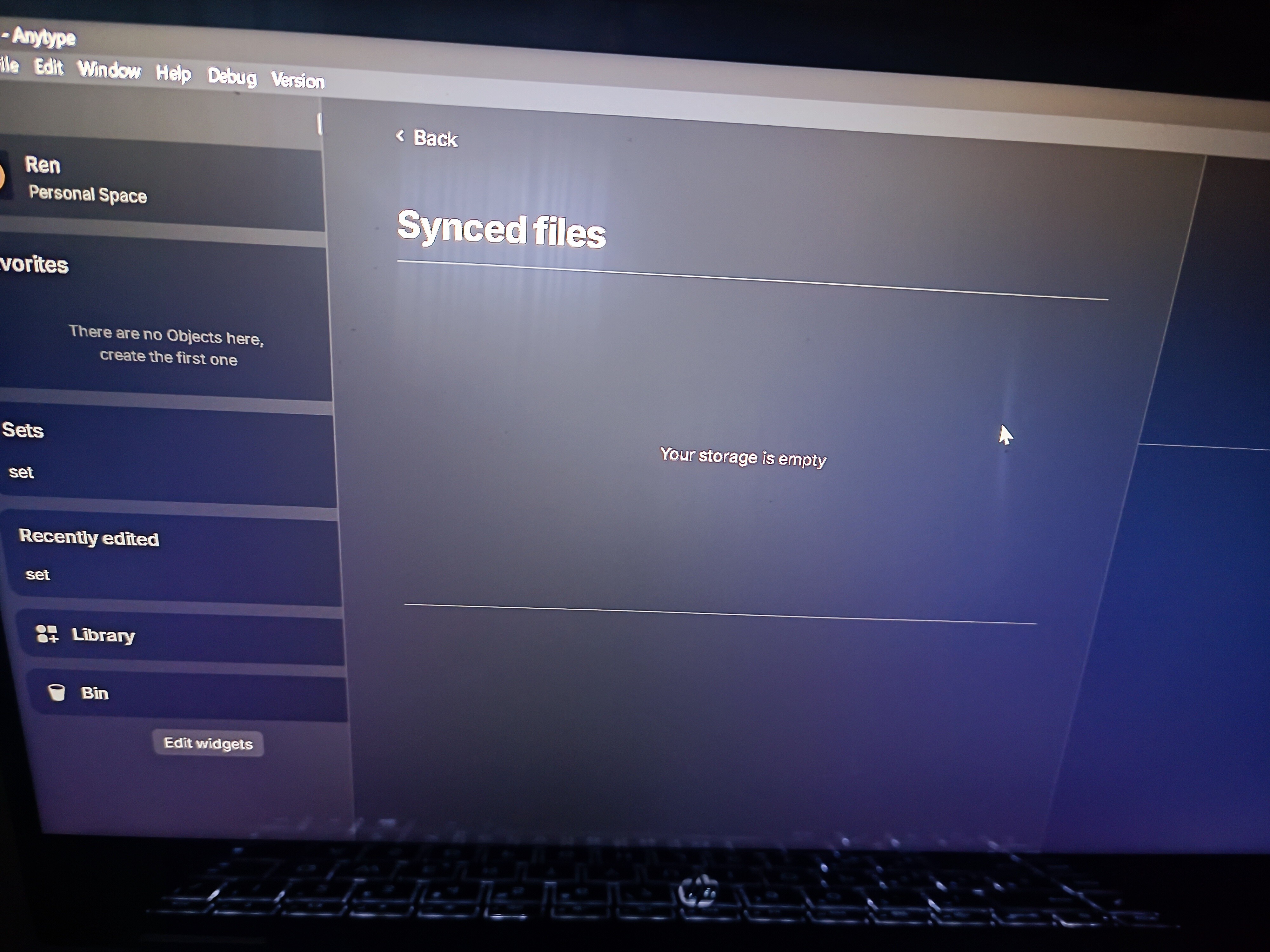
Hmm, that definitely seems like a bug. If I remember correctly, all of your files should show up in synced files. Do you have more files beside that one image?
None. I guess that image was used as the profile pic for the Human Type page.
For context, I have a lot of files way back Alpha, around 30gb of documents (there was no limit back then).
After upgrading to Beta, I notice that all of the files I have from Alpha was automatically of course migrated. And I notice that every time I open a file, the remote storage would increase from 0gb until it reached 10gb. I thought that was the limit until the it exceeded up to 15.84gb. I thought the reason for this is that my files from Alpha. SO I want to remove all of them since it messes up my new files that I uploaded prior to Beta, if I attached a new file from one device, I could not access it from other device. I can only access file that I uploaded from Alpha days to all of my devices.
That’s why I want to delete it or any way to manage it. Or just self-host (I’m still confused on how to set it up)
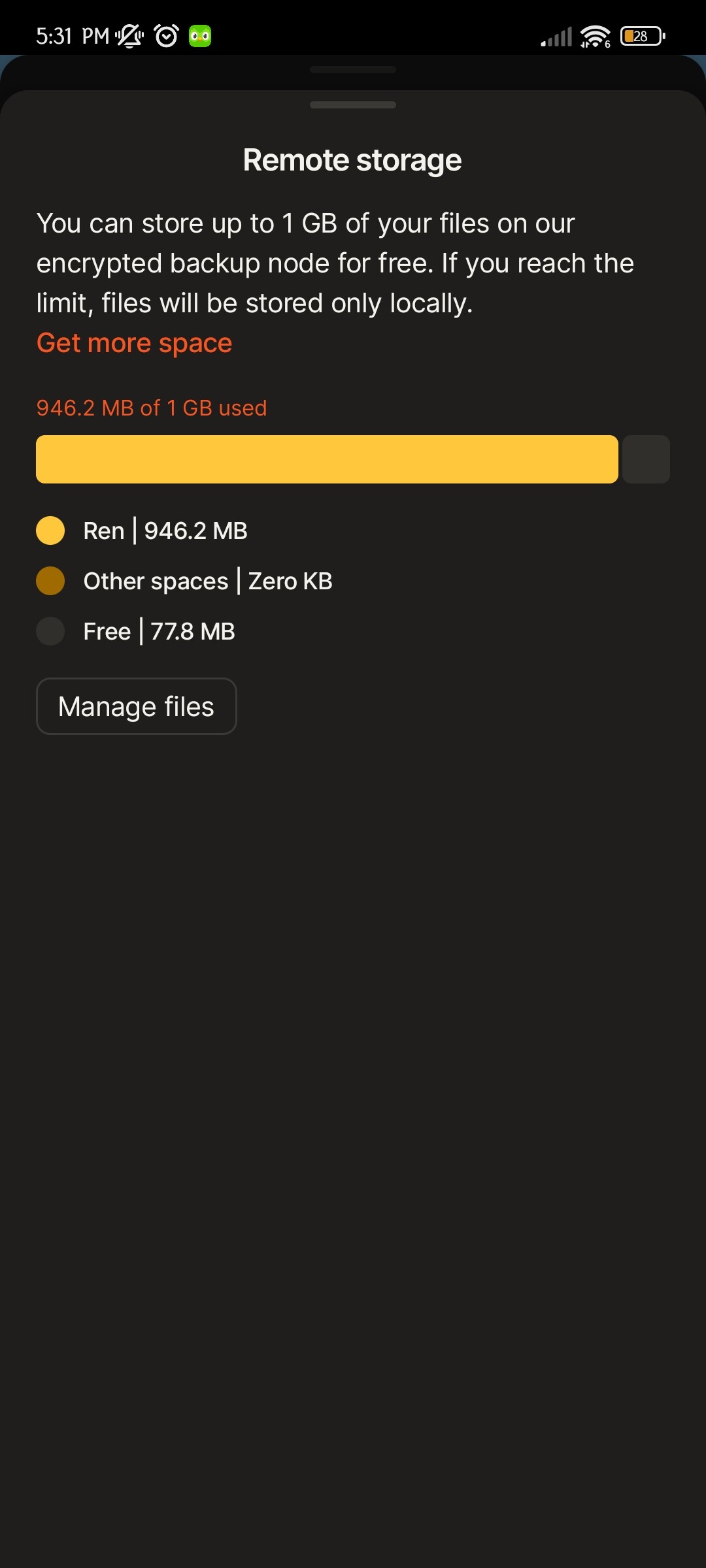
I have the same issue. I recently requested additional storage space because I had surpassed 1GB. I honestly was surprised that I had supposedly reached that amount of files in Anytype. I now have received a 10GB upgrade, so that’s great…BUT I was still suspicious of how I had managed to hit 1GB.
When I go to Manage Files and add up the size of all my synced files manually, it seems very unlikely they add up to 1GB. The files total maybe 100-150MB at most.
So, not sure where these mystery files are that are costing my synced files space
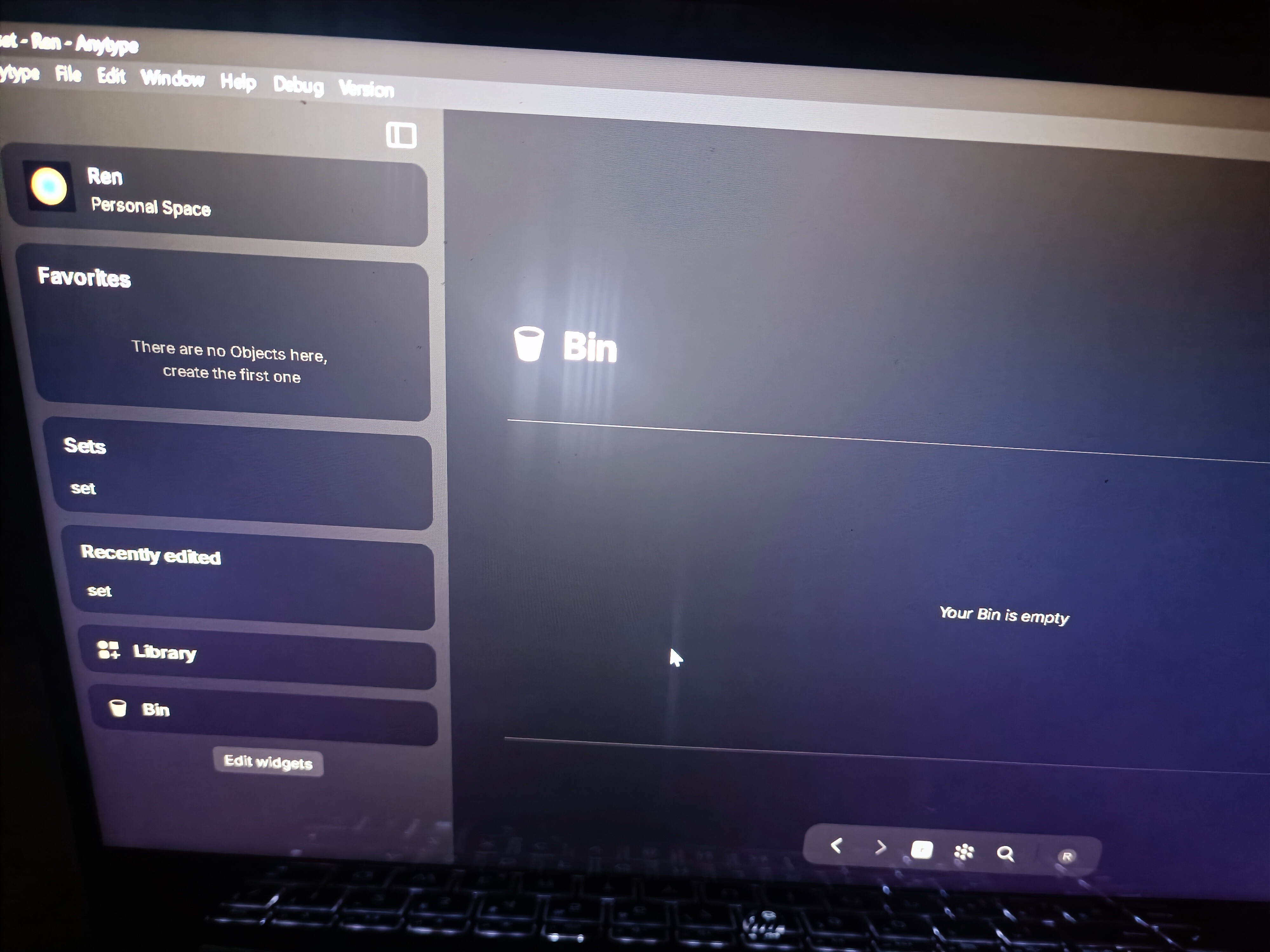
Some non-existent files are occupying my storage space, I have emptied my entire storage space and restarted anytype in order to verify that I am not overlooking some files, I made sure that my wastepaper basket is also empty, but I still don’t know what is occupying my storage space, which is very confusing to me because there is no active way to expand the size of the storage space in anytype at the moment. This is very confusing because there is no way for anytype to actively expand the size of the storage space, and the only space it has is very valuable.
How To Reproduce It
Delete all files and objects in the space and empty the Trash, then log back in
Image or Video
The Expected Behavior
I want to have a visual management of storage space, not just a progress bar, I want to know what is still occupying my space, and I want to have a one-click reset option in the application, so I can export my data, reset the space directly, and then import my data.
Device
PC
OS
Windows 10
Anytype Version
0.37.3
Technical Information
OS version: win32 x64 10.0.19045
App version: 0.37.15-beta
Build number: build on 2024-01-19 23:39:59 +0000 UTC at #e31052fa0db4ae7b78981fcd8c59016aa4cd6caf (dirty)
Library version: v0.30.11
Anytype Identity: AAuZBiviEuJaCoirUtTHZ7YQVvgXBmqPSX6sddTeJqLHEApw
Analytics ID: f09bbc46-1830-4c50-8a9f-30e1413096ce
Device ID: 12D3KooWL1pjRMFSgeBiNMeaB4jeuykvUxPozr5pPuvPZ4e8HSLQ
I confirm the bug. On a new installation, you can effectively reduce the storage to 0B by deleting all the data, but on my account from the Alpha version, there are still 12.33MB of undeletable and invisible data.
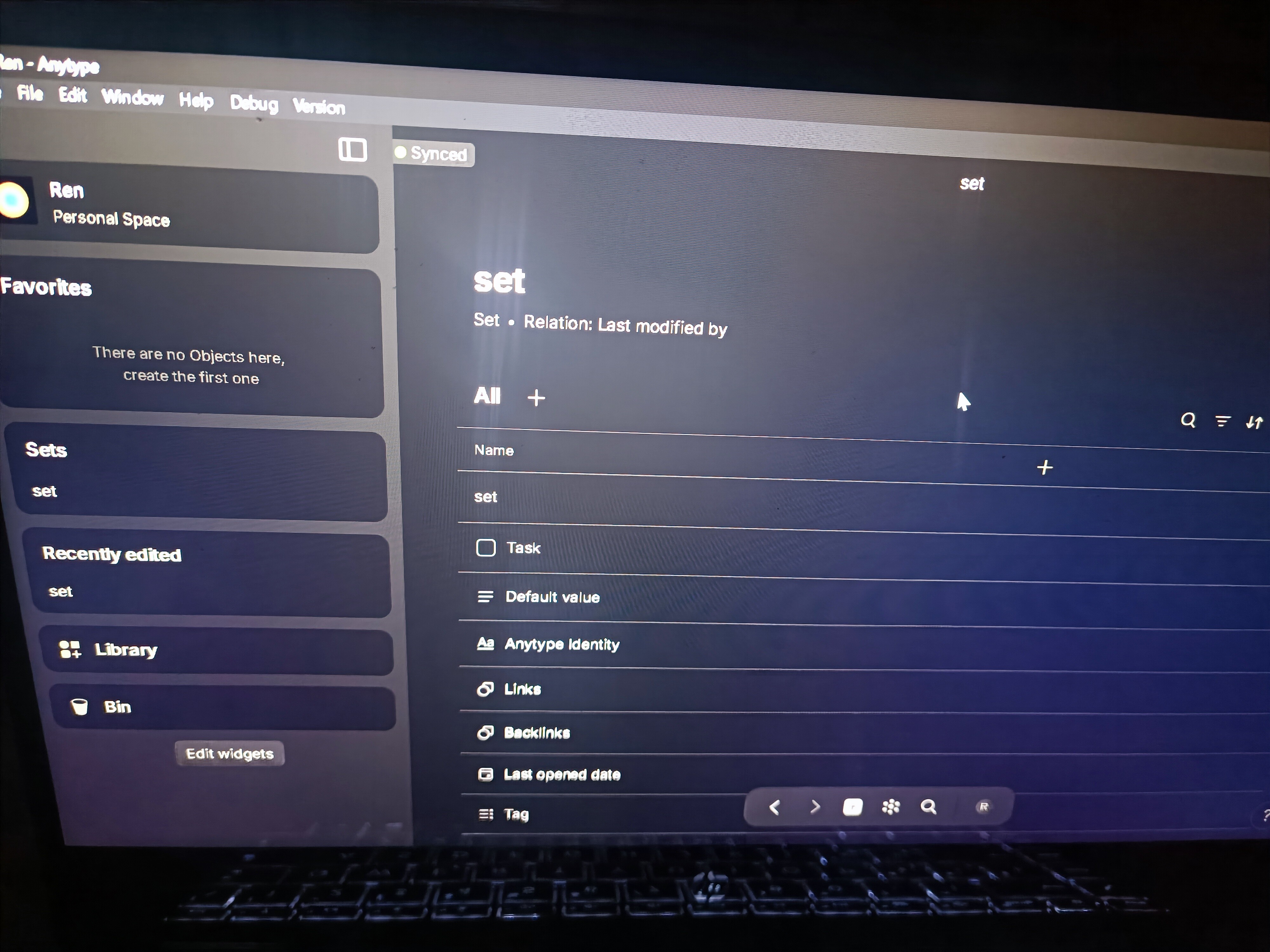
But there’s still a lot of data on your side, have you also used the Graph view to find any forgotten Objects?
ㅤ
The graph view is the closest thing to this, even if it doesn’t yet include all the data, such as Types and Relations.
ㅤ
There is a request about that, you can place one of your votes to help prioritize it.
Remote Storage is full even after deleting all files from the “Remote Storage”, “Bin” and searching for any ghost file left by using a set: query (file,video, audio,type, image etc.) & relation (last modified by & creation date, etc.) and graph.
I’ve also tried reloading, uninstalling & reinstalling, in both windows & Android devices.
I encountered this problem in my main account so I figured that perhaps it was just my account so I made this new one and tried adding files, videos etc in order to fill it, then delete them and see if it worked correctly, unfortunately it didn’t.
How To Reproduce It
Add files, videos, images etc.
Delete them
Remote Storage will still count them even after they’ve been deleted.
Do you mind trying to rename your work directory and resyncing from the backup node afterwards? There might be an issue with some of the files still staying in your local storage even though you’ve deleted it (I had a similar problem).
You would need to move one folder up, and then rename the anytype folder to something like anytypeBackup. Afterwards, just reopen the app and re-login with your recovery phrase.
If you are not comfortable with stuff like this, it’s probably better not to mess with anything.
Anytype says I have used 2.21GB of 10GB. However I think that is incorrect as there is no way I have used that much. I don’t store large files in Anytype. In the Manage files page there is only a single file with over 1MB and it shows only like 80 files.
Hey, maybe I’m wrong, but have you cleared your trash in anytype? I myself had a similar observation, because I forgot to delete the files “two times”.