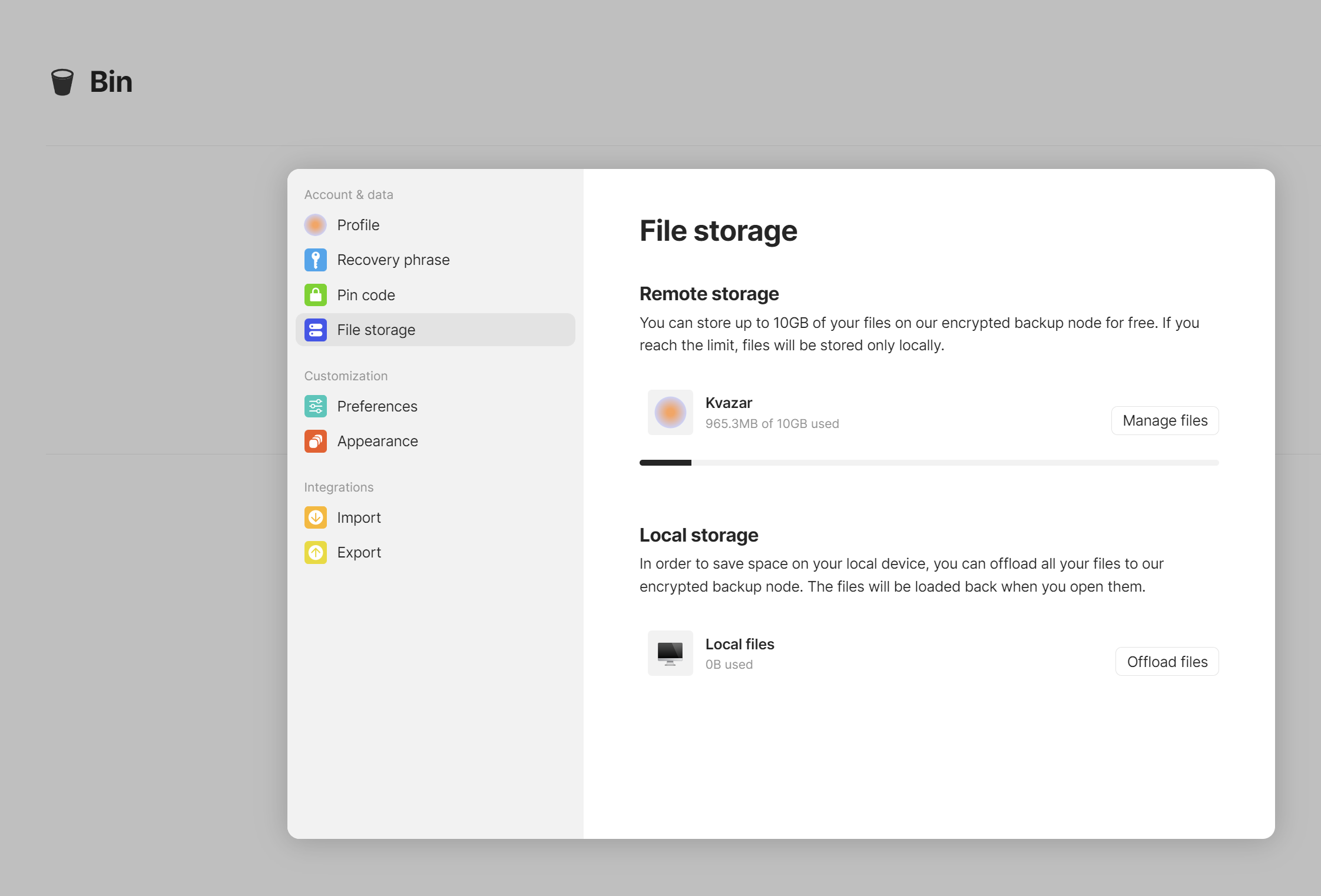
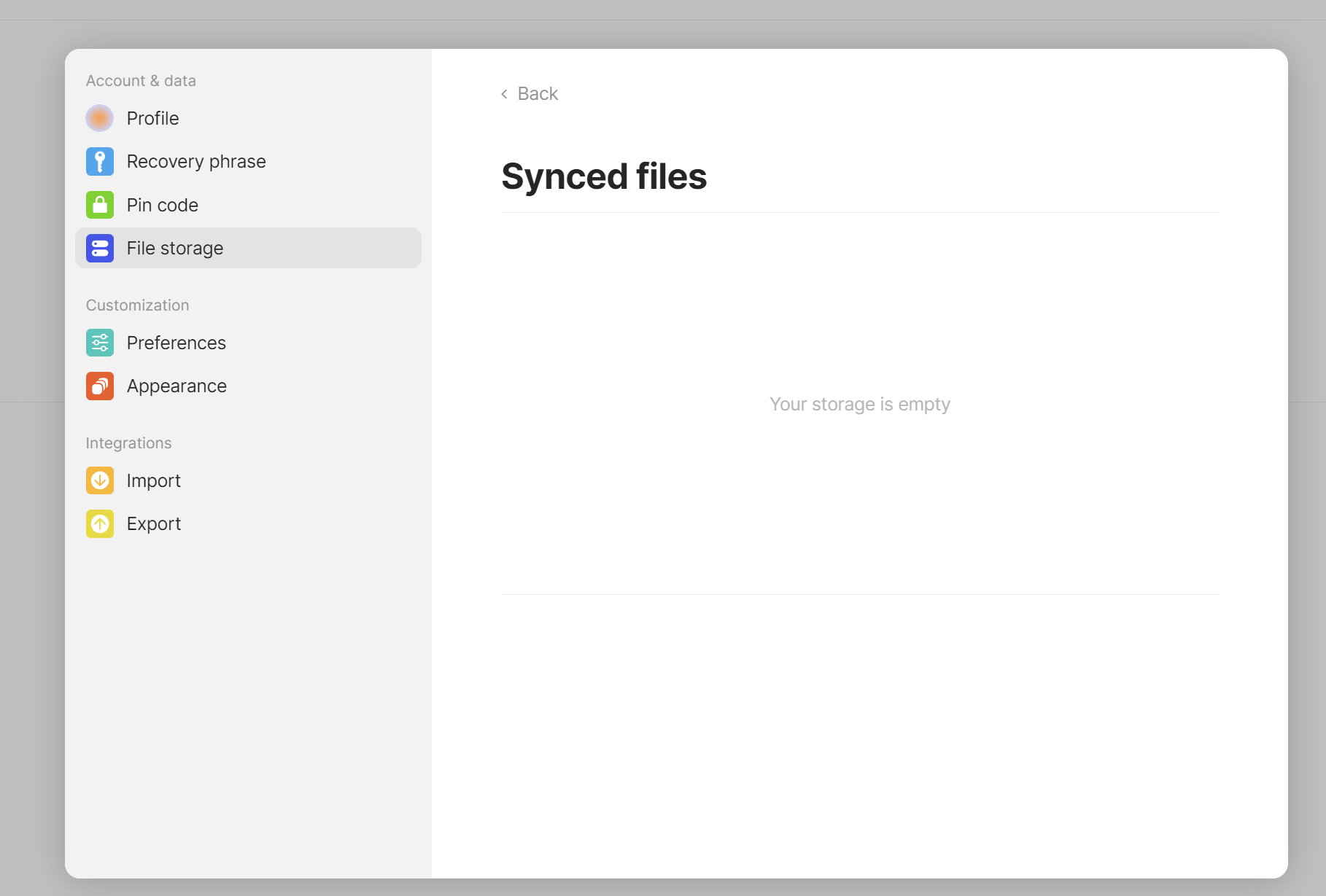
I have started to migrate my personale knowledge db to Anytype, created some objects uploaded some files, but then decided to drop everything and to start from the scratch, create sets and objects instead of simple pages copy-paste. I have deleted ALL objects and files. But File Storage tab in Settings still shows that I consume 900 MB:
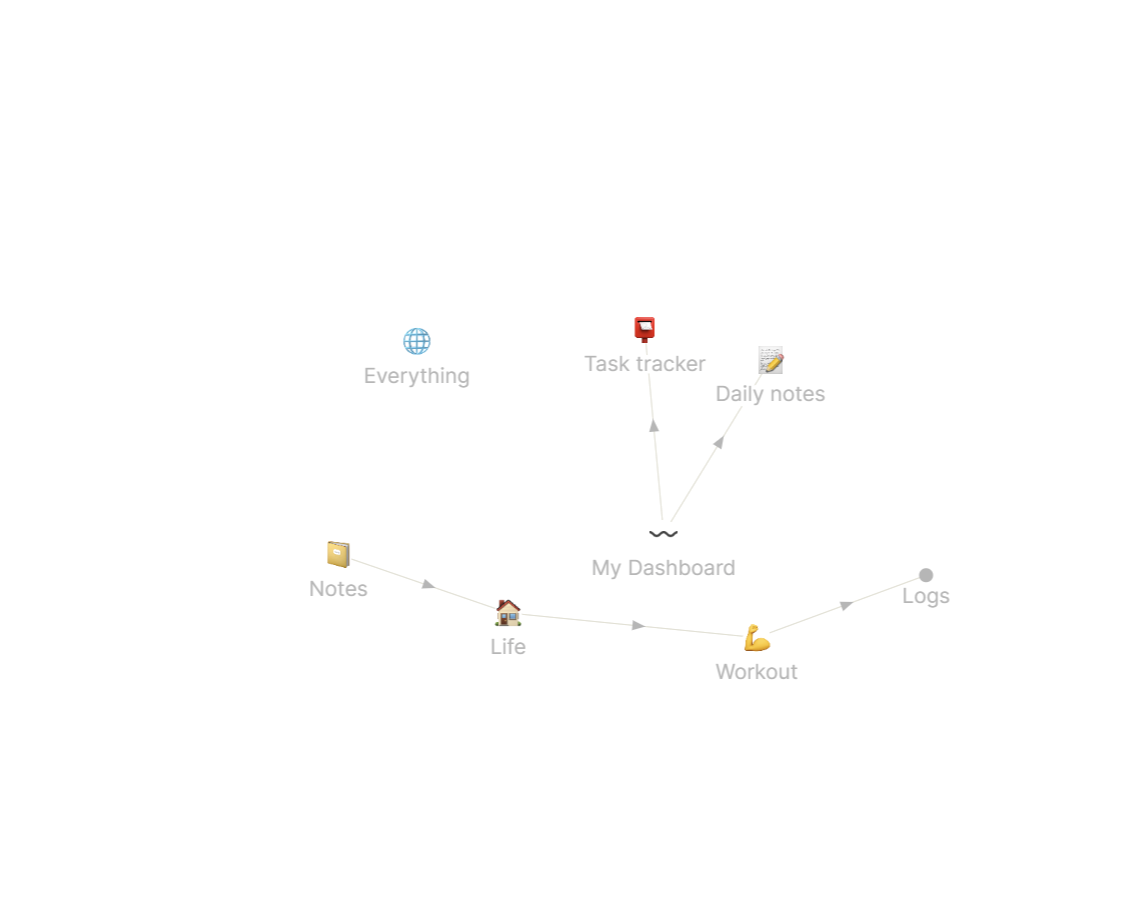
Is it possible that you have large media files stored in your space? These won’t show up in the graph. Such would be any PDFs, images, videos, audio, etc. that you might have stored in your workspace. These, I think, are the only things that really count toward the node storage since the actual Anytype objects are fairly small.
You can create a set by a relation like object type, and there all objects will show up. Not all objects show up in the graph.
A better solution would just be to create a new account and start from scratch like that.
Have you tried logging in on another device or tried clearing your data from your device to let it freshly sync from the node? It might just not be updating correctly. Try logging out and logging back in and see if that refreshes it to show correctly.
The “synced files” page was a bit buggy when first released so maybe it’s related to that, could you please share a screenshot of a set by “created time” relation?