Is your feature request related to a problem? Please describe.
A new feature which will enable key-board only operation on Anytype.
Describe the solution you’d like
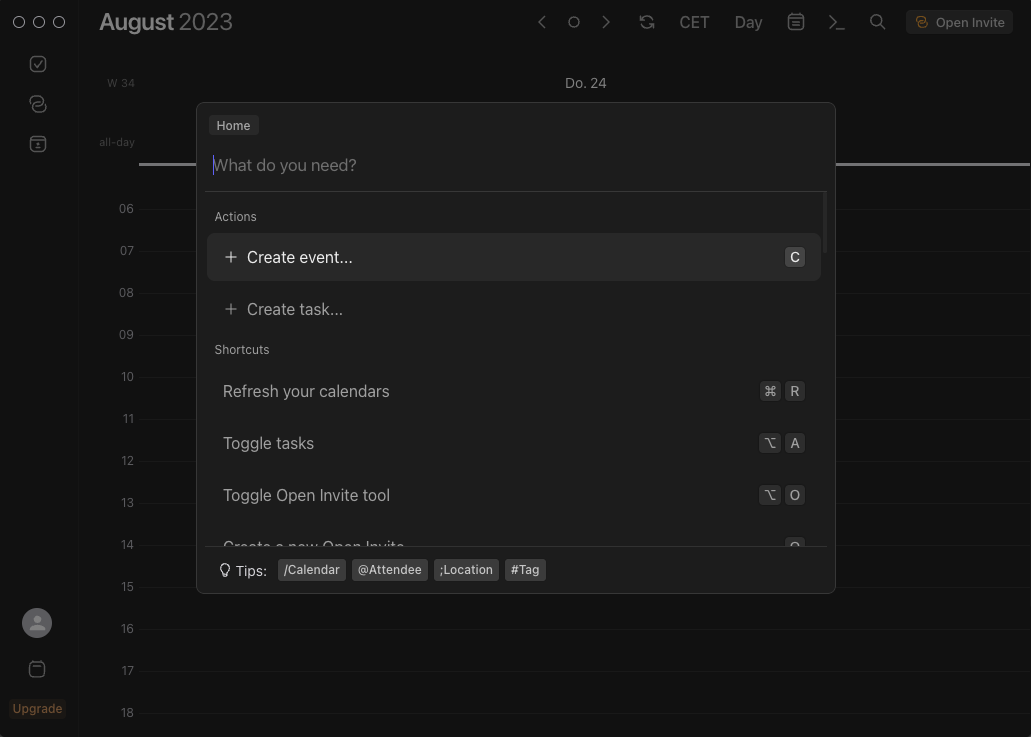
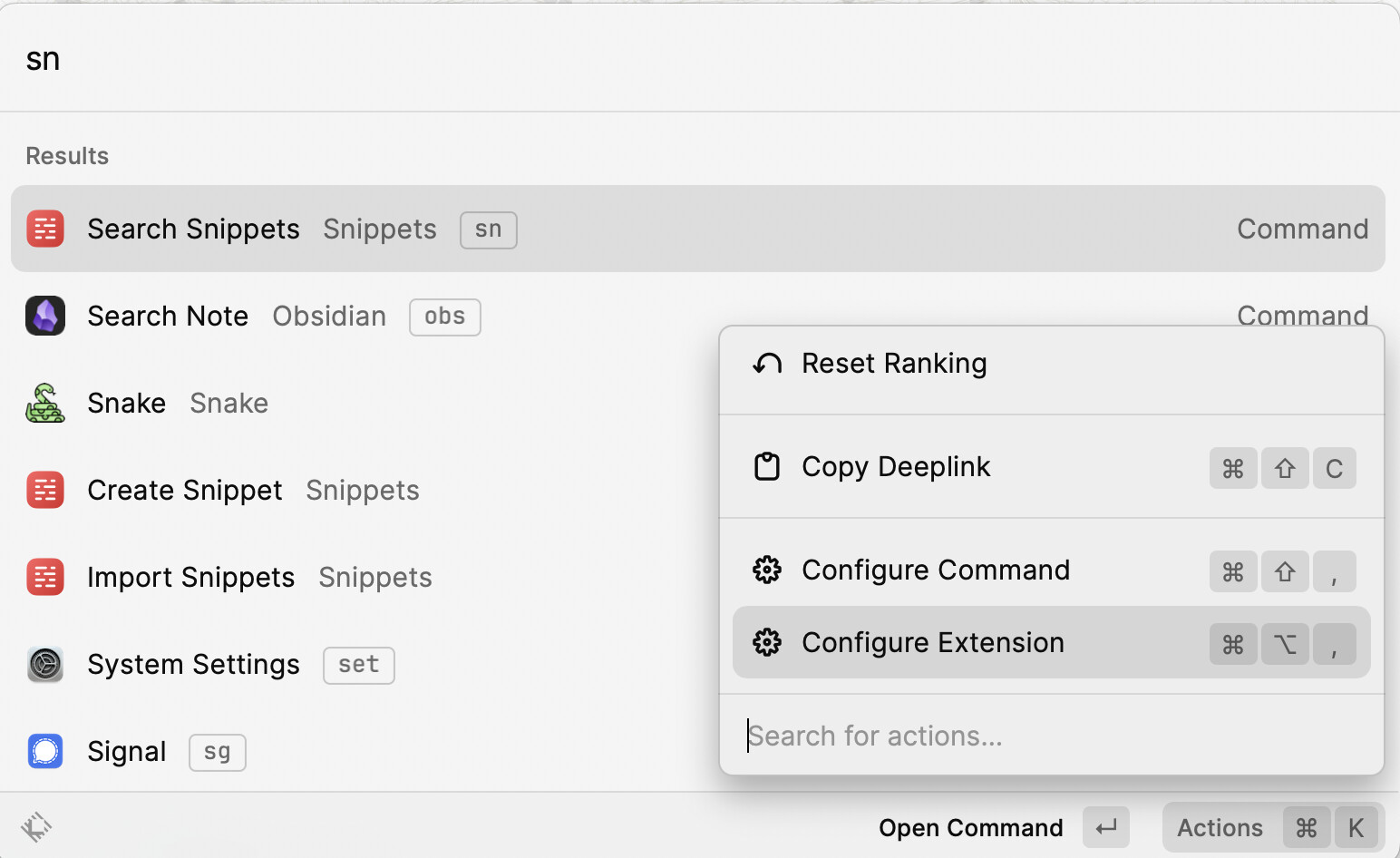
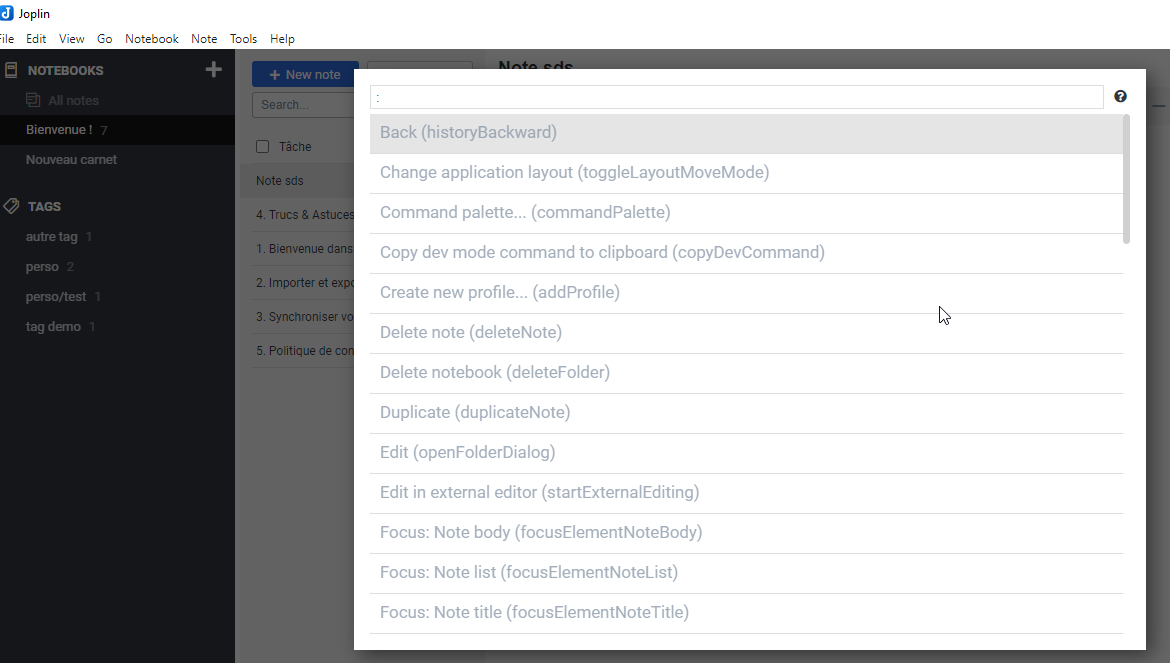
An obsidian like command palette (documented here) which enables us to access any function (create a new object of a specific type, new relationship etc. This can also be opened up so that plugin creators can implement their own function within Anytype
Describe alternatives you’ve considered
Keyboard and mouse solutions; automatic per-key macro from a third party software (not ideal)
Good news! This already exists! using the / command does bring up a wide range of commands and meets my needs. Are you looking for something beyond this?
Yep. The \ command is useful for editing blocks. I was wondering if there is interest for an obsidian like command palette where you can use to do anything? Eg. New note, navigate to section, etc…?
I’m a bit late to this, but there are indeed a few commands that can already be executed from /. In Obsidian, the / is basically just the command pallette, but in-line. Hopefully this gets implemented sooner than later since there are some stuff that you’d rather want to do outside the canvas
Oh, there are plenty of examples in Obsidian. Especially when it comes to plugins.
But a simple example: if there’s a command to create a new object (not in the canvas, just triggering the global command), you’d rather that the user doesn’t need to click on the canvas, then press /, and then find and trigger the command. This is especially a problem if there is no canvas. For instance, in sets and the home screen.
Edit: there’s been a push recently to combine the command pallete with search, a change I’m definitely a fan of
Create an omnibar to quickly access to all action :
Global action such as switching to dark/bright mode, opening the relationship library, importing any block, deleting the current space,…
Objects action like deleting it, changing current selection to (format option or actions)
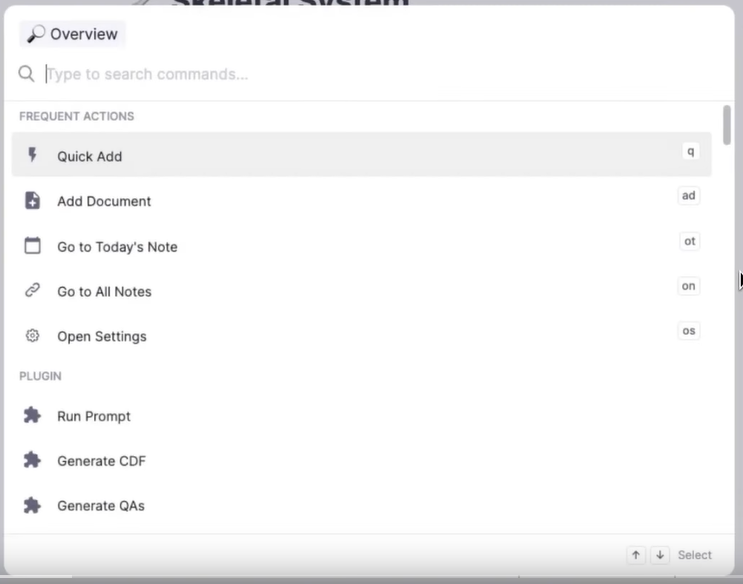
I just discover Remnote today, and its omnibar
The omnibar is the fastest way to accomplish almost anything in RemNote. You type a couple of letters or a description of what you want to do, then select the appropriate action.
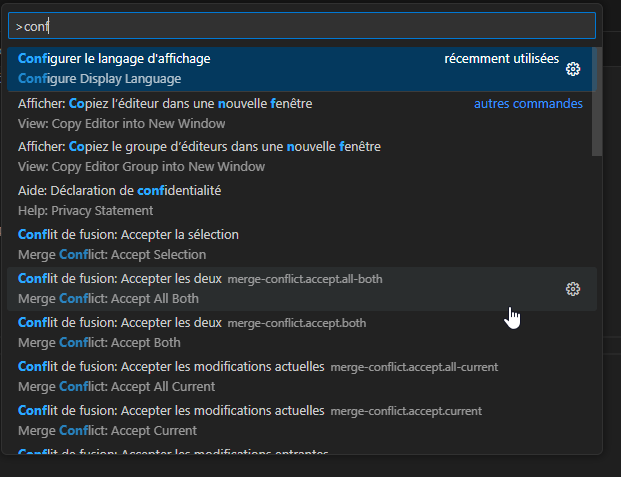
In fact, I use the Command Palette in VS Code without thinking about it, which also does the same thing: offers all possible commands directly.
The most important key combination to know is Ctrl+Shift+P, which brings up the Command Palette. From here, you have access to all of the functionality of VS Code, including keyboard shortcuts for the most common operations.
And… I want this in Anytype!
How Could It Be Done?
Add a shortcut to open a new popup
Create this new popup containing all global action and all contextual action
switch dark / bright mode, each time I have to go the the right menu (so something I open the wrong…), Clic Appearance, change the mode, close the menu window
import frequently any-block, I have to search/find the Import menu, choose Any-block
Frequently delete a space (ok, 3 clicks only)
So I sometimes say to myself “I’m too lazy to check this bug, I’ll have to search the menus again”.
If I can just open an option menu “CTRL+K”, type dark to choose Dark mode (for example) and valide, it would be so much nicer
I want to choose my selection to Title? CTRL+K, “change to Title”, validade
I want to change layout width to 100%? CTRL+K, “Set layout to 100%”
Recommended Alternatives
The search in the toobar already has “Create object” and “Add relation”, pehaps expand its operations?
Thanks team for adding some basic setting available at the search pane.
One purpose of command palette is to make everything accessible at fingertips. So users don’t need dig down the action or object list, to find the particular thing s/he wants.
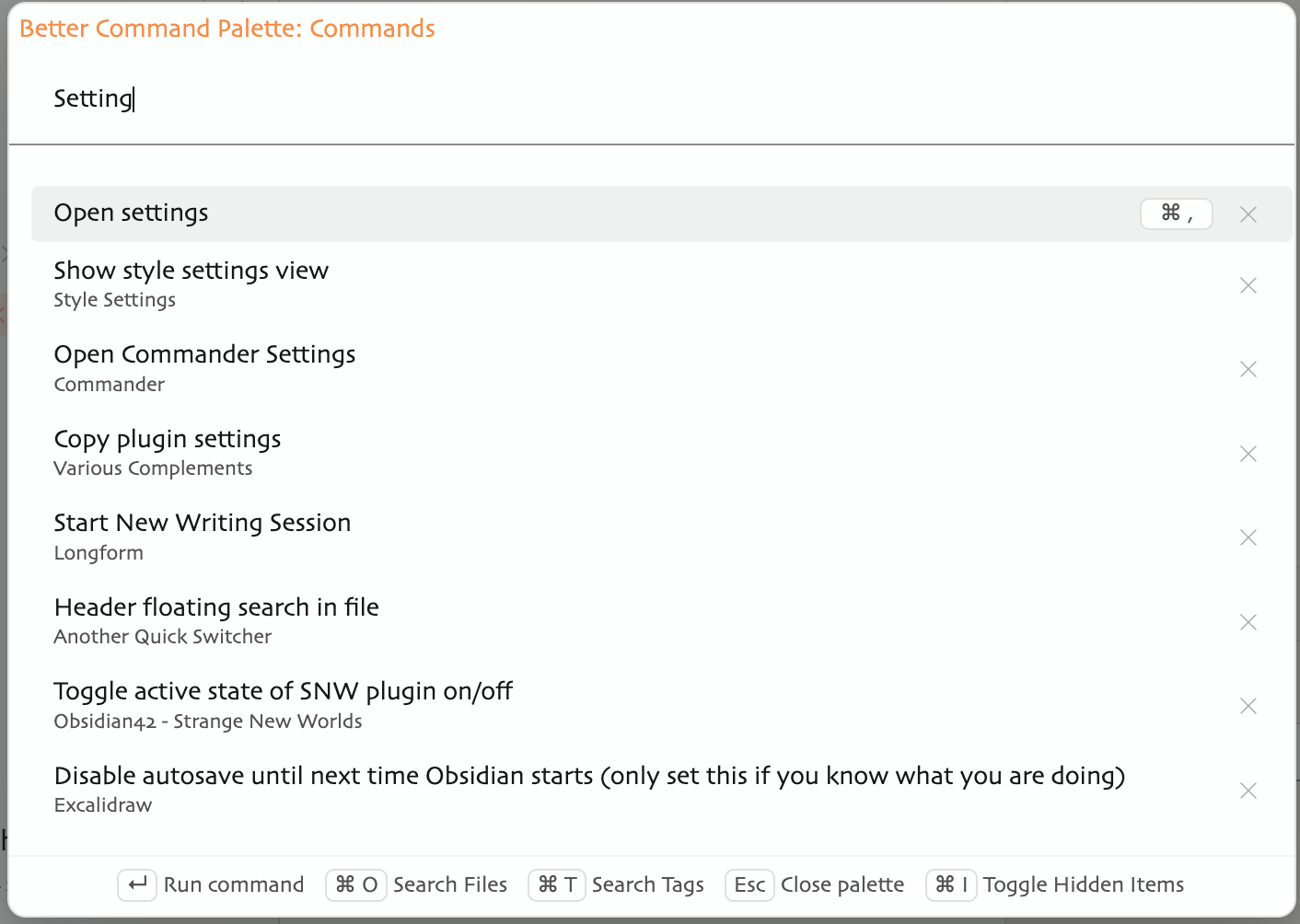
May I suggest to grouping actions vs file search, like Obsidian’s better command palette plugin and some above posts’ illustrations. For example, you can input / at quick switcher for file search.
Since the function of the current search pane is prioritised to searching objects, maybe add a function for quick reaching for setting action. Cmd+S then type “Setting” or a reasonable symbol.
To maintain Anytype’s non-coding friendly design, maybe consider making function indicators or tips bar (in above post 8) as clickable buttons. What I mean by function indicators is the bottom row in the below illustration.
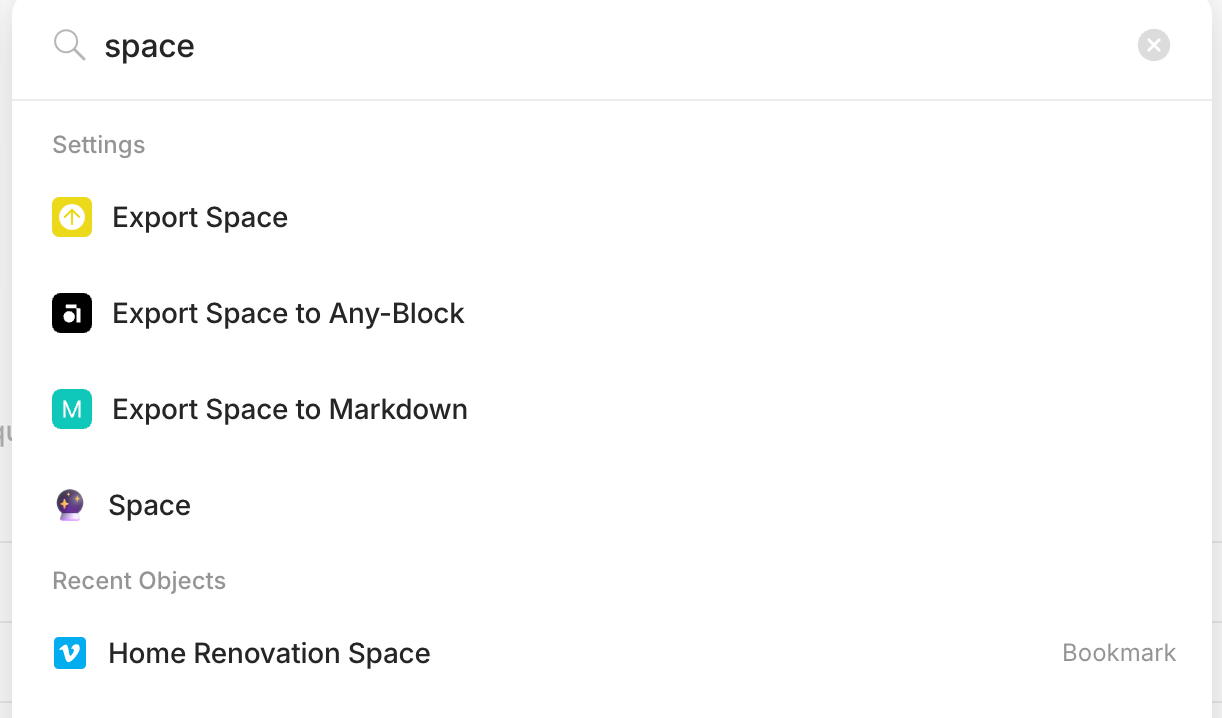
This would create quicker access to all objects that has a name that is similar to setting actions.
Like this scenario: when I want to reach an object with Space in the name, I would need to reach further down the options to access the object, despite it being the first option in recent objects.