Anytype works differently from Evernote, so you need to rethink your organization. As long as the data is properly imported (don’t forget Anytype’s few limitations, for example on tables), everything’s fine, so all you have to do is play around with it to create an environment that suits you. This is the case for notebooks (names, nesting), which Evernote unfortunately doesn’t export anyway.
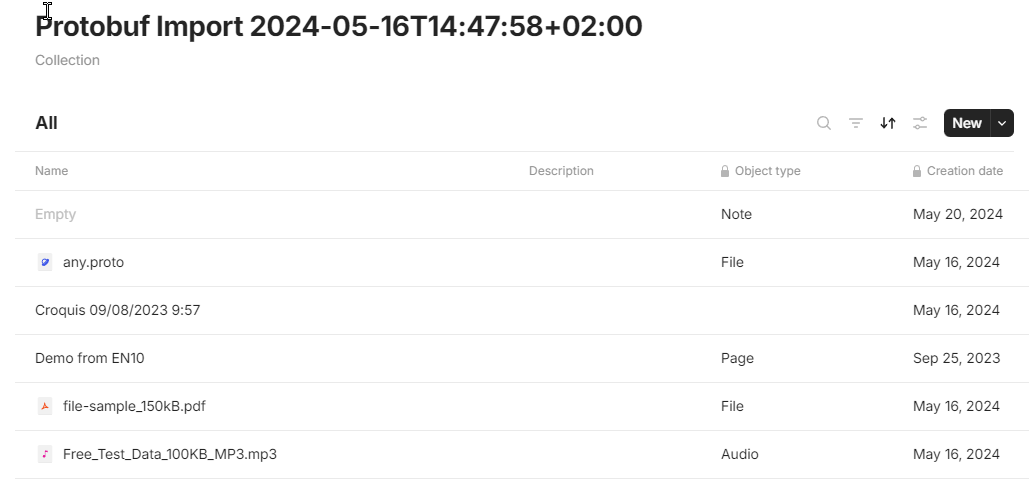
Anytype imports into a time-stamped collection (which I personally hate).
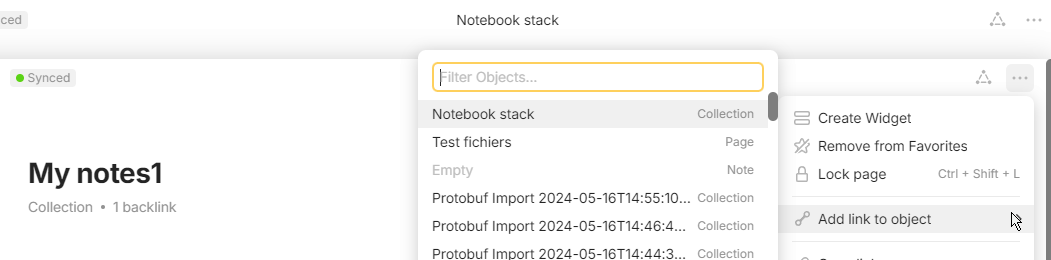
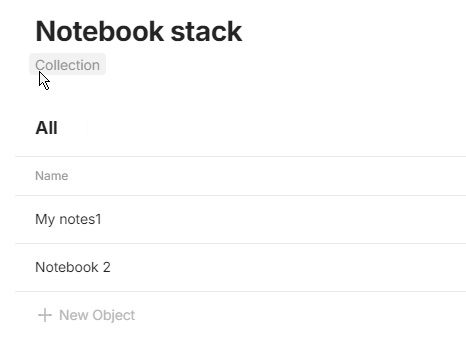
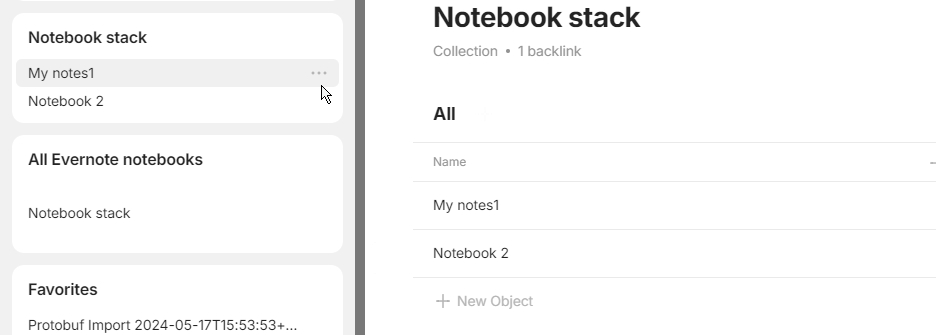
If you want exact same thing than Evernote, Evernote has “Notebooks” > “Notebook stack” > “My notebook”… yes, another level of nesting is needed, a “Notebooks” collection needs to be remade and the manipulation redone to put in what you want.
But Anytype can’t display nested collection in the menu
Edit : Oh, you can do it with simple page. I’ll update later
Don’t hesitate to test to find out what suits you best!
I’ll make a separate post for “recreating Evernote in Anytype”, so it’ll be more visible than here.
And don’t hesitate to point out what’s missing to make Anytype as efficient as Evernote, or to vote for the proposals that interest you! There seem to be quite a few users migrating, but very few participating (compared to Notion users).