Hello there! 
This is my first post on the forum, so I want to give special thanks and appreciation to all the people involved in this product and wish you much success in the future!
I’ve been using Anytype for over a year now (mostly on macos desktop) and in that time I’ve compiled a list of things that I find missing in the app, or that don’t work properly. By now, this list consists of an enormous 26 items, which I won’t risk dividing into 26 separate forum posts, but will try to put them here and group them into different categories.
Before publishing, I made an additional check of all the items on the list on the latest version 0.41.1.
So let’s begin.
Feature Requests
Desktop
-
Add (or adjust, if it already exists) breakpoints in the page layout. Currently, on narrow screens (or when we make the Anytype window narrow ourselves), there is no space left for content. If there were breakpoints, the content would automatically stretch to the full width of the page upon reaching a certain threshold.
-
Float layout width setting/slider on top of page while scrolling
When clicking “set layout width,” a special control element appears for adjusting it. However, if the screen scroll is not at the very top at that moment, we won’t see this element and might think nothing happened. I suggest automatically scrolling the screen to the top at this moment. -
Add Copy-Paste Function To Right Click Menu
If I want to paste copied material as plain text, i.e., without formatting, I can’t because there is no context menu when right-clicking. Yes, there’s Ctrl + Shift + V, but I can’t always use the keyboard: for instance, this combination might be occupied by the global clipboard, as in my case. I would like to see either a pop-up with options for pasting and pasting without formatting or some other implementation of your choice. -
Continuing from point 3. If I want to paste plain text into a Callout using Ctrl + Shift + V, the existing Callout will be completely replaced by the text instead of putting that text inside itself.
By the way, if the pasted text contains formatting (or consists of more than one line), when trying to paste it into a Callout, it completely replaces the Callout. -
The appearance of the sidebar is sometimes too intrusive (when it is not in fixed mode). Perhaps it could be implemented to appear depending on the “strength” of the cursor’s presence (if the user lingers in the left part of the window, it means they want to see the sidebar). If the cursor accidentally moves there, nothing should happen.
-
The global search window (Cmd + S) appears in the center of the content container, not the entire application, giving the impression that it will search for something related to the current page. I think it would be more appropriate to center it relative to the entire application, regardless of the sidebar.
-
We need a keyboard shortcut to create a new row in a table without clicking the mouse, maybe just Enter? And if the user didn’t intend to create a new row, they can simply press Ctrl + Z. Because Tab works as expected for switching between columns.
-
I don’t know how complex and feasible this is for an Electron app, but I realized that I miss the functionality of touchpad swipes for navigating pages “forward/backward” (talking about MacBook).
-
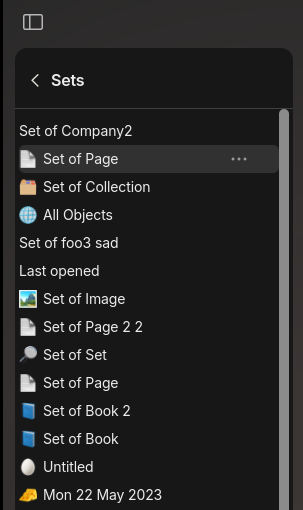
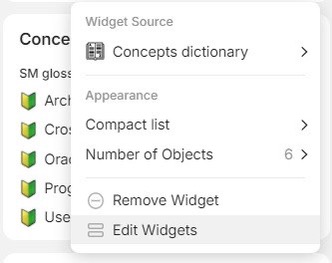
In the Set widget, items are displayed in lexicographic order. It would be nice to have the ability to change this behavior, for example, to display the most recently added items of this type.
-
Allow the use of the .ico format for object icons.
-
Make standard color gradients in backgrounds adaptive to the application theme (because white on black sometimes looks harsh on the eyes).
-
Add the ability to filter emojis in languages other than English.
-
I suggest applying search query filtering to the recently used emojis in the emoji list as well. Because right now, they stay and it’s confusing.
Mobiles
- On the bottom island, I would like to see a thumbnail of the space to understand what space I am currently in. This might not be necessary for the desktop version (although when the sidebar is collapsed, it becomes unclear), but for mobile apps it’s a must-have. Perhaps the account avatar isn’t even needed there and could be replaced with the space avatar if space is limited.
Initially, this issue also applied to the desktop, but from the highlights of the last Town Hall, I learned about plans to add a new new panel for spaces on the left side (like Discord), so I am leaving this feature request only for mobile apps now.
Core
-
Ability to copy Types with all Relations to other Spaces.
-
Ability to create my own Block Types. For example, creating a new block type for rendering PUML diagrams.
-
Ability to limit the scope of a relation
There is a built-in Category relation (multi-select). Its values are shared between all types using this relation. However, “Category” is a frequently encountered concept in different domains, but its values are different. Ideally, it would be better if different types did not see Category values of other types. Otherwise, we’ll have to create many clones of this relation, differing only by prefixes (Bookmark Category, Project Category, etc.). -
Templates for Callouts. A template is a combination of emoji, background, and some predefined text.
-
Maybe it would be possible to implement a feature to hide specific connections in graph view mode? Yes, it’s a bit of a hack, but it can sometimes be useful when you don’t want to display a particular connection in graph view mode. In the graph itself, you could add a toggle to show hidden connections.
-
I would really like an image compression feature when adding them to the database. Photos from phones are usually large and such high detail is not always needed. It would be nice to have a slider and a preview with compression quality.
-
Allow setting a background under object avatars. Because if it’s a PNG avatar with a transparent background, it can blend with the page background. An optional color fill could solve this problem.
Bugs
Desktop
-
Sidebar widgets reload from scratch when moving from page to graph view and back again, causing a flickering effect (maybe not all widgets, but I observed this with the favorites widget).
-
I can’t properly record math operations with multiplication. If I place a second asterisk in a line, this part becomes italicized and the multiplication symbol disappears! I would at least like to have the option to press Ctrl + Z to keep the asterisks but not apply formatting anymore. This is placed in the Desktop category but is also valid for mobile apps.
-
Text alignment chosen for the entire row is not inherited by the newly inserted column. For example, if we chose center alignment both horizontally and vertically and then decided to add a new column, the alignment for this column will be standard (top left corner).
-
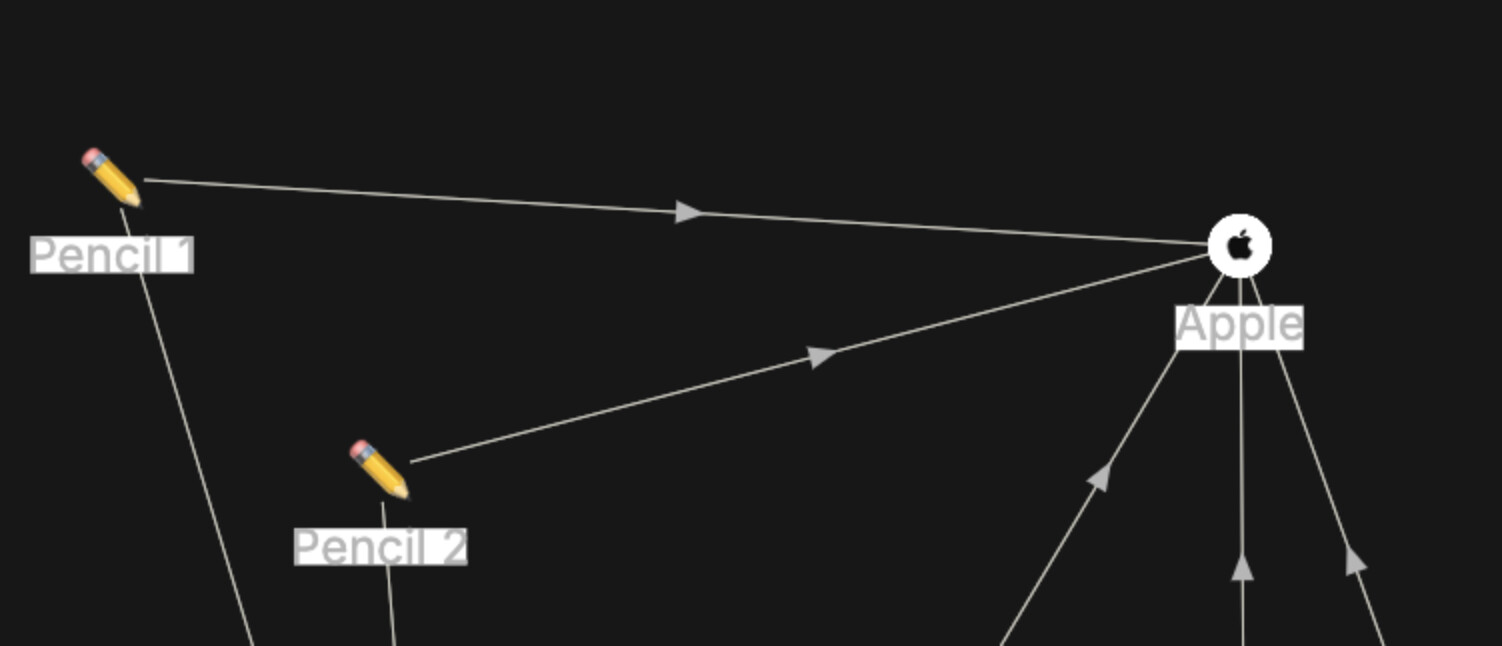
When the system theme switches automatically, the graph does not fully update, and the labels and connection names remain in the light theme.
Mobiles
- In the latest version on iPad, I managed to move a page link (when it’s in the form of a card) into itself (by holding the preview, moving it up and down, stopping over the same preview, and releasing). If the page link is in text form, this doesn’t happen.