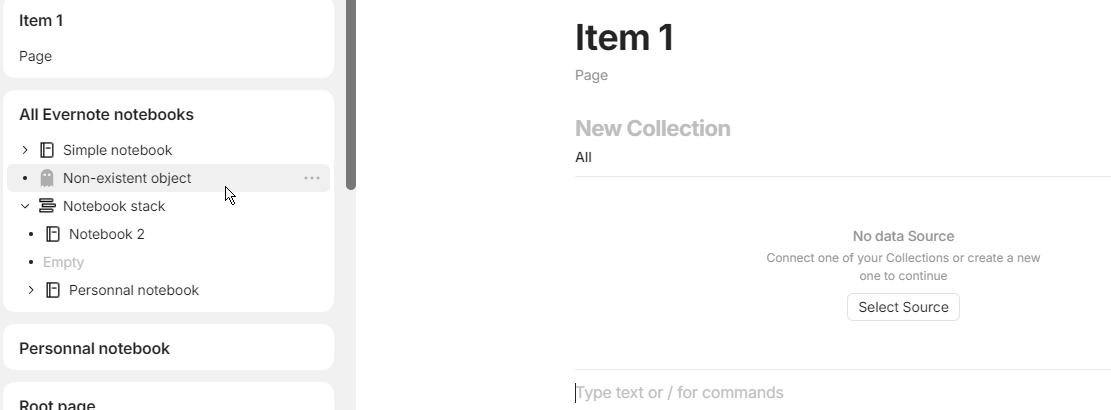
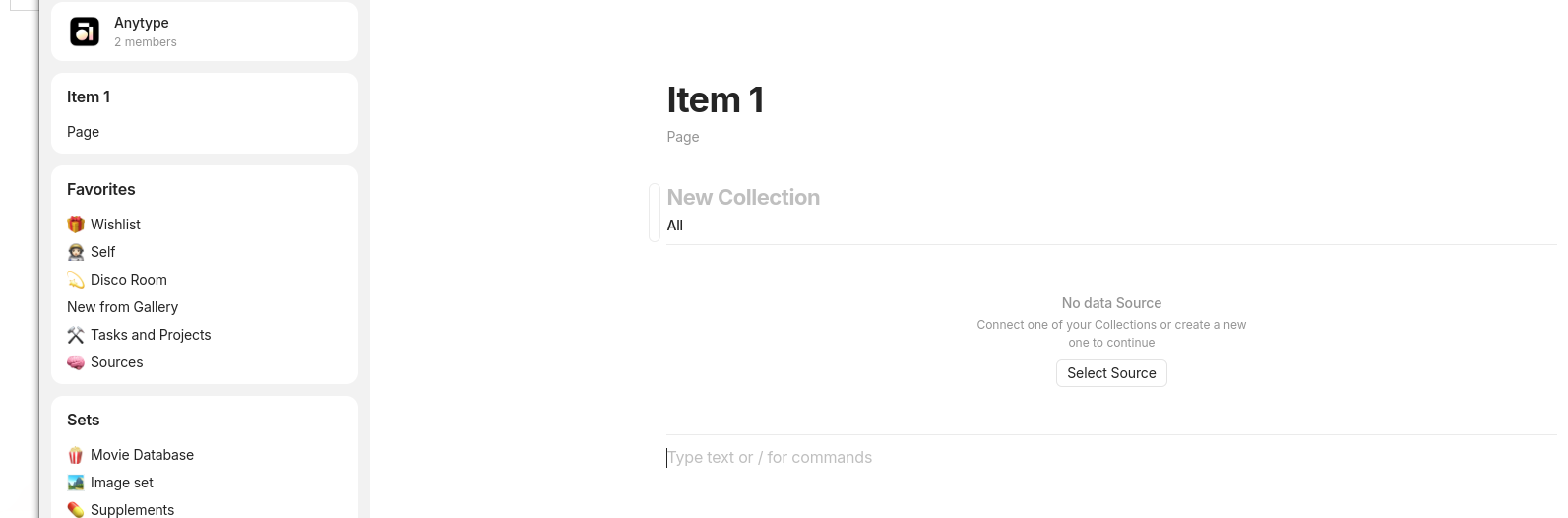
Transform a collection into a page doesn’t keep correctly object in this collection : it’s always linked to the page but not visible
How To Reproduce It
Create a collection “Item 1”
Create an object page “Page” in this collection
Add Item 1 as a widget
Transform collection to page type
Observe : you have now an empty collection in Item1 and nothing else BUT in the widget you always have “Page”
The Expected Behavior
When you transform a collection into a page, several possibilities:
Either the collection becomes an inline collection while retaining all the objects it contains (currently, an inline collection appears, but it is empty!) → pehaps an oversight in modifying the links?
Or all objects must be moved to the page : they’re already linked but not diplayed
Additional Context
Bug detected here :
In this case, I have ghost object : if I delete it, it keep in the menu. If I “remove permanently”, I’ve “Non existent objet”… but I cannot reproduce.
Your instructions are a bit unclear. I’ve reproduce your issue from the How To Reproduce It section, but I’m not really sure how the part in Additional Context is related.
At first I opened the bug for these deleted objects, but I couldn’t reproduce it, I must be missing a step.
So I think it’s related: a problem appears when you transform a collection into a page.
The most visible one is the one described.
And in some cases (which I’ll complete if I can reproduce it) deleted objects also appear. If it’s related, correcting the point described will correct the one described in “Additional Context”
 .
.