I’d also expect (most) edit operations to work as much as possible as one would expect from a traditional text editor (whenever possible/desirable, of course).
For example, maybe hitting ENTER should delete the partial text from both blocks accordingly (and place cursor in a new block between the existing blocks). Hitting DEL could delete the selected text, and merge the bottom block with the top one (maybe SHIFT+DEL could keep the blocks and just delete the text).
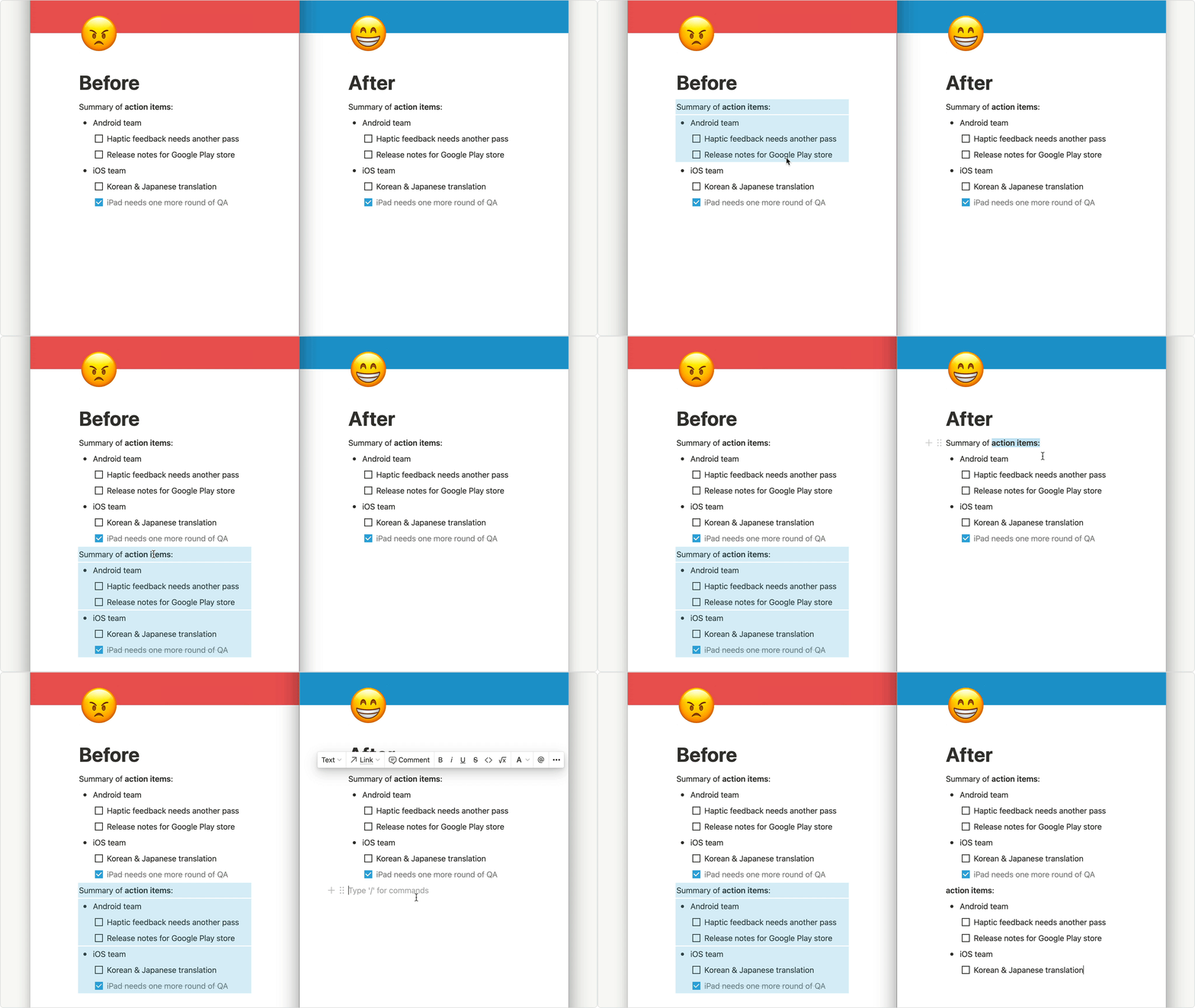
It’s now possible in Notion.so and the function is more than useful, so I hope to see it one day in Anytype.
ㅤ
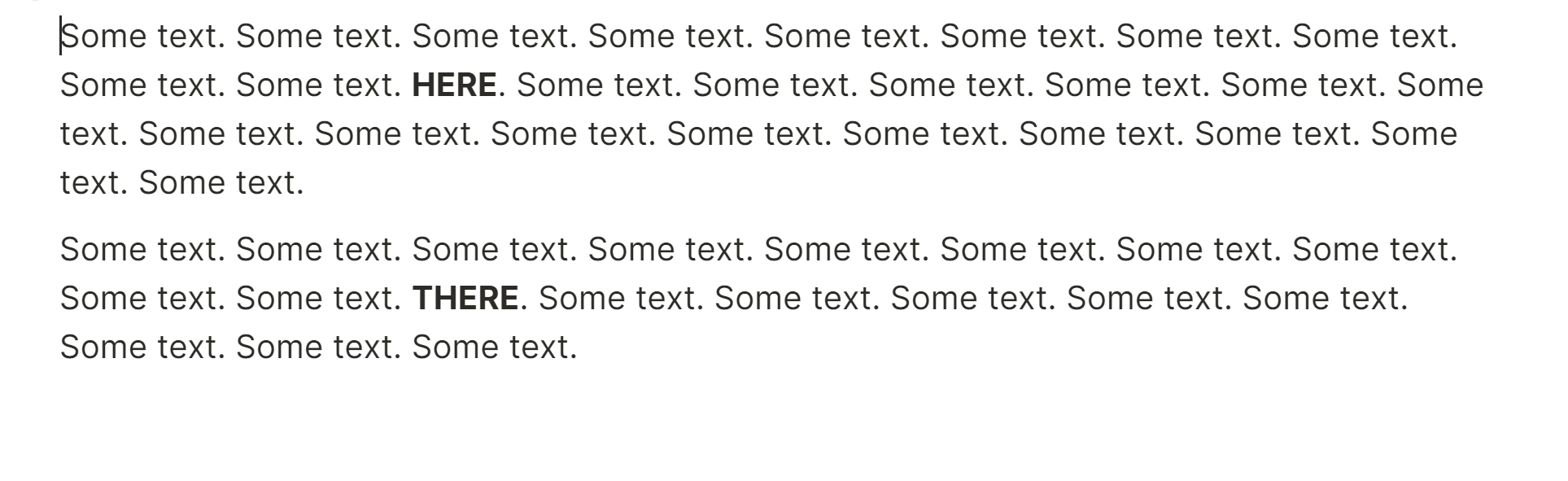
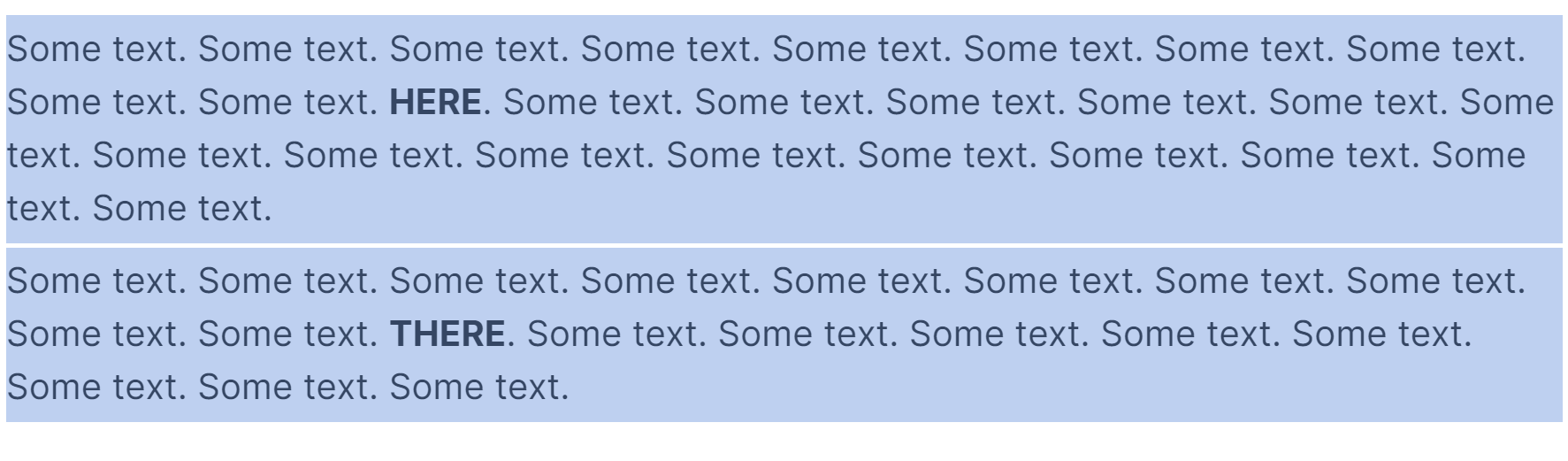
Click & drag to select, cut, copy & paste partial text across paragraphs, bullet lists, callouts & more without having to select each block in its entirety.
Good to know! Thanks for sharing this. Hopefully it’s a sign this is indeed a desirable feature for users.
As much as I’m excited about all the advanced features in Anytype, the most important thing for me will always be the writing/editing (an data entry) process. Since this is what I’ll be doing most of the time, it needs to be as quick and efficient as possible.
Agreed! The reason I think it took so long for Notion to implement this is that it’s a bit challenging to determine when “block behavior” or “text behavior” should take priority. So I believe you might be interested in this suggestion I had, which would be one way to achieve this selection behavior, and (in my view) overall better writing experience, without the devs having to try to guess/intuit user intent.
This request raises a big questions on the nature of block based editors and how people interact with such software. But we definitely will ponder on this great riddle.
Give the ability to copy text from all blocks at the same time.
HOW COULD IT BE DONE
Now copying text to Android is possible only within one block, or by selecting entire blocks, which is not convenient. I propose to make the selection function not restricted to blocks.
For example, you need to copy part of the text of your note quickly. You simply select the desired fragment and press copy. This is a classic feature of any editor.
Copied a lot of text from different sources into Anytype to later copy everything at once but now I’m ending up selecting a couple of hundred blocks one by one : D Definitely need this one here!
Overwrite multiple consecutive blocks by selecting them and typing
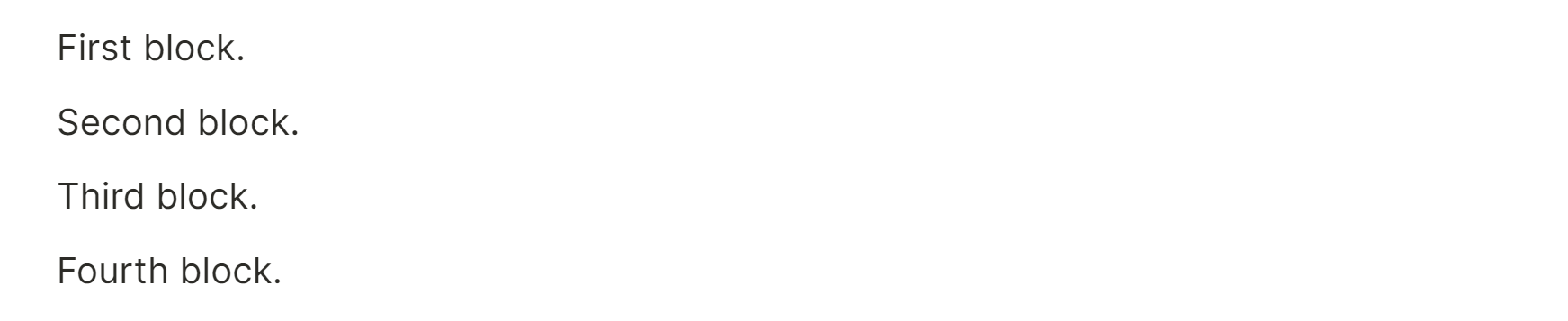
I’d like to be able to overwrite a few consecutive blocks by just selecting them and typing (essentially working as if I pressed DEL, ENTER before starting to type).
For example, let’s say I want to delete the 2 middle blocks below and write something else in place:
@qualquertipo I’ve merged your other request with this one since I don’t see the other one being implemented before this one is, and it will also probably be implemented along side it.
As of now, it’s impossible to individually select text across blocks without activating the block selector. We should be able to select text across different blocks without selecting the entire blocks themselves. The way this functionality is currently achieved in apps like Notion and Heptabase is that the selection element only appears when activated from the margin. This way, characters can easily be individually selected from within the editing section, while the option for whole block selection still remains.
When I select text to highlight and dragging it to highlight multiple text, I can’t do that across different blocks.
This means I cannot use an accessibility feature that I desperately need, speech.
I write a take notes daily and I use the speech feature to listen back to what was written.
This is something I use everyday in Notion, this means I almost can’t use Anytype because it doesn’t work with this accessibility feature. I can’t be constantly highlighting every block one by one just to use speech. Highlighting the whole block itself and not the text does not work with the accessibility feature.
Please, make this doable in Anytype.
How To Reproduce It
Write text into multiple blocks next to each other.
Highlight and drag across multiple blocks.
Image or Video
The Expected Behavior
The highlight would remain for texts across blocks.