@Oshyan Maybe but I thought it would be an addition to Gallery Cover options, not only the source but also the alignment and shape in the gallery. But it could be split in a seperate topic
@Jeroen That’s a fair point. I was paying more attention to the contents of the first post than to the topic title. I think you are right, and I encourage others to contribute ideas for “gallery view cover options” here, in that case.
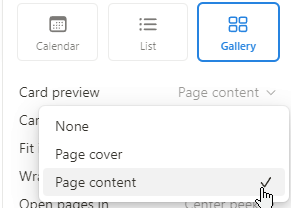
Would like to have an option “First image in page content” as card’s cover (if it doesn’t have a cover already).
Maybe it’s too specific, but it would be very cool.
It is preferable and likely more in use for contacts because you can’t always have a cover-quality photo of all your Human types, but there’s usually a public profile or an official logo that would be acceptable to use as a profile image.
Is your feature request related to a problem? Please describe.
I have :
a collection with bottle
a collection with trip
a collection with repices
For each of them, I have a picture on the page.
A picture of the dish, for example, next to the ingredients.
Or an image of the destination.
Each time it’s on the page, because :
on a cover, it’s ugly and unsuitable for that purpose
in thumbnails, you can’t put it in full view (you just get the link to the file)
The problem is that if I want a gallery of my pages, I can’t display this image in “Cover”.
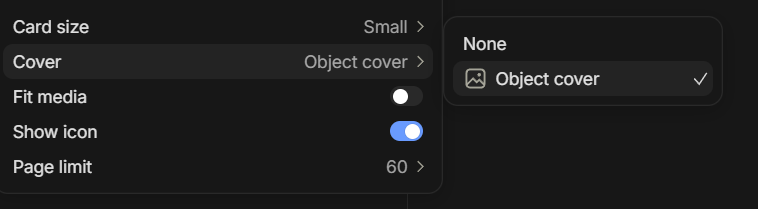
We need an option “Image from page” in Cover options.
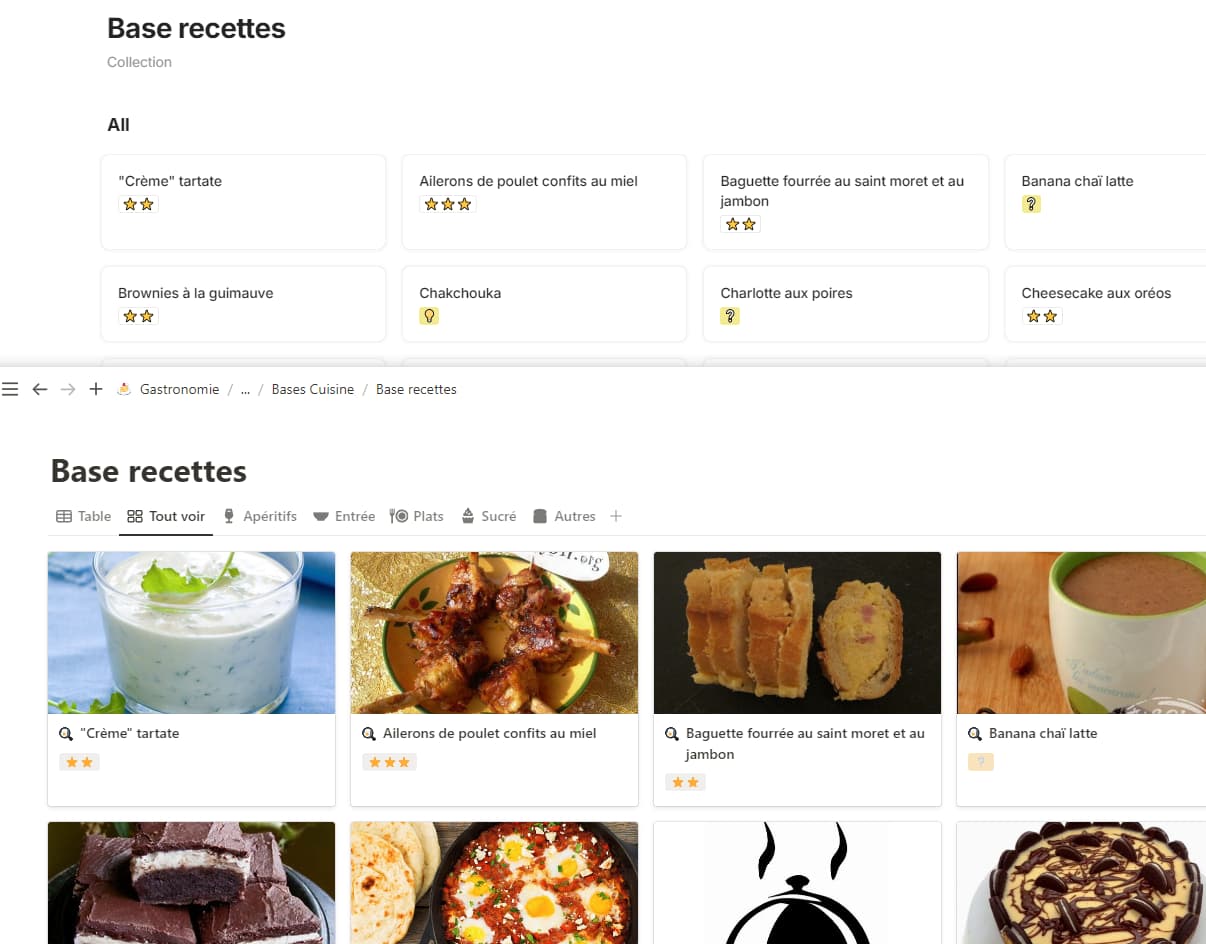
In Notion, it’s works with that :
Alternative
We need to show an image in our object as a full image, and show this same image in gallery.
So another option is to :
use “Thumbnail image” for gallery, it’s already possible
add an option to see “Thumbnail image” relation as a full image, not only a link.
And yes we can add our photo in our object, and add it again (or link) in a thumbnail. It’s work. But again, having an UI that takes twice as long as other applications to do the same thing, that’s not going to make it pleasant to use and encourage people to use it…
With hundreds of objects, so much time is wasted!
An update with a new usercase :
I want to import a database from Notion, with a gallery based on content image.
But I end up with a gallery without any images since Anytype doesn’t handle that.
Conclusion: I leave this base under Notion, hoping one day that Anytype will allow it too!
Upvoted for content cover!
There is a lot of content without images, and it is tedious to look for extra symbol images for the cover, but you still want to have a way of visual recognition on cards. A content cover is very useful in this case (this is available in Notion).
However, the implementation of the headings should be done with a sense of proportion and be well adapted so that they are not displayed too large on the cover.
Oh, this is a good point, yeah! It’s how I’d noticed this lacking feature, as well; importing from Notion to AnyType leaves covers completely empty and you’d have to manually add each one to set it as a thumbnail with the file relation, but it’s just a ton of unnecessary do-overs of work that’s already been done.
Fingies crossed that additional cover options will resolve this. c’:
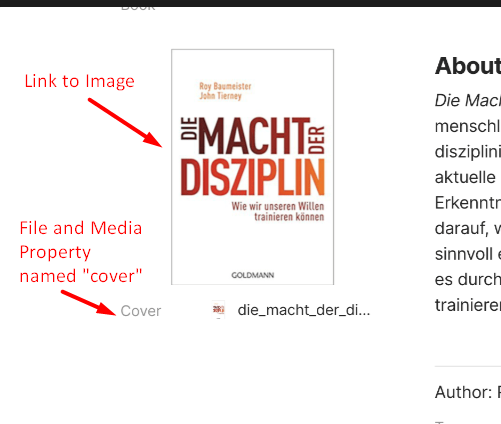
There is currently no way to have an image in an object that is also used as the cover in grid view (like a movie poster)
if one adds the image into the object’s body as a link, it isn’t selectable as a cover in the grid view.
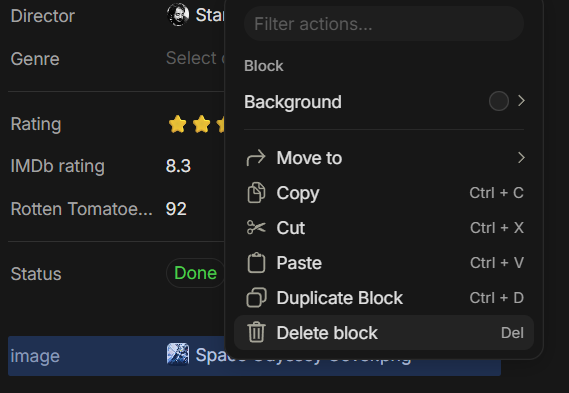
if one adds the image into the object as a “file & media” property, it can’t be embedded as an image in the object body but can be selected as the cover in grid view
Even this showcase video of yours showing how to create a movie DB has this glaring issue Anytype template - Movie Database (Jan 2024) (where you can’t select the movie poster but instead need to add an additional image into the object property cover to be able to show it in the grid view cover)
This seems like something that can be easily fixed and probably should have a relatively high priority.
Proposed solution:
Let grid view select linked images as the cover; if there are multiple linked images, it simply takes the first one
For example, “Integrate Library by ChristinaHaake” which is under the featured tab, also makes the user select the cover for each book twice just to make it work correctly. This seems like a silly workaround that shouldn’t be needed