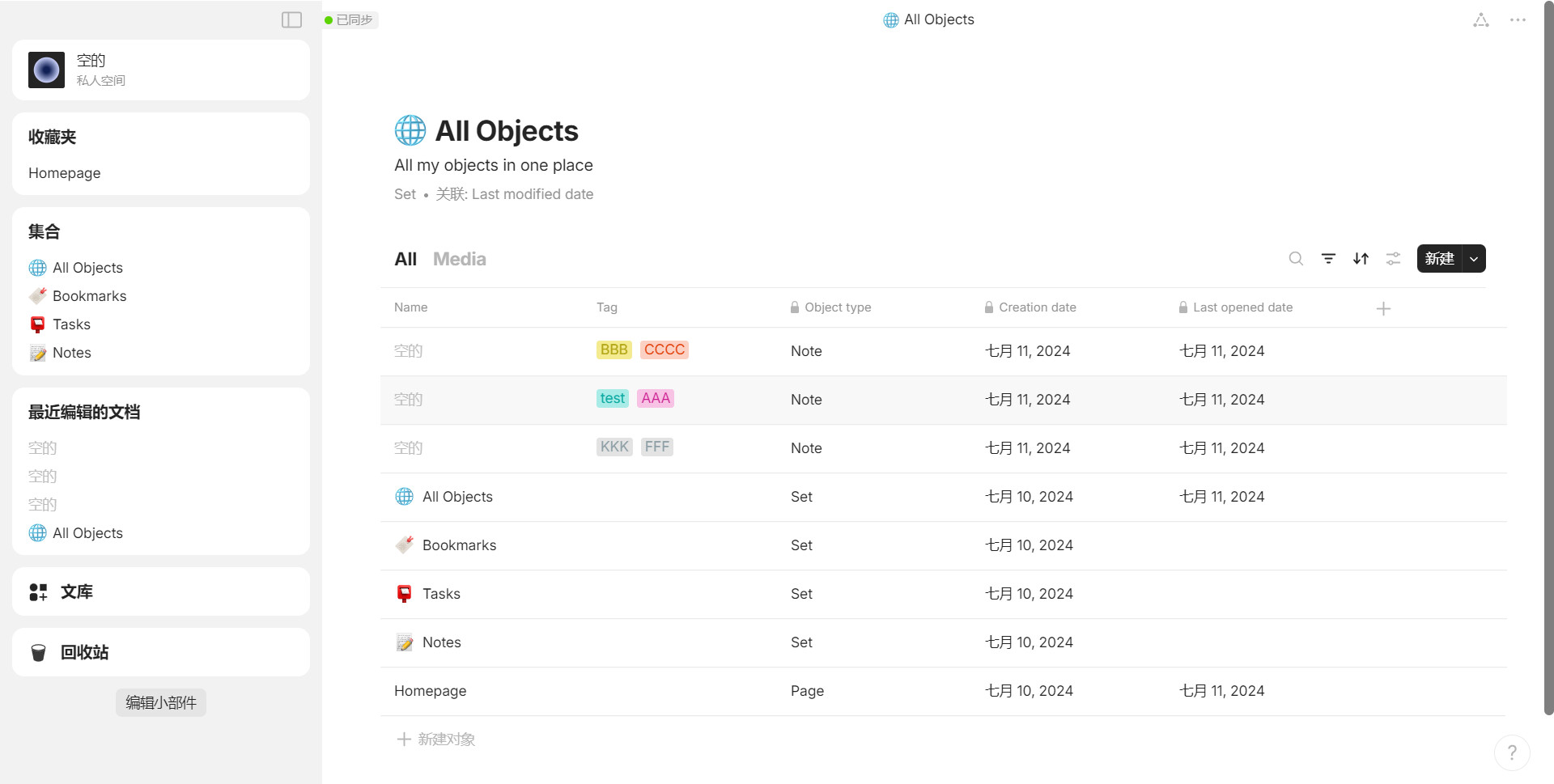
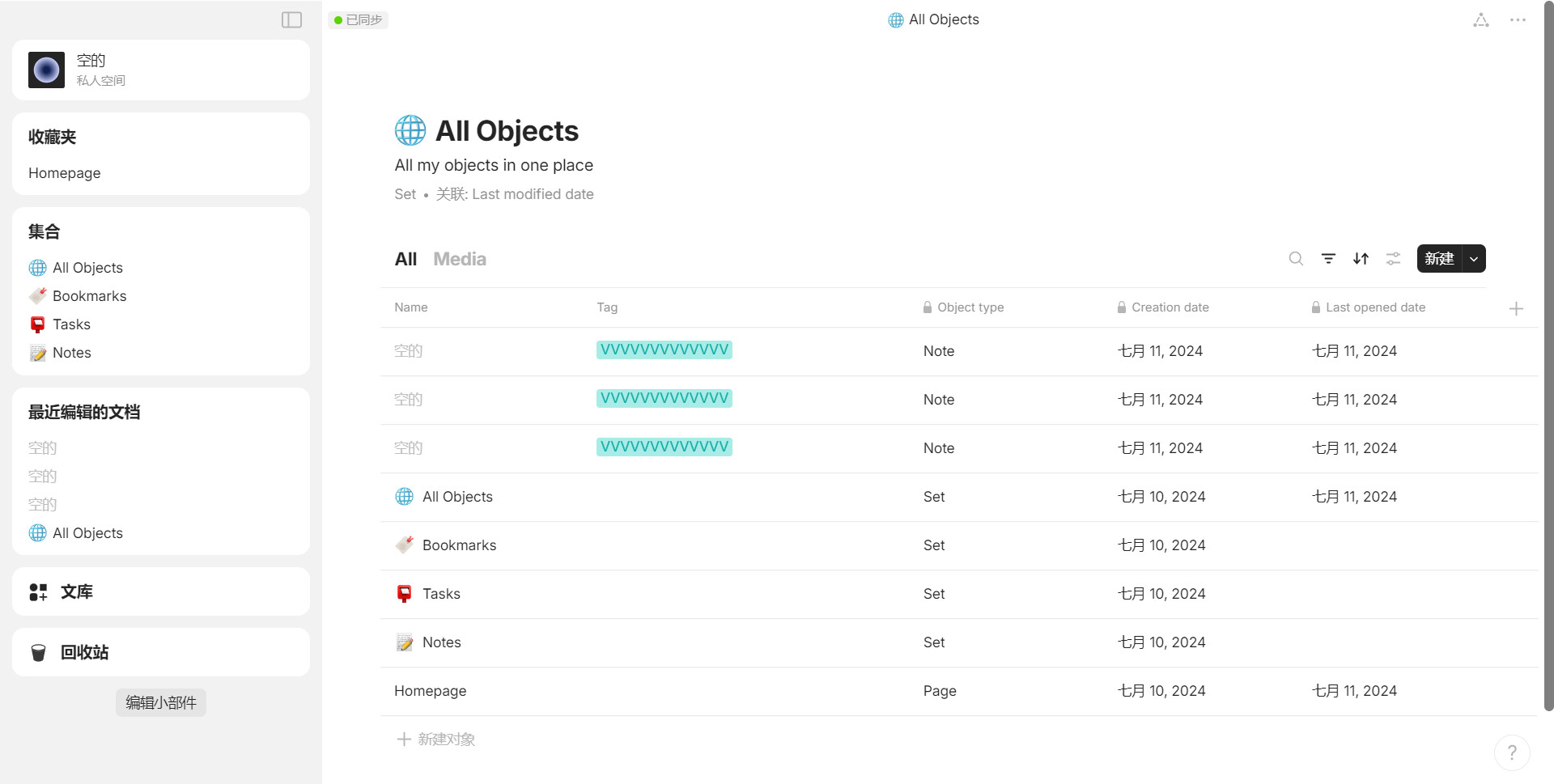
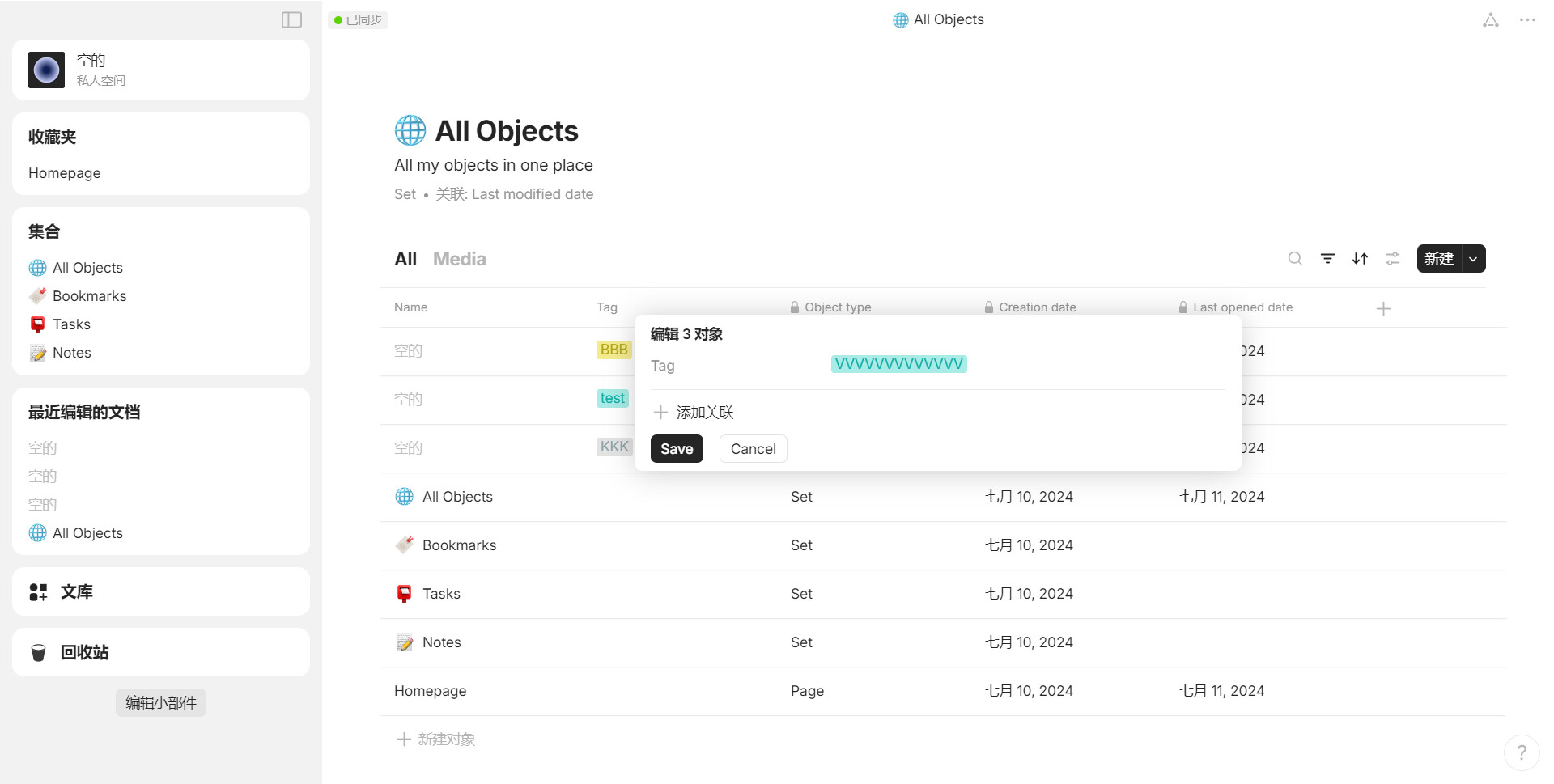
When we batch-edit a “multi-select” relation, existing tags are deleted and replaced by the defined tags.
And if you want to remove all tags (or only an existing tag), you can’t when all relations are not exactly the same.
This makes it of very limited interest!
The operation is necessarily more complex than for a “select” relations with only one value.
HOW COULD IT BE DONE?
When batch-editing a “multi-select” relation:
if all object has the same tag, it must be displayed in batch-editing windows
– if you delete this tag, it’s deleted from all object
select a tag add it to existing tag (unless if already present of course)
Add a “clean all tags” options
– This options can be useful for other type relation too (If I want to empty all value of a “select” relation, I can’t if there are differents values)
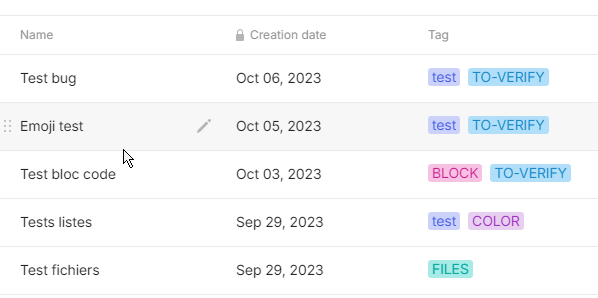
I want to delete all “To-verify” because it’s done : I select all line but can’t delete it : editor doesn’t display this tag
– Solution : display this tag because all object has it
I want to add a “V.40” to all objects : I can select all but if I add this tag in the editor, it delete existing tags!
– add a tag must not delete existing tags!
I want to delete all tags : I select all object but cannot do it because no tags are displayed
– Solution : a option to clean this relation for these objects (why not a trash icon a the end of the line, quite simply)
Hi! I am out of votes. But I am also facing the same issue. Namely, not being able to batch delete a multi-select option that is present in all selected object.
So, I am commenting to add my support.
Good-day.
Hi! The common relations are showing up now. But, can’t delete any relation from the batch-edit pop-up menu.
Update
Hi! I am sharing my experience with the batch-edit option.
Let’s say I have 3 objects. All are the type media.
They each have a different option in a tag type relations.
one has the option manga, another has the option Marvel comic, and the last one has the option anime.
Now all three end up having live action adaptations.
So, I select all 3 and go to the edit relation option, add the option “live action adaptation” to all three.
But, now the options manga, Marvel comic, anime are removed from the respective objects, only the option ‘live action adaptation’ is added to all 3 selected objects.
So, the the classification that separated the 3 objects as one being a manga, another being a marvel comic, and the last one an amine is lost. Now it seems like these three objects are all only live-action projects.
This is obviously very weird, and loosing context.
Just tested it and it works great!
I’ll be doing more tests to fine-tune it, because mass publishing is great when it’s perfectly done :).
Thanks @Razor