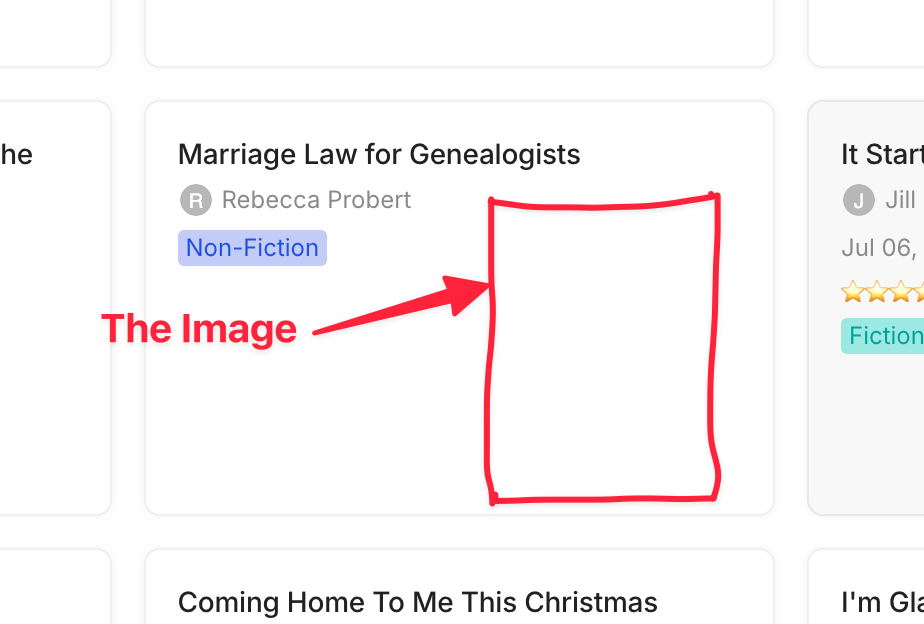
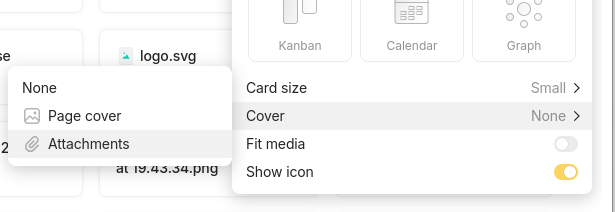
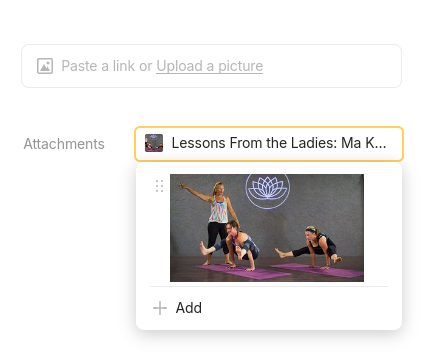
To be able to choose which image is shown in a gallery or grid view rather than only using a cover image. A cover image is by default horizontal and not suitable for all use cases.
HOW COULD IT BE DONE?
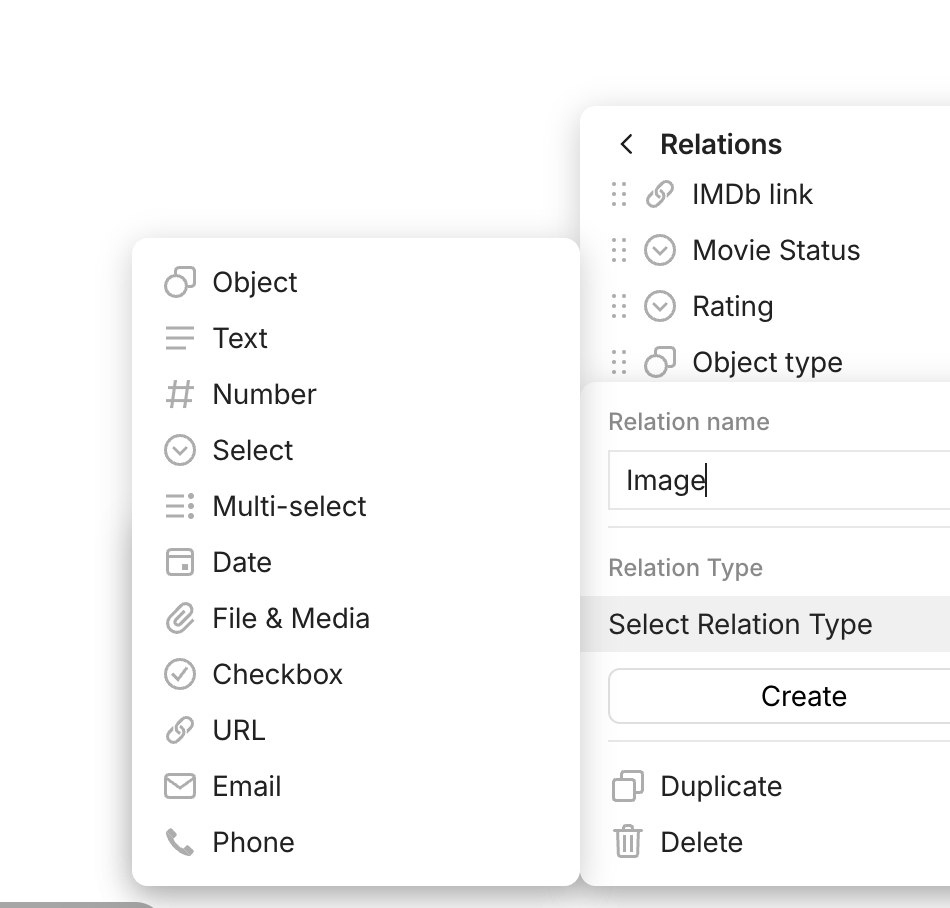
Having a labelled image field in a template to be used as the featured image?
REAL WORLD USE CASES
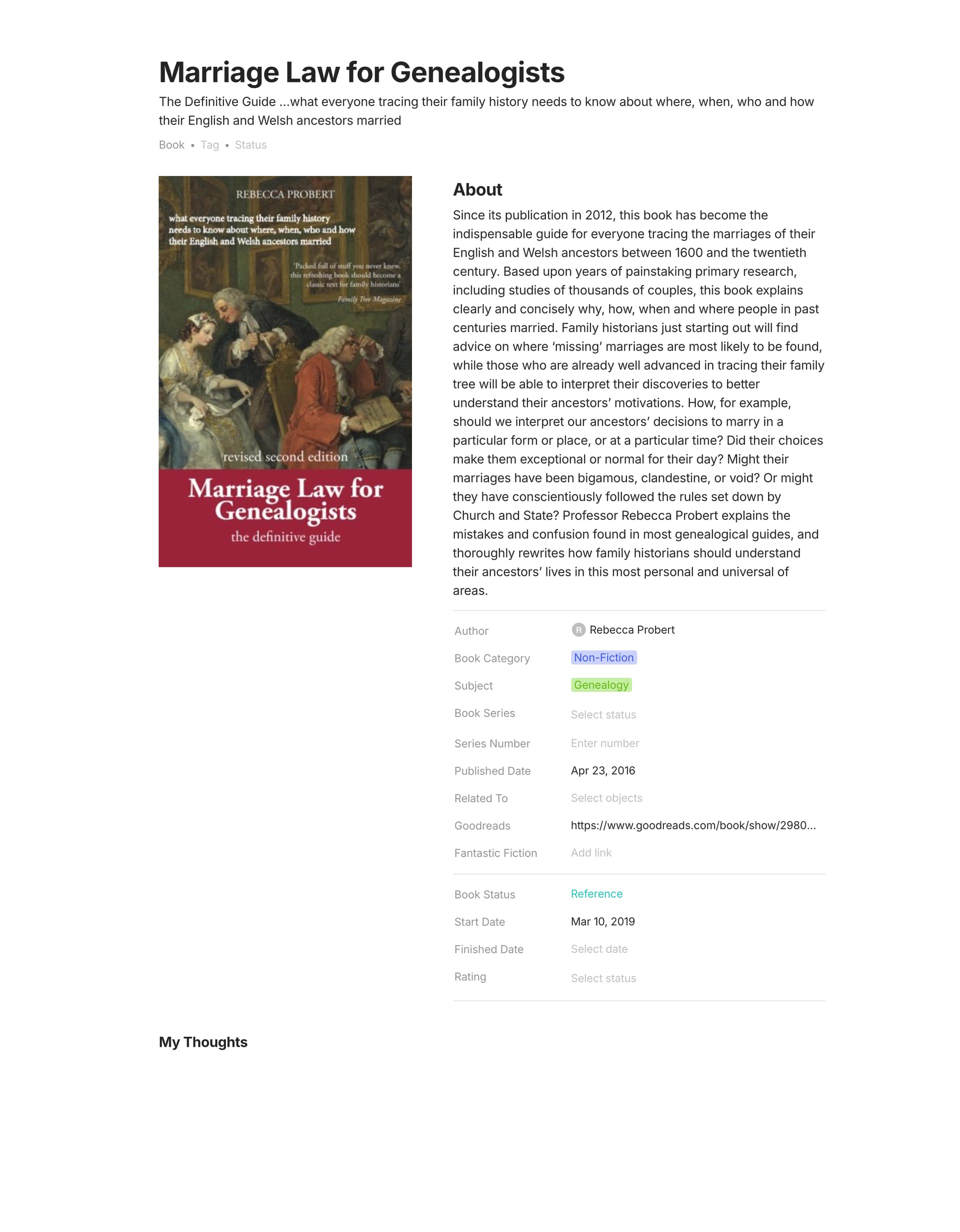
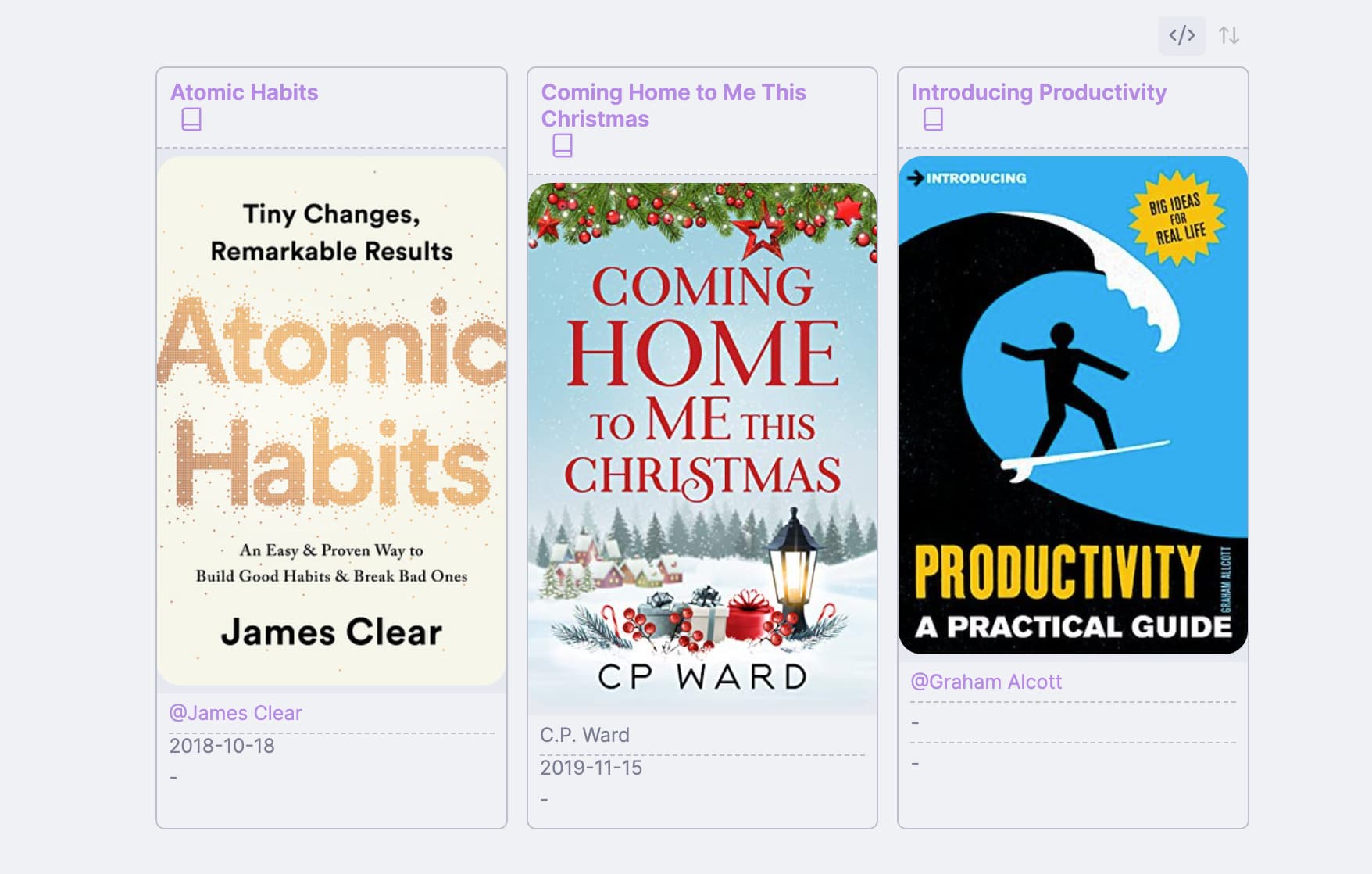
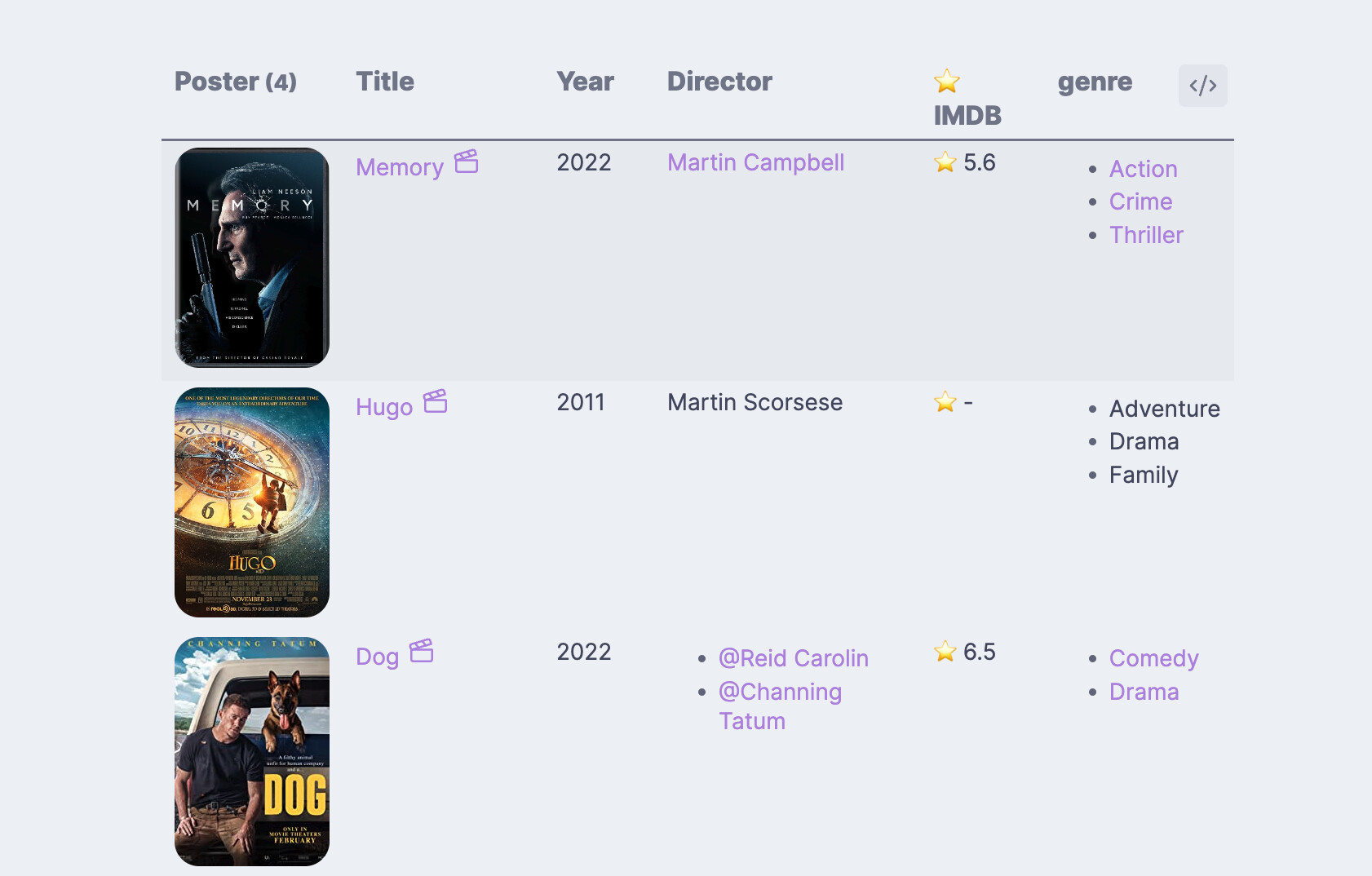
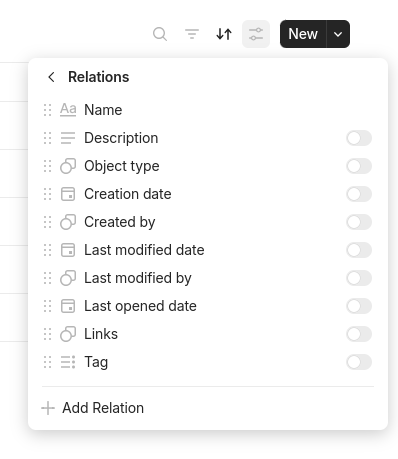
Currently I have very similar book and Movie/TV program objects, Looking like this:
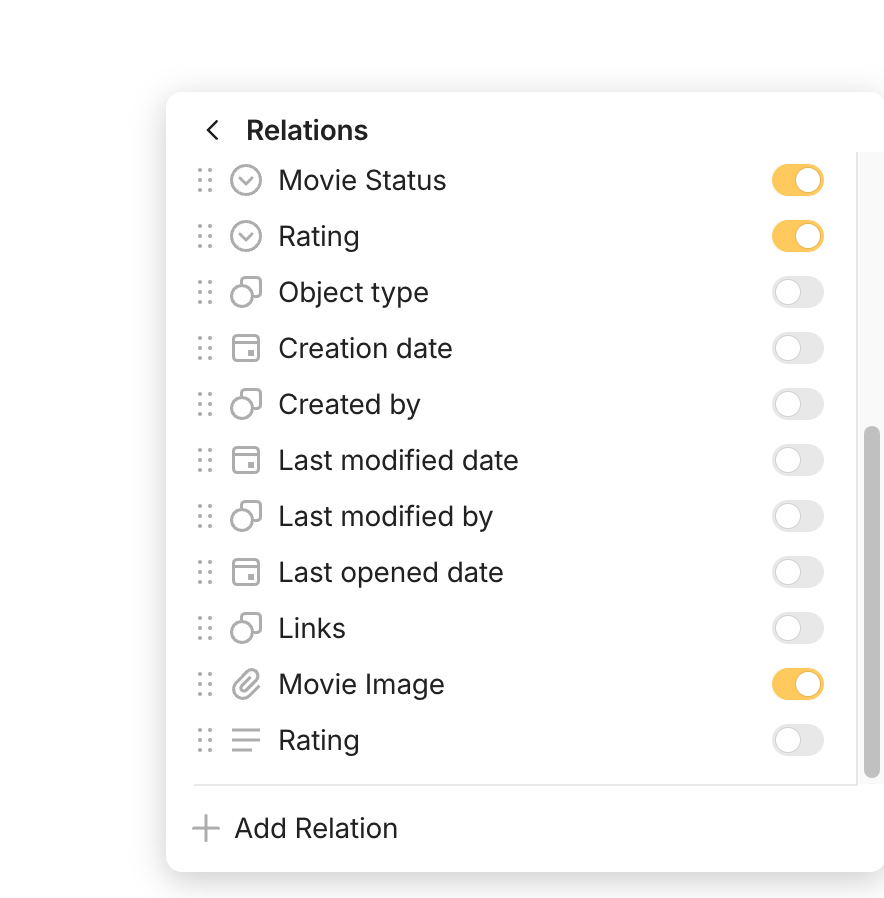
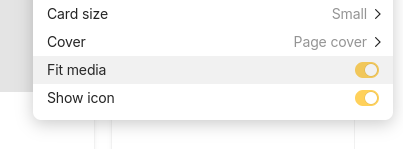
Yes, it is there and turned on. Is it to do with adding the image via URL rather than uploading it? This is my preferred method as it will use less space.
Movie Image should be there.
If it’s not showing, then it’s a bug.
When you add an image to an picture block using an URL, the image is still downloaded.
I also sense that there might be another problem. You might be adding the image to the picture block, and thinking that it would automatically show up in your Movie Image relation? You also need to manually add the files to the relation.
Thank you, that resolves it. I was just adding it in to the picture block. I hadn’t realised the images were downloaded when linked in this way. Could I therefore put in a request to be able to use the webp type? to condense the images. I don’t know if there is any compressing behind the scenes? I’m just thinking long term when there may be hundreds or more photos in the account.
I have it working now, is it possible to change the setting somewhere so the image shows to the side instead of the top and doesn’t have a grey background? I couldn’t find a setting anywhere to change this. Thank you.
OK thanks, when I took away fit media I only had a small portion visible. Maybe one day down the line there can be more setting options to control how the gallery looks - it is only cosmetic so not vital.