What Do You Recommend?
In addition to relation types like Text, Status, and Object, add a Block relation type.
How Could It Be Done?
Block relations are added to types like any other kind of relation. The main difference is in how the user selects the value of the relation. The relation may take as its value one or more blocks contained in the object (though not blocks from other objects). When the user select the block relation to add a block to its value, the user interface changes to enable the user to simply click or tap on a block in the content of the object (as opposed to selecting from a drop-down list).
Real World Use-Cases
The block relation provides a way to surface blocks in set/collection views and link blocks.
I thought I’d post an FR requesting a blocks relationship (i.e. one that can contain anything a block can contain), with the alternative option of propose a preview/full view of the “Objects” relation : basically, it link to another set of blocks.
But I think that dealing with this request is easier to set up and almost as interesting (feel free to comment if you have a different opinion).
So I’m moving and adapting my text here.
WHAT DO YOU RECOMMEND?
Text (or other) relationships are limited, and this leads to a number of FRs and constraints.
Among others:
- no text coloring
- no checkboxes or other lists
- no inline links
We need a “rich text”. Or a “block” type relation.
REAL WORLD USE CASES
Why we need this?
-
it can grealty help for this top FR : Apply Template to an Existing Object
A template with only inline or featured relations is easy to update! The data is inside these relations and is therefore unaffected. The template changes when a relationship is added or moved?
Updating all existing objects is no longer a problem!
-
All data can be stored in relationships.
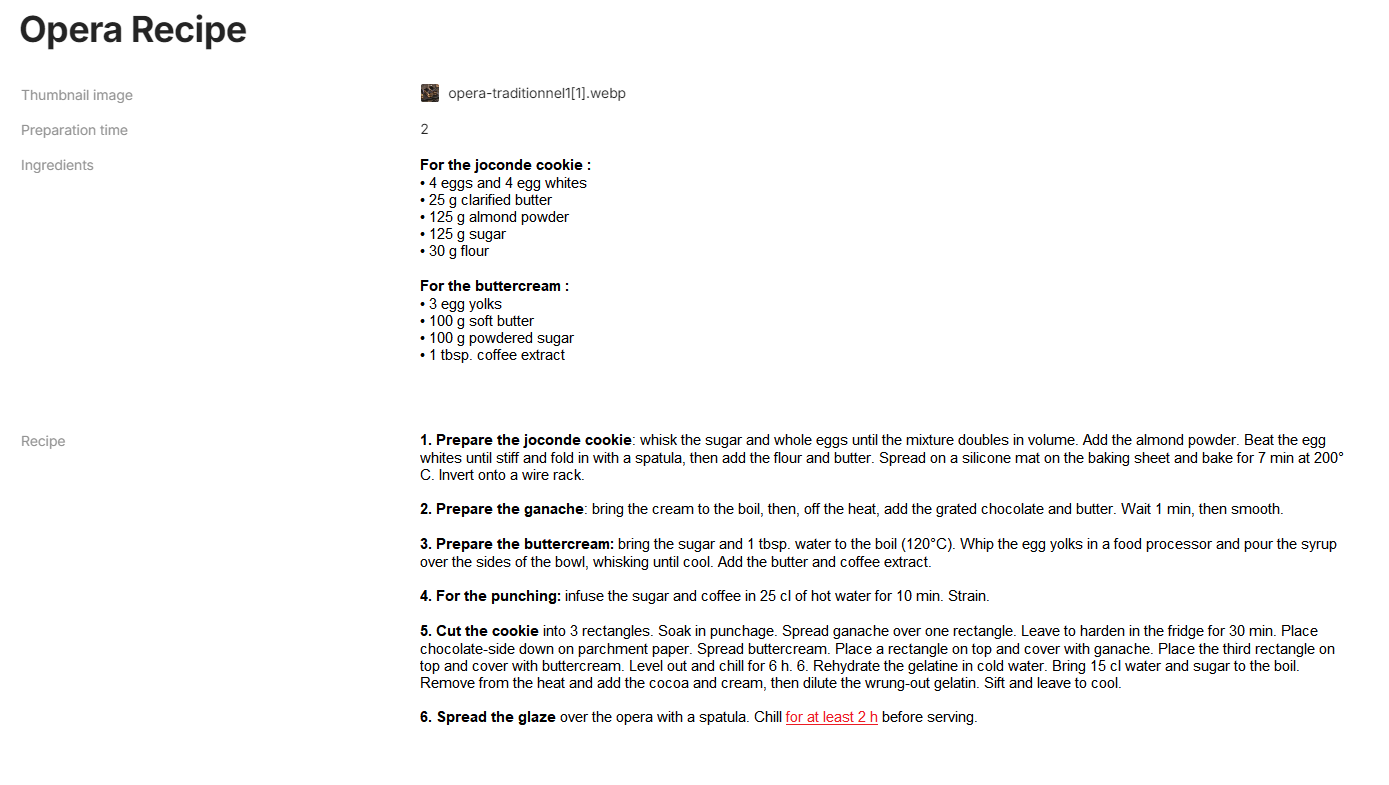
A recipe for cooking? Hop, a title (text type relationship), a duration (number type relationship… or text since number type is currently very limited). For the recipe, which can be long (with bold for important steps, a list of actions, etc.)? A block type.
What about the day I want to add a “note of difficulty”? It’s easy, I just update the template and all my recipe cards can be updated in a click!
If you’re more of a workaholic, the same goes for meeting sheets: the list of participants (multi-select), the date (date), etc, no problem. For an action list or a summary? Block relationship. Yes, it could be put in the body of the object, but then you lose the power of relationships: display in the body, display in views (collection and set), advanced search (when possible: Where Action relation contains “xxx”).
-
and of course, it solve this FR too : Allow formatting within text-type relations
An important word in your relation? You can’t do anything with text relation, but with block, simply type your text and set bold/red your important words
I was thinking about it when I saw this FR about a Mansonry view :
Masonry Grid - #6 by yzd
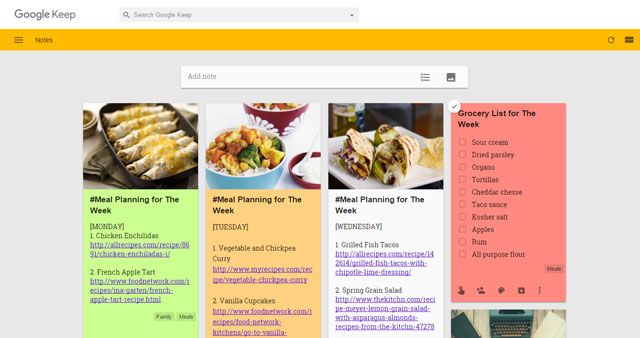
Having a relationship with rich text and being able to display it in its entirety makes it possible to reproduce the “post-it” view. Currently we can’t…
-
With an update of layout for view, we can do great things!
I am up voting this. 
But I would like the capability of tagging, like #taging, individual blocks. Also multiple blocks in an object. That way, I can specify parts of an object as forgot or remembered, then query based on that # tag and date I forgot to create a flashcard query. For revisions. Now any kind of tag or @ will surface the entire object, not a part of the object.
I want # tags cause, I don’t see a way to use the relation, the current properties, to tag multiple blocks without folding the blocks into cards or lined text. Which is what happens to object type relations.
This leads me to another very, very old FR, making the inline linked objects embedable. So that we can click, maybe a button next to it, and open and view the content of the object in an inline window.
For shared objects, or shared spaces that want to restrict access to this embedded object, add an unpublish feature for individual objects. So that when an person without access to the object clicks they see the embed window say, you currently don’t have access to the object.