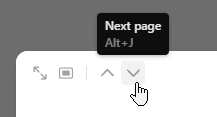
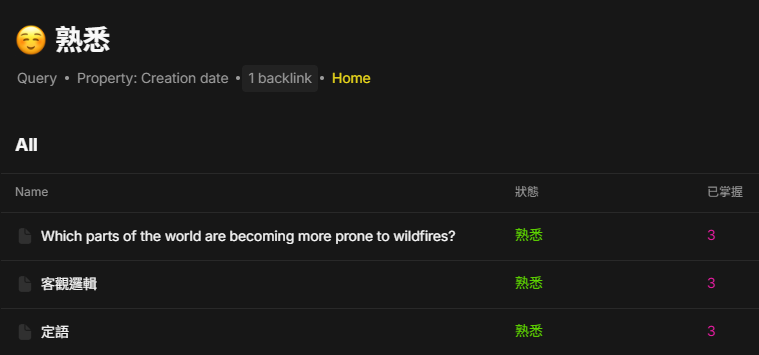
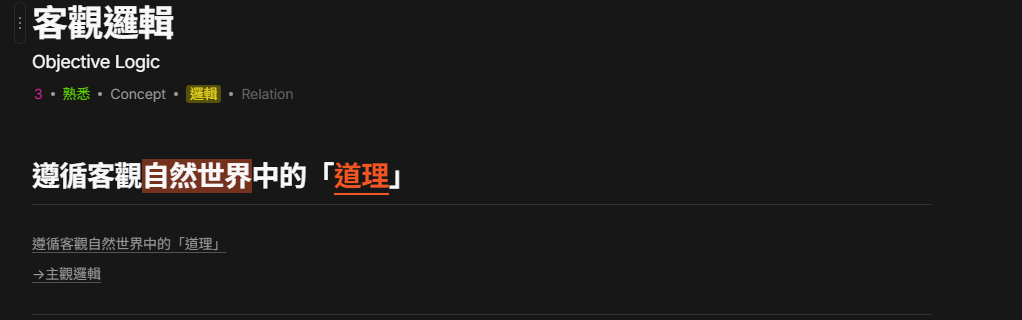
A way to move between object of a set or collection : an icon or something to move to the next/previous object.
HOW COULD IT BE DONE?
A “<” and “>” button to move.
Pehaps only when we open as pop-up not fullscreen if it’s too difficult (we need to refer to the order to find the next object).
I have to check something like 100 objects in a collection.
I have to open the first one, check and edit. And go back to the collection to open the second! it would be so nice to be able to skip to the next one!
This is a relatively new feature request. Maybe give team some time.
I suspect the earliest this would come along is when set/collection gets its big update.
Because I have the need to review a certain topic, so if each object under a list (collection and query) can be quickly switched by using the shortcut keys to press the left and right keys, this will help me to review and quickly edit to improve the efficiency of anytype’s use.
HOW COULD IT BE DONE?
New shortcut keys or buttons can be used to create functions like opening an object in a folder, and after opening the object you can use the left and right buttons to horizontally switch between other files in the same folder for editing or previewing.
Sometimes when viewing data in a Query or Collection, I want to be able to quickly move through rows, or maybe go back and forth quickly between a couple to compare data. There’s no way to do that. If you have it set to not open objects in full screen, you have to click away to close the floating window and then click again on the next object you want to look at. If opening an object in the context of from a Query or Collection, it would be great to be able to hit the arrow keys (left and right preferably) to go the next/previous object from the view that was used. Perhaps to keep it clear from a UX perspective, only allow this when objects do not open in full screen so the context of the view of the query or collection is clear.
HOW COULD IT BE DONE?
Basically just do what I wrote above
REAL WORLD USE CASES
Sometimes you just want to look through several objects in quick succession. You made the query or collection for a reason, and further you made that view for a reason, so there’s some kind of relationship there. It would make sense to want to easily be able to go through rows. I know I’ve found myself wanting to compare data in 2 objects next to each other, but the multiple clicks needed make it a pain.