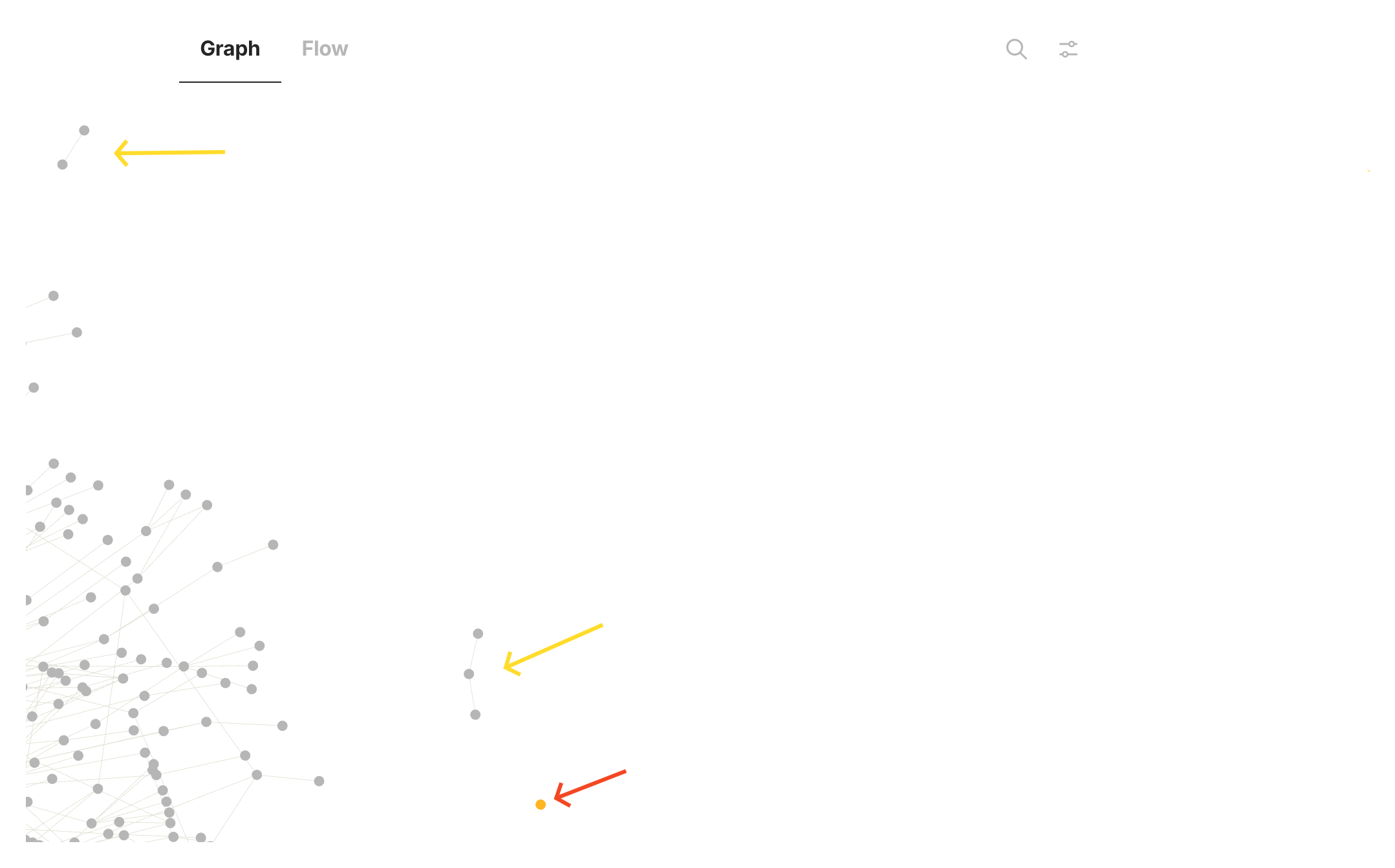
FR distancing individual orphan nodes does not work. Single nodes still appear in the midst other nodes.
Example shown in the graph below, the single node on the right - indicated by orange dot and the other arrow - is the problem.
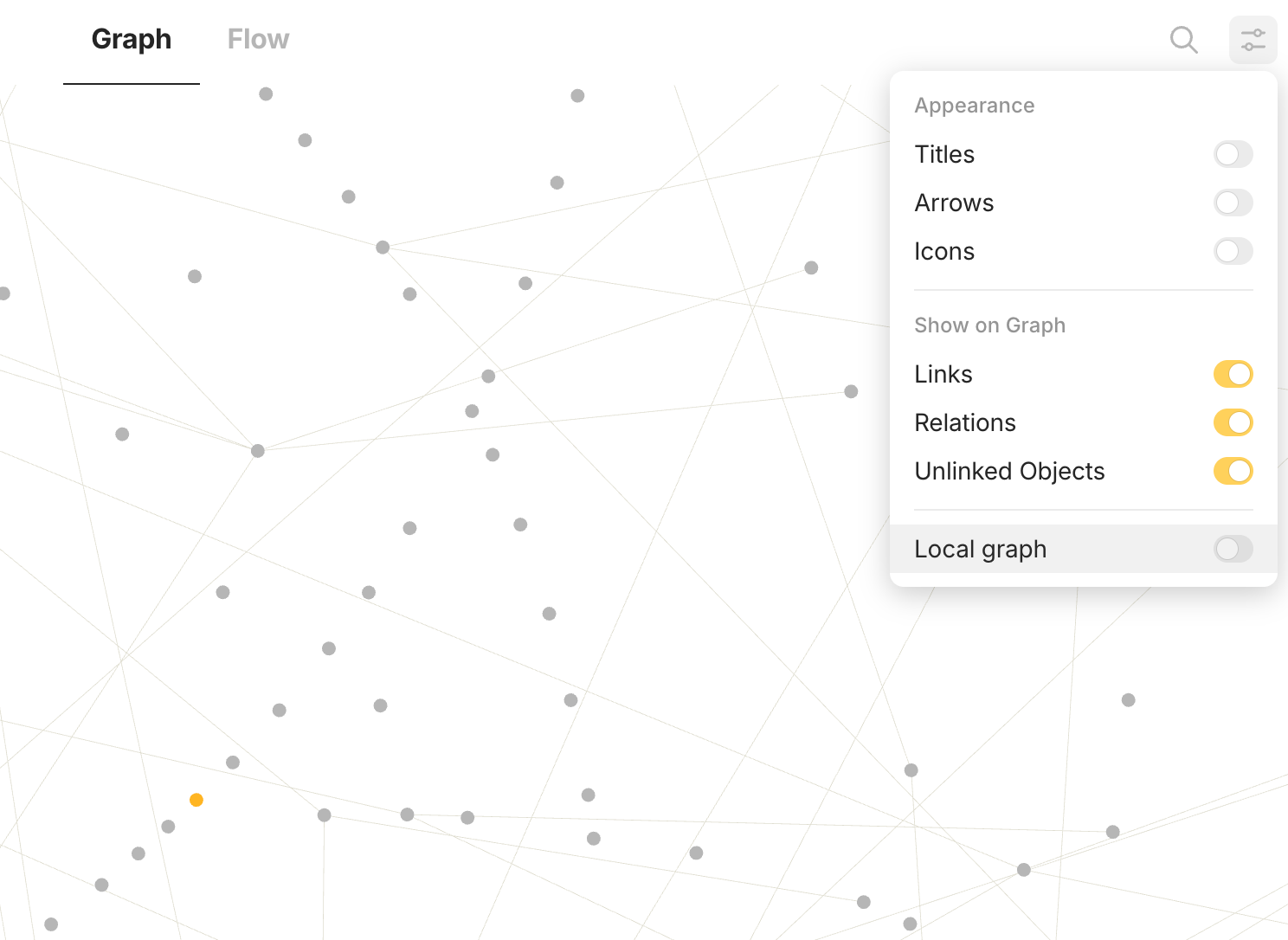
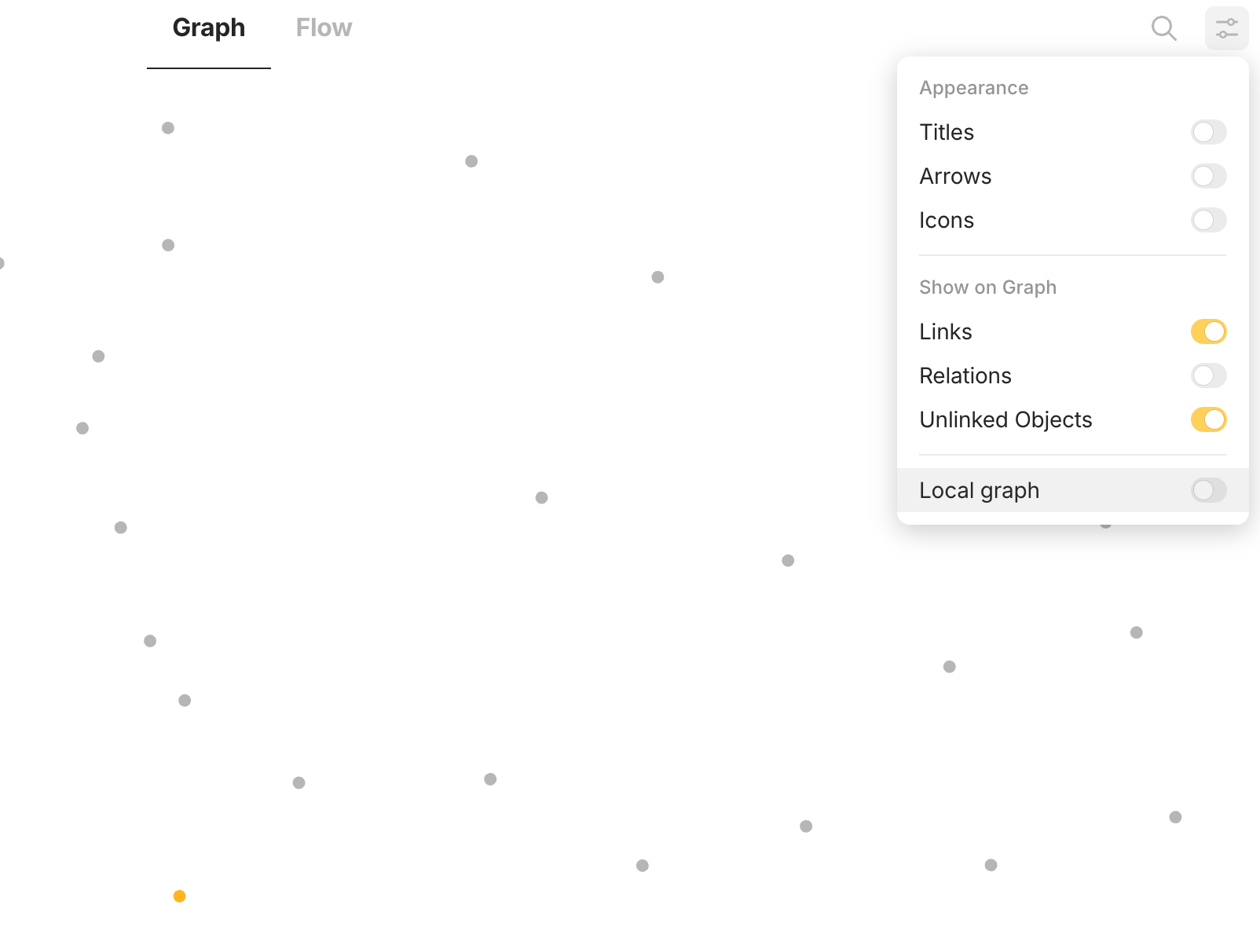
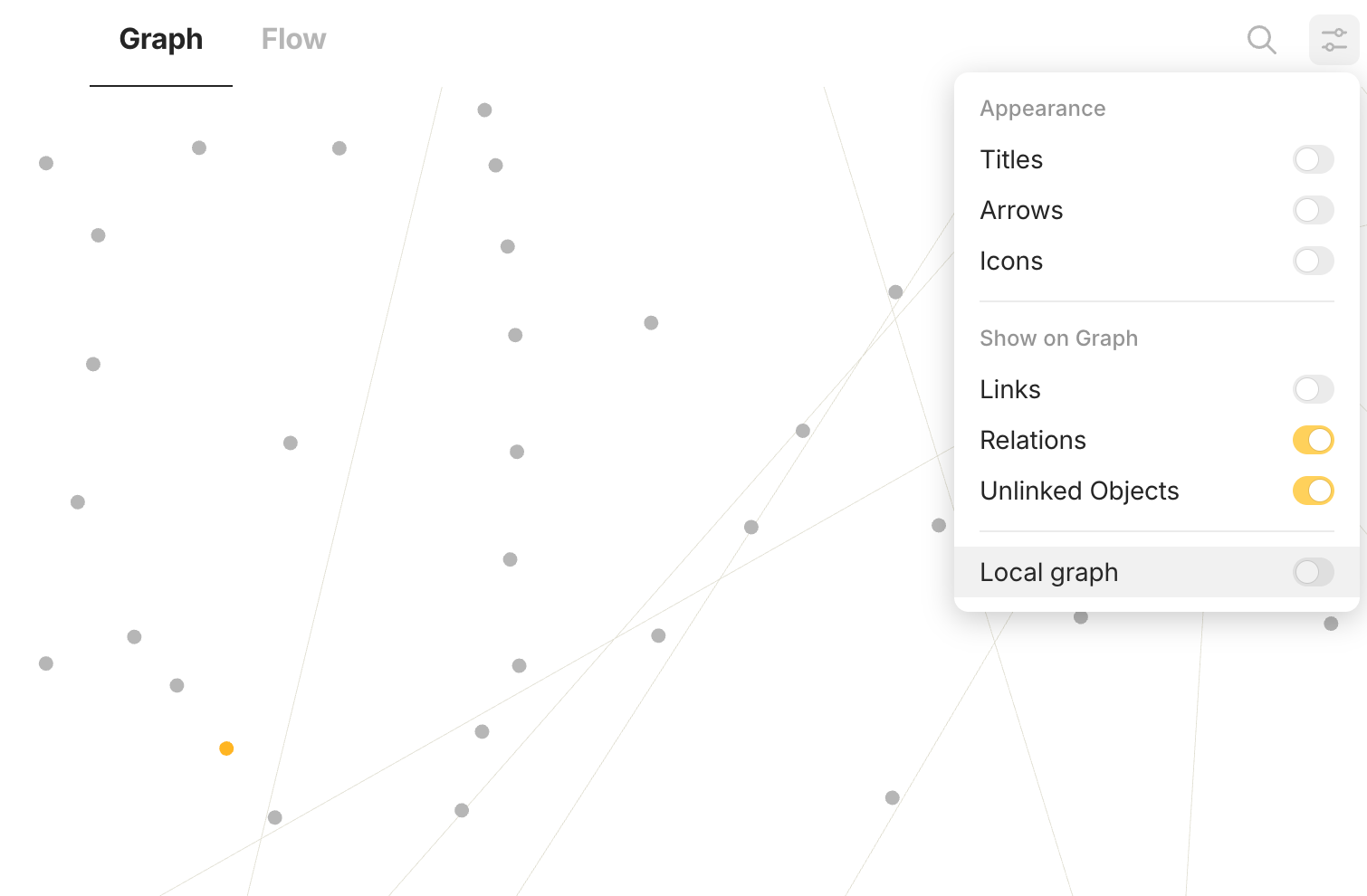
There is no difference in terms of behaviour from the original post, but here are some screenshots. Regardless of link or relation setting, the orange node, which has no link or relation, are currently displayed in the midst of all other nodes.
Screenshot 1:
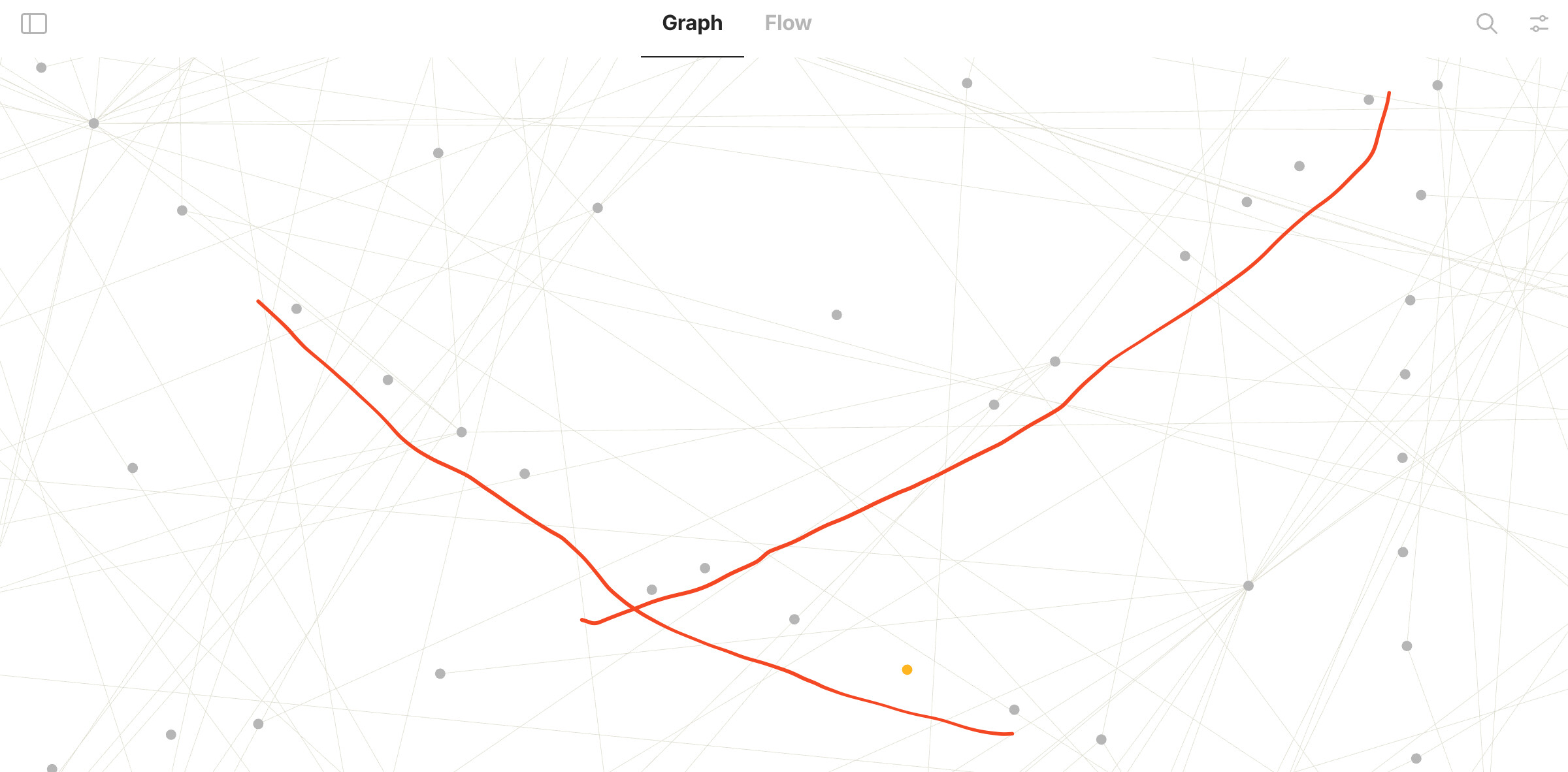
Might be related to the ‘strange force’ governing node behaviour. Unlinked objects form circles.
See screenshot 4’s red lines for its behaviour pattern. It is zoomed to confirm these are nodes without links/relations. You should be able to see such behaviour in screenshot one for a more complete curvature (thus forming a circle in greater zoom).
Screenshot 4
Expected behaviour:
Individual nodes display like the red arrow, similar to nodes with 2+ connections but not linked to (or repelled by) central connected nodes (correct behaviour indicated by orange arrows).
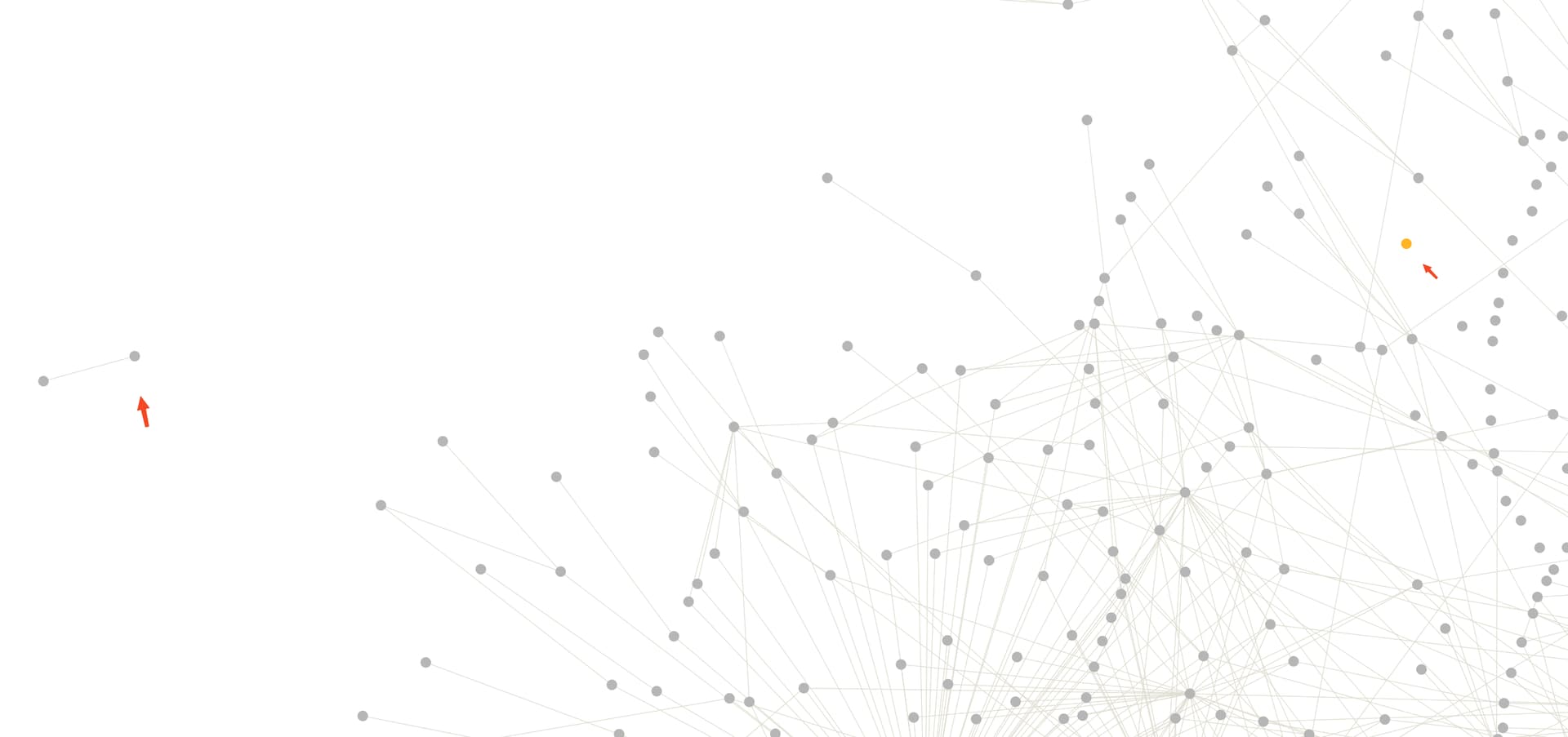
 Find this orphan object and it locates in the middle rather than distancing (if you have trouble finding it, use search to locate it)