The work directory. Here is a video how I did it:
Is a new anytype folder created after the error appears? It would be nice if you could share the error log you get. You can find your logs in the logs folder inside the work directory (anytype/logs).
Also, are you able to re-login just fine if you rename the folder back to anytype?
Oh yeah! failed to see the new anytype folder created after the crash.

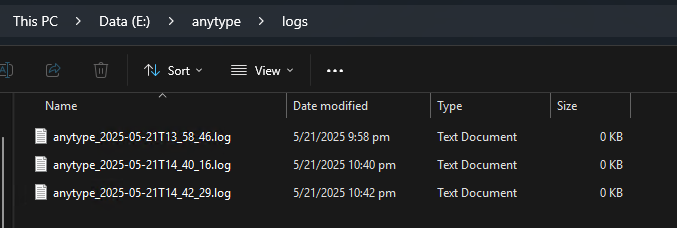
Here are my logs but they’re just empty
Yep! I was able to re-login after renaming the old folder to anytype again.
Additionally, I tried to check after the crash and reopening the client, it now shows this
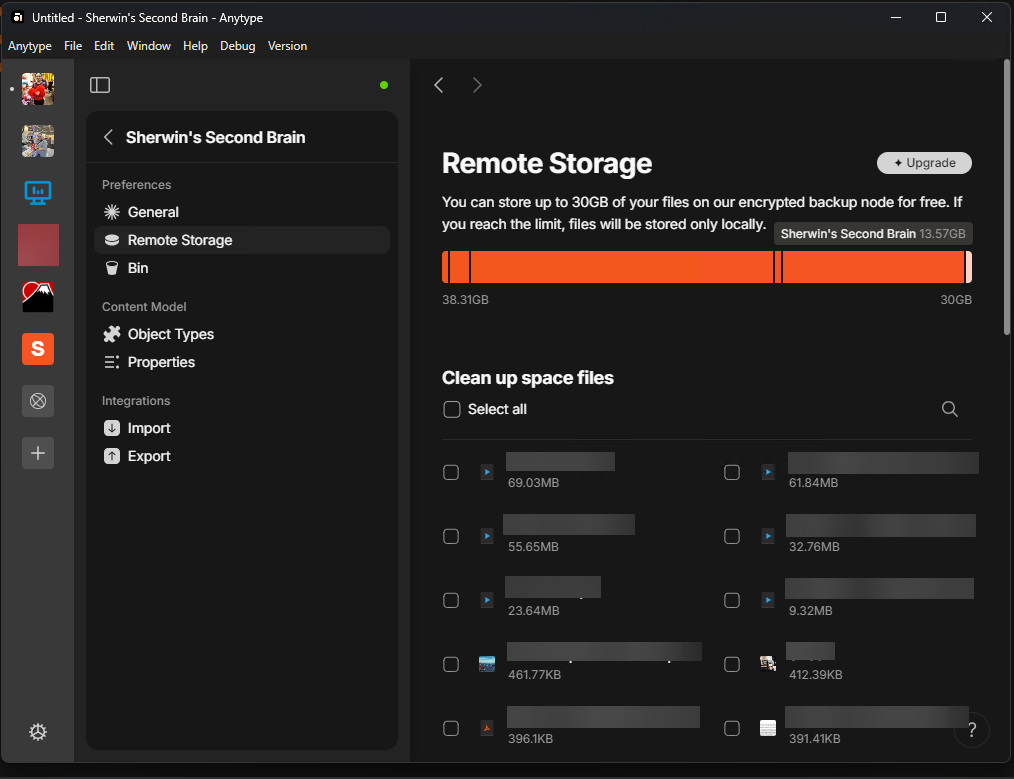
I also tried exporting the space that says it has 13GB to check it’s actual size and it only has 260MB

Does Debug > Reconcile help?
No. It does nothing. It still shows 13GB
Hey, could you check again for us?
Yep! Sure. The remote storage is still the same from the previous picture I sent. Even after reconcile.
Hey, do you mind checking again after updating to 0.47.6?
Hi @Filip
Yes. It’s still the same from my previous screenshot.
Hi! So some update. I’ve done some experiments and completely delete all of my spaces except this space just to see if it would fix some issue. And now it’s working.
I’ve tested uploading files, and now I can.
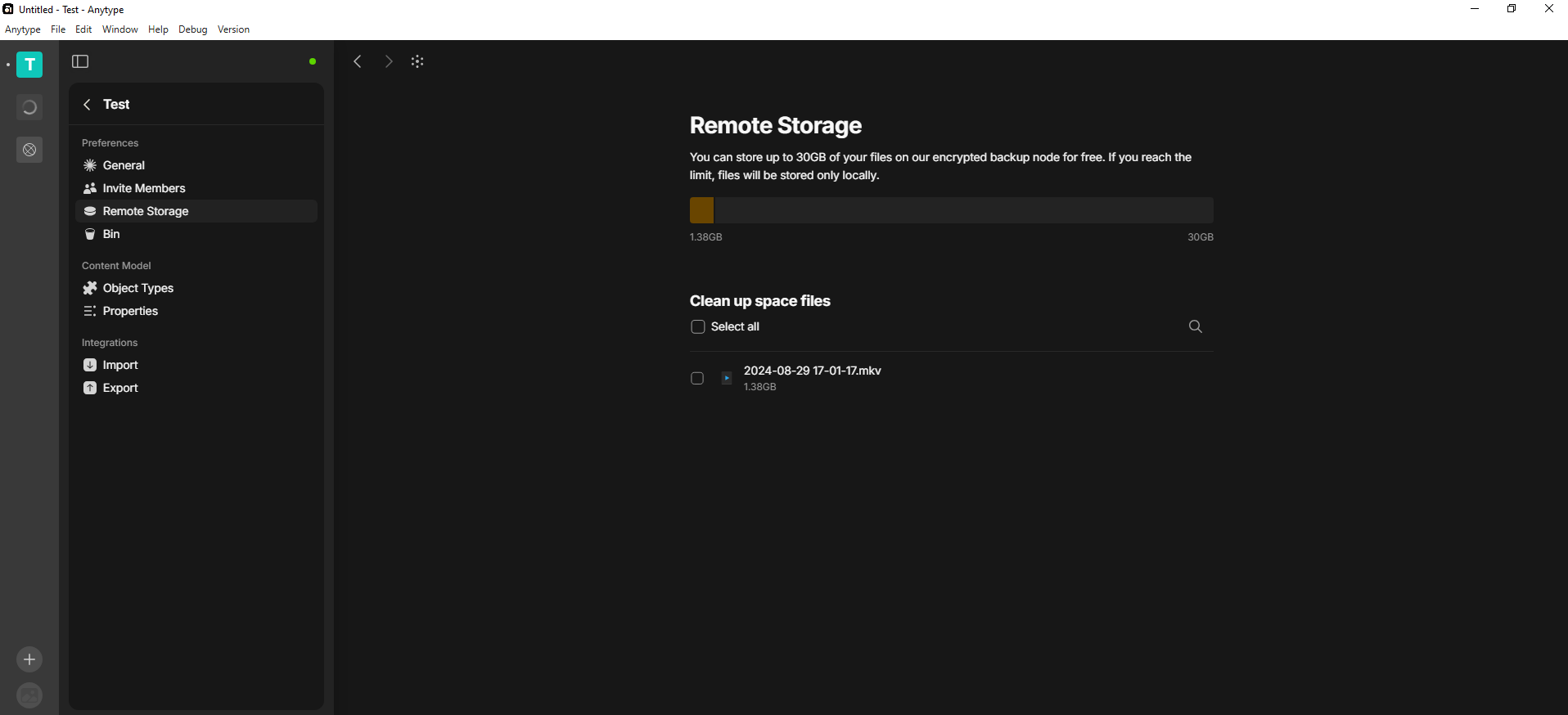
I guess this is fixed now. Maybe my Alpha Space was bugged.
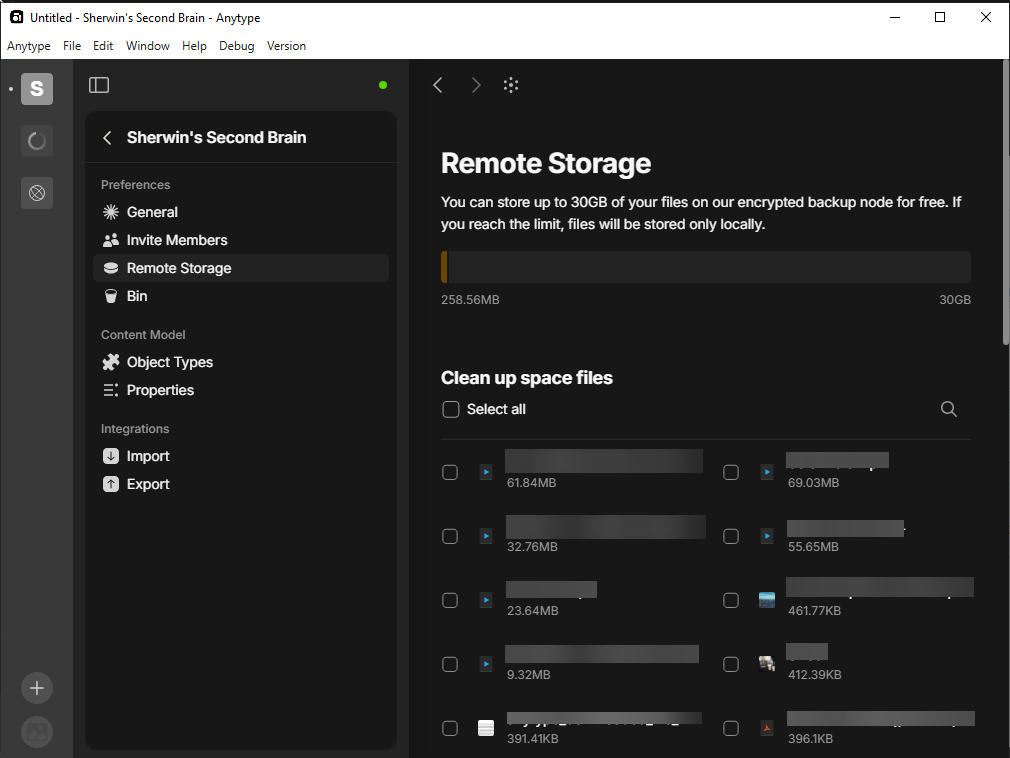
Importing my previous space and it seems now it is showing the correct space size.
This issue has been fixed by the Development Team and will be implemented in an upcoming release.