Duplicate buggy space suddenly appear after 0.43.7 update

What’s The Bug?

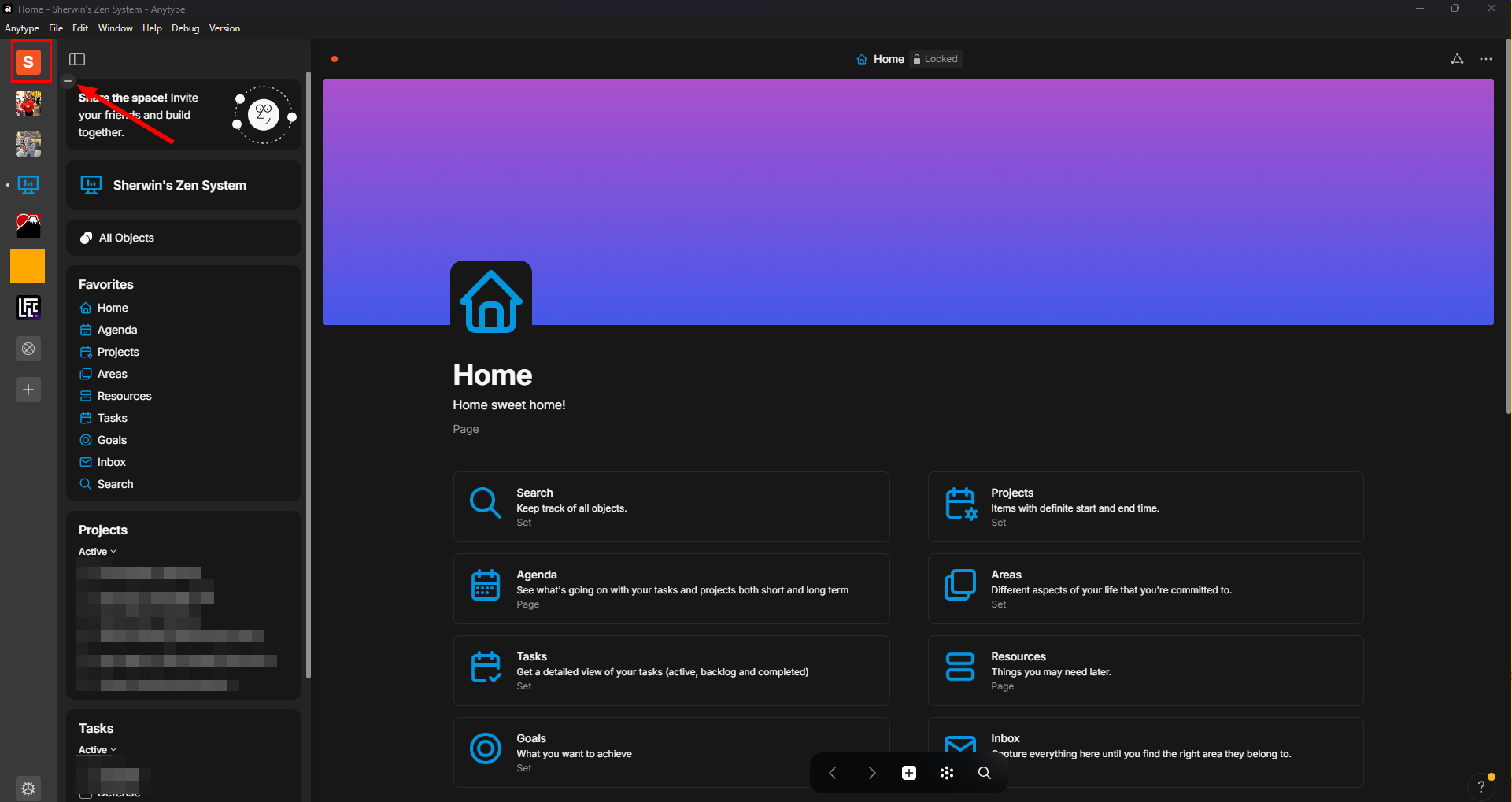
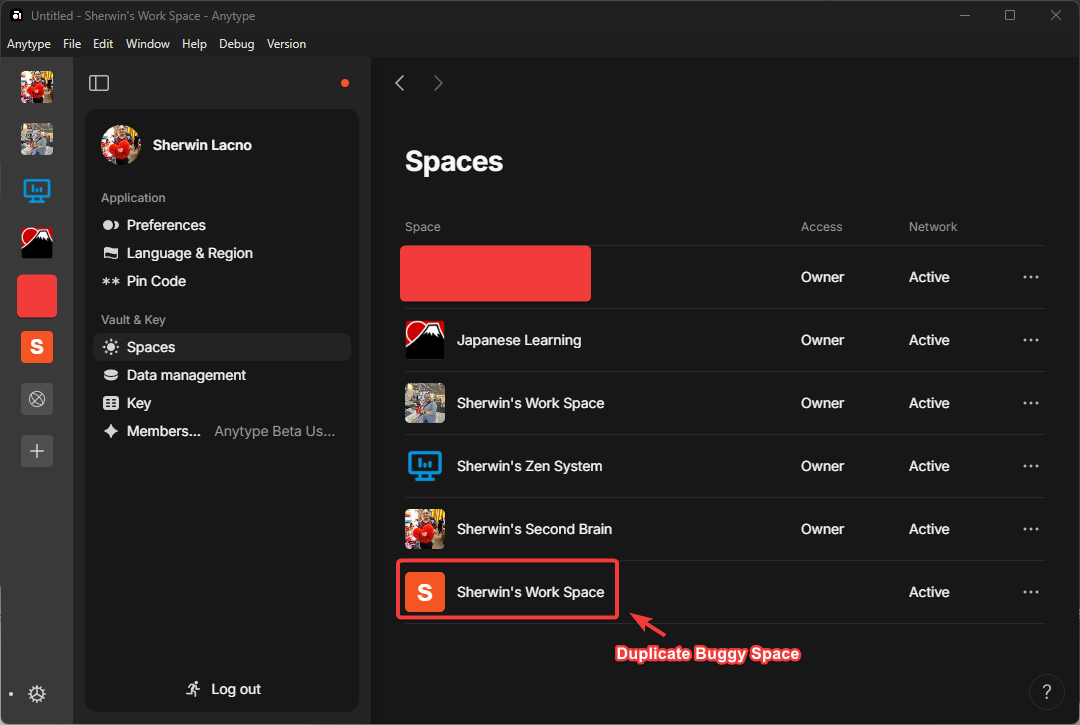
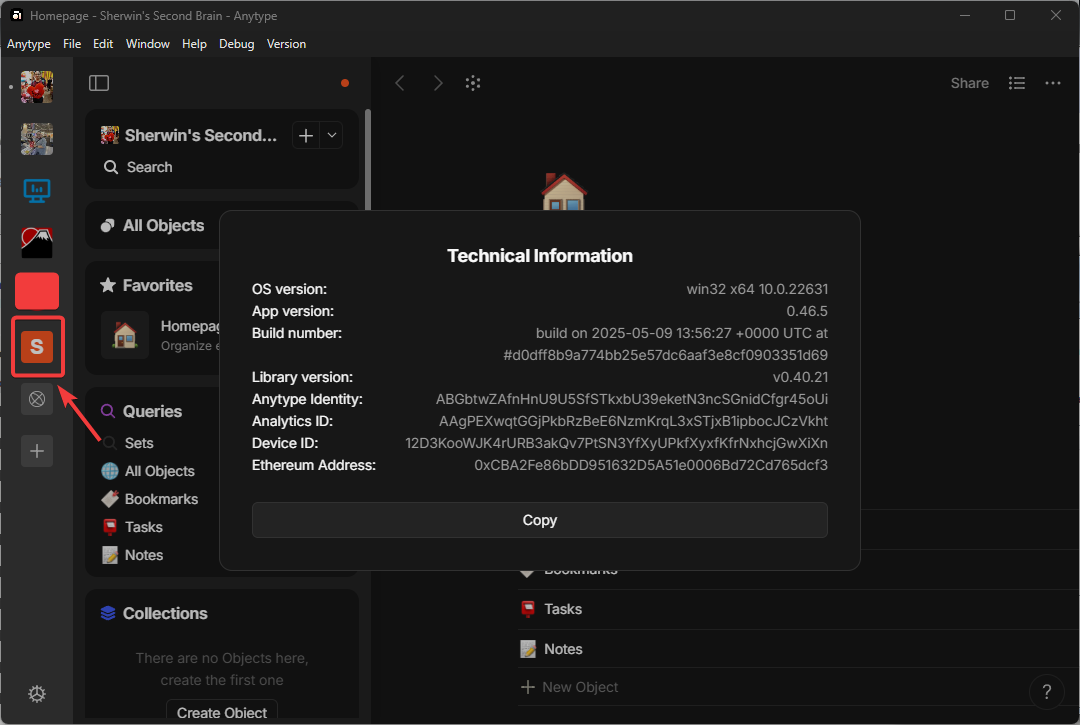
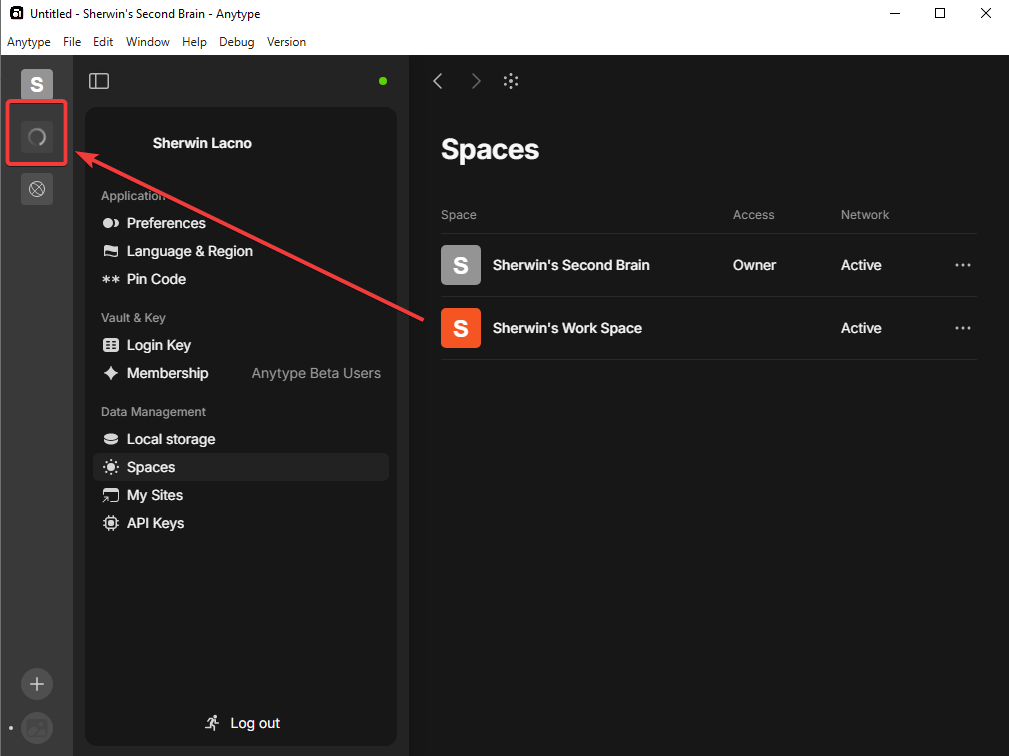
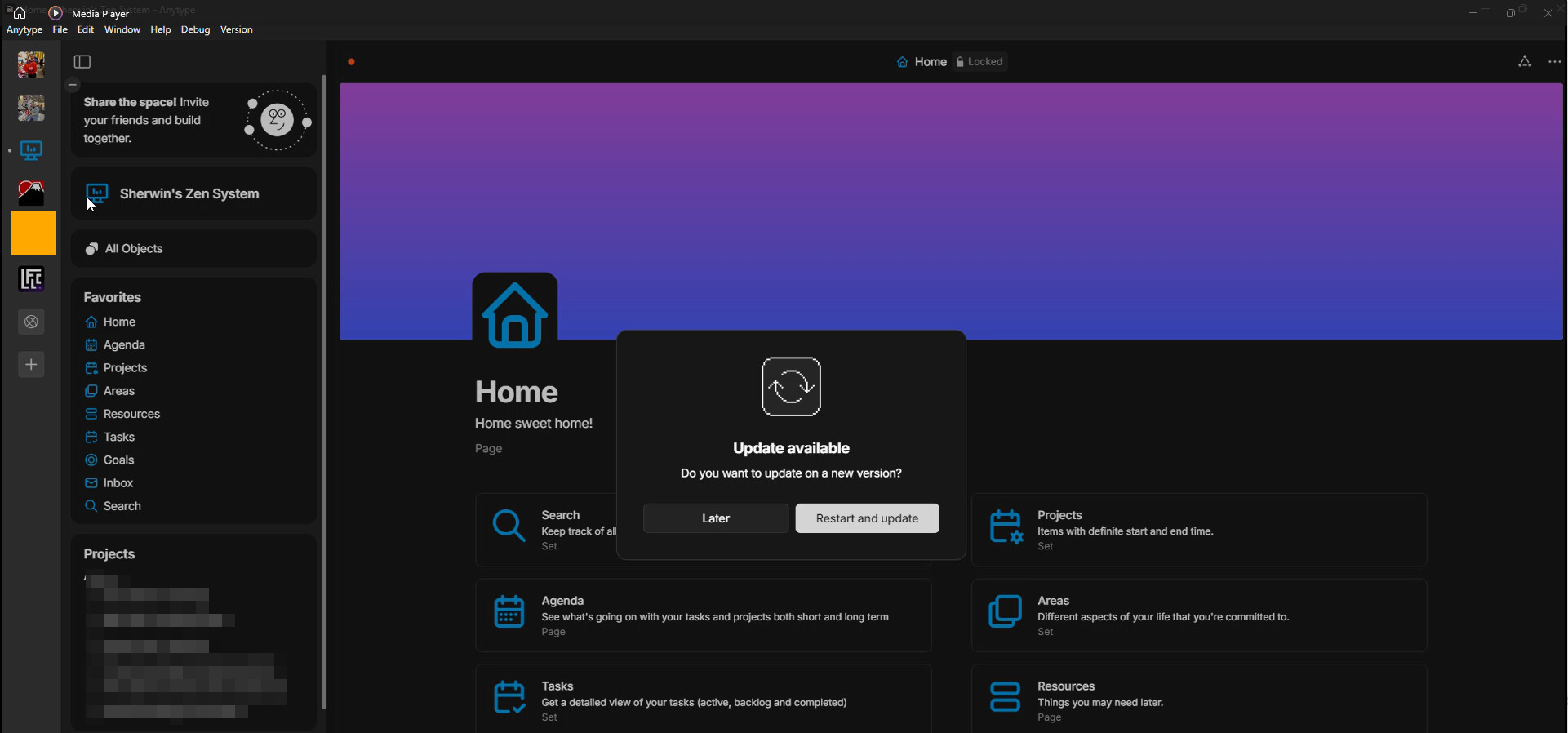
After updating to 0.43.7 a new space with similar name to my existing space suddenly appear that is buggy, cannot be opened and hang the application when I try to click it.
Right clicking it gives me an option to Leave Space but clicking it nothing happens
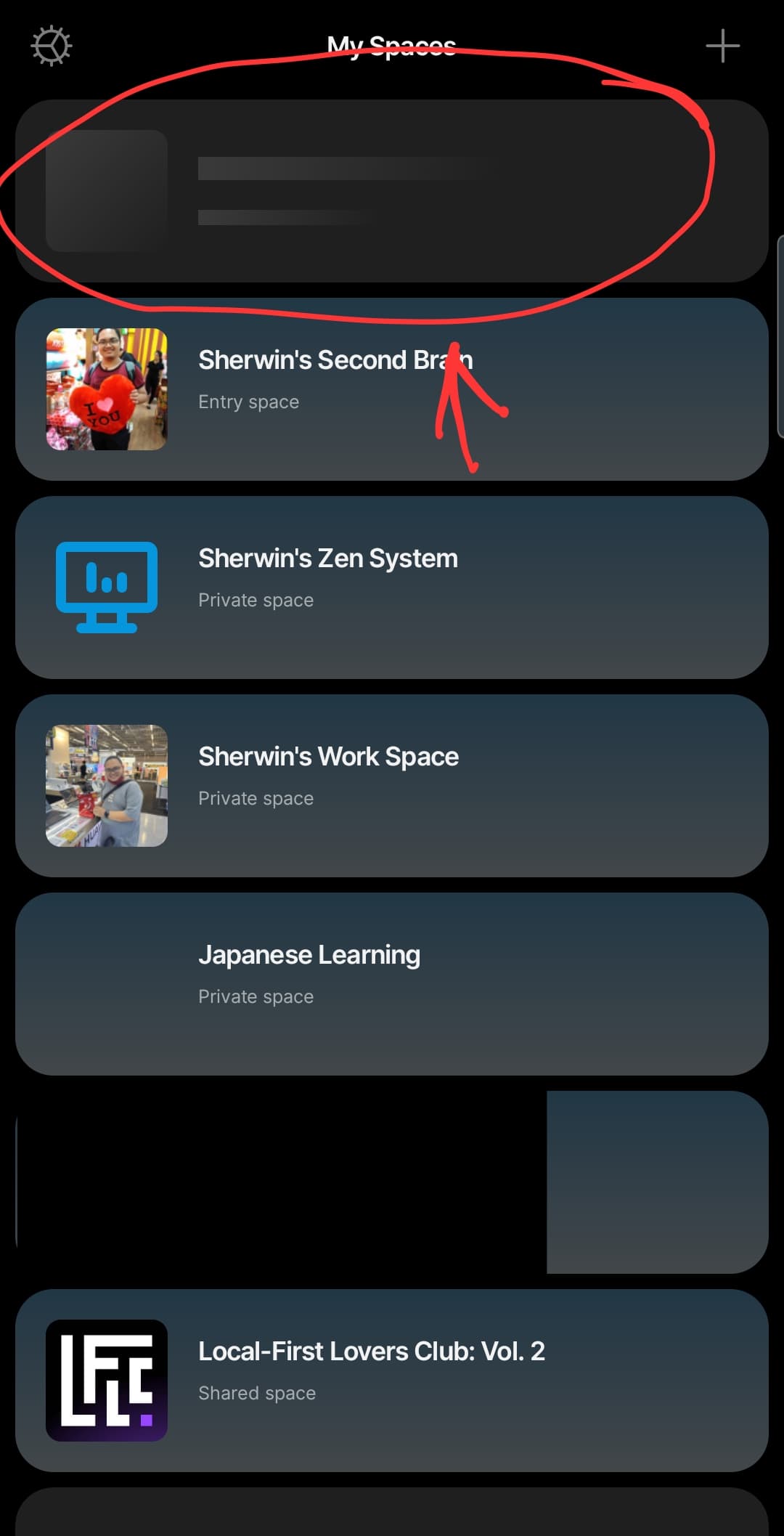
It sync to all of my desktop devices but it does not reflect on my Android device

How To Reproduce It

I just update my Anytype to 0.43.7

Image or Video

The Expected Behavior

There should be no phantom or buggy space

Device

Desktop PC, ROG-Ally

OS

Windows 11

Anytype Version

0.43.7

Network Mode

AnySync

Technical Information

OS version: win32 x64 10.0.22631
App version: 0.43.7
Build number: build on 2024-11-21 21:02:36 +0000 UTC at #541b8d3b88179bf9bc7b91ae21c5de85110b8e9c (dirty)
Library version: v0.37.2
Anytype Identity: ABGbtwZAfnHnU9U5SfSTkxbU39eketN3ncSGnidCfgr45oUi
Analytics ID: AAgPEXwqtGGjPkbRzBeE6NzmKrqL3xSTjxB1ipbocJCzVkht
Device ID: 12D3KooWJK4rURB3akQv7PtSN3YfXyUPkfXyxfKfrNxhcjGwXiXn

Crash Logs or Debug Files

main.log (274 KB)
main.old.log (1.05 MB)
log.log (50 KB)
log.old.log (1 MB)

This report has been added to our issue tracker and received by the Development Team.

I just want to add that I was able to replicate it on my old device which is not updated.


Here you can see that before updating, the phantom space is not there.

After updating, the phantom space is now visible for some reason.

Hi. Any update regarding this issue? It still persist in 0.44.0
I prevents me from opening my other space since it lags and stops the program from responding. It really hinders my usage of this app.

Hi. Any update regarding this issue?

Hi, just an update. It’s starting to reflect on my android device

Hopefully this gets fixed.

Any update regarding with this issue? I’m still currently experiencing this.
Thanks!

Hey, are you still experiencing this in 0.46.4?

Hi @Filip

Yes, I’m still experiencing it.


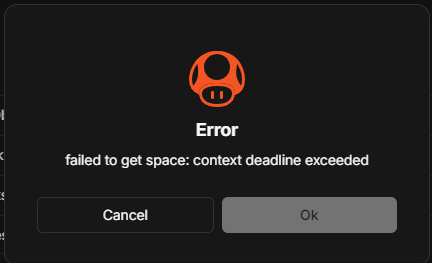
Also add this. It now displays an error when clicking it:

Try updating to 0.46.5, this should be fixed.

I’ve tried updating ti to 0.46.5 and it’s still there:

This issue has been fixed by the Development Team and will be implemented in an upcoming release.

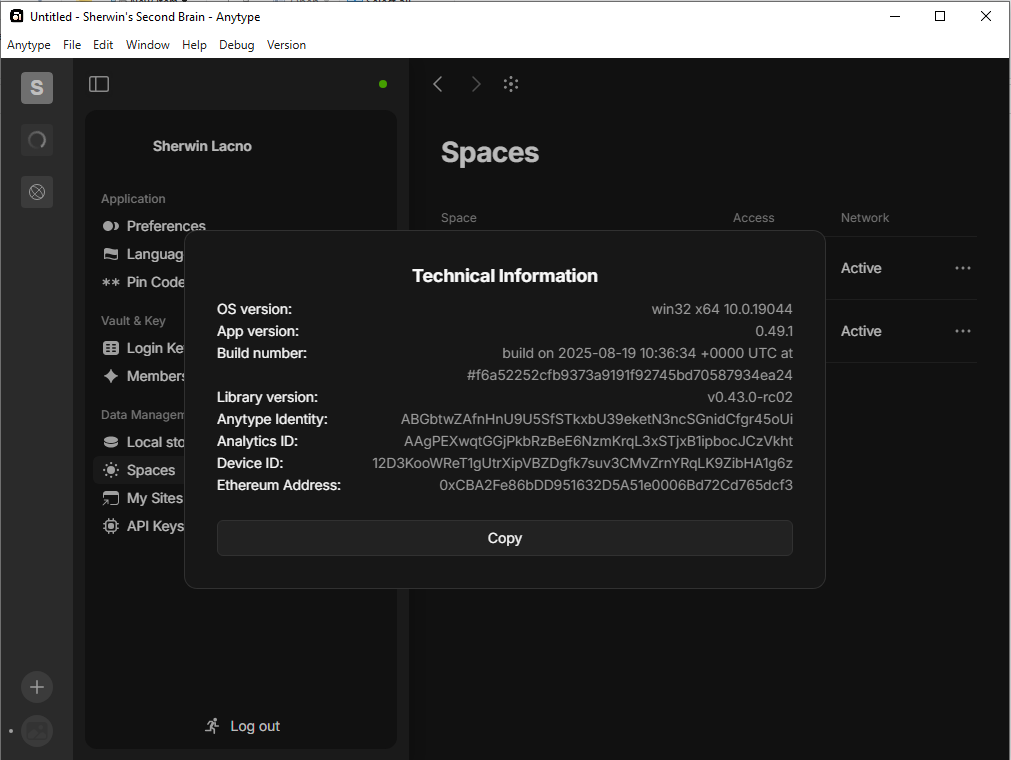
Hi! re-opening this case.It still appears on 0.49.1

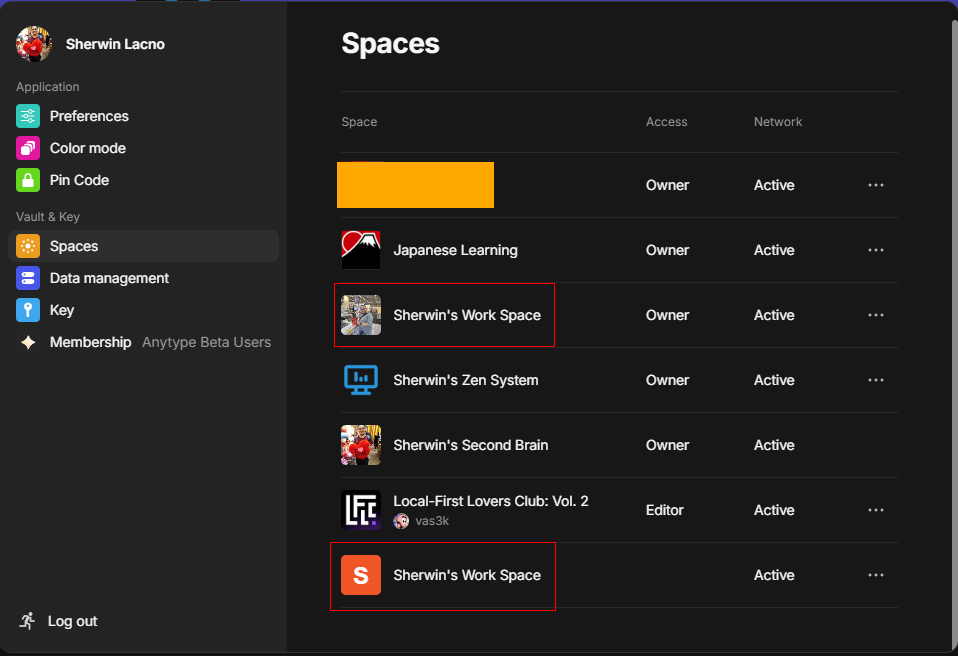
Hello, just to update. After updating to 0.50.1, I was now able to delete the phantom space. And it is also not showing in the Android app. I think this is now fixed. Thanks!
This issue has been fixed by the Development Team and will be implemented in an upcoming release.