Hi @Morgan1989
I already did try that but still having the same issue
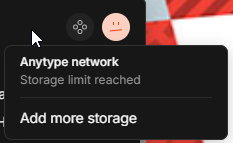
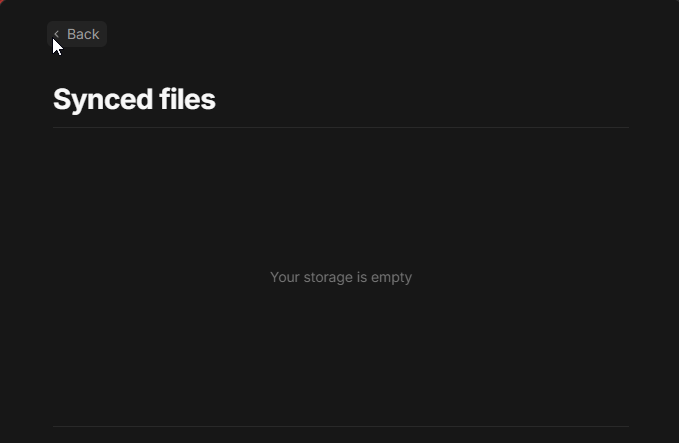
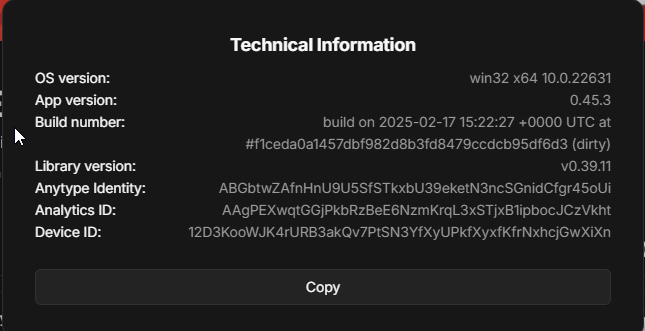
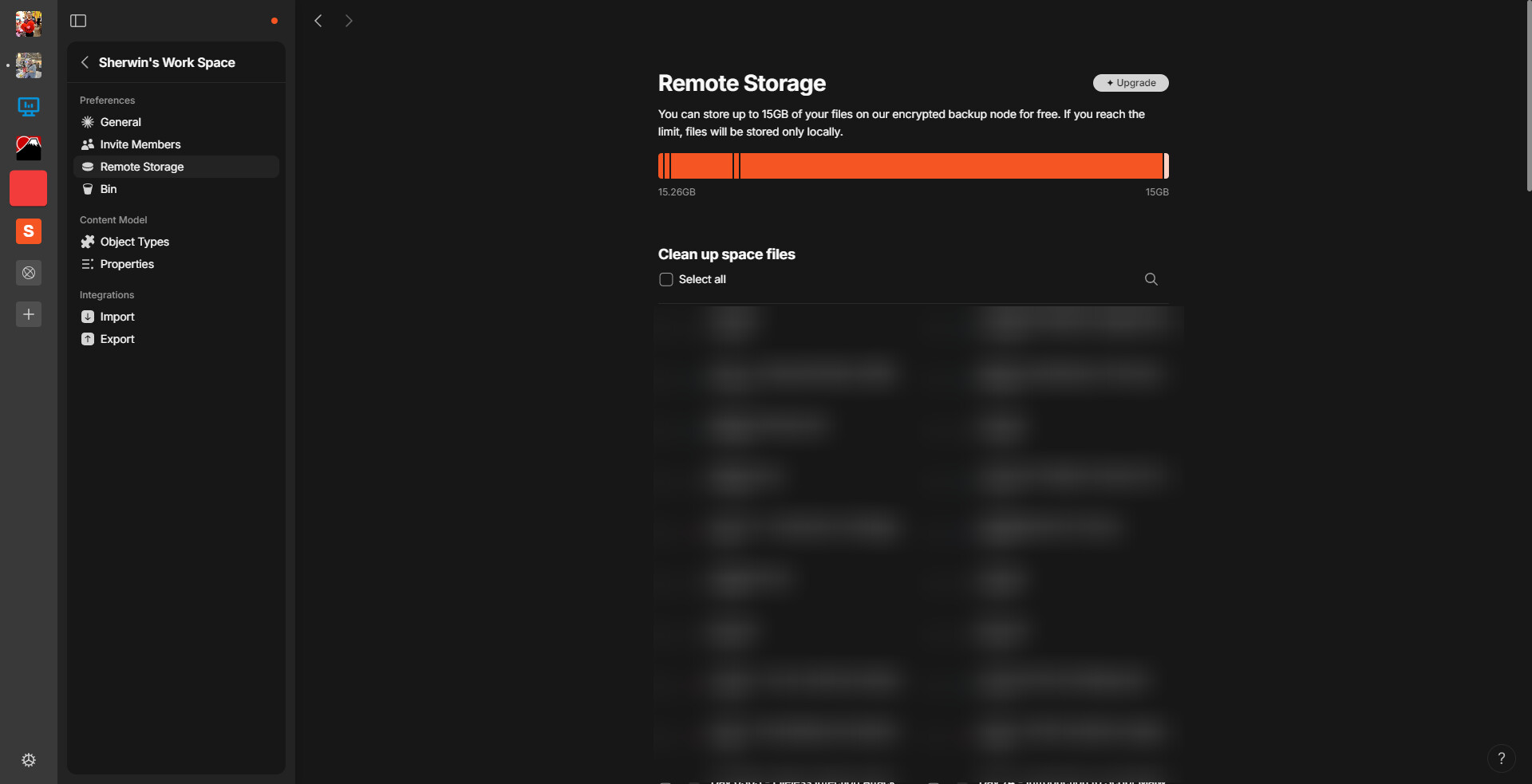
Is there any way to fix this? Since reconcile won’t work. Or maybe there is some issue internally with my account
Hi @Morgan1989
I already did try that but still having the same issue
Is there any way to fix this? Since reconcile won’t work. Or maybe there is some issue internally with my account
Any bug could be fixed, the question is How long it will take… I hope the devs will look into it because it’s been 15 months of wait…
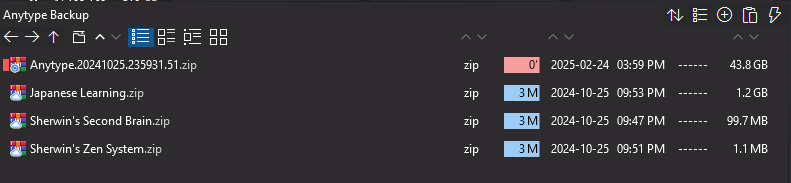
When I see the 43GB backup file, it makes me wonder if a deletion of this space would fix the issue on your side?
Did this space is “visually” empty or full of data? Because there might be a way to edit the backup to remove the old files. I don’t know if you could safely delete THIS space.
That wouldn’t help the dev to fix this issue anyway. But I wonder about a fix-workaround.
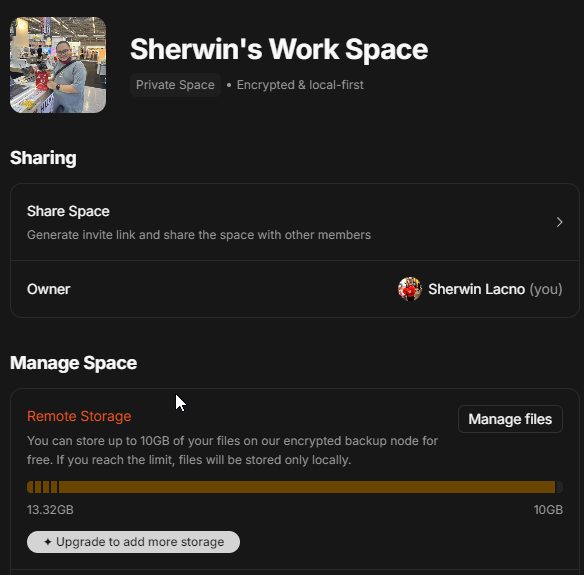
In the past, I actually tried this. I backed up the space then deleted it. the storage is still 13gb. So actually have a suspicion that my old files are stuck at the remote with no possibility of removing it.
Well, you’ve obviously done everything you could on your own. You’re probably right about the roots of this bug. While waiting for the bug to be fixed, you may ask for the Anyteam to give you an extra 9GB on a new Anytype account that you could create to transfert your spaces backups.
I hope they will agree on that, especially after 15 month of wait. That seems fair to me.
@lacno29 Can you confirm how much extra space would you need?
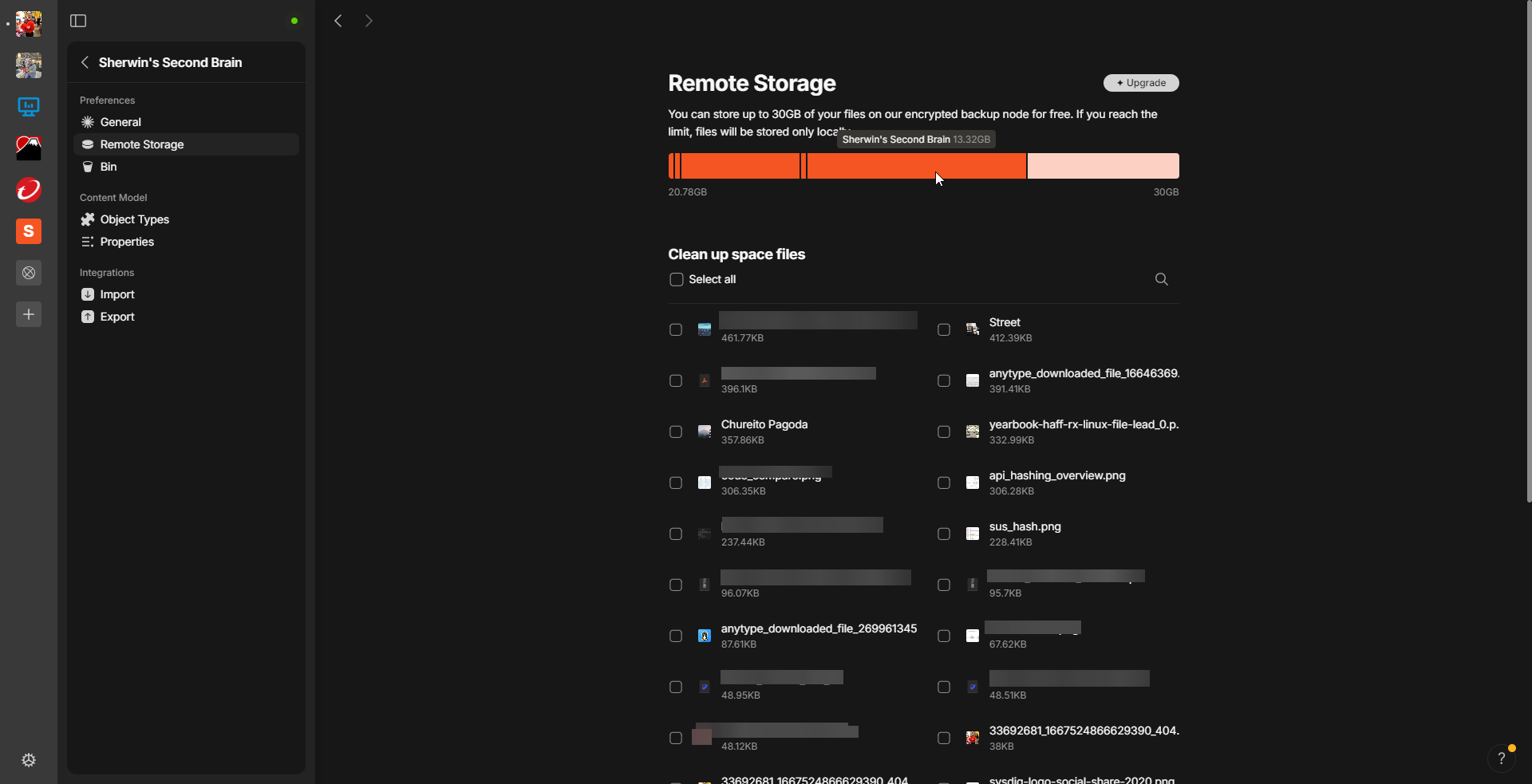
I’m not sure about the space that I need. But to be fair, maybe 10GB (or 13.32GB) just to reclaim the unusable space taken by the Remote Alpha Files.
However, I also have concerns since I already have around 45GB of files locally. Wouldn’t that be mixed up with the existing? I’m afraid that once you increase my space and the remote storage fills up, the issue will get worse? Since my “Synced files” page still says: “Your storage is empty”. I might not be able to delete future uploaded files. Unless there is a way to manually select files that get to uploaded in the remote storage and what files stays in local.
Any update regarding with this issue? I’m still currently experiencing this.
Thanks!
Hey, can you share how much storage space are you having now? We’ve recently added 15GB of storage space to this specific vault.
Hi @Filip
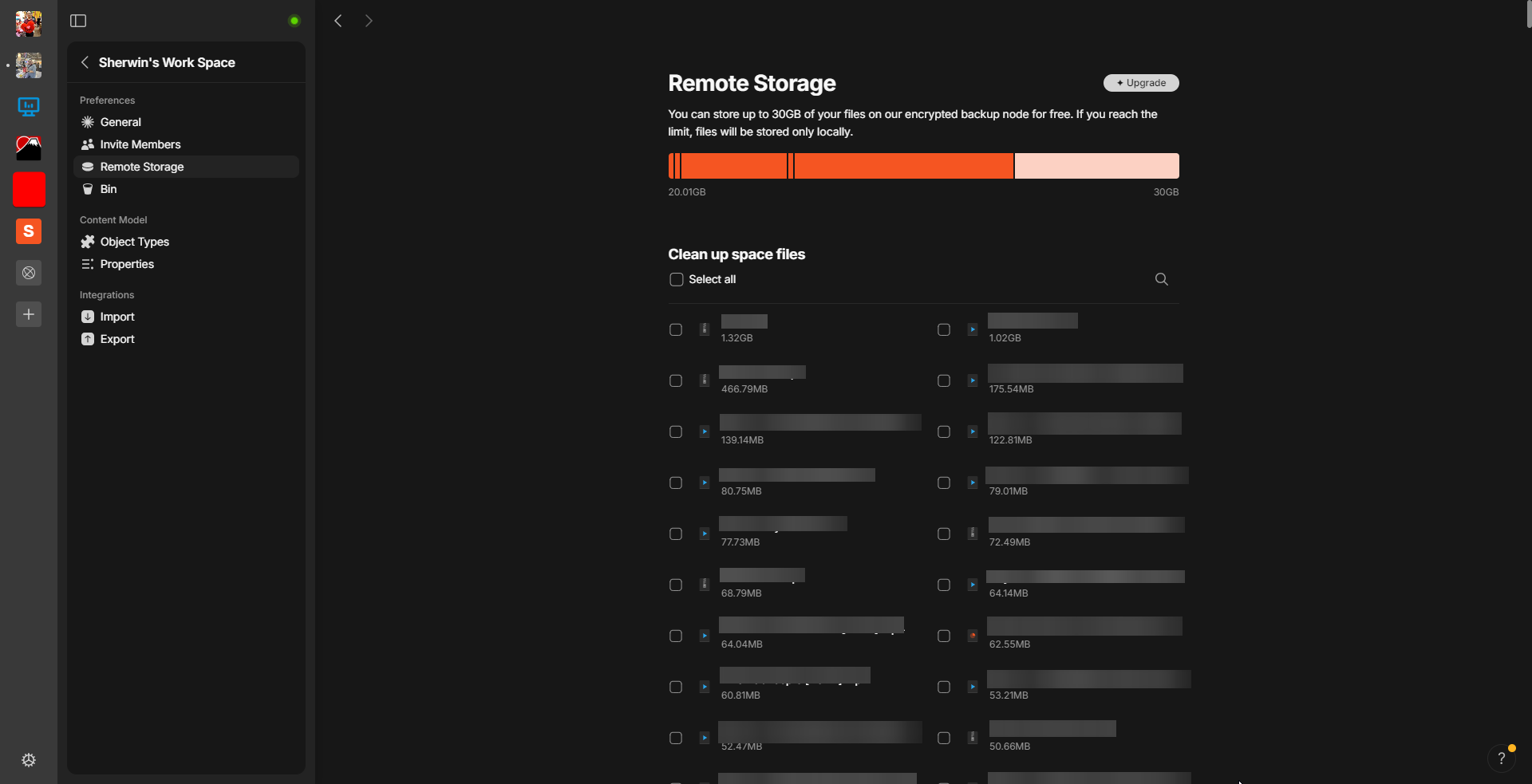
Here is my Remote Storage capacity
Do you mind checking again. Now it should be set correctly.
What about now? You should have 30GB of storage.
If you rename (not delete!) your work directory (File > Open > Work directory.), does anything change?
Hi @Filip
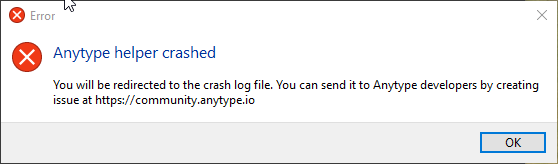
I tried renaming the folder but when I open the app, it crashes
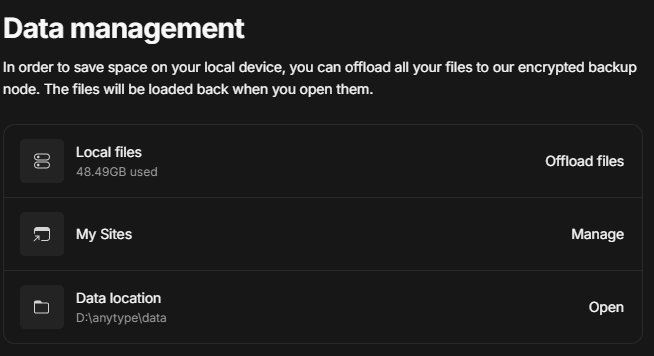
FYI: My Work Directory is different from the default directory in the AppData/Roaming folder.
What exactly did you rename? Your work directory or your data directory?