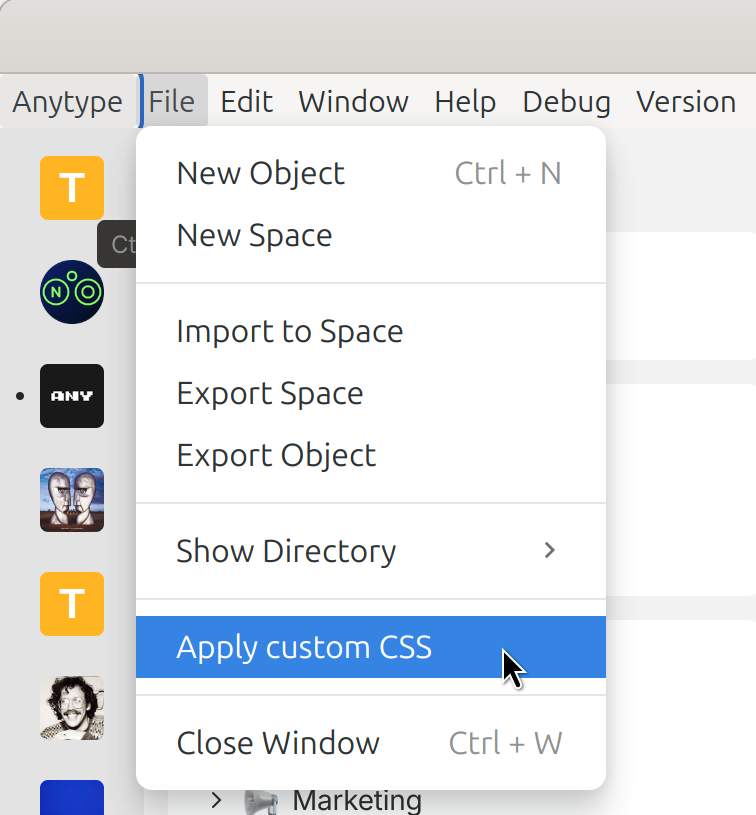
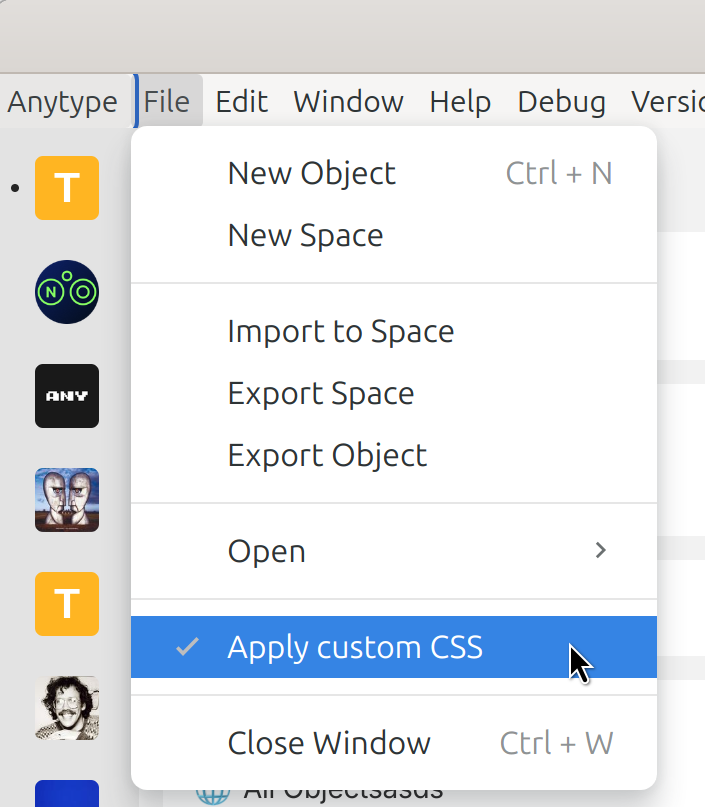
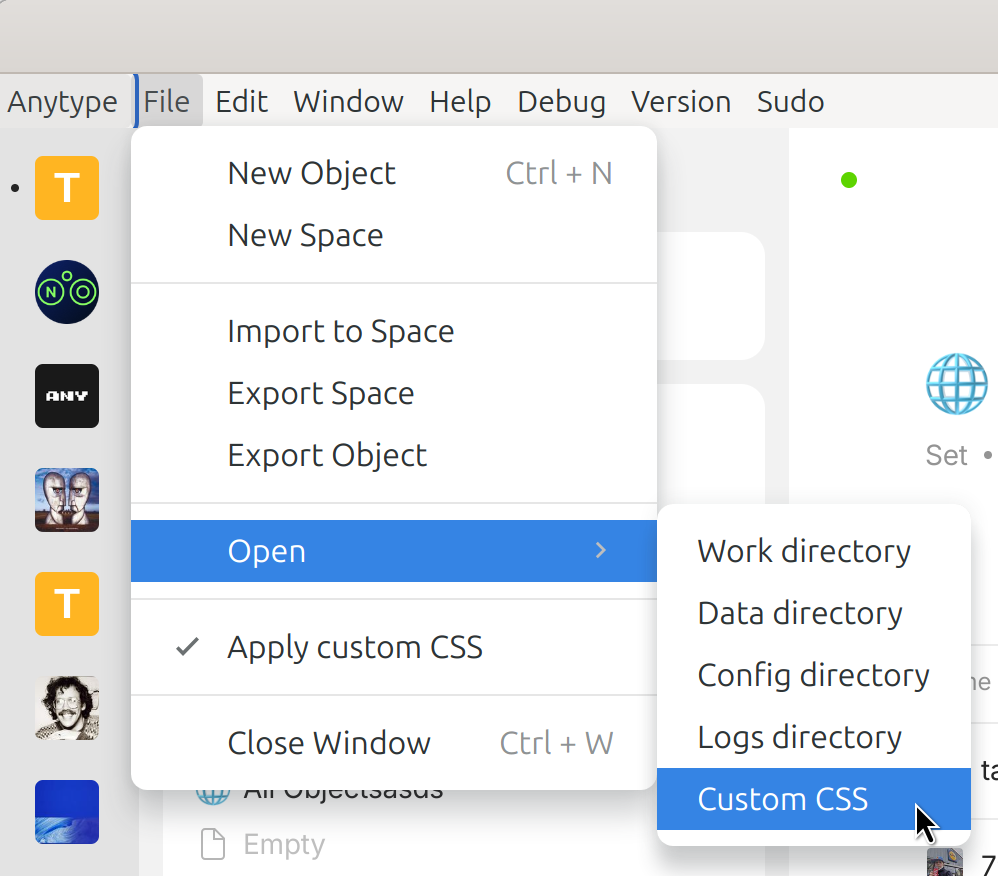
Because Custom CSS has closed as implemented, here are the improvements
WHAT DO YOU RECOMMEND?
Add an option to create custom CSS or desactive it more easily.
HOW COULD IT BE DONE?
Add an option “Apply Custom CSS” to enable or disable this CSS, allowing you to open the corresponding file with a single click
REAL WORLD USE CASES
Customization is quite popular, but not everyone is at the same level.
As always, the key is to simplify access to functionality.
Offering editing via an interface would be very cumbersome, so I think editing the file is still necessary.
But making access easier would still help!
Likewise, it would be useful to be able to activate or deactivate.
In my case, I’ve made a customization, but every time I update, I have to fire everything manually to see the new version without interfering with my modifications. A pain.
From your original FR, it seemed like the enable/disable was just a bonus, and that the main thing being requested was to simplify access to the CSS file.
Not really.
It seems to me that this is not the case.
But above all, having to add all the CSS for one or two pages, why not, but it’ll quickly become a mess if it’s in a single file.
And above all, the file is local, it’s not really in Anytype.
The point of having a CSS file (or code) in Anytype is to be able to apply it:
in a shared space (e.g. a company-colored WIKI shared with employees)
in a web share, since this is going to happen
In terms of usercase, the possibilities are just enormous.
And in terms of simplicity, I think it’s pretty good too: I activate the “Custom CSS” relation, paste in my code or even better, reference the “Custom CSS” object available in Anytype that I want (so I’m free to have my own style library that I can apply in 2/3 clicks to the objects or templates I want).