Before we say goodbye to the year, we’re happy to share this final update packed with some nice improvements. In addition to bug fixes and reliability/performance enhancements, we would like to introduce two long-anticipated features. We hope you enjoy this update and wish you a joyful holiday season
Highlights
Date as an Object
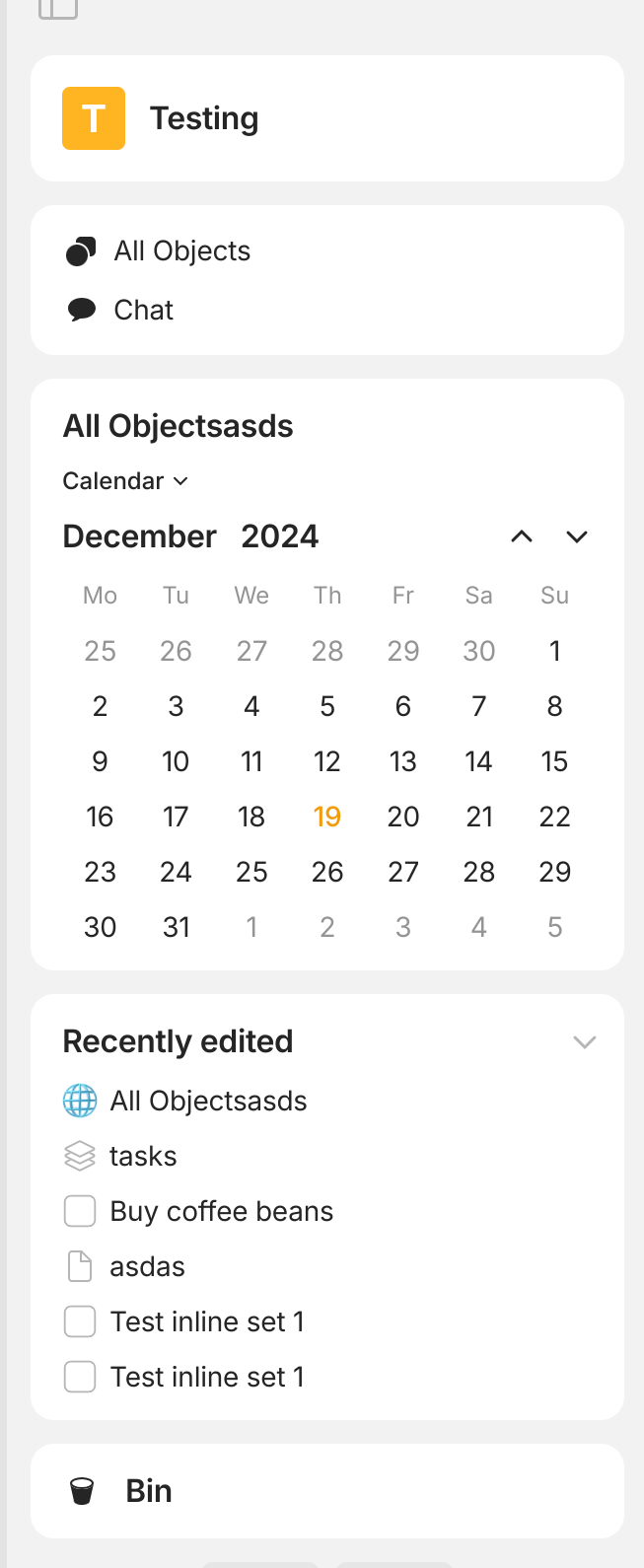
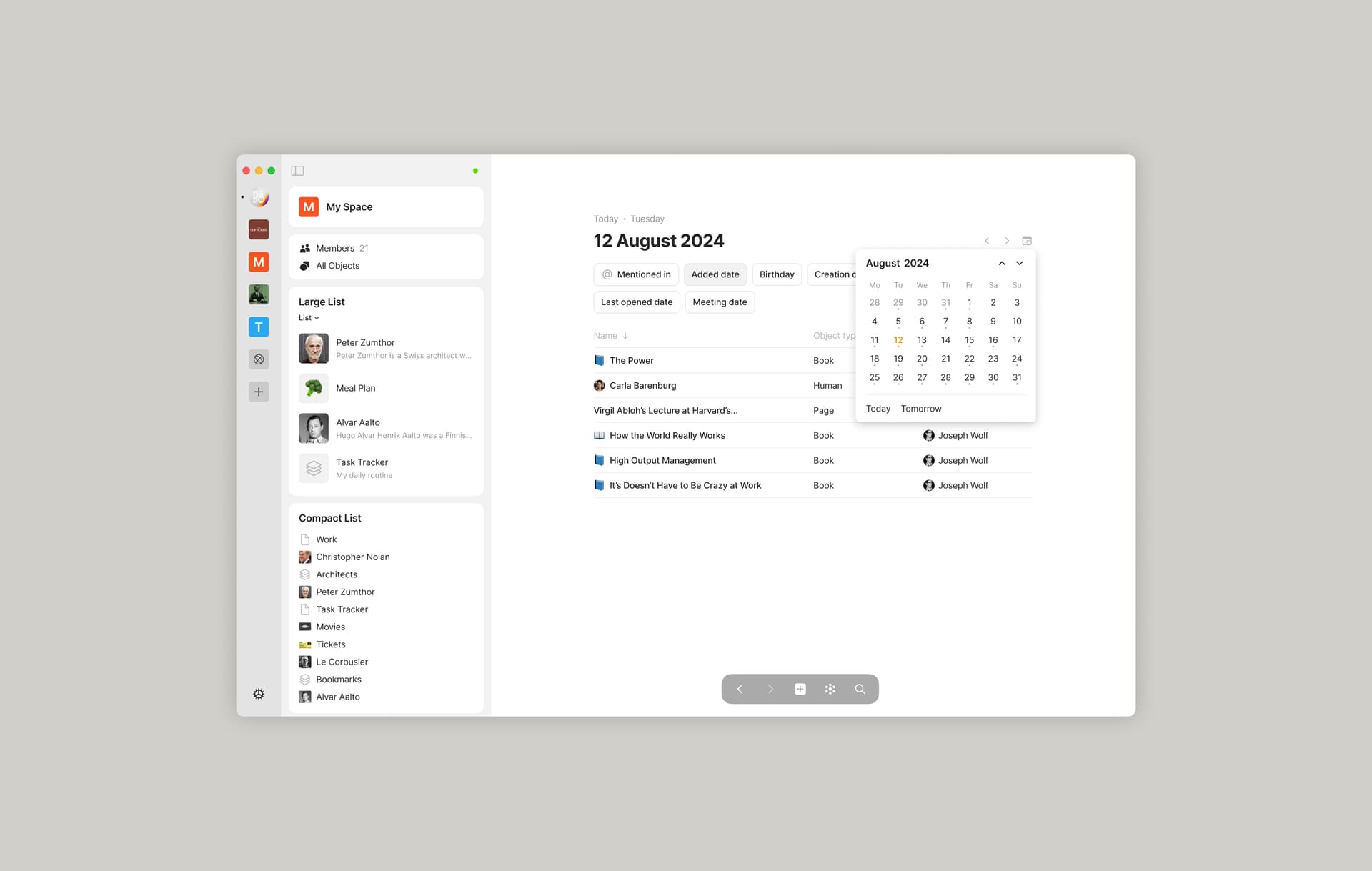
You can now open any date as a separate object to view the entire context related to that date, including mentions (@date), automatically created dates and custom date relations. Dates are accessible from relations, layouts, graph, calendar view and more.
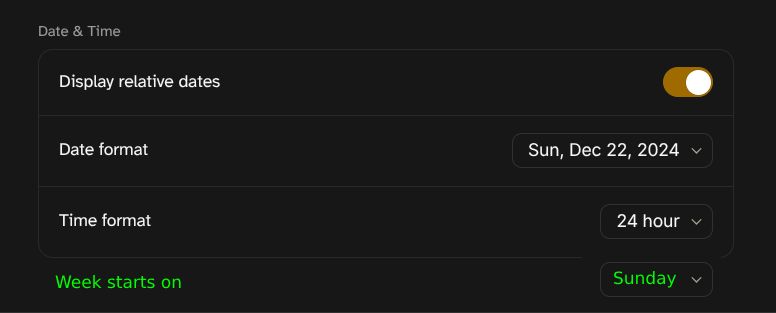
In addition, there are new Date and Time settings, and @date supports relative date formats such as @today or @tomorrow.
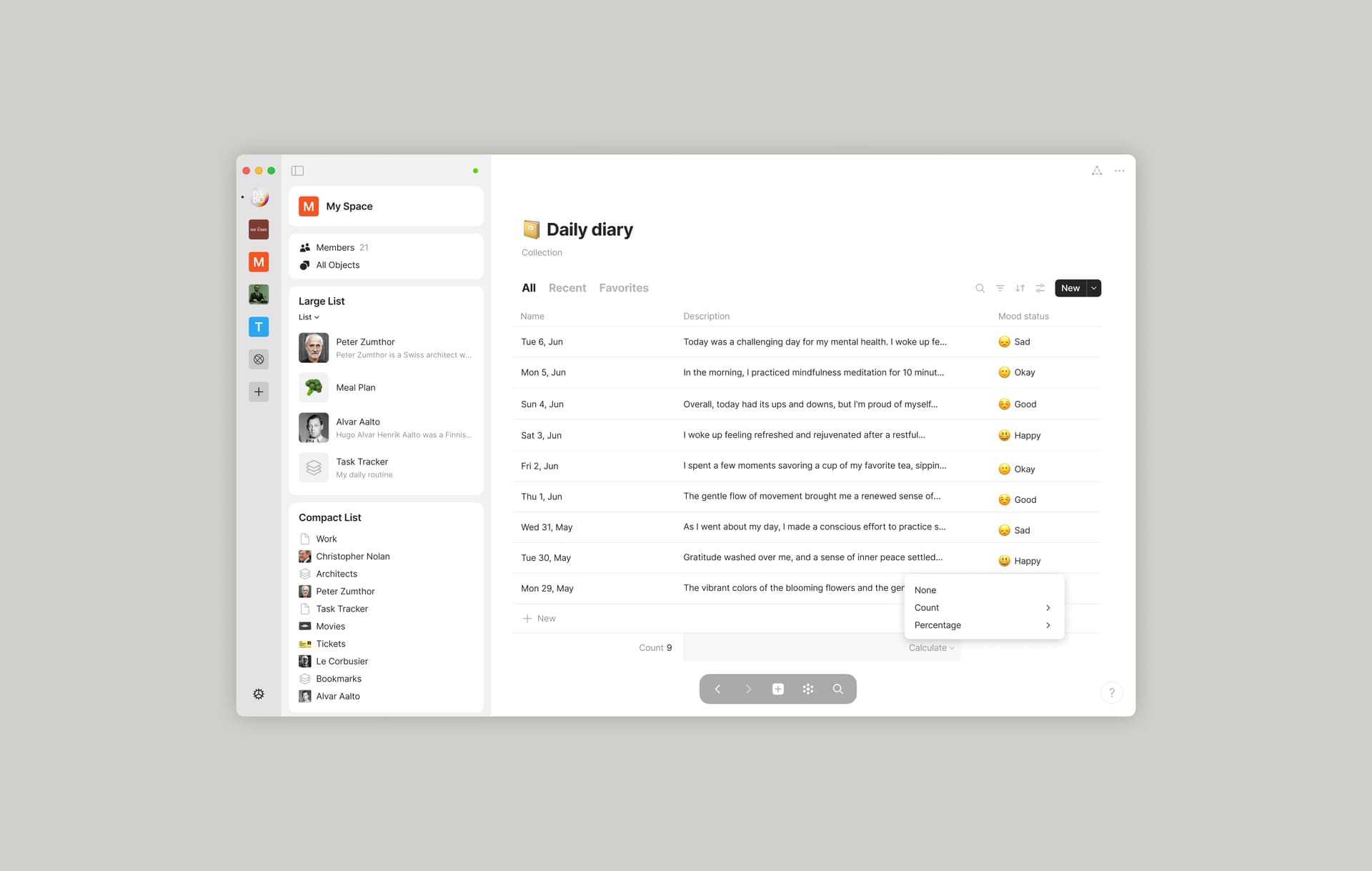
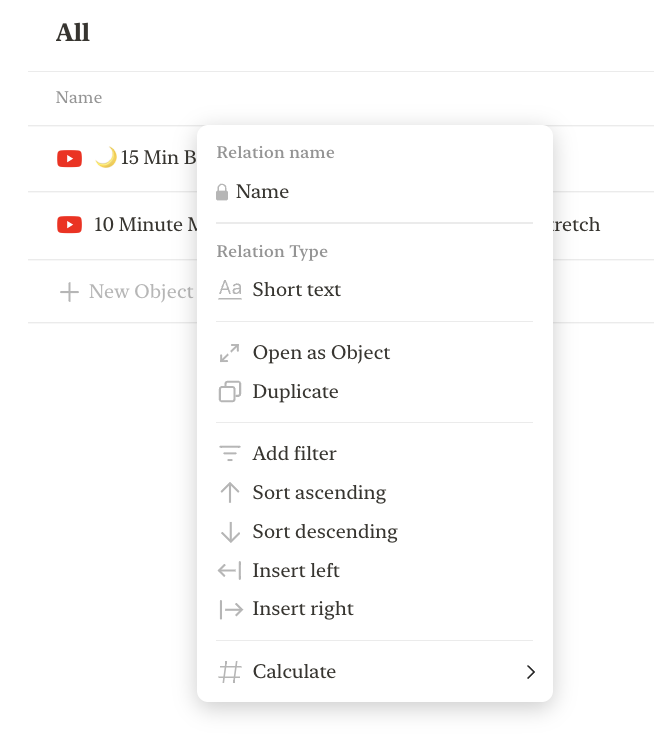
The long-requested functionality is now available for Sets and Collections. You can count objects in the Grid view and perform simple math and aggregation functions with all types of relations.
The Entry space can now be deleted if it’s no longer needed or if you prefer to use only shared spaces. You can export and import it into any other spaces (better to use the any-block format).
Files and markups from the HTML and bookmarks are no longer created as objects when you place them in the app. This enhances the functionality of the Web Clipper and clipboard, resulting in a cleaner app without unnecessary file clutter.
Deeplinks to Objects include an invitation to the shared space when using the “Copy Link” option, making collaboration and access more seamless.
Added the ability to import data during the creation of a second space, simplifying the setup process.
The Audio Player has been slightly restyled, with a background with a subtle shadow, slightly repositioned controls and updated icons.
Some colour updates for both light and dark modes.
The “Add Relation” option has been removed from the File layout.
Added an option to enable or disable custom CSS. Thanks, @Shampra!
Bug Fixes
Resolved an issue where the Link option in the widget settings menu could not be selected.
Fixed an issue in global search where the cursor would jump from its position when entering or deleting text, particularly after switching apps. Thanks, @dzlg!
Re-fixed an issue where local links with “$” in their path would cause the super link text to appear in some source text.
Search queries retain entered symbols, resolving an issue with missing characters.
Search results remain consistent when reopening the search panel.
The checkbox ticks as expected when attempting to delete a Vault.
The Brazilian currency symbols (R$) are displayed correctly. Thanks, @perereco!
Inline LaTeX with multiple standalone backslash commands now renders correctly. Thanks, @zewwo!
Applying formatting via keyboard shortcuts affects all selected text across multiple levels of indentation. Thanks, @ferdzso!
The “Local Only” tooltip in Network Mode is now clearly visible when the operating system is set to dark mode. Thanks, @krst!
⌘ + A in an overlay now selects only the content within the overlay, without affecting the object underneath. Thanks, @krst!
Click handlers in Mermaid embed blocks open external links in a browser. Unfortunately, internal resource links within Anytype can’t be fixed as they’re purified by Mermaid. Thanks, @francodgstn!
Converting multiple blocks using shortcuts works correctly. Thanks, @siousu!
Fixed an issue where element outlines would become visible. Thanks, @zma17!
The right-click menu is correctly updated after an object or type is removed from the All Objects. Thanks, @Facility6384 and @endlessblink!
Frequently clicking on the “Get My Key” button does not result in an error.
Long space names no longer overlap with the sidebar button.
Links starting with tel: are correctly prepended with https://. Thanks, @fieldnote!
Formatting text as monospace using backticks `` is applied without shifting the formatting of subsequent words in a paragraph. Thanks, @yuritem!
Reordering views in Sets and Collections is consistent and the drop-down list remains open after reordering for additional adjustments.
Resolved a crash caused by an ENOENT error.
The search icon in Sets and Collections displays correctly.
Fixed an issue where an Object name might not be saved when entering it for a new Object in a Set.
Fixed unexpected behaviour of the context menu when it could follow the mouse cursor and lose the context of the element it refers to. Thanks, @krst!
Please be reminded that we no longer support macOS Catalina.
Finally! Hope that this is just the beginning. I’m sure that many of the users of Anytype would be happy to automate more task in near future. I hope to see some visualization of that data in beautiful charts. This would be extremely useful for both home and corporate users.
I’m really hyped about counters; it’s one of my most anticipated features.
However, I don’t see how to enable them on any of my sets. I’ve updated to 0.44.0, and there’s no indication of how to create a counter underneath a column.
A small bug I found: the menu behaves a bit weird. It’s a bit difficult for me to explain, but hopefully the video shows what’s going on:
Also, clicking on any of the menus (like Calculate, Math, Percentage, and so on, instead of the actual options) closes the entire context menu. I know it’s not necessary to click them, it’s just a weird behavior of mine, but I guess that’s not the intended behavior of the context menu.
This is what that looks like:
And for the context menu that pops-up when clicking on the result, clicking on one of the categories like (like Calculate, Math, Percentage, and so on, instead of the actual options) selects the first (I think) option of said menu:
I’d guess it’s a simple fix, but I can create a bug report if you need!
This update is great! Especially all the bug fixes (looking at you Mermaid diagrams). Thank you so much! Have a wonderful Christmas break. Looking forward to 2025.
There’s no point in adding more on simple formulas, so I’m putting this detail forward. Thanks, it looks better (although being able to resize it to reduce the size is still useful, I’m not closing my application).
Cool update! Would be nice to still have a ‘‘locked space’’ that is not deletable if not from the settings, just to be sure to not be able to delete it if someone else is touching the computer or while mass deleting other spaces
Basically deciding an ‘‘entry space’’ not deletable
edit: actually, more than one ‘‘not deletable’’ would still be cool but i guess that it’s easier to implement to choose just one ‘‘entry’’ insted of toggling ‘‘deletable’’ or not for each one
Hey. Just checked out the update. Is there a way to be able to see calendar easily or have it always accessible. Also, if we want to replicate the daily note functionality, how can we do that effectively and easily?
Thanks but not the same thing, what you linked is just general notifications (and likely notifications because of the upcoming chat feature).
What I’m bringing up is a reminders feature that uses the newly released date as an object, so I can type @remind jan 29 2025 834am to get a notification reminder on at that date and time (if no time specified, then it defaults to 9am on the day).
Notifications need to be a thing first (which is upcoming), and then being able to add a time to the dynamic date needs to come second, and lastly being able to set a date and time as a reminder to push a notification in the app. Currently doing this in Notion will show an app notification with a preview of the block on the phone’s lock screen/notification screen.
Now that we have ‘Date & Time’ subsection in Preferences, can we please have one more option there saying “Week starts on” with a drop-down list showing 7 days name?

Please be reminded that we no longer support macOS Catalina.



 Simple Formulas is all I need to migrate finances from Notion.