Black screen when open Anytype on Linux

What do you need help with?

Hello,
I updated my Anytype to version 0.42.3 and now I can’t use the application, because when I open Anytype it only shows the logo with the version, and then it just stays on the black screen.

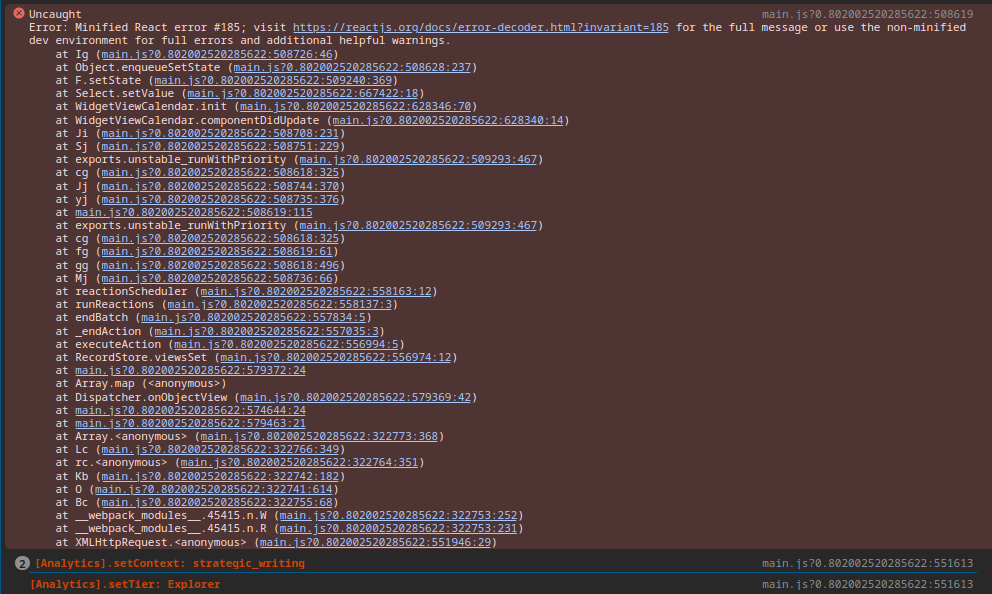
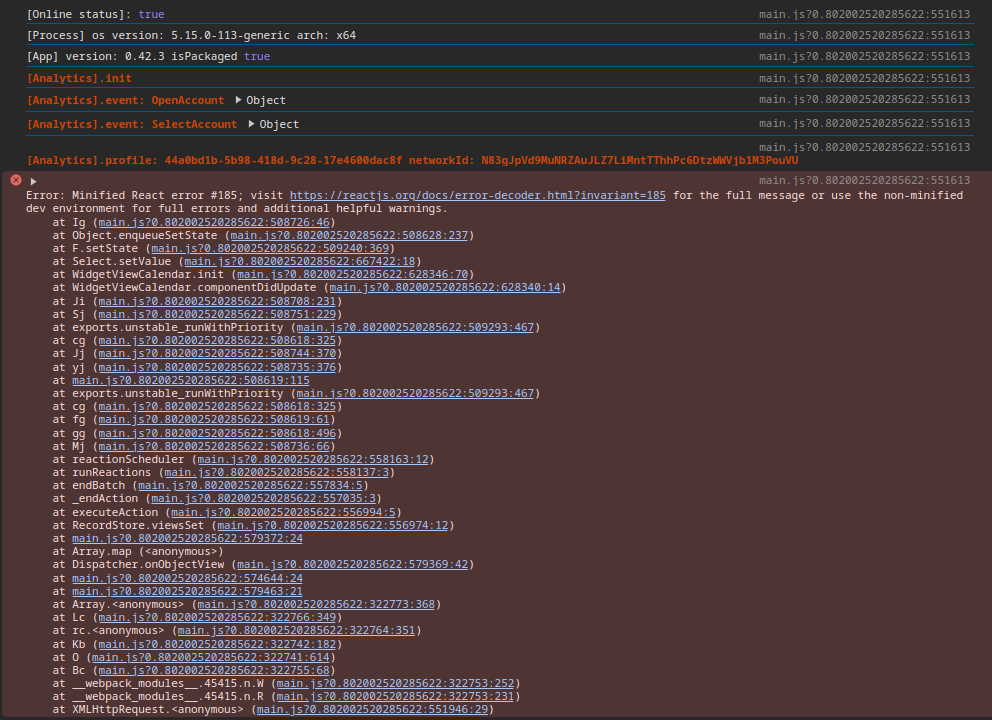
The attached images show the contents of the console.

Image or Video


OS

Linux Mint 21.3

Anytype Version

v0.42.3

Network Mode

Local-Only

Technical Information

The attached images show the contents of the console

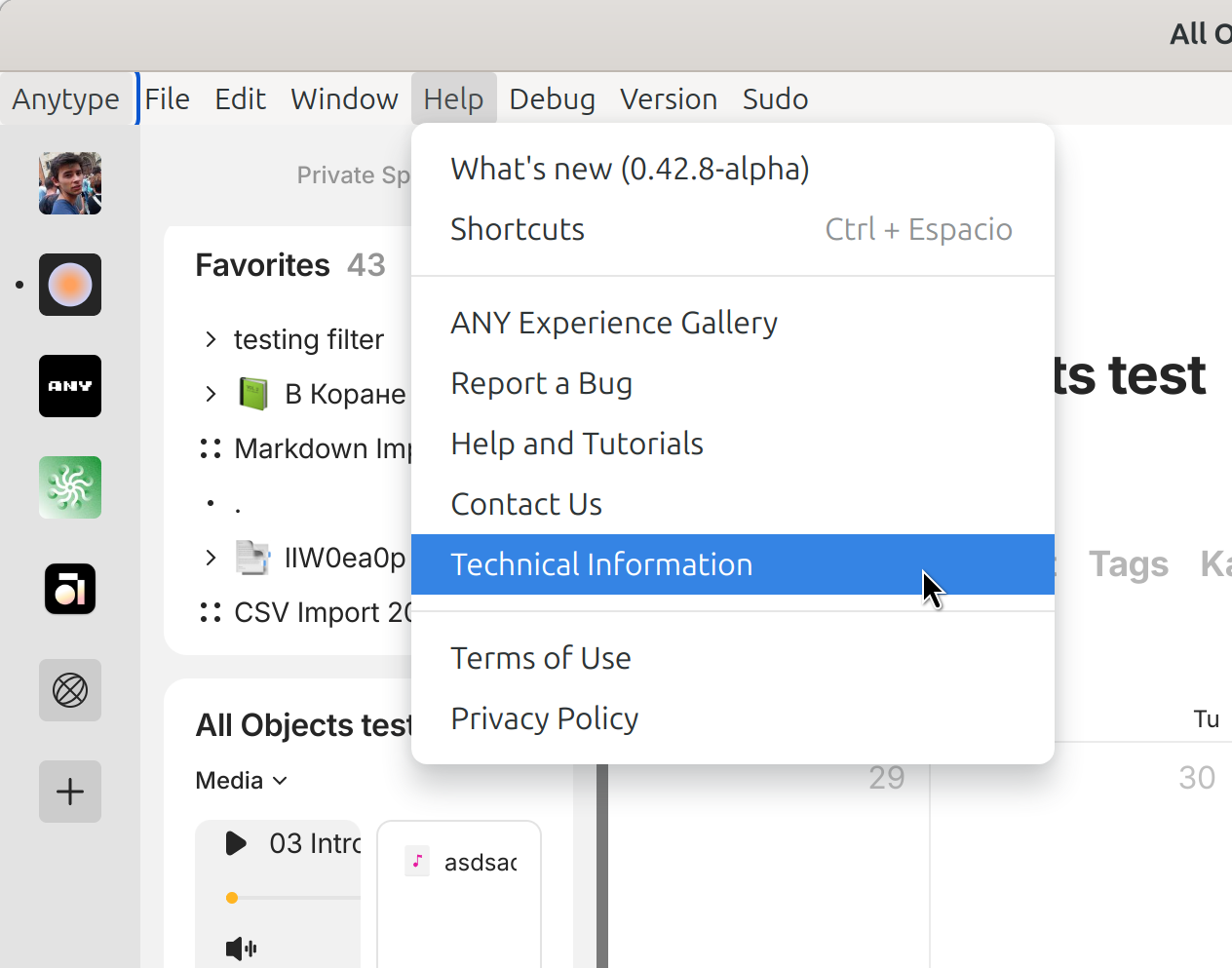
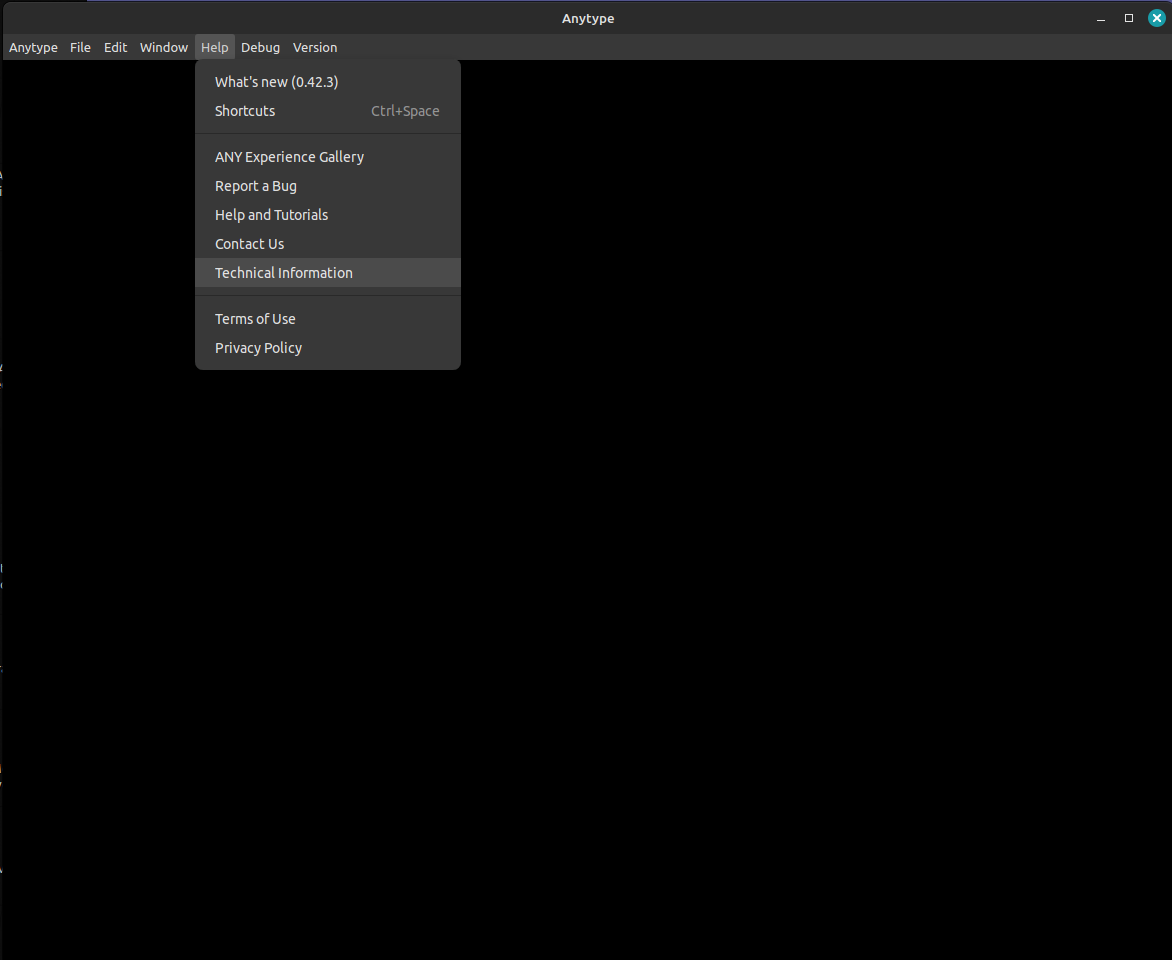
Are you unable to open the menu bar to copy the technical information?

I can access the menu bar, but when I click on “Technical information”, nothing happens.

This report has been added to our issue tracker and received by the Development Team.

Thank you!

Hello, Filip.

Here are the technical information:
OS version: linux x64 5.15.0-113-generic
App version: 0.42.3
Build number: build on 2024-08-02 12:17:02 +0000 UTC at #e1e3c496021c87ea0488f4a9eba8836e61a01072
Library version: v0.35.0
Anytype Identity: A7zaXPkn8tPi1VjWe6Kn9dtxs3s8Cne6HfyVVFxWQcZBQ3Y2
Analytics ID:
Device ID:

I can use the Anytype after I remove the directory “/home/user/.config/anytype”, removing this directory I can use the application, but when I insert the key for my existent vault, the application doesn’t work. I try to create a new vault and at the moment the application is normal.
Do you have an idea that happened?

Thank you.

It’s a client bug with recursion, could you please try latest alpha version and see if it’s fixed.

How I can use latest alpha version?

I’ve selected the pre-release version in the menu bar, but the error continues.

Thank you.

You can download directly from github: Release v0.42.9-alpha · anyproto/anytype-ts · GitHub

The problem persists.

Thank you.

Ok, thanks, I’ll investigate further.

This issue has been fixed by the Development Team and will be implemented in an upcoming release.

Thank you Anytype Team, I am waiting for the new version. :blush:

And today I used the version 0.41.1, and the problem doesn’t occur with this version.

There is no calendar widget, it is the source of the problem

This looks like the same bug I had in December:

I’ve also noticed Anytype load a blank screen when I open it a couple of times in the last few weeks.

Deleting the GPUCache folder temporarily resolved the bug each time. This might be a way for you to regain access to the app while the development team work on a fix.