WHAT IS THE BUG
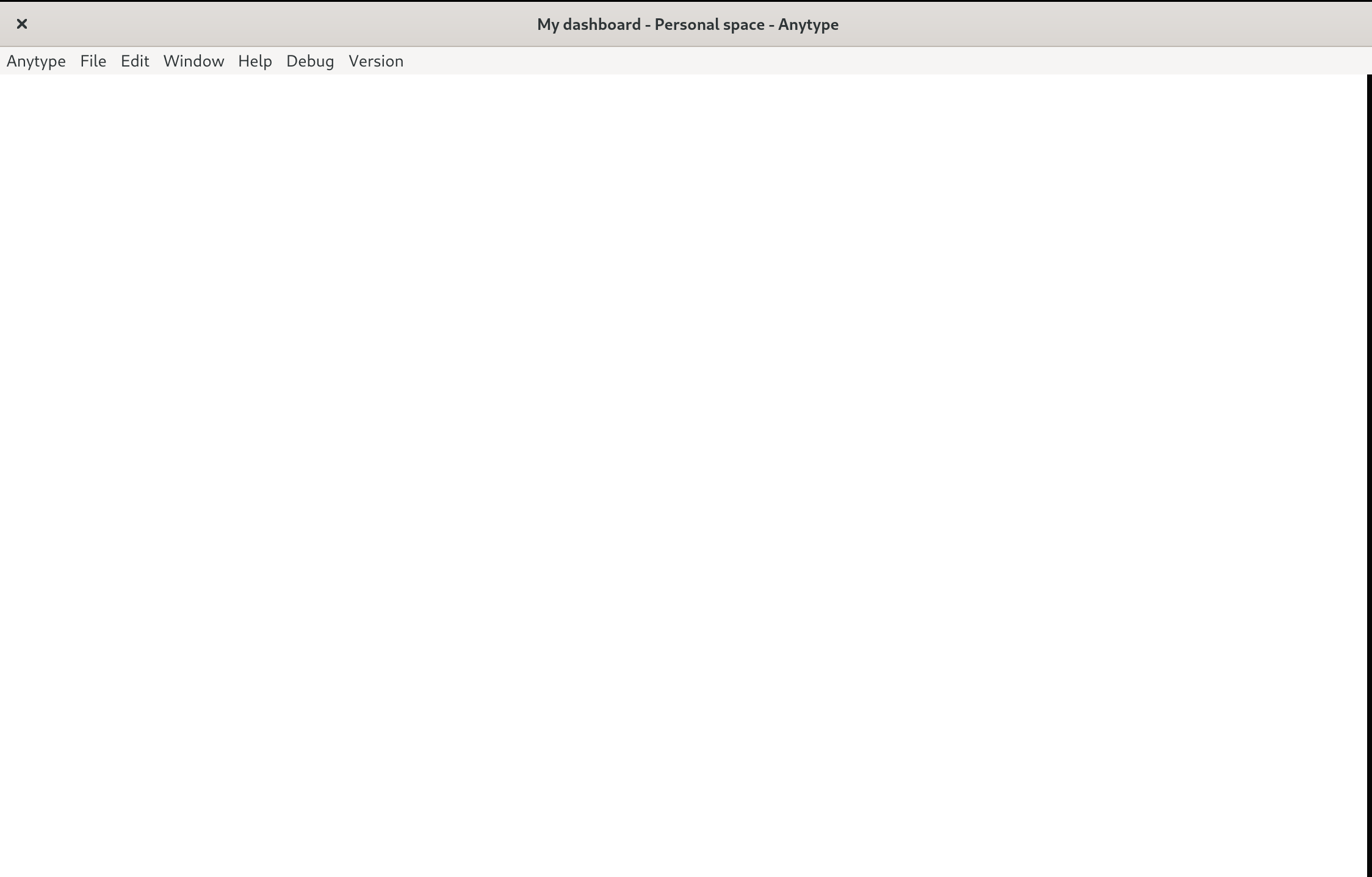
When I open Anytype, my Dashboard page is entirely invisible. If I resize the window, sometimes a handful of emojis appear.
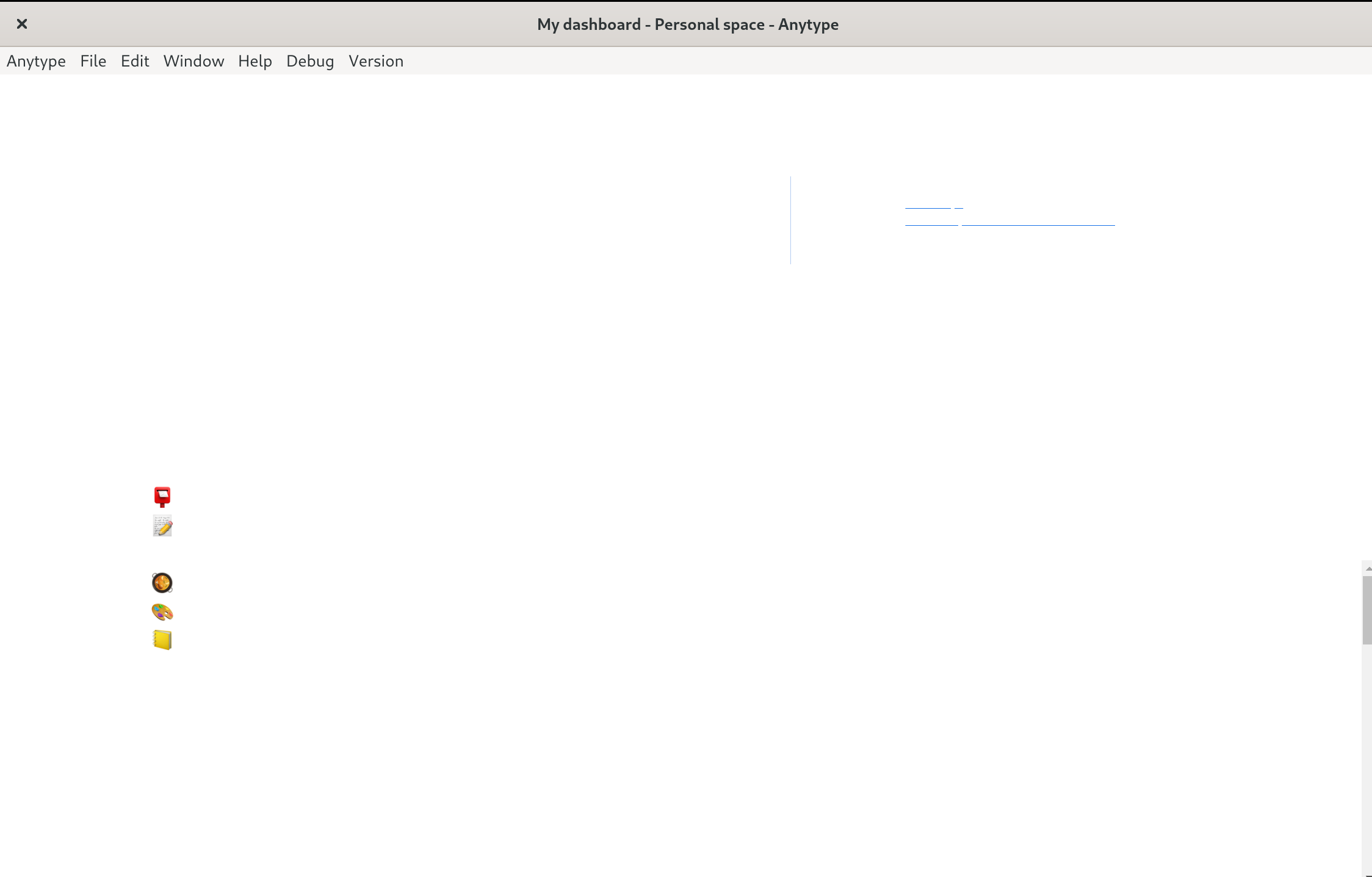
If I try to open the Dev tools, the contents of the right-hand panel that appears are also invisible:
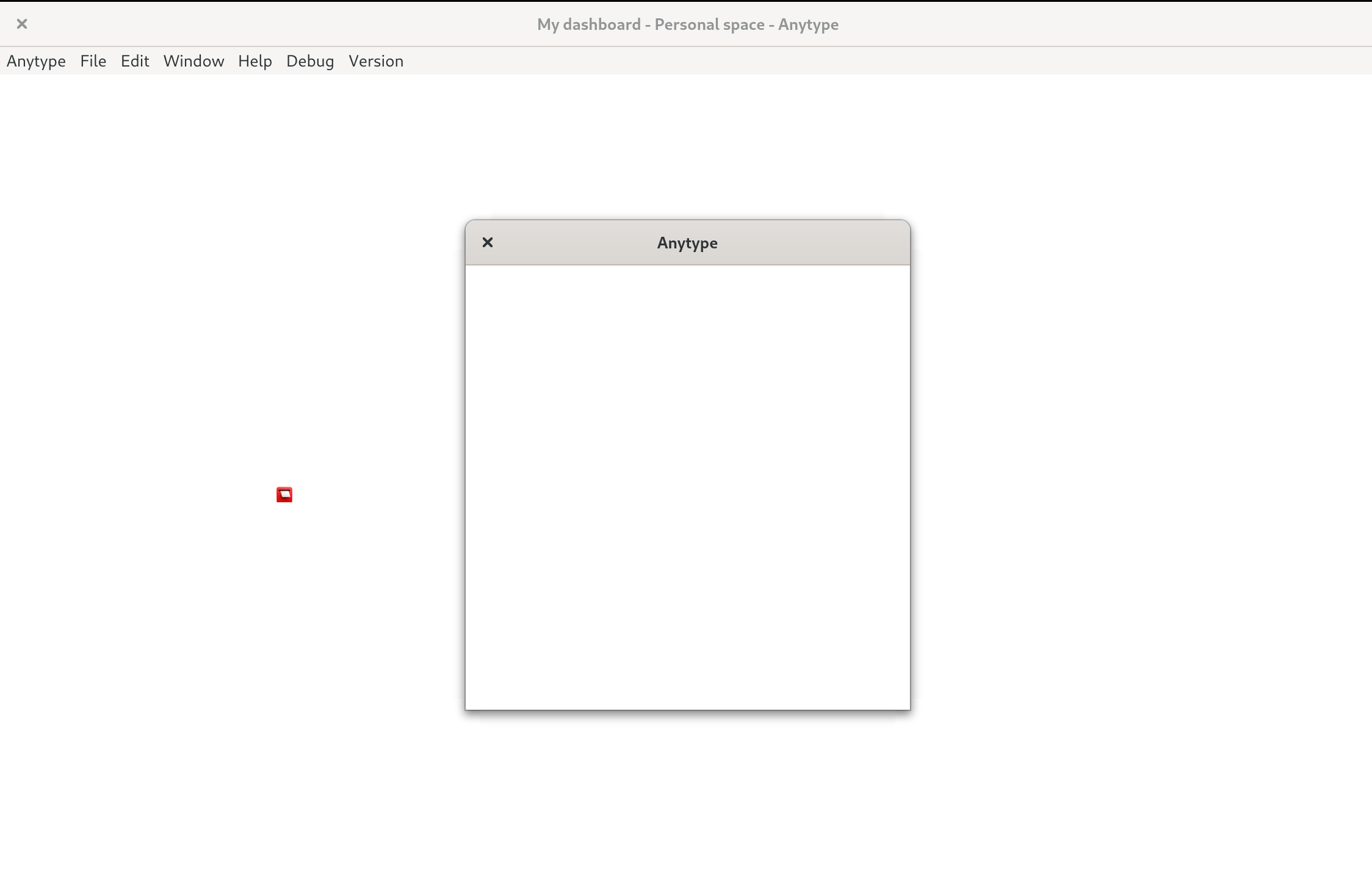
When I go to Anytype > About Anytype to check the version number, that dialog is also invisible:
HOW TO REPRODUCE IT
Open the Anytype Linux AppImage app on Fedora 39
THE EXPECTED BEHAVIOR
My Dashboard page and all other app pages render correctly
ADDITIONAL CONTEXT
This started appearing suddenly about 2 days ago. Restarting the app doesn’t help, nor does restarting my computer. My system is up-to-date with all software updates.
SYSTEM INFORMATION
-
Device:
12th-gen Intel Framework 13 laptop. -
OS:
Fedora Linux 39 (Workstation Edition) -
Anytype Version:
I don’t know, I can’t open the About window. I’ve been keeping it up-to-date whenever the app says there’s a new version available though. -
Technical Information:
Desktop: I get a blank screen.
Mobile:
Dispositivo: iPhone 11
Versión del SO: 17.1.2
Versión de la aplicación: 0.27.0
Número de compilación: 44
Versión de la librería: v0.30.3
ID de la cuenta: A7UAt3WPtsUpbxDjWmQnkcgs8SzMvEgE5EdT4HpyZZ41eJdv
ID del dispositivo: 12D3KooWEyDCwa7vWJEtfWYJDtv7wy687XM435bkJYjPc9GzSzP5
ID de analíticas: A8Ape9JviomGut1AoCTpE33NMKvvunrAErcAUbNN4Xnj9TSM