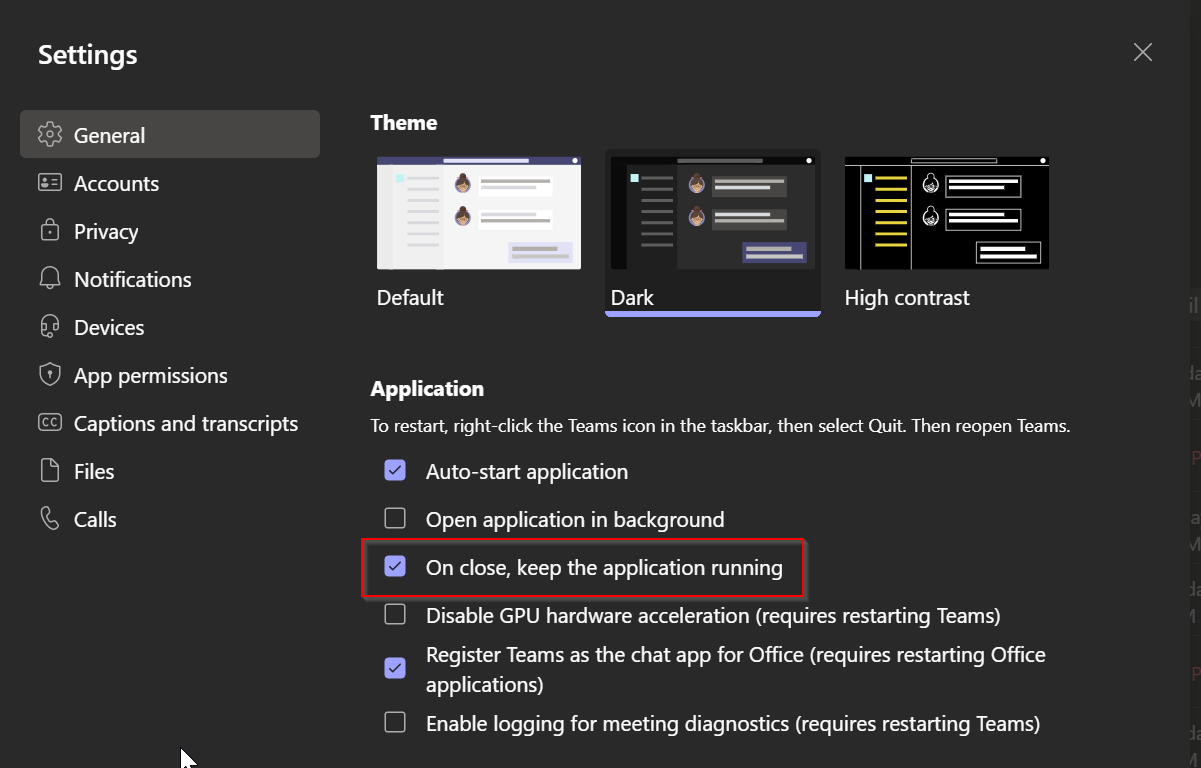
Describe the bug
When you click on the X in the top left to close Anytype it only minimizes the program. To close Anytype you need to right click the icon on the start menu bar of windows. Then select Close.
To Reproduce
Steps to reproduce the behavior:
Open Anytype
Click on the X in the top right to close
Anytype minimizes
Expected behavior
Expect Anytype to close iso minimize.
On Linux this is still an issue. When I use the X-Button on the top right, the window will close, but the anytype helper will keep going in the background forever, hammering the hard disk (whatever it’s doing there for hours and hours).
If I use the quit option in the anytype menu, the programme will shut down properly.
Using the close option in the file menu has the same effect, as clicking on the X-Button. It will keep going forever.
It’s not a bug, it’s a feature. If you want to close the app completely, you will need to close it trough the menu bar (exactly how you explained it) or use the ctrl + Q shortcut. If you want an option to disable this, you can create a new FR if there isn’t one already.