Type is not only a wrapper - it controls all properties and layout. So you can add a property to a type and it will be added to all objects of this type, or opposite. Same with a layout - more settings of this is coming - it would be more convenient to change a batch of objects in one place.
Is it planned to do something to change a batch of objects with inline relation?
Like here, I need to add an inline relation in ALL existing object :
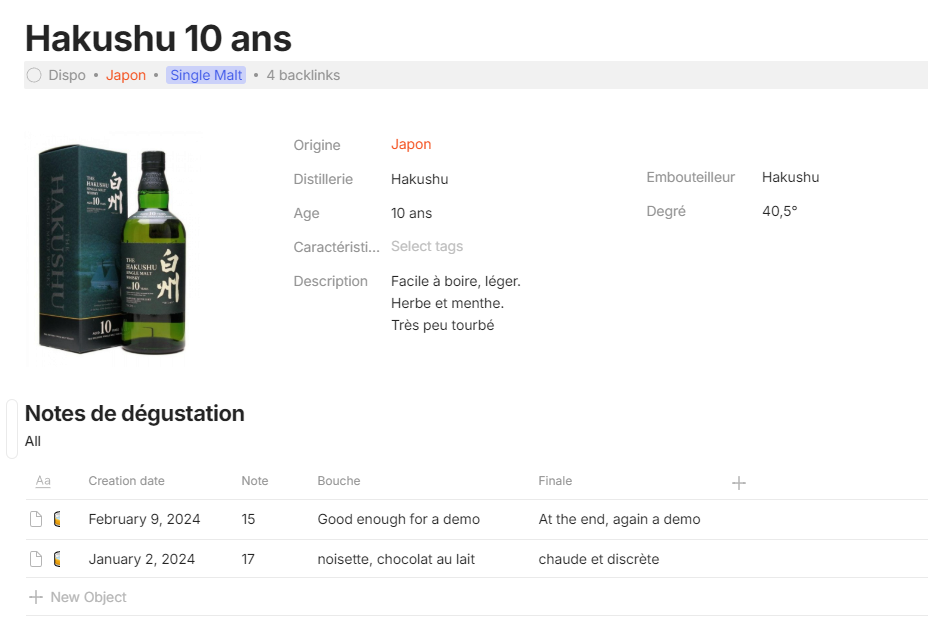
Actually, update the template doesn’t update objects with this template
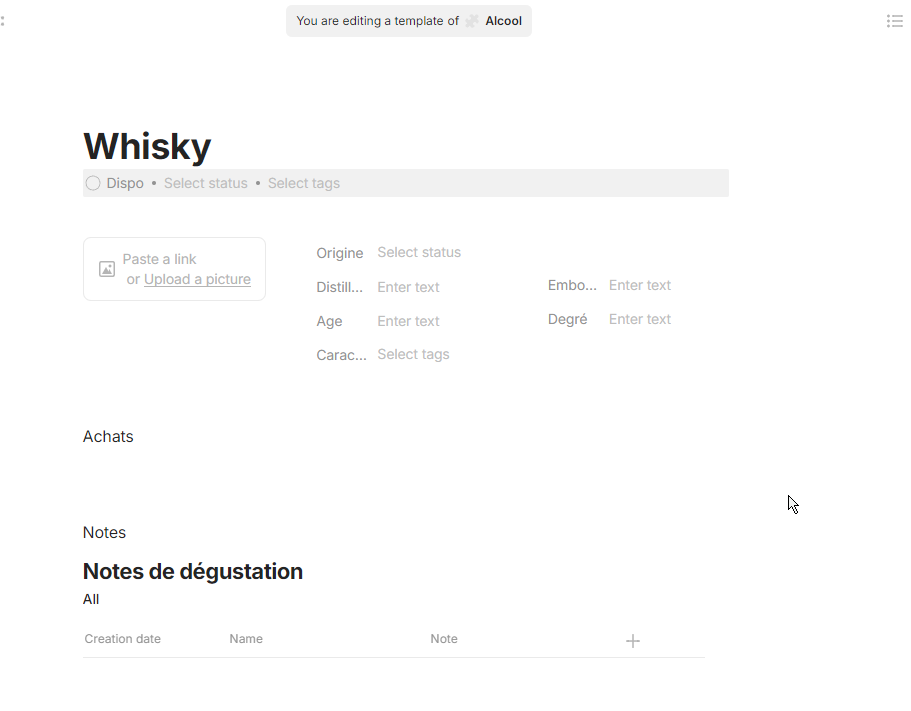
What’s missing is more compelte template management (which has become a bit unusable). And the addition of a box or rich text property that would make it possible to put EVERYTHING in properties (and therefore easily push template updates, since all the data will be in the properties).
yes
If you want to use inline links / mentions, you can use @ instead.
I would love if something similar to this could be done:
The big idea here, is that when changing those Top and Bottom areas, it would change for every Type too.
The Template can’t do this (and make no sense to ever be able to, since templates “come and go”, are created and deleted)
Exactly
Is it now possible to delete imported templates with all their associated pages?
How are you importing these templates, and what exactly are their associated pages supposed to be?
Hello,
Just thoughts releted to:
“Each Type page now comes with a built-in inline Query, making it easier to access and organize related objects.”
Maybe it is worth to give ability to create inline queries from this “standart” type query.
For example: I want to make inline query of some Type, but for it I need to create query of Type and use this query as inline query, it is more convinient to use alredy existing query from the Type.
New user here so … sorry if I’d confuse some things.
I’m using version 0.46.1 and found out one annoying behaviour. Once typing my note I’d like to create web link. Based on assumption that Anytype is based on Markdown I’m typing: (Some site)[https://example.com] - this is not rendering as link, even whole app restarted. Using: [https://example.com] or https://example.com - has also not effect. If I’d copy my https://example.com and try to paste it app will ask me sold that be text/link/bookmark. I’d like to have test link same as in Markdown which is being displayed differently to notify that it’s not a text.
OFC I use /bookmark to can create nicely rendered card link. But as stated before my intent is to have markdown style link: Markdown Cheat Sheet | Markdown Guide
Workaround which is doing part of what’s needed:
paste url as link > manually remove displayed part and enter desired link name (Some site) - from above example.
This is still missing url elements like underscore and/or different colour.
Hope I’ve missed something in doc’s and now running in circles  as such element should be fairly simple.
It supports some markdown for convenience but it’s not a full markdown editor.
use the @ or [[ characters to link objects. you can also use the / to show up all the possible blocks.
Thanks @krst for prompt reply!
If I understand correctly Anytype meaning of “link to objects” relates to within app items. I’m trying to link website, can @ or [[ be somehow used for that purpose?
I See. And I also see that this is weird.
You need to select text first, hit the key CMD/CTRL + Shift + K (or use the Popup Menu when you used the mouse to select the text and hit the  icon), enter the URL, navigate to “Link to website”
It seems like that it is very hard to do 
To manipulate text you always have to select it. It is not possible to just hit cmd+shift+k and enter a link or cmd+b to start writing bold. One has always select text first, then manipulate it.
Because a web link is not an available block, it is a text manipulation functionality.
They haven’t found a way, yet, to fix this issue.
Was playing around and found out next glitch 
My link was like:
[Anytype](https://anytype.io)
Above is not rendering “it self”. But as soon as I add anything behind, can be space it will render cerrectly.
Thanks for inspiration and help 
interesting, Markdown links do work then after all. They are just not editable later on as one would expect.
Btw.: Unfortunately the slash-command no longer shows ALL the possible blocks (v0.46.4).
The list shows now only the simplest text commands, but for example no Toggle, no Embeds, no …
- And I don’t know why the team has made such a strange decision???
Is the user honestly supposed to know all the other commands that are left out now?
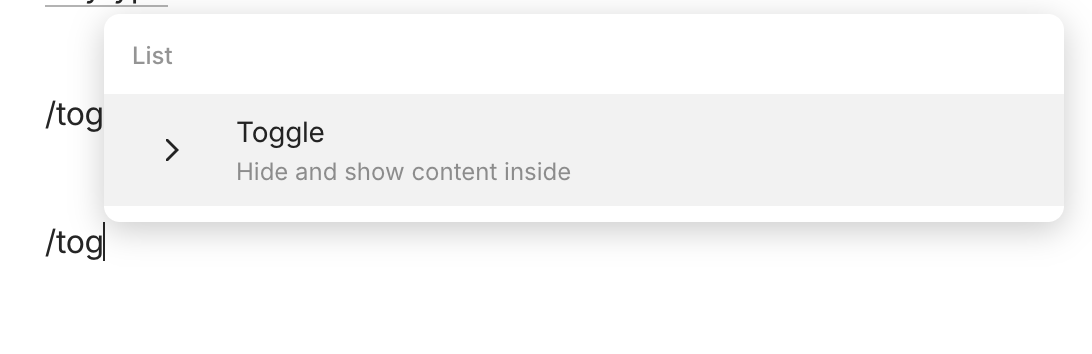
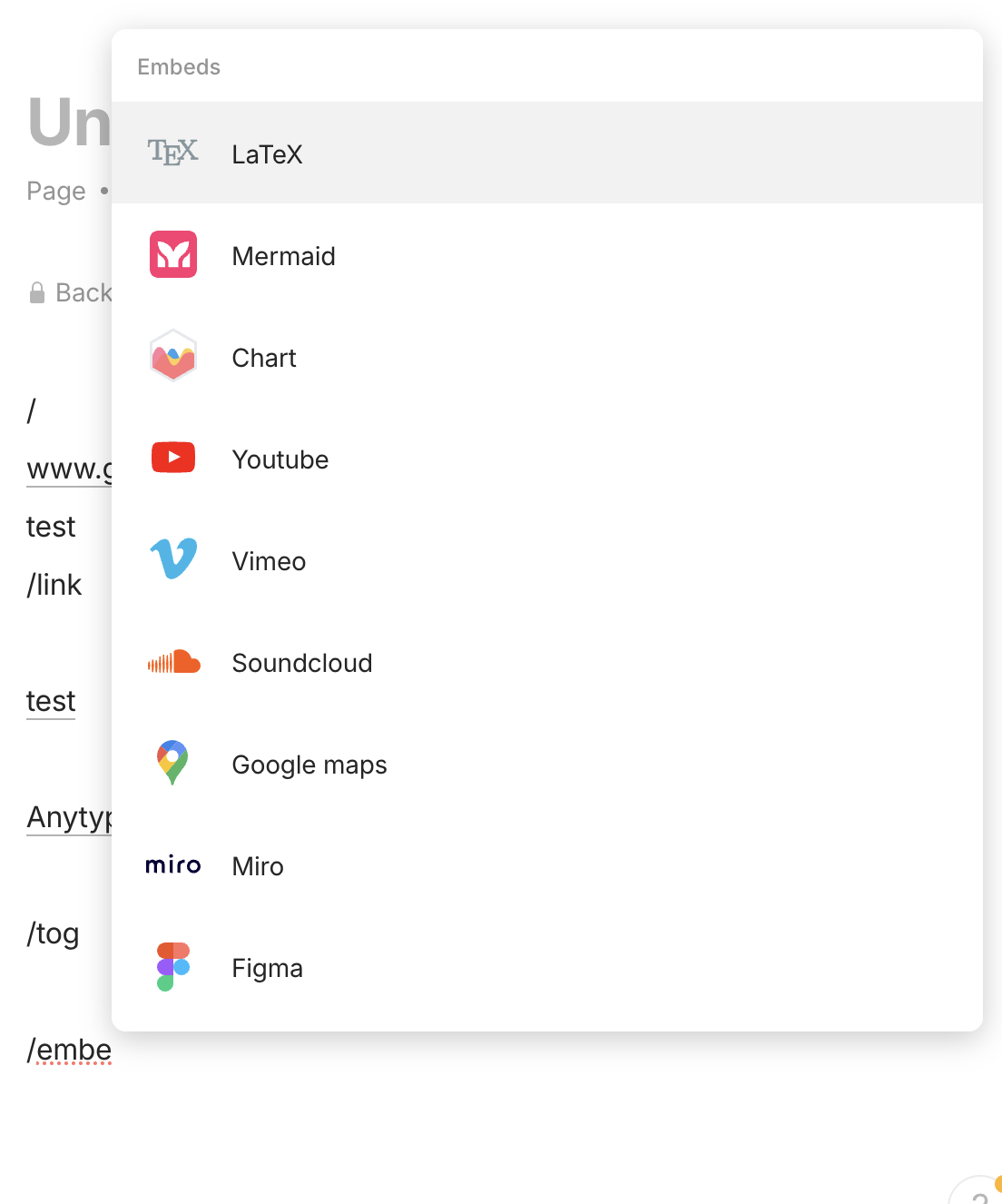
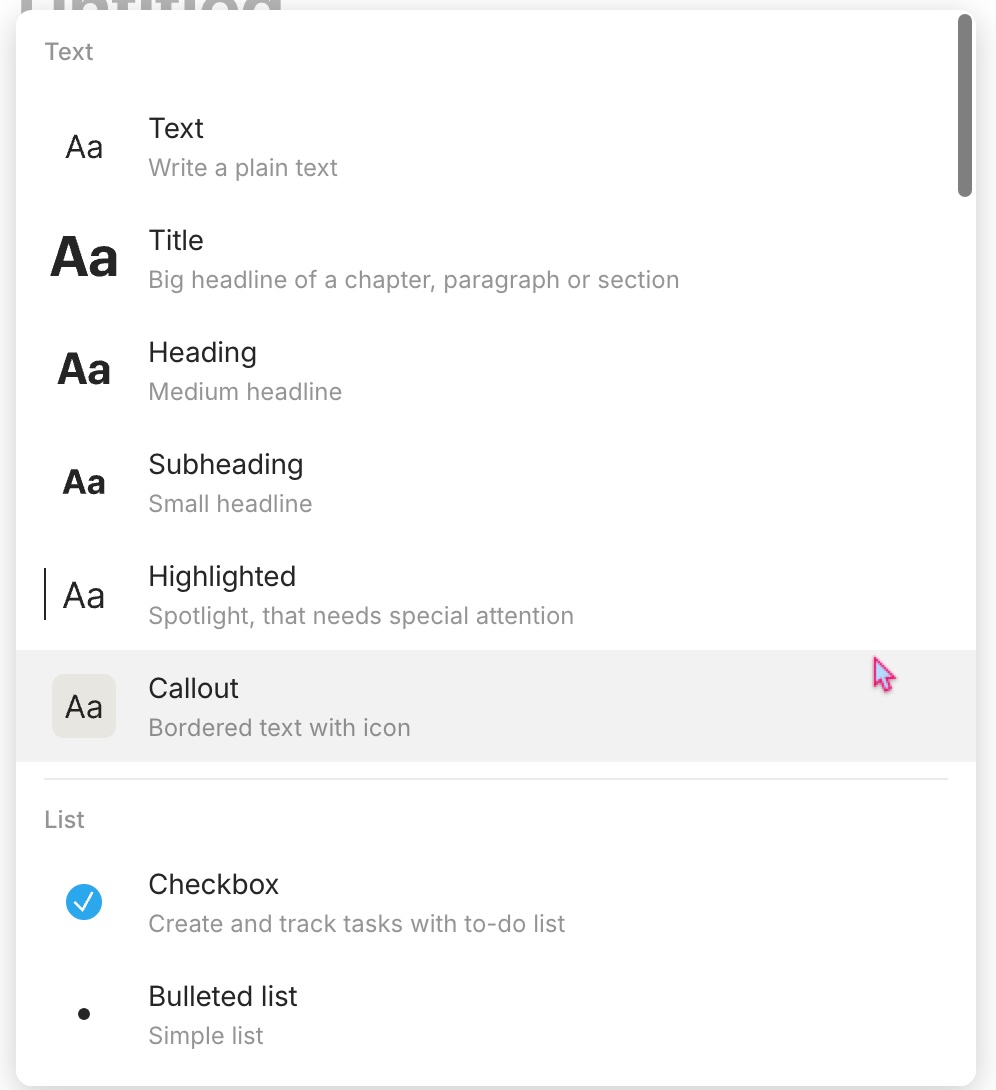
Oh, that’s strange, it works again, also for me!
Maybe the update from yesterday has fixed it?
Web links (bookmarks) definitely need to be reworked. This annoying behavior of bookmarks that are not bookmarks, for example, is still unresolved:
I’m on 0.46.7-alpha now, and since the first version of the primitives, each time I’m trying to change the icon of a type, it reverts to the original one (e.g., the yellow hammer of “project” always comes back, regardless of which other icon I previously chose).