Anytype Android 0.40.x Released!

Hey folks,

Chats are live on Android! We’re very excited to put this release in your hands. The Anytype Community Chat has been buzzing since the Desktop launch, and it’s amazing to see the conversations keep growing. Now you can take it with you everywhere.

And one more thing: Web Publishing is now available on Android!

Welcome to Chat

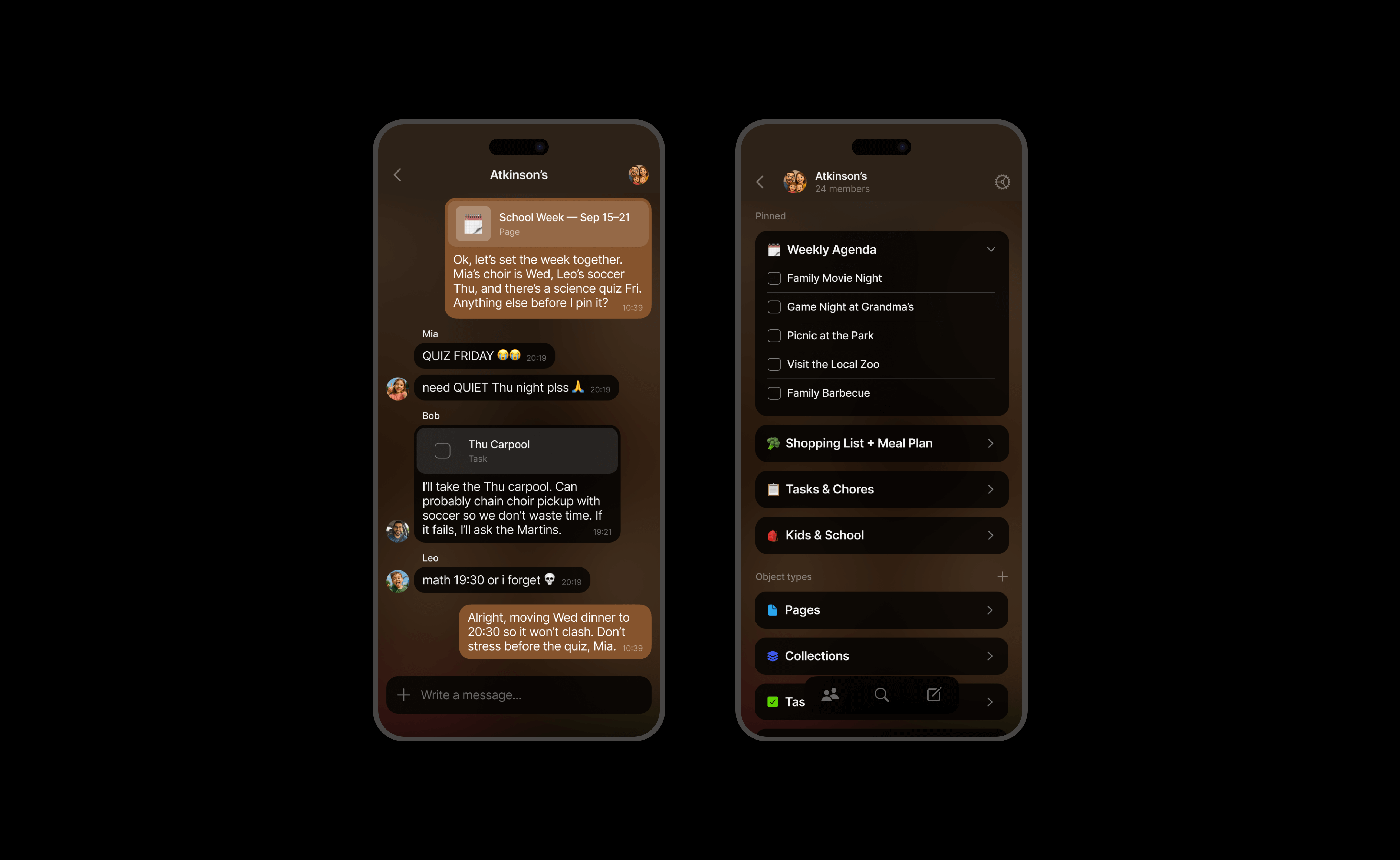
Messages, replies, reactions – the basics are here. But this is Anytype: you can also create and edit objects right inside your chats. Capture thoughts as Tasks or Pages, share what you’re building, and co-create in real time. Everything stays organized in your widgets.
Conversations + Objects

Create new Objects directly from any chat.
Drop existing Objects in to discuss or edit them instantly.
Your chats don’t just talk – they build things.

Files and Media

Share photos, videos, and documents without the chaos. Every file you send automatically lands in the right Type (Images, Files, etc.), neatly organized and easy to find later.

Notifications

Big one: you can now receive notifications.
Choose between all activity or just mentions, mute specific Spaces or Chats with a long tap, and fine-tune everything in Settings.

Invitations

Invite anyone to join a chat via link or QR code – no approval queue, no waiting. Just instant connection.

Chat vs Space Format

Pick your layout:
Chat format keeps the conversation front and center.
Space format focuses on your widgets and data.

Switch anytime in Settings to fit your workflow.

Widgets, Rebuilt for Clarity

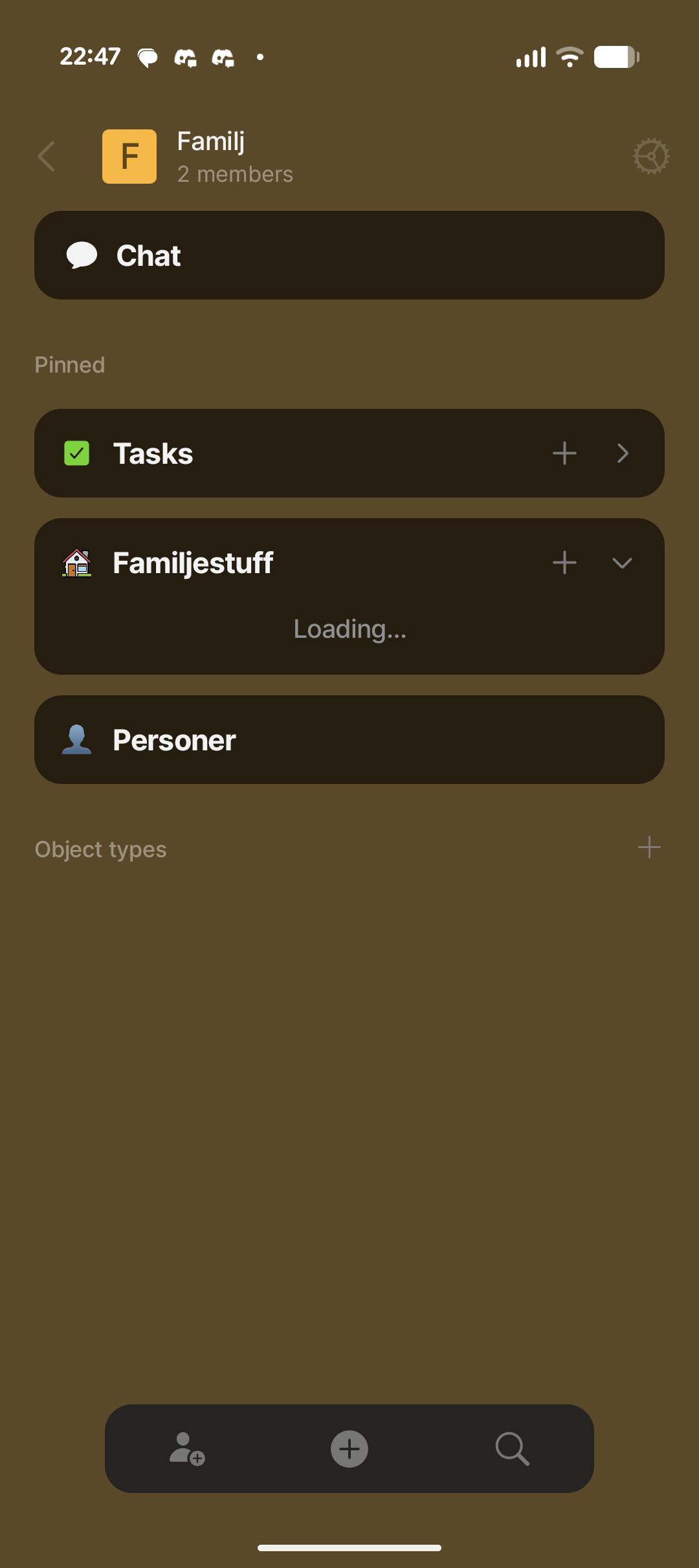
We’ve reorganized widget navigation into two collapsible sections:
Pinned: Your go-to widgets, always within reach.
Object Types: Now easily accessible – each Type works like a mini dashboard.

Your old pins are safe in the Old Pinned widget – re-pin what you need and tidy up.
Heads up: if you remove Recently Edited or Recently Opened, you can’t re-add them, but Queries can do the same job (and more).

Duplicate flows like Edit Widgets and All Objects are gone – there’s now a single, unified way to pin and organize.

The Vault Update

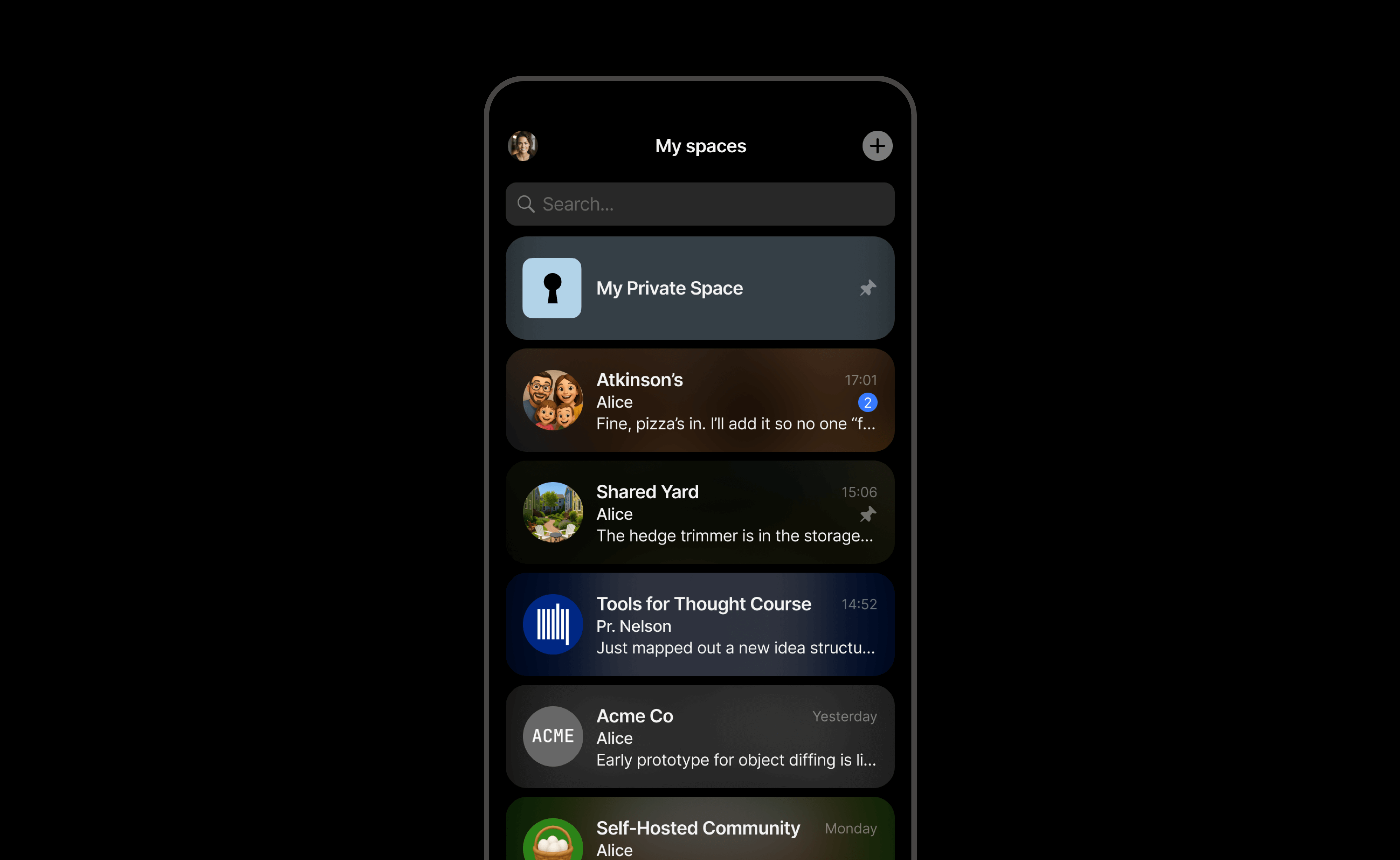
Spaces and Chats now live side-by-side in a single view, with live previews and updates.

Round icons = Chats
Square icons = Spaces

Pin your favorites, reorder as you like – the rest automatically sorts by recent activity.

Web Publishing

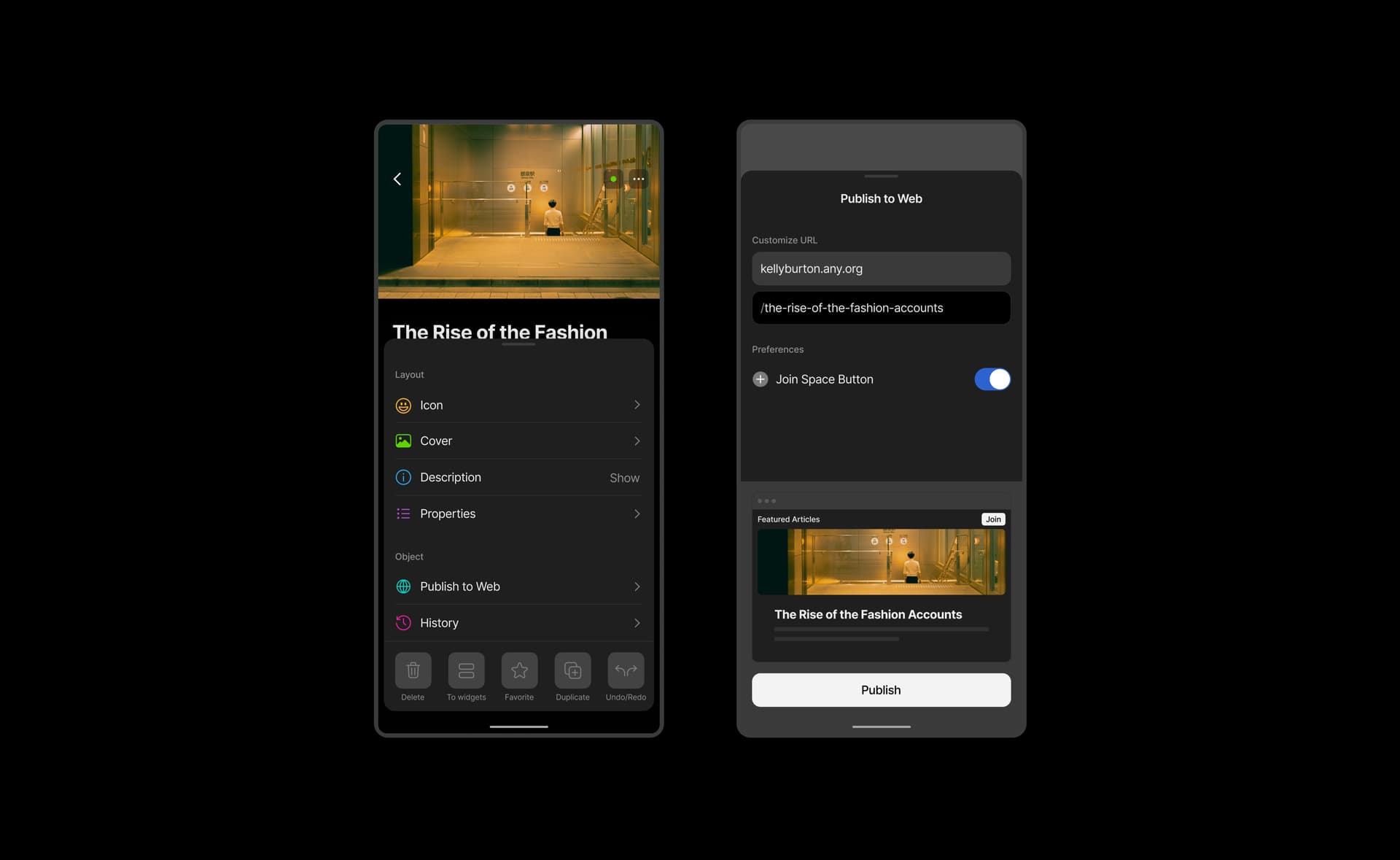
You can now publish your Anytype objects on the web directly from the mobile app, bringing full feature parity with desktop and making it easier to share your creations wherever you are.

Access the new “Publish to Web” option in object settings, and preview your page with a custom URL before it goes live.

Fixes

  • Faster space loading and opening

  • Approval controls appear only for Space/Chat owners

  • Improved reliability across Sharing and Vault navigation

  • General sync and stability tuning
Just installed 0.40.17 from Github. The new vault UI and widgets look amazing :+1::+1::+1:

Great release! Chats look great and publish to web is a great mobile addition.

Sad that we still have the button to quickly go back to the Space menu back in the mobile nag bar: Return the "Home" button to the bottom bar (mobile)

Shouldn’t be interesting, instead to show “Not compatible block”, show some kind of raw link of whathever? (for example for google maps, youtube and so other kinds of objects not compatioble yet) This way you know what should be in this page and open manually if needed. This way, you don’t know what should be there

The widgets gets caught on loading.

I’ve cleared cache and storage.

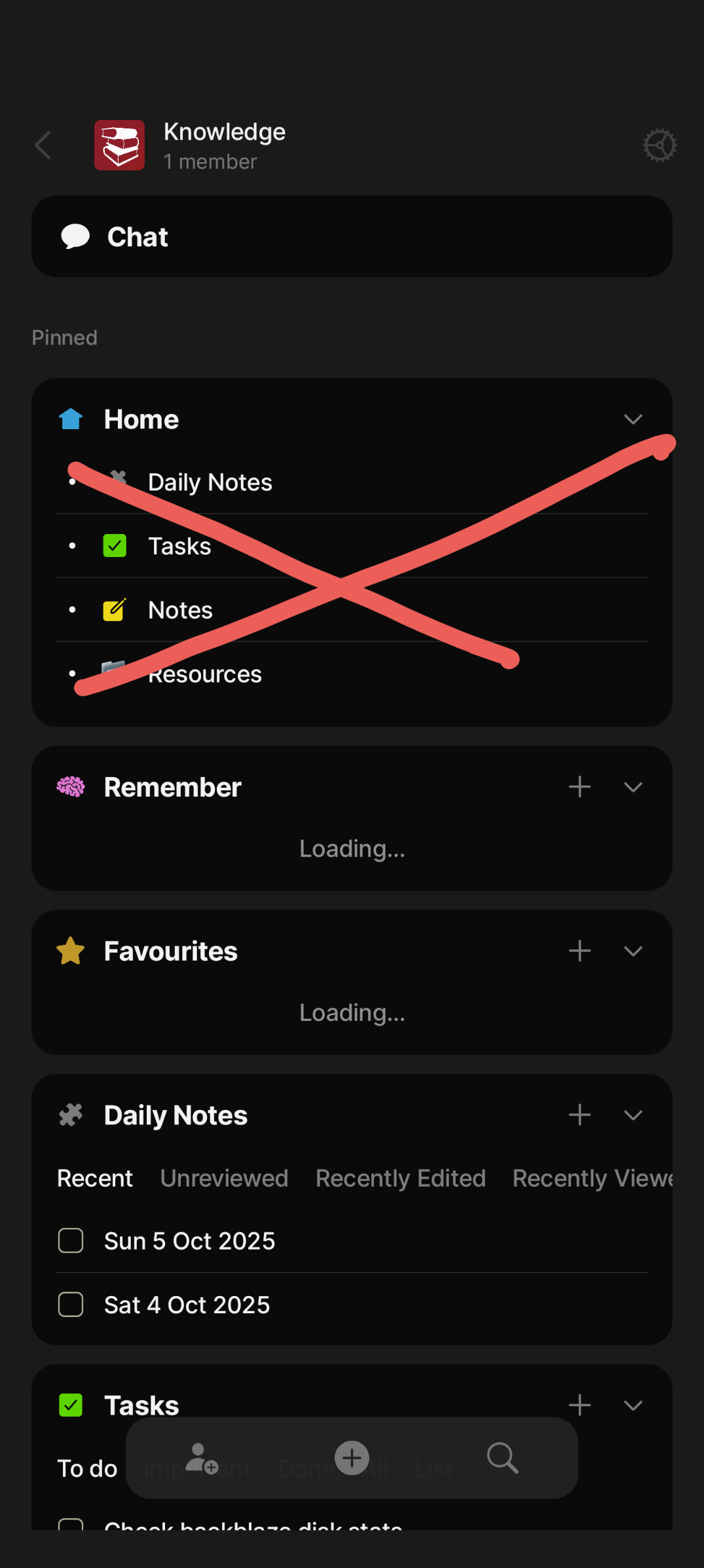
Great update but the new icon is no longer themed. Also collection widgets load indefinitely and collapsing then expanding the “Pinned” section expands all widgets/shortcuts. Even if they were collapsed before. For example, in my screenshot “Home” should be always collapsed as before unless I expand it myself.

Great update but the new icon is no longer themed.

i hope this is an oversight, not a decision :cry:

it is already fixed, will be included in the next patch update (coming next week)

Thank you for the update!
It’s nice to see the neutral new icon. However, the icon in the App Store should look exactly like the app icon. Currently, the shapes of the icon in the App Store are a little too small.

By the way, will we ever have a calendar view (like in Notion)?

Wow the icons are back on the widgets.

Seems what is still missing is an important functionality that allows me to select an already uploaded file instead of choosing from my phones gallery.

The app is getting closer and closer to have all same features as the desktop version. I’m really hoping calendar and kanban is next..

A widget in the windows app allows now to show 30 or 50 objects (previous max was 14), but if you select 30 or 50 in Windows you just see 6 objects in Android.

Will Android also support 30 or 50 items per widget? If not it would be cool to show at least 14 instead of 6 objects in Android, if you chose 30 or 50 in Windows

Edit: I created a ticket for that:

Great update! However the app is still unusable for me because of the bug I reported previously, where all objects are missing some properties on android, while they exist on PC. Today marks a month since i’ve had to migrate to a basic note to still keep writing what I used to write in an object. It’s been very frustating to have to manually copy all the text over to the desktop version’s working properties.

What is already fixed? The loading for collection widgets? Because I still got it even after reinstall. I also have issues that objects/widgets that do not exist load in but they are broken.

And now i realise that icons for objects i’ve created myself isn’t loading either.

Edit: Sorry, now I see that you were answering regarding the icon…

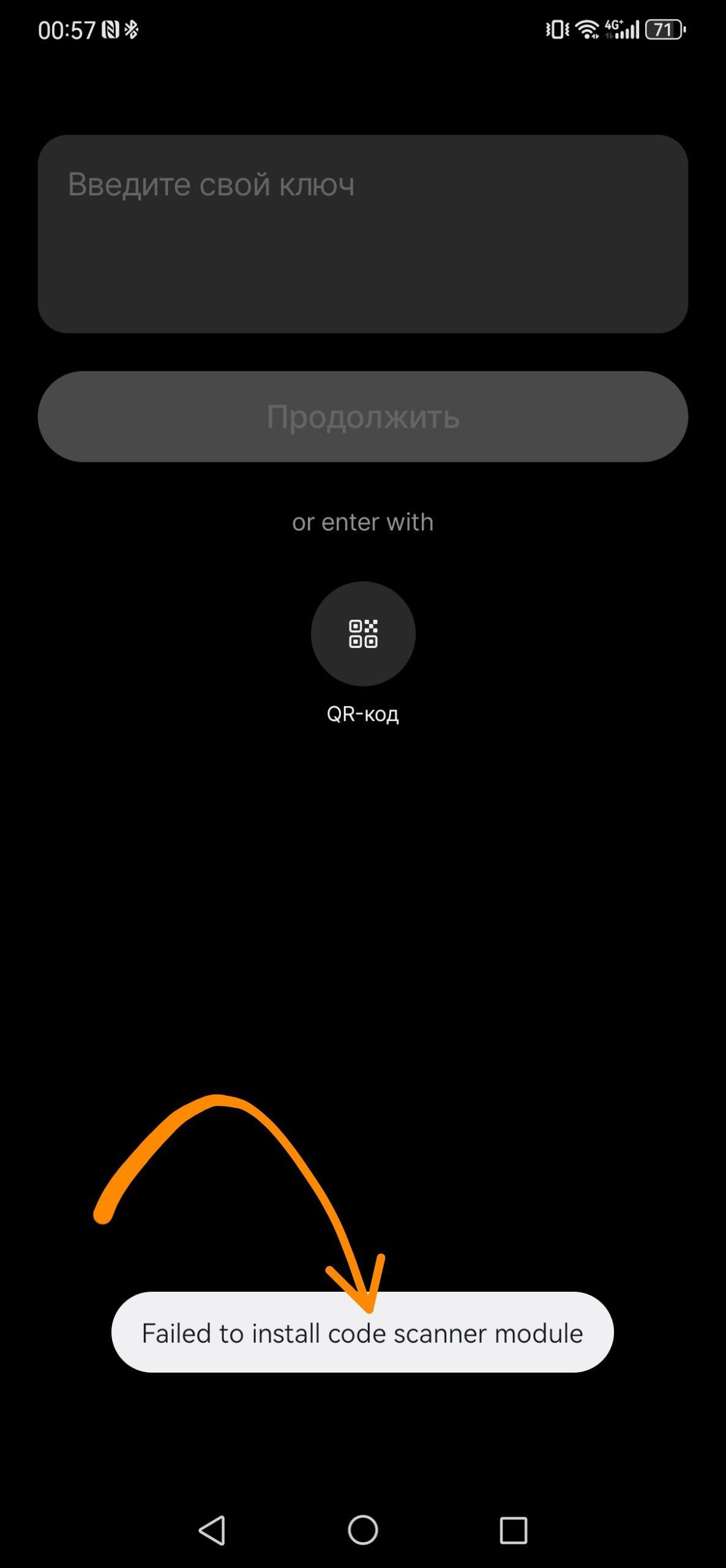
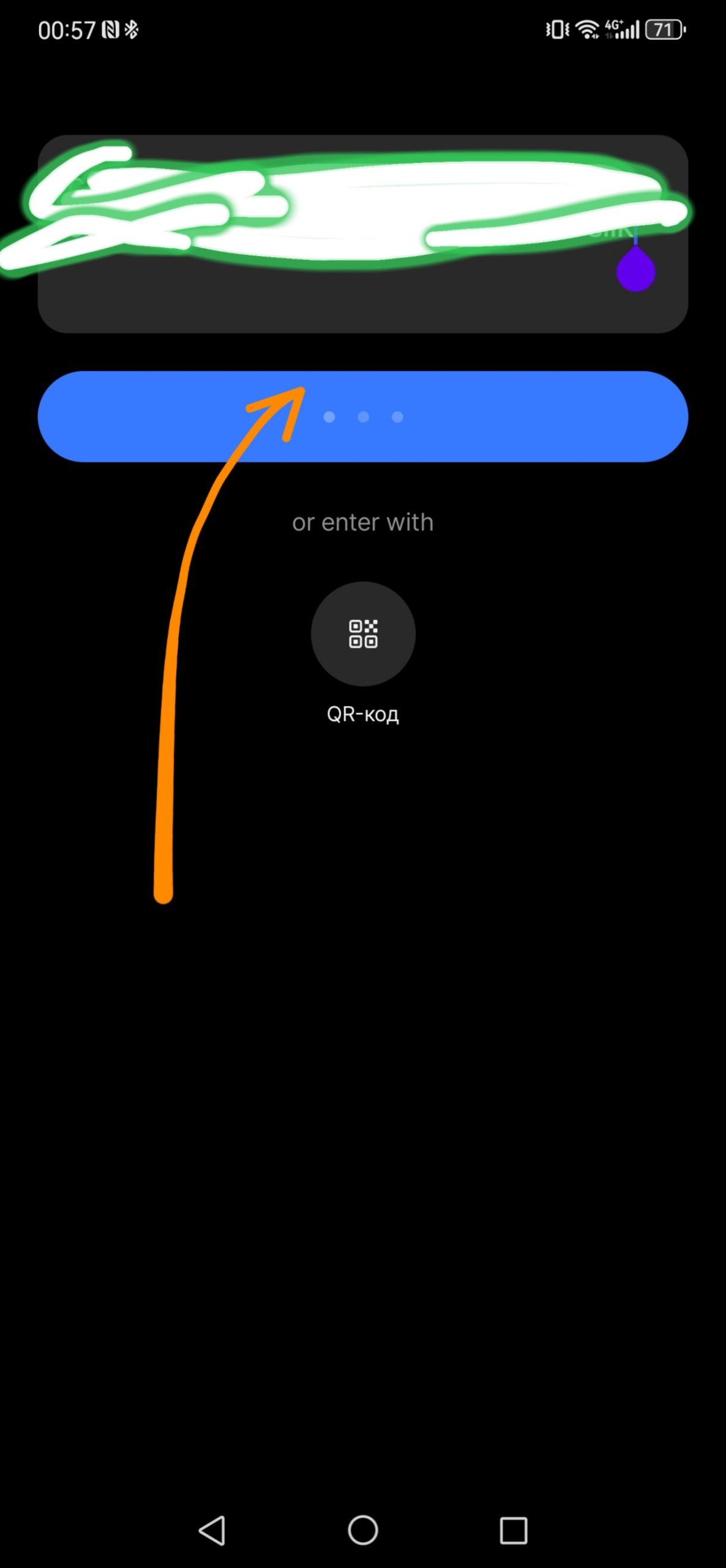
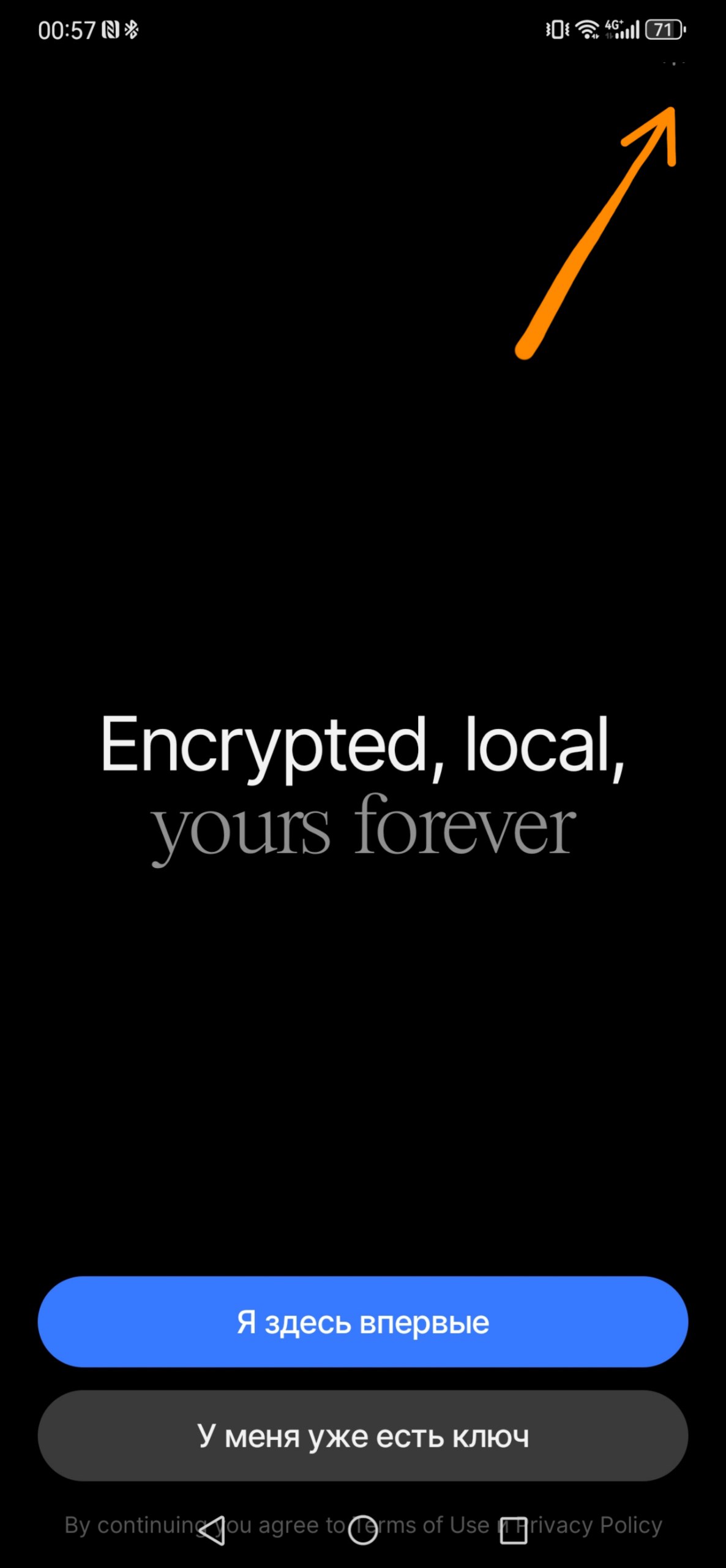
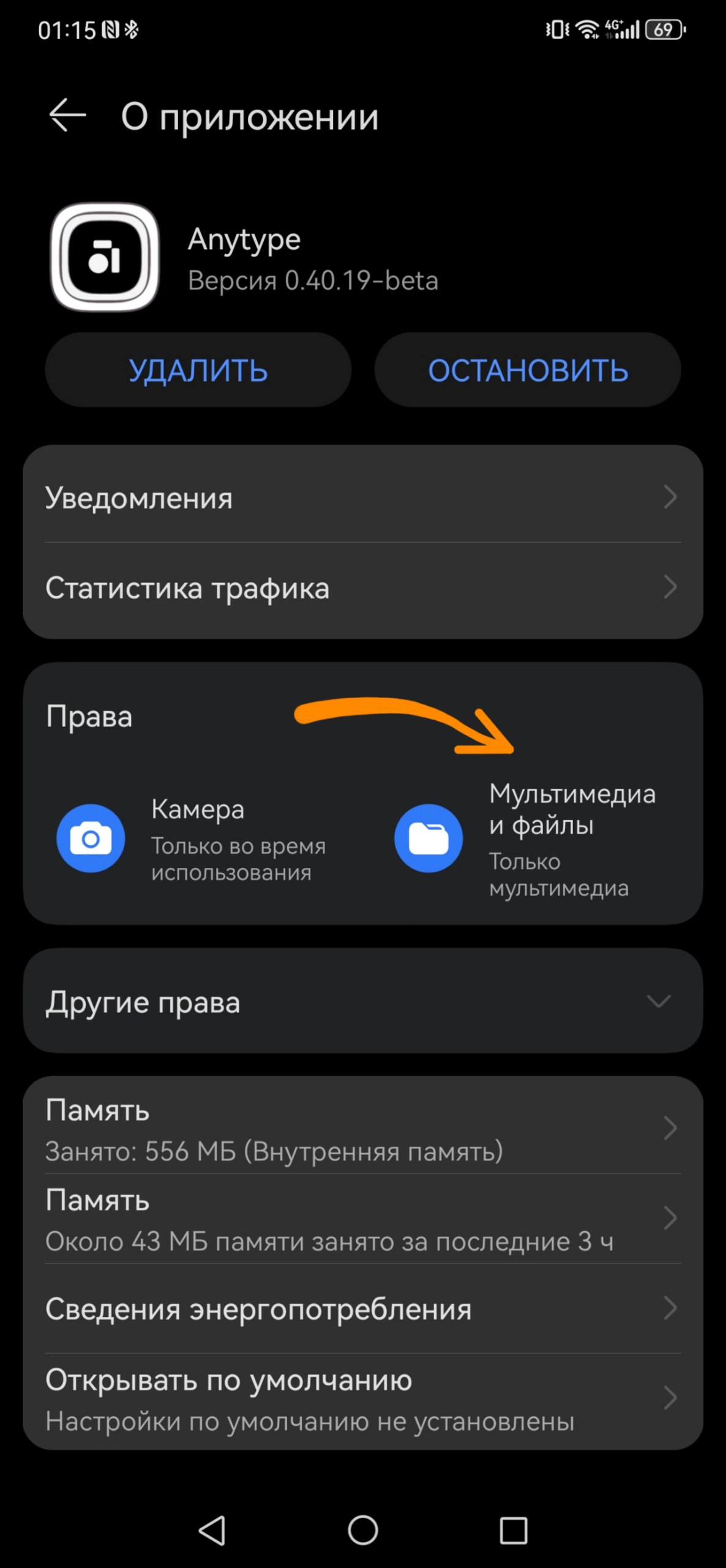
Not working v0.40.19 on Huawei.
**anytype-0.40.19-beta-arm64-v8a.apk
anytype-0.40.19-beta.apk
**

I cleared data, deleted apps, and so on. Versions 39.xx worked.

On Poco X5 Pro - everything works.

p.s….

It started working after that

PS

I’m still having trouble logging in. I installed the app from the Aurora Store (because it’s not in the App Gallery). Sometimes it logs in, sometimes not. On Android, everything is fine. (Xiaomi HyperOS)