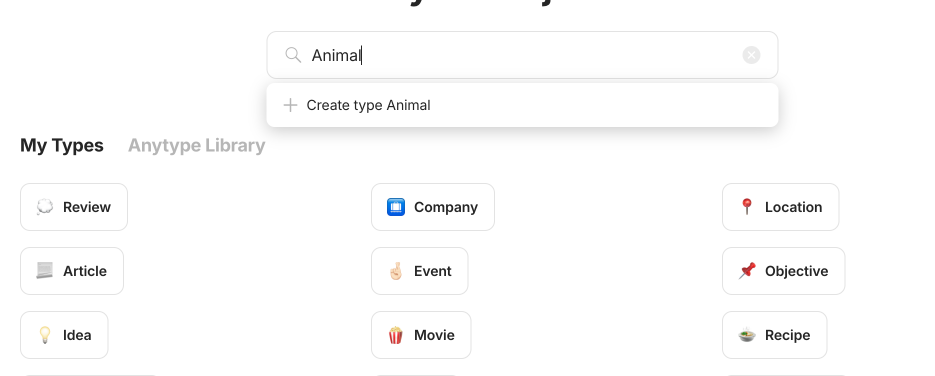
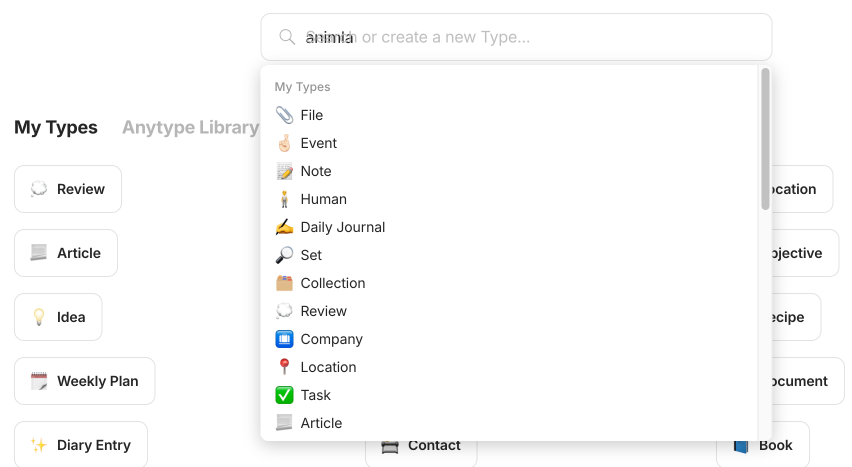
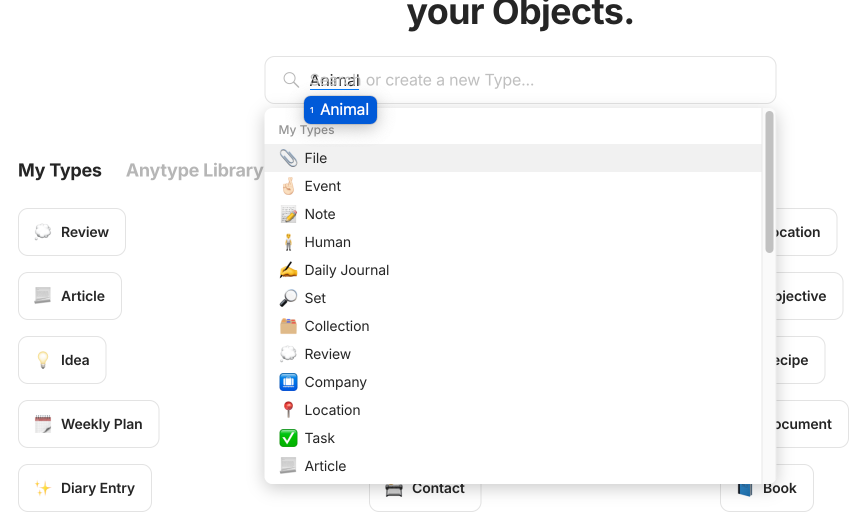
I noticed an issue when using a non-English IME on my MacBook Pro. The filter and search functions, such as filtering tags, object types, and relations, do not work at all. When the IME is active, the hint in the search box doesn’t fade, and the search function is not triggered. However, once I switch back to the English input, it works correctly.
Could you please check into this?he screenshots to get more ideas about this bug
Thanks,
Could you provide the particular language/input method you used?
I tried using Cangjie (Traditional Chinese) on v.0.40.9 and the IME does show results in both global and library search, so this might be a language or input specific issue or a beta issue .
Thanks for caring, I found this problem on beta version. and I noticed that all data have been transferred to beta folder, so I cannot test it on release version.
Confirmed issue on beta 0.40.29, and no problem with v.0.40.9.
Some additional information:
This issue happens with IME when selecting English input, not non-English characters. Pre-select highlighted option (e.g. arrowed to option 2) doesn’t work with non-English because system inherited mechanism doesn’t update the underlined input until non-English is selected/confirmed)
Released version’s behaviour : Before selection, if prompt shows English as the first option, or pre-select highlight on the English option, search already display the relevant results.
In the meantime, there is an temporary adaption for this issue: after selection of the English input, press space. The search results would then return to regular behaviour.
创建types和relations不会第一时间显示(Creating types and relationships will not be displayed immediately)
只有输入数字,英文字母,删除一个,鼠标点击别的地方,就会显示(Only by entering numbers, English letters, deleting one, and clicking elsewhere with the mouse, will it be displayed)
How To Reproduce It
1.切换简体中文(Switch to Simplified Chinese)
2.创建types或者relations(Create types or relations)
3.中文输入任意文字,出现bug(Chinese input any text, there is a bug)
Image or Video
The Expected Behavior
打完字立马显示出来(It will be displayed immediately after typing)
而不是要删除、打一个英文字母、打一个数字(Instead of deleting, typing an English letter, or typing a number)
I don’t why i haven’t tried any earlier. But when using the romaji-input on a computer, it doesn’t do anything when I type @ any japanese word (using romaji input). However, it does respond nicely to pinyin input. I use this on a mac.
 .
.
 : Before selection, if prompt shows English as the first option, or pre-select highlight on the English option, search already display the relevant results.