I’ve just figured out how to do this. (After a couple of realizations)
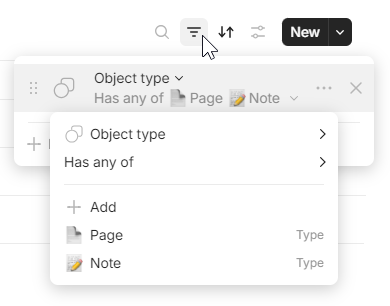
The first realization is that you can make a set based on a relation, instead of an object type (before now, I thought a set could only be made up of the same object types but if you do it by relation and then filter it, you can have all object types in a set).
And if you think ahead about what inline sets you might need, you can instead start creating new sets instead of inline sets.
The second realization is that you can have a set of sets. and you can duplicate and reuse the sets in the set of sets. So now, I can have my ‘views’ which are actually sets all together in a table, with tags and dates etc.
I forgot one last one!
And I’m thinking about it again because it’s causing me problems…
On the Gallery view, add a Cover = “Content” option for the image!
Examples :
to create recipes / travel diary / movies / bar, you put an image of the dish/country/movie/bottle in the card. In gallery view, this image must be displayed.
Currently, this is not possible, so you’ll have to set it as Thumbnail or Cover. Neither of these options allows for a page layout with the image of the dish, so the image has to be placed elsewhere just for the gallery.
Another possibility would be to be able to display Thumbnail images in full view when a link is added to the page.
I’d also like it to be easier to copy and paste things from Google Sheets and Microsoft Excel. And Vice versa, so I can copy the data from a grid view in Anytype into a spreadsheet
One Other thing that comes to my mind is that for collections, we can have some sort of automations. I mean, I know that currently we can have the option to create a set with a basic relation such as “last modified date”, and populate each view with a more custom ones. But it would be nice to have the option to choose a different query for each view in the collection. Right now, the collections are very much manual as you have to add everything yourself. However, the ability to have custom queries which automatically add objects according to that query for each view is very powerful.
For instance, we can have a query for “object” x with custom filters in one view, and a query for object Y with their custom filers in another view.
I had this draft saved for a while, seems I forgot to post it months ago
Match Inline set and Set (have changes in either reflect in the other, like with transclusions)
Currently not so relevant, but once split-screen/tab view is implemented then dragging objects into Collections would be nice
A Set made for a Type should show by default any Relations present in the default Template for it. (E.g., if I have a “Car” type that has a “Engine” Relation, and then create a Set for it – then I’d want to see the Engine Relation without having to click on “Add Relation” first).
A Set created around a Relation should have that Relation as part of the Relations. Say I want to create a Set defined by having the Relation “Engine”, regardless of the Type. It makes little sense to then have to manually add to the Set’s view the Relation “Engine”.
Complete UX make-over for Filter creation in Sets. It’s one of the most useful tools, but far too clunky.
Create on-the-fly Sets based on Tag relations. If I have an Object that has Tag X, then I also want to quickly see all other Objects that have Tag X. (Once that Set is quickly generated, I would want to easily filter for Objects that have both Tag X and Y, or X but not Y, etc.
For now, please just bring back the option to use empty Object Type as a set, so we can again use tabs with different objects. Latest beta took this away from us. 0.42.28
Can’t take it anymore?
In the 0.42.27 version, I can still do it.
Always in a totally counter-intuitive way, as if the team wanted to hide it… but we can.
You went to Library → Relations and selected Object Type, correct? Then you created s set, right Now there is no Object Type to select in the latest beta versions All Objects widget, nor can you create a set with an empty object type.
Edit: Forget what i said. You are right. You can indeed select Object Type relation and filter by object types. I guess i’m still not used to the lack of Library.
I would like to add 3 small ideas for better usability and accessibility in inline collections
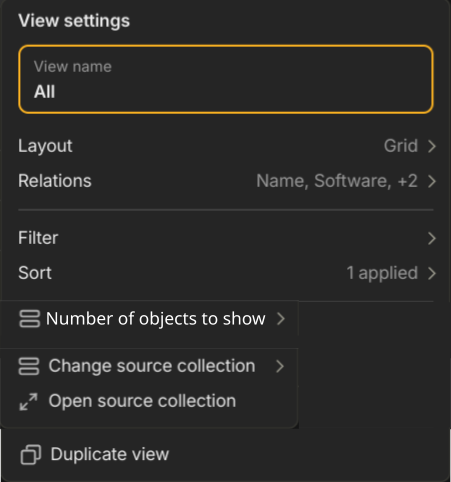
The ability to show more objects by default (20, 50, 100, or even a custom number)
Make the title of the inline collection a text box and move “Change source collection” and “Open source collection” to the inline collections settings or block options
The title doesn’t look like a button, so it’s easy to miss those options
For example, the settings could become something like this
Automatically add the cursor to search when clicking on the search button, instead of needing to click again
With the collection open in a full page, this works as intended (only one click is needed)
I would love to be able to have a hiearchy level inside Sets and Collections (similar as in Tree view in the widgets). This would allow me to build complete engineering BOMs (Bill of Material) for my mechanical and electronic projects. There are some Requests already running for this:
I, personally, would love to be able to customize more of the visual style of sets and collections. The lack of vertical lines to divide columns, the inability to hide a set/collection title, align cell information by center (think of how the checkboxes in “done” don’t align with the centered header" - these are all just little things, but very significant to the overall feel of Anytype.
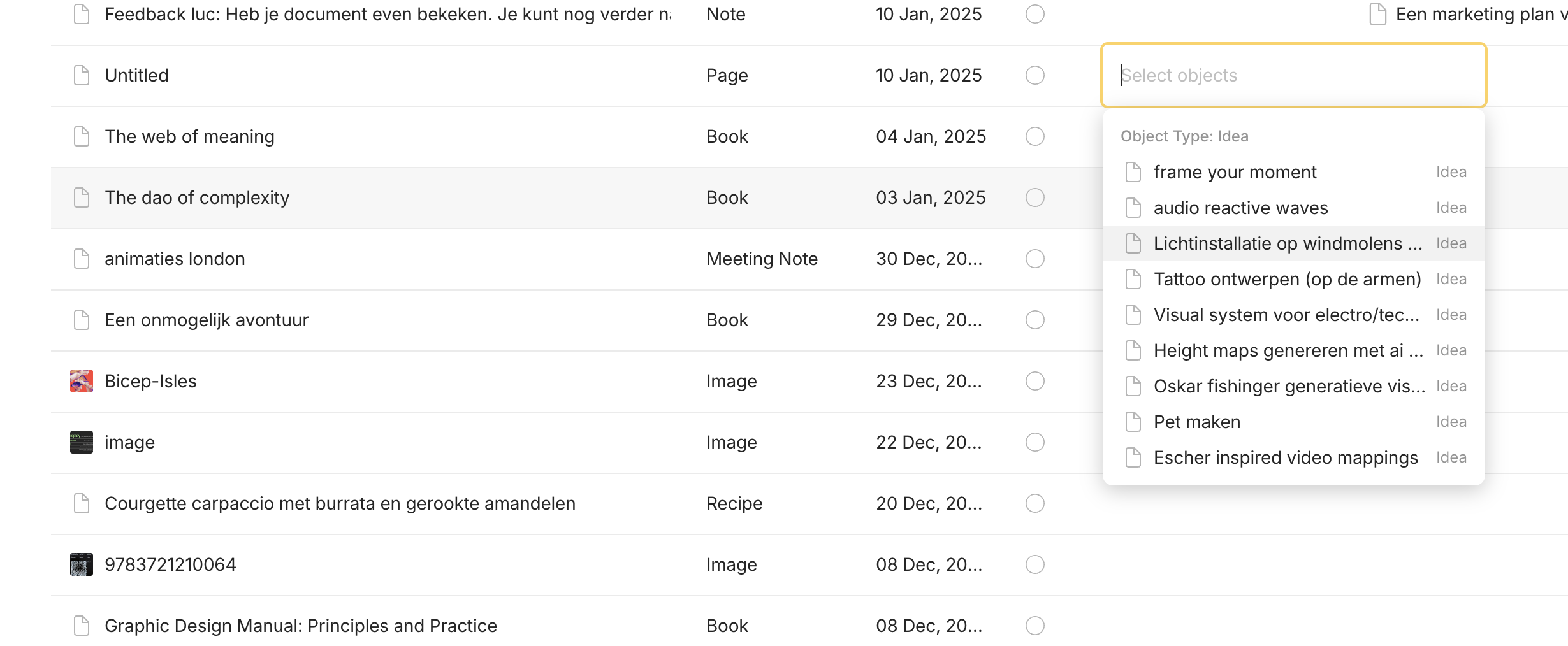
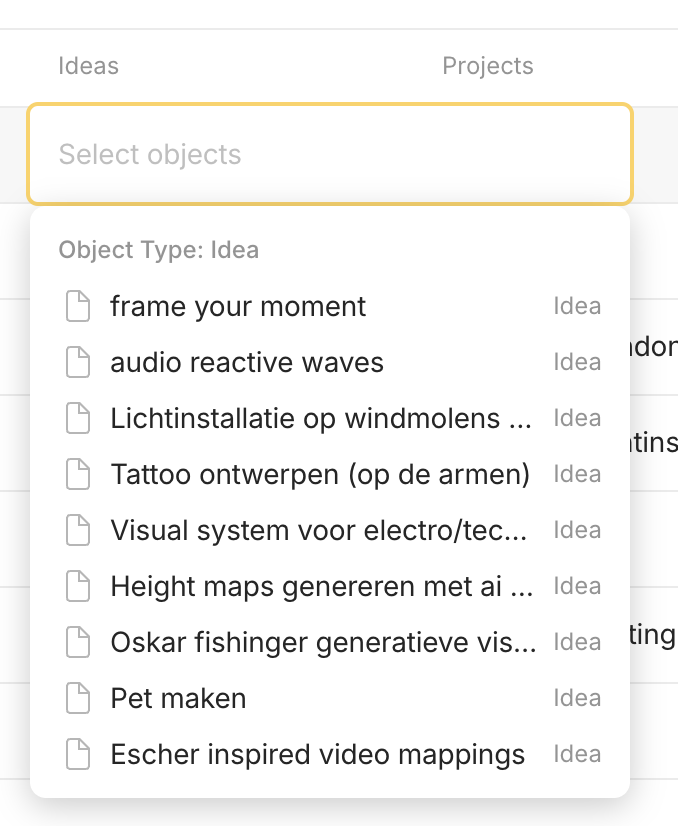
I would like to have the option to add filters on specific relations in a set. For example in my inbox set I can link stuff to projects. some projects are archived and I don’t want them to show up anymore as an option, so I would like to filter out all the archived projects.
Does that filter work on the whole set or only on that relation dropdown menu? Because i managed to filter out archived things so that they won’t show up in the set. I only don’t know how to exclude objects from this dropdown when linking an object to another object
This feature request is probably what you are looking for. You might want to add your use case. I imagine you want to filter by tag relation or multi-select relation to distinguish the archived status of objects.