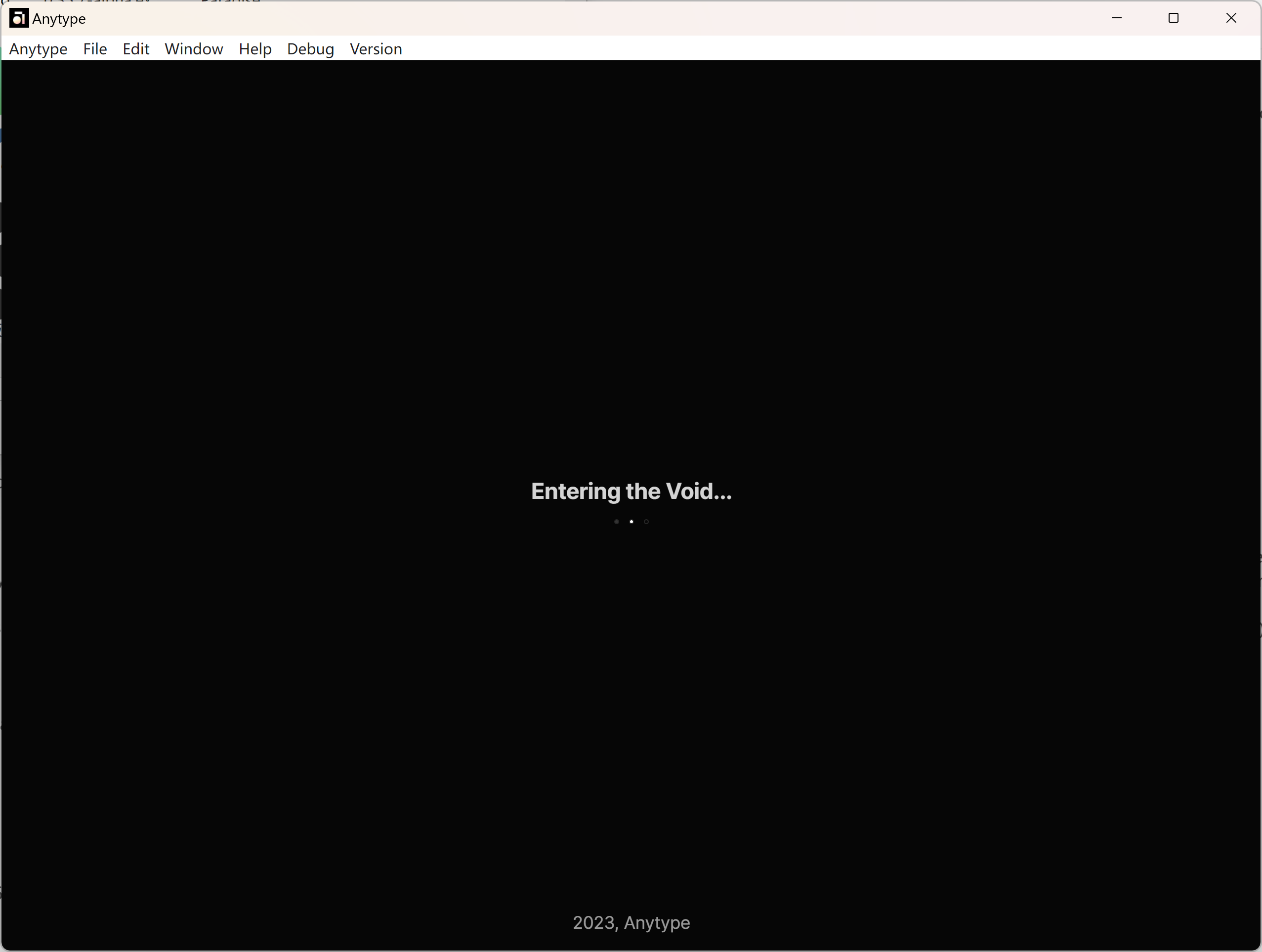
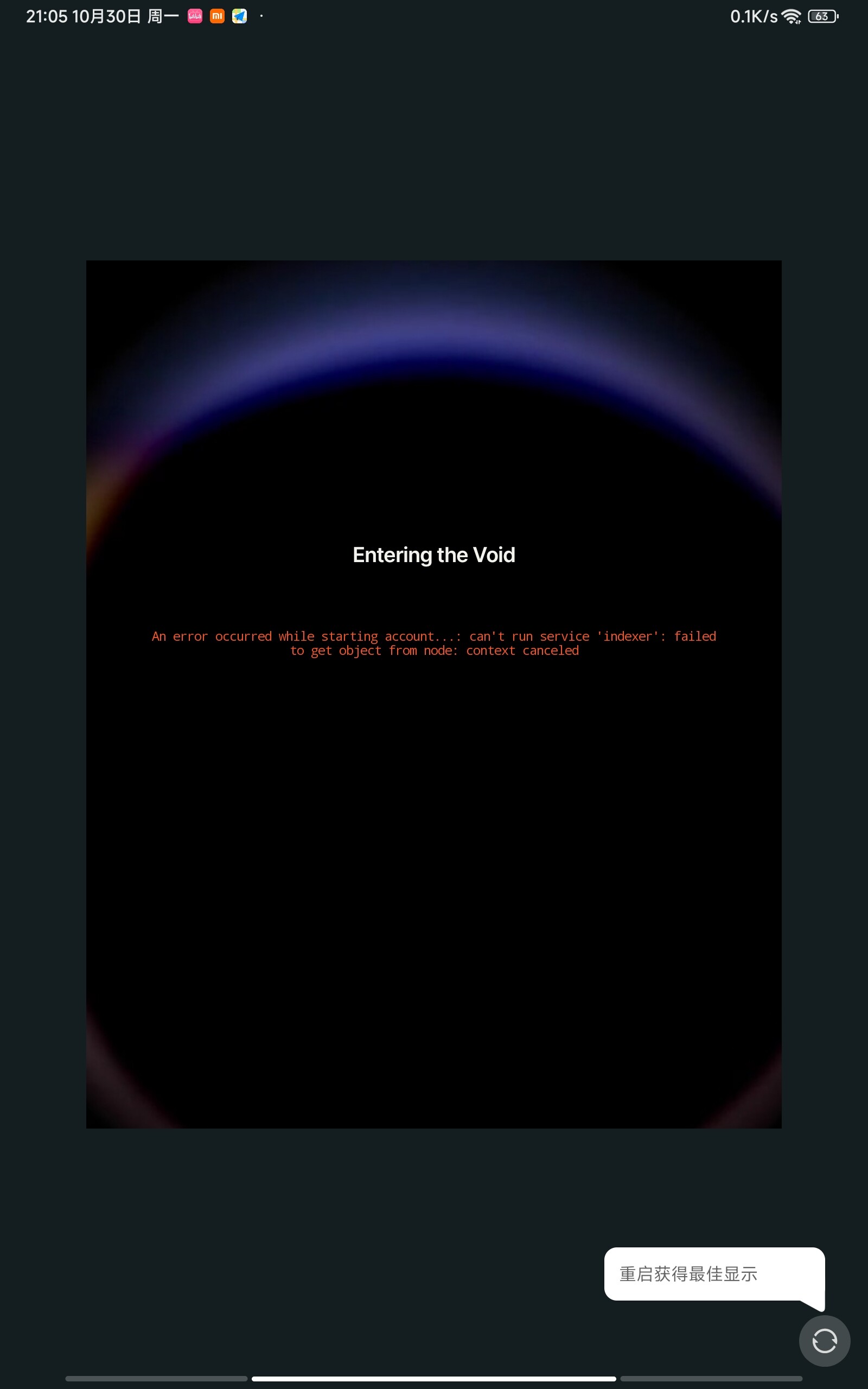
Unable to enter my personal space with the word “Entering the Void” on all my devices.
It seems to be stuck in this page no matter what I tried to do (sreenshots as follows).
The issue happened first on my desktop last week, then happened again on my laptop today.
Update 2023.10.30
The issue happened on my android pad.
The latest situation:
Login with my recovery phrase on any devcice.
It just happened without warning:
On my desktop (happened first):
One time I start up my computer and open anytype as usuall, It just happened.
On my laptop (happened secondly):
I was using it
before one second it worked well, and the next second it was stuck in the page “entering the void…”. )
THE EXPECTED BEHAVIOR
Waiting for seconds, the homepage will show.
ADDITIONAL CONTEXT
What I’ve already tired to do:
I’d tried to quit and re-log in for many times, it didn’t work.
I’d tried to log out and join in with a new account. I did enter the new space. However when I logged in with my original recovery phrase again, it was still stuck in the page “Entering the Void…”.
I’d tried to reinstall the anytype, evern reinstall my windows 11 (erase all data), it didn’t work..
2. It works well on my cellphone (Anytype installed before) so far. But when I tried to log in on a new computer(win11, too), the same bug happened again.
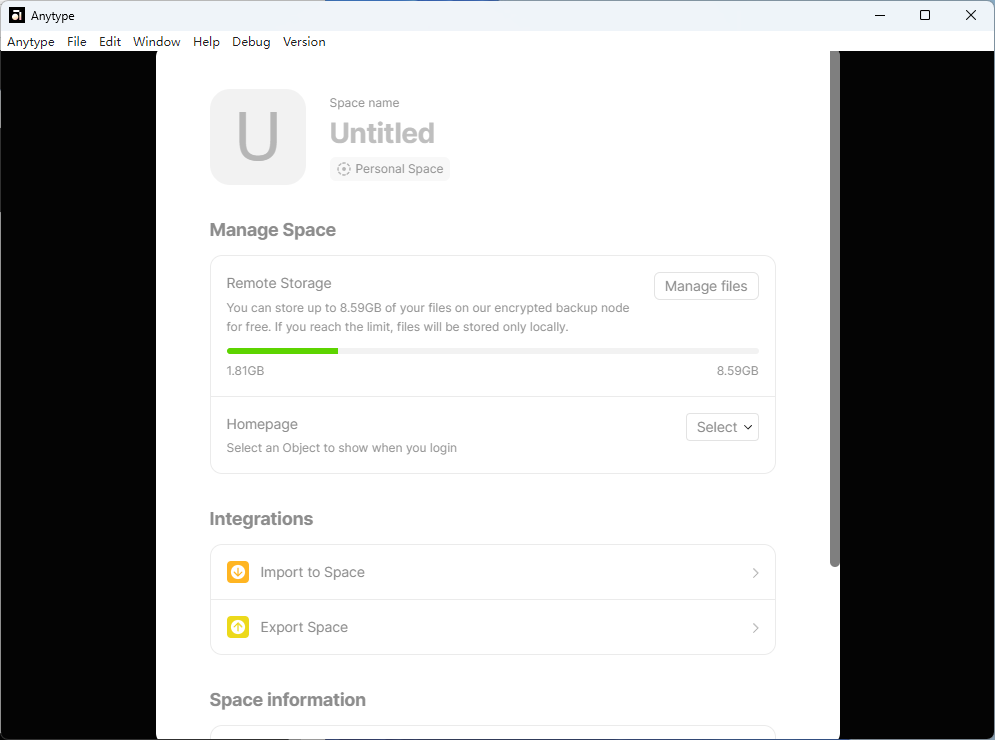
3. It seems that some data can be synced such as my personal imfomation, my profile picture ,remote storage …
@Angelo
I’ve tried.
I’ve even tried using two phones with different telecom service providers as wifi hotspot.
Besides, my desktop and my laptop are never in the same network enviroment.
So I think it is more possibly my account syncing that caused the bug, rather than the network enviroment.
@Angelo
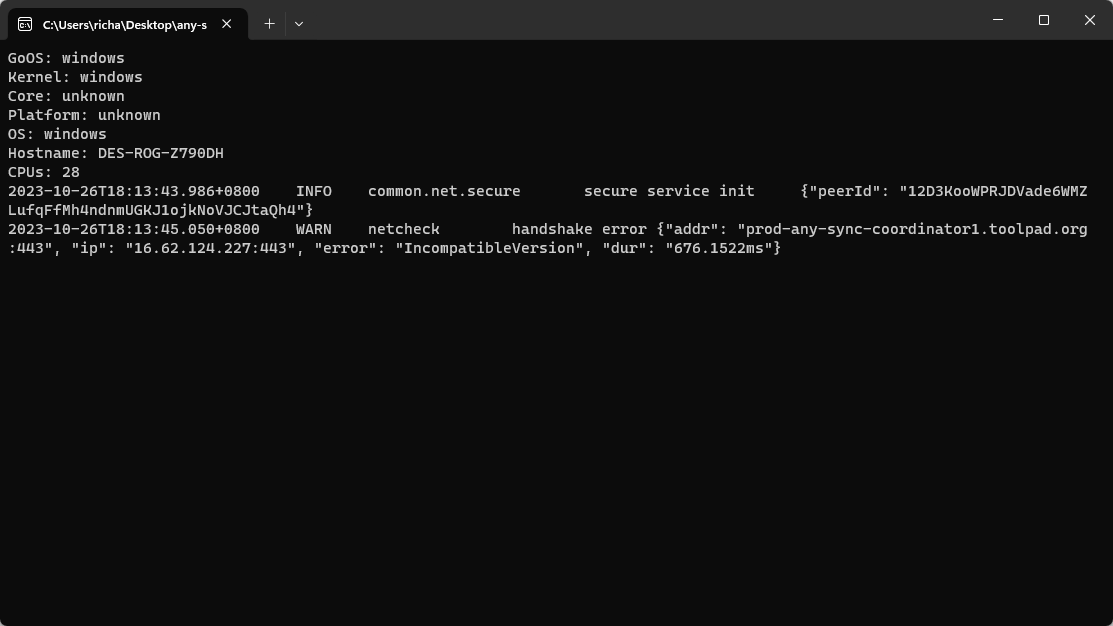
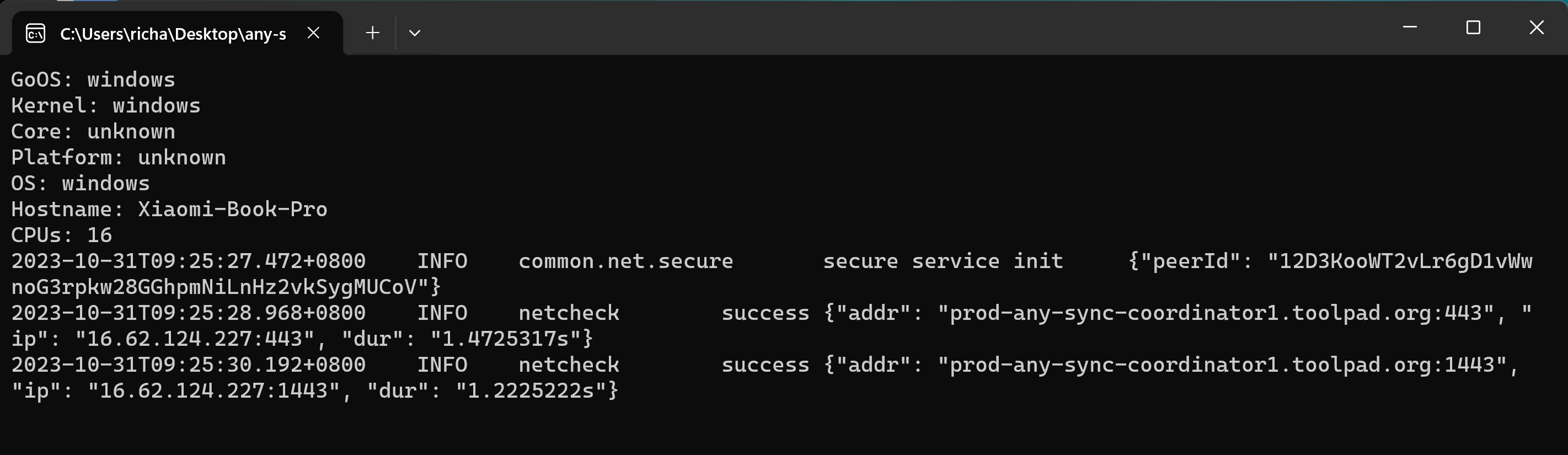
I have run any-sync-netcheck.exe and it did detect errors.
[Network enviroment]
Using my mobile phone as a wifi hotspot for my desktop.
No vpn or proxy
all antvirus and firewalls closed
But the tool will crash when the terminal is shown as the following.
(But, when the tool was excuted for the first time, it worked well and all 2 lines indicated handshake error)
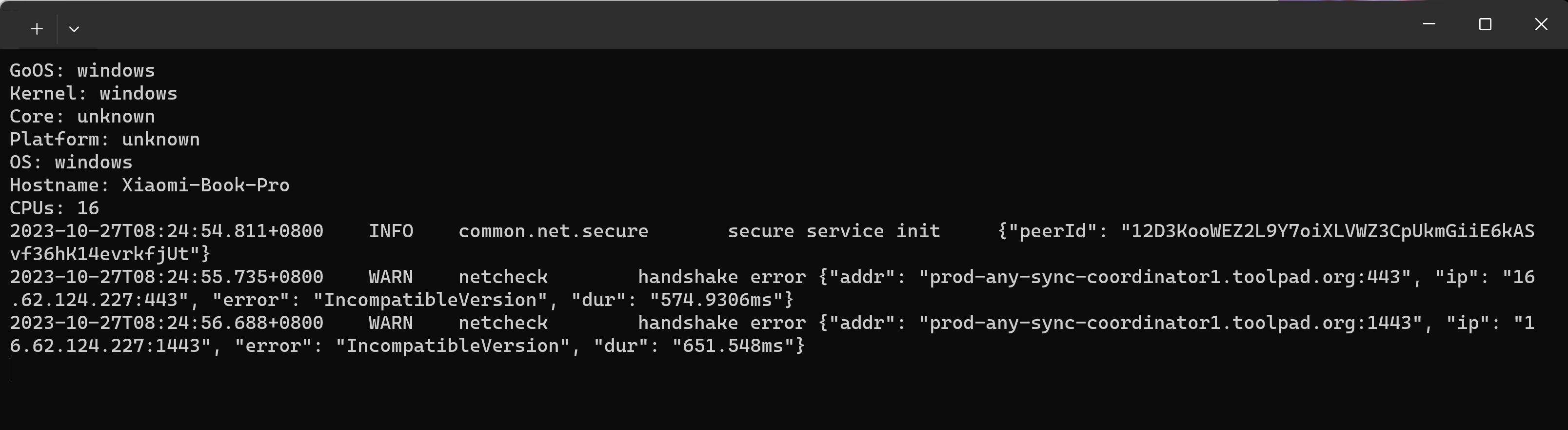
@Angelo Sure. I ran the Netcheck.exe again, and the latest screenshot and logs are as follows. (wifi hotspot by phone, no vpn and proxy, all antivirus and firewalls closed)
However it seems that these files are empty. (logs both on my desktop and laptop are empty)
So I upload log.log and old log.log from root directory, which I hope helps. log.log (522.9 KB) log.old.log (1.0 MB)
Besides, there are still several guys that used to experienced the same problem in my Chinese Anytype community ——the only thing is that some of them simply abandoned their account and create a new one.
And I am confused why my 3 windows devices and 2 android devices experienced this problem one after another with totally different internet environment (wifi in Shanghai, hotspot in Beijing, hotspot in Shanghai…)
@Angelo@requilence
Hey guyes,
The problem existed in verson 0.35.15-beta (using a whole new device, hotspot in another country), so I think it caused not only by the internet connection.
btw, the app displays “An error occured while starting account…: can’t run service ‘indexer’:failed to get object from node: context canceled”
Exported my space and imported it to the new account.
Then it is no longer possible to enter my the new account with the same words “Entering the void…”
Version: both 0.35.4 and 0.35.21-beta
Device: Desktop (windows 11)
I still can’t enter my account with the word “entering the void” from 0.35.4 to 0.35.25-beta What’s more, if I import my backup to the new account, the same problem will happen to it.
It’s as though something infectious would break every account.