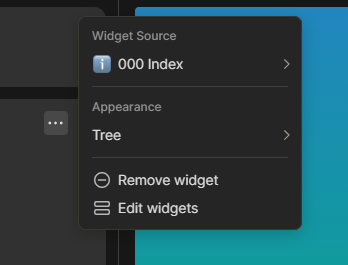
Another feature I would love to see under Appearance I would is a way to limit the number of items shown in the list.
This could be the following numbers of links:
3
5
10
15
25
All
This would be a great addition to the current widgets as well as my other suggestion of sorting lists: Sort option for objects in widgets
You could make for example a compact Recent list or if you want to have just one widget in the sidebar that shows everything you want you could make an object with all your links in custom order and set the limit to ALL.
If I use the PARA example from my other posts you could set a custom sort, limit list to 3 items and then hide Archive:
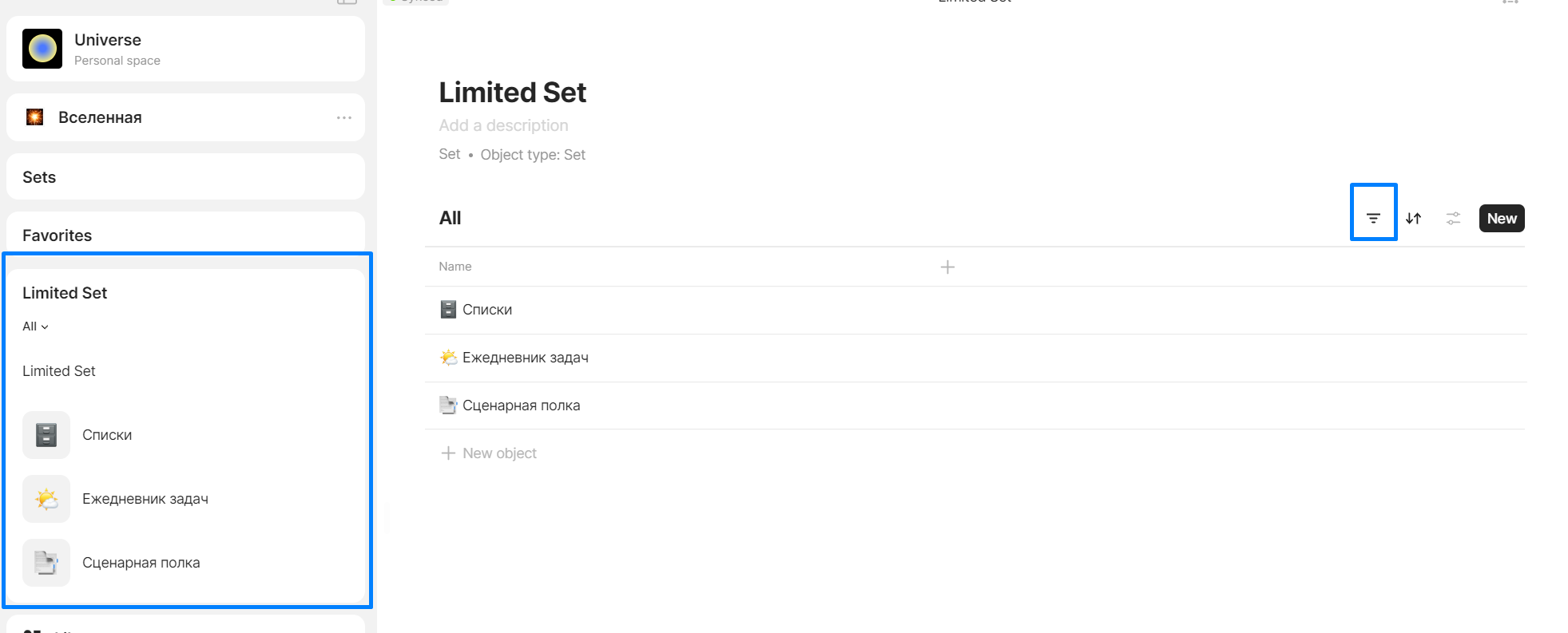
@Jeroen@sambouwer Maybe this function is not necessary? You could create set with filter and limit it as you need. Then you just add this set as widget and it’s limited just as you need.
I disagree, since this can’t be done for the recent, sets and collections widgets for example. It also means for each widget you need to make or edit a custom object that you need to maintain manually or requires multiple duplicates to maintain. It also adds a maximum without any other work.
We also don’t have a limit option for sets. So we need another workaround (either a new relation, complext filters or manual view).
While workarounds are possible I feel that a simple limit on each widget makes it simpler and easier in comparison.
For example, I have a task set. A main view sorted on priority from high to low. With a widget limit I can simply use this main view in the sidebar and set the limit to 3 or 5 to show the most important tasks. Wihout this, I need to make a new view, filtered on just the important tasks and what if we have 6 or more tasks, then this list gets longer then we wanted requires again more work.
Another example is when you use an “Index” object. Showing many links to all your knowledge. Set this in the sidebar and you have a custom navigation widget. But the way I set this up so I only need to first 5 links to show in the sidebar? With a limit in the widget I can use that same object otherwise I need to make another object meaning I now need to maintain two seperate objects whenever I change something.

 Which you can counter, why choose 3, 5, 10, 15, 25, All