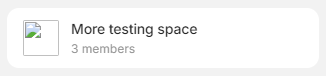
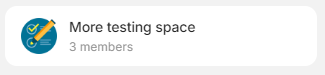
Any image added by one editor of a shared space is seen as broken by others.
NOK with 0.41.0
Share a space, add an editor
As owner, post an image and check what other people see
Owner side :
vs editor side :
or
as editor, change space image (icon of this space); check in the owner account : it’s broken
Owner side : vs editor side :
Editor side :
Working
PC
Windows 10
0.41.0
Filip
April 17, 2024, 7:21am
2
Can you try 0.39.24 first? @Shampra
With v0.39.24 :
Adding an image on editor account :
Checking on owner account :
Hum, we really need a global stats for sync status .
Always same status for this image after 3mn.
Pehaps I’ve a problem with one of my accounts?
More info about that, or a different bug?
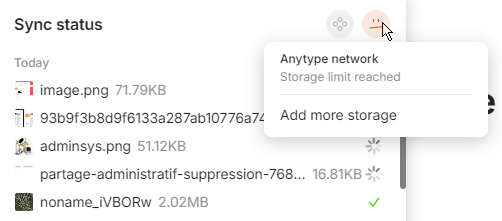
When I drag and drop a file into this account :
[image]
[image]
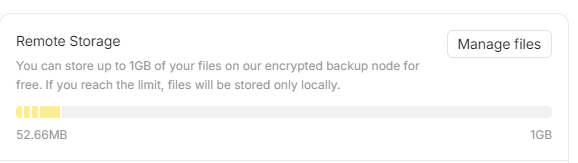
Buf If I manage files :
[image]
And log :
[image]
Is it ok for you, for the same bug?
If not, I can open another bug report for that.
Angelo
April 17, 2024, 7:50am
7
This report has been added to our issue tracker and received by the Development Team.
Oh, this post is two hours old.
We have to install directly from Github.
Angelo
April 22, 2024, 4:23pm
10
This issue has been fixed by the Development Team and will be implemented in an upcoming release.
Sorry but it’s not resolved (tested with 0.40.8) :
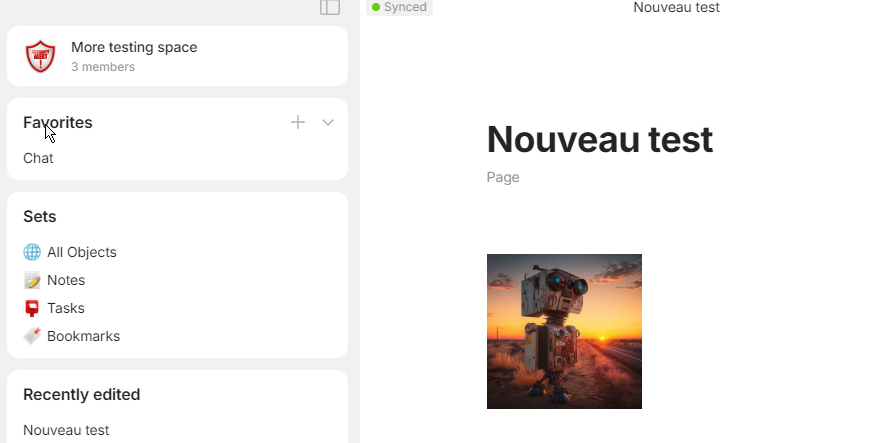
In first account, an image added to the space and a page with another image :
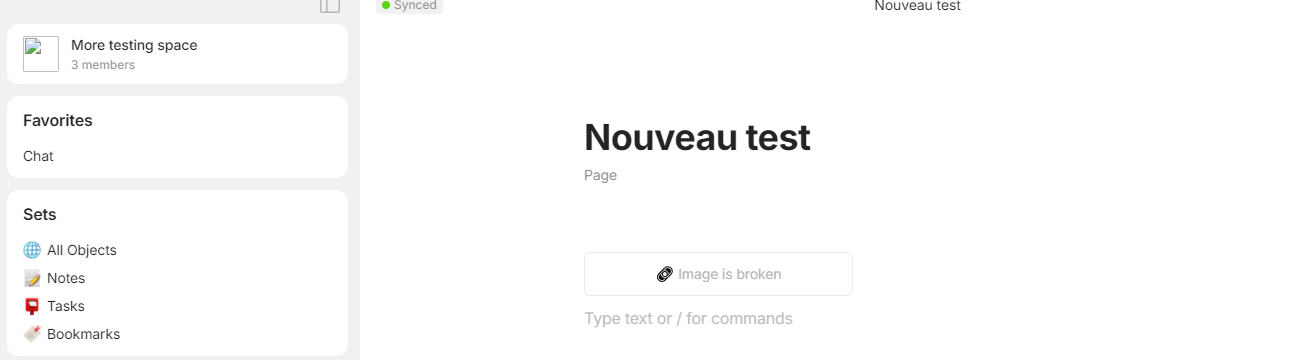
In second accoun : no image for the space, no image in the page :
(and “synced”…)
Any update about this?
I have quite a few bugs (that I don’t post anymore), and I suspect that a lot of them are related to this over-quota thing (which isn’t the case).
deff7
June 11, 2024, 7:46am
13
Hi! Do you still have this bug?
Hi!
Yes, no change, my account is always completely bugged.
deff7
July 5, 2024, 9:48am
17
Hi! How did you upload image? Maybe you copy-paste image block from another space?
No, direct upload (drag and drop in a page, or “Upload” menu).
As indicated above , I suspect a global quota problem on this account.
deff7
July 29, 2024, 1:39pm
20
@Shampra Hi! Could you try Beta version with your old account? Try to run Debug → Reconcile , this command should reclaim mistakenly occupied space in file node. In order to run it smoothly you should wait until your account is synced from node.
I think my account is also having this problem. The image is also broken if I uploaded it from another device which is I think is cause by this cloud qouta. It’s related to this case: Full Remote Storage with only 1 file in 'Manage Files' - #7 by lacno29
The reconcile function doesn’t do much
Is the image an SVG , by any chance?



 )
)