Describe the bug
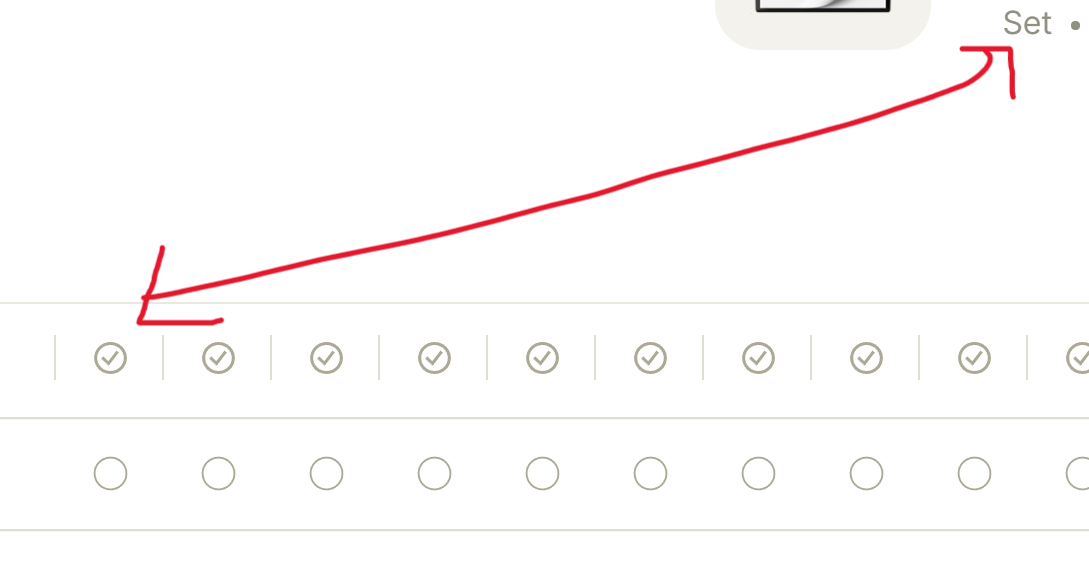
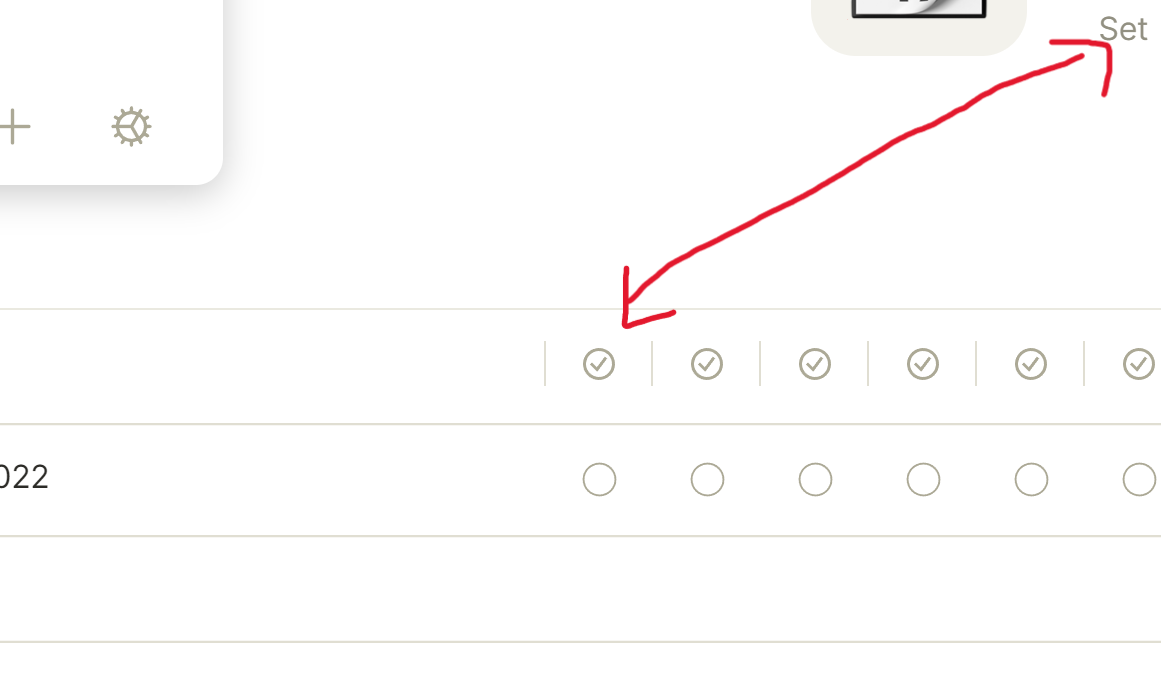
This is what I want
This is how it looks like when I reopen my set (it looks like before)
I am not sure how to reproduce this one.
To Reproduce
Open a Set
Move your relations (make some changes at the relation columns)
Reopen your set
Are your relations still at the position you just put them? (Are other changes saved?)
Expected behavior
Relations within sets should save their positions
Any changes made should save and not reset after reopening the set
System Information:
Windows 11
Anytype Version: 0.24.0
I create a bug report for this:
ㅤ
Besides, your title was too vague, so I suggest you change it for something more explicit, like this:
Custom Sets Relation columns layouts are not saved
Still cant make any changes in my sets
What I want
After reopening
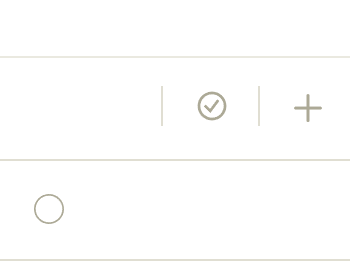
Also found this. After moving a relation, the checkbox didn’t move with it
Dante
March 12, 2022, 10:49am
7
Seems to be related to this too, since you seem to be having the same experience:
Describe the bug
When I resize and reorder columns in a set, the order and resizing isn’t saved.
To Reproduce
Steps to reproduce the behavior:
Shuffle around the columns in a set or resize any of them
Go to another tab
Return to the set
Expected behavior
The tabs and size stay like I put them.
System Information:
OS: Windows
Device Manufacturer/Model: Asus
Anytype Version: 0.24.0
Probably similar to: Reordering of views doesn’t work and more importantly this which marks the issue as s…
Flip
May 7, 2022, 10:33am
8
@AnyReport I tried to reproduce it and my columns always kept the width I set them too. Might this be fixed?
Flip
July 20, 2022, 9:52pm
10
Because of the last answer being “fixed”, I will mark this as solved.