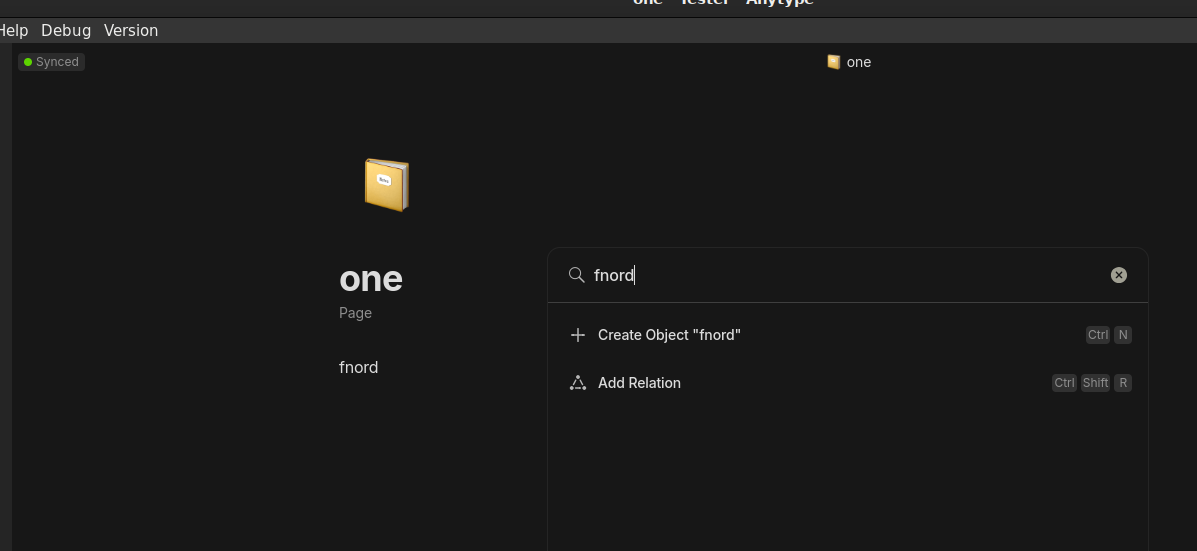
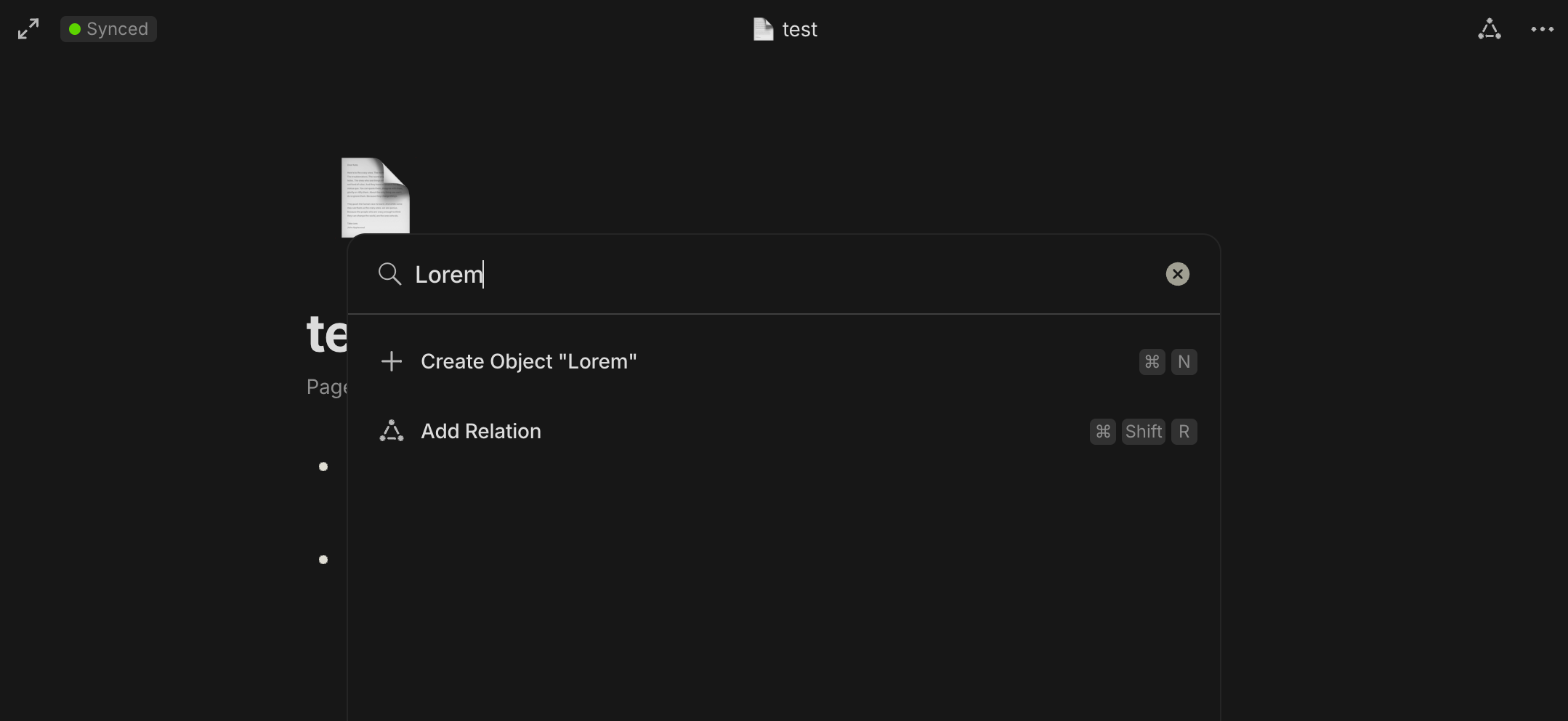
After importing a Markdown file, searching for the text in that file does not show the imported page in the search results. There’s a closed bug for this one but it appears to be back in 0.38.0
How To Reproduce It
Create a file called ‘one.md’
Edit the file and insert some word, let’s say ‘fnord’
Click on Space name → Import to Space → Markdown, and import ‘one.md’
Click Search and enter ‘fnord’
Page ‘one’ does not show in the search results, see screenshot
I’m trying to move from Logseq to Anytype. I export all my notes to md files and successfully import them into Anytype. But when I try to use global search, my notes are not found. I’ve tried the stable release and 0.39.13-beta as well.
How To Reproduce It
Export notes from Logseq as markdown (md) files.
Import the exported md files into Anytype using the standard import process.
Attempt to use the global search function in Anytype to find content from the imported notes.
The global search fails to find or display any results from the imported notes, despite their successful import and visibility within Anytype.
The global search should find and display results from the recently imported notes.
Additional Context
This issue persists across both the stable release and version 0.39.13-beta of Anytype.
The imported notes are visible and accessible manually within Anytype, indicating a successful import.
No error messages are displayed during or after the import process, nor during the search attempts.