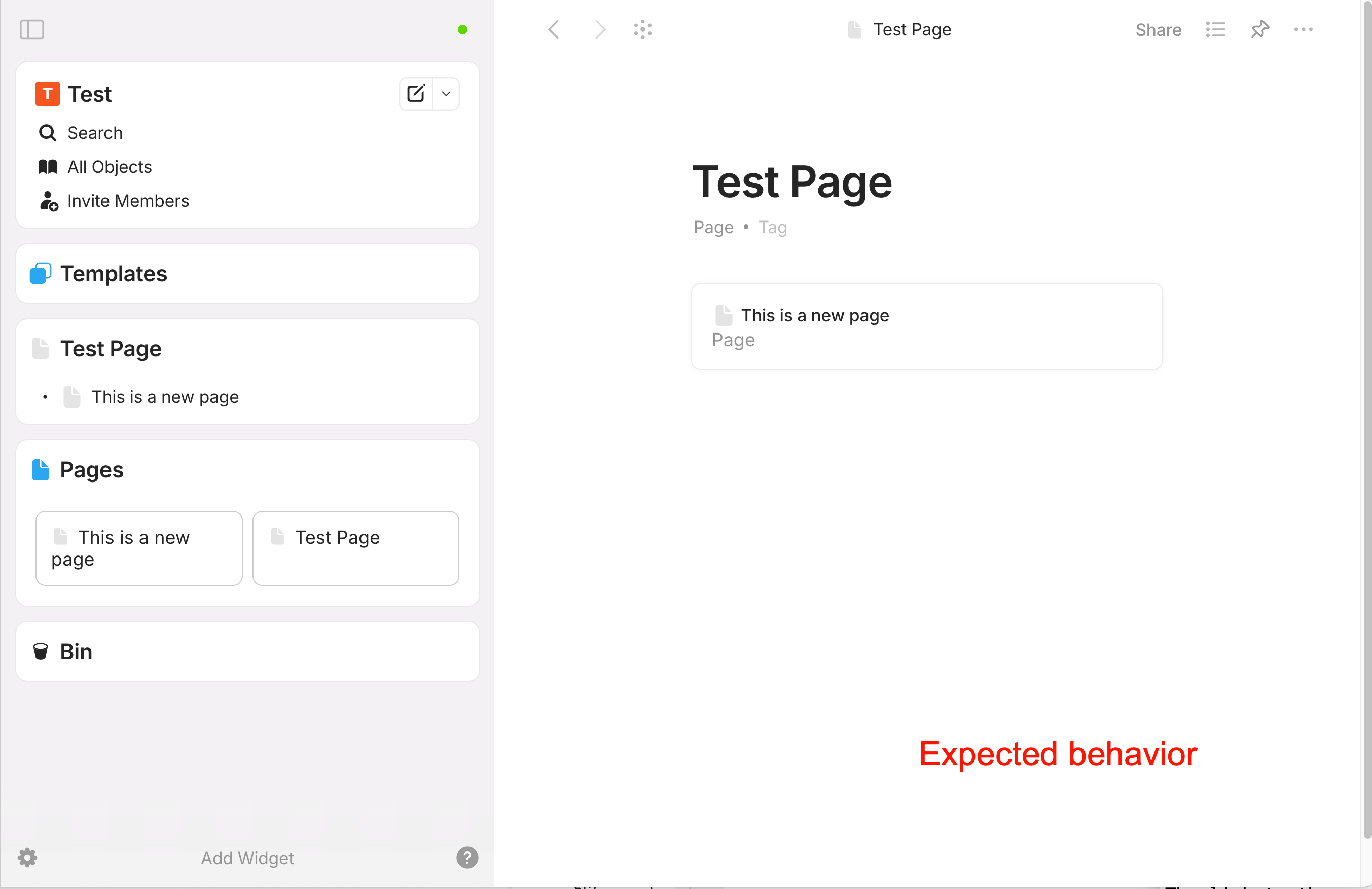
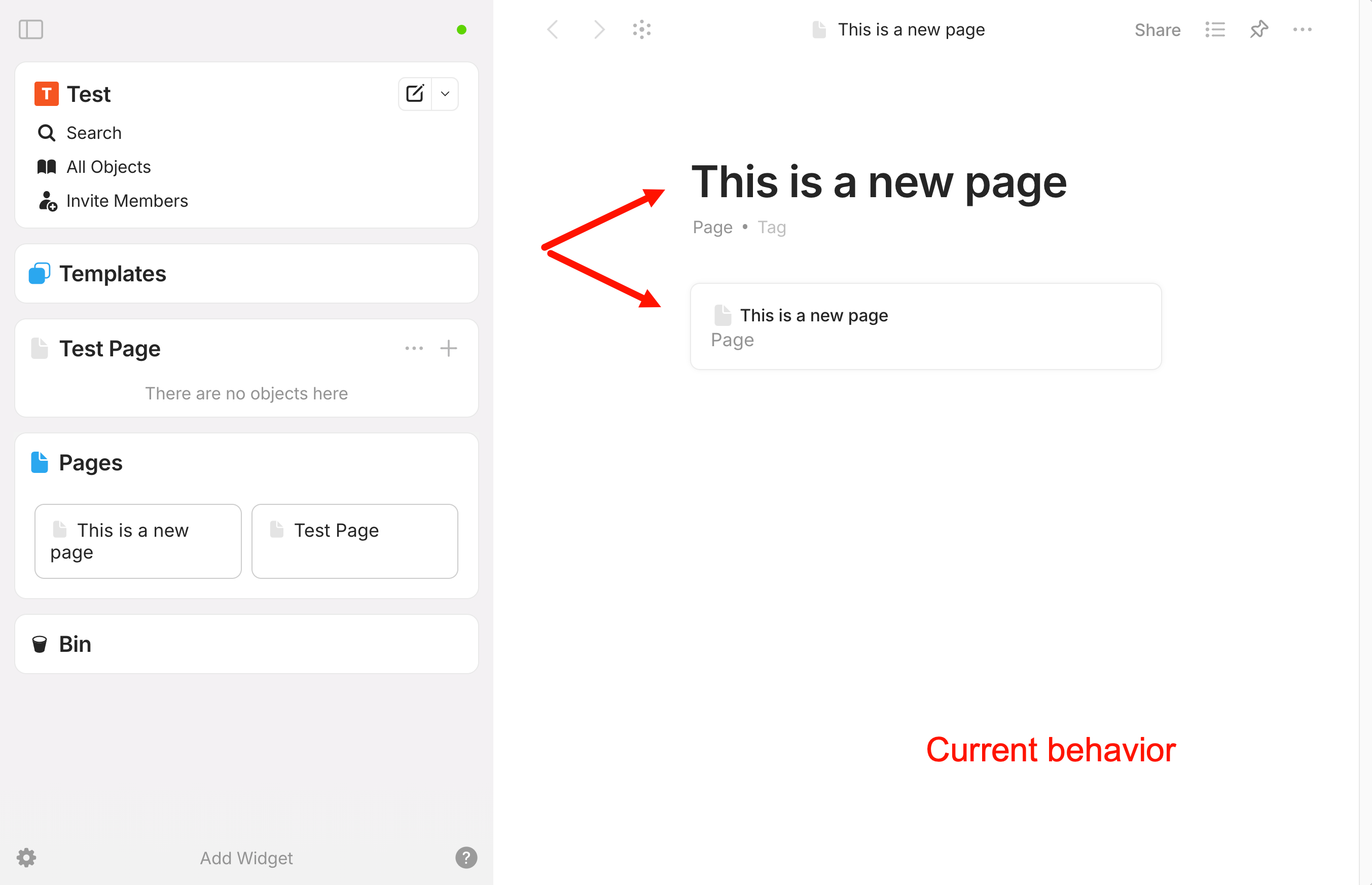
When I create a widget from a page and click on the + on that widget, a new page is created with a strange block inside whose purpose is unknown to me.
How To Reproduce It
Create a page
Create a widget from that page
On the widget, click the + icon to create a new object (a page in this case)
The new page that is now created is not empty, it shows a fomatted text block with the name of the page, it is no subpage.
Image or Video
The Expected Behavior
I would actually expect an empty subpage to be created to the widget page.
Additional Context
Additionally, watch the video when I create test page 2 and see how the first letter of the title (“T”) is automatically deleted on the first attempt.
It seems to have nothing to do with templates. I have deleted all existing templates, I have created a new clean space - the behavior is exactly as described and shown in the video.
Are you not able to reproduce it?
Umm, you create Page, then create widget of that page and then add links to this page, so this is why link block is created. Maybe adding link block is not so obvious behaviour, but this is how it works.