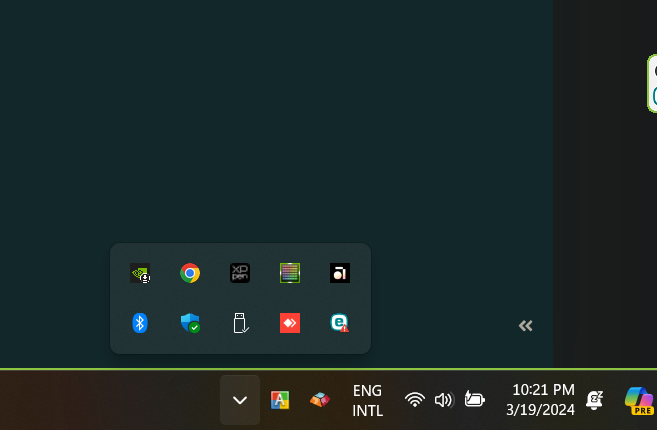
I had the sane issue. On windows 11 as well. I have the Anytype app pinned to the taskbar. If I close the app, Then click the app icon in the task bar to open the app again, nothing happens. I found, Like is mentioned here in the comments, if I go to the icon tray in the task bar, I can see that Anytype is running in the background. Then I can open the app again from the “hidden app” tray.
I think this is related to other bug reports and feature requests. e.g,
Idk if this is related, if I double click the the app icon to run it the first time, it runs normally but if I double double click (4 clicks or 2x starting the app), the app won’t run at all, not even in the tray icons and I have to end it from the task manager to be able to run it again.
Can you please share your technical details? I’m guessing you’re on Windows?
How are you trying to re-open the app? Does Anytype still show up in the system tray, and can you re-open it from there?
OS version: win32 x64 10.0.19045
App version: 0.40.27-beta
Build number: build on 2024-05-28 10:47:41 +0000 UTC at #df0b26ef822cfff617560fc48d829a59c37f0335 (dirty)
Library version: v0.34.0-rc5
Anytype Identity: AAtt6aReARByswg2CbvZhveoJEEcnydfDu7U2VAkgJALsE7D
Analytics ID: 8a514008-4f5d-40d3-970f-a0d241b63af2
Device ID: 12D3KooWGqd6JSafCCcEwvnke5JAVgBNnuR9gGQeSBQ5HdUboWtG
And yes, after closing the program it is still shown in the system tray.
And no, I can’t restart it from there.
Normally I start it with a double click on the icon on my windows desktop.
In my opinion it is simply so that Anytype uses some parallel threads, but ending Anytype doesn’t terminate them properly before it ends itself.
I know the nasty problem from one of my own Python programs (there I was able to solve it, after a while) but I can’t say anything about the language “C”.
In Python there are different ways to “end” or “close” or “kill” or “terminate” a thread. But there is only one way to do it properly.
I suppose we have the same issue here.
The programmers don’t use the correct way, or not the correct command.
In Python was the point to start Threads as “Daemon”. This makes it possible to kill it together with the main program.
But this way also has it’s downsides. It is not recommended for threads that write on filesystem or so. Because killing while writing data → problem!
One needs to set the thread in a save sate before killing, by self.is_running = False
This stops the thread in a safe way. But it is still there, until you close the main program.
Fazit (for Python):
– Start a thread as “Daemon”
– For ending: First set it into a safe state (self.is_running = False).
– Then kill the main program. The already stopped thread will die together with it.
I confirm the problem with older version (which I should have confirmed beforehand, but…).
With the latest version (0.40.27-beta) on test since this morning, so far I haven’t had the problem.
The app refuses to reopen its UI from the icon after closing to system tray. The only way to reopen the already running app is from the system tray menu to which is counterintuitive.
Moreover, GNOME by default, without the system tray extension, doesn’t have system tray implemented. Therefore, the only way to reopen the app is to manually kill the app then launch it again.
The issue is shown in the screen recoding.
How To Reproduce It
Open the app.
Close it. The app will be closed to system tray.
Reopen the app from the app’s icon. The app won’t reopen.
Image or Video
The Expected Behavior
After closing the app to system tray, the app can be reopened from the app’s icon.
Additional Context
The same issue was reported on macOS (already closed):
Device
Laptop
OS
openSUSE Tumbleweed
Anytype Version
0.40.9
Network Mode
AnySync
Technical Information
OS version: linux x64 6.9.1-1-default
App version: 0.40.9
Build number: build on 2024-05-22 13:45:39 +0000 UTC at #75374629f026904f01d57b422abf0c350488d584
Library version: v0.33.6
Anytype Identity: A7vbqLZXMneoS25NXW6SEcX45sSCU36AG4UDBUSZHz816gLW
Analytics ID: 9ee5e932-09e9-4059-a9cc-7c73b960d4ae
Device ID: 12D3KooWJgbmMWrHF9ryzAPayXxkApFAu4xSqqLE2fDQuD7bWFkU
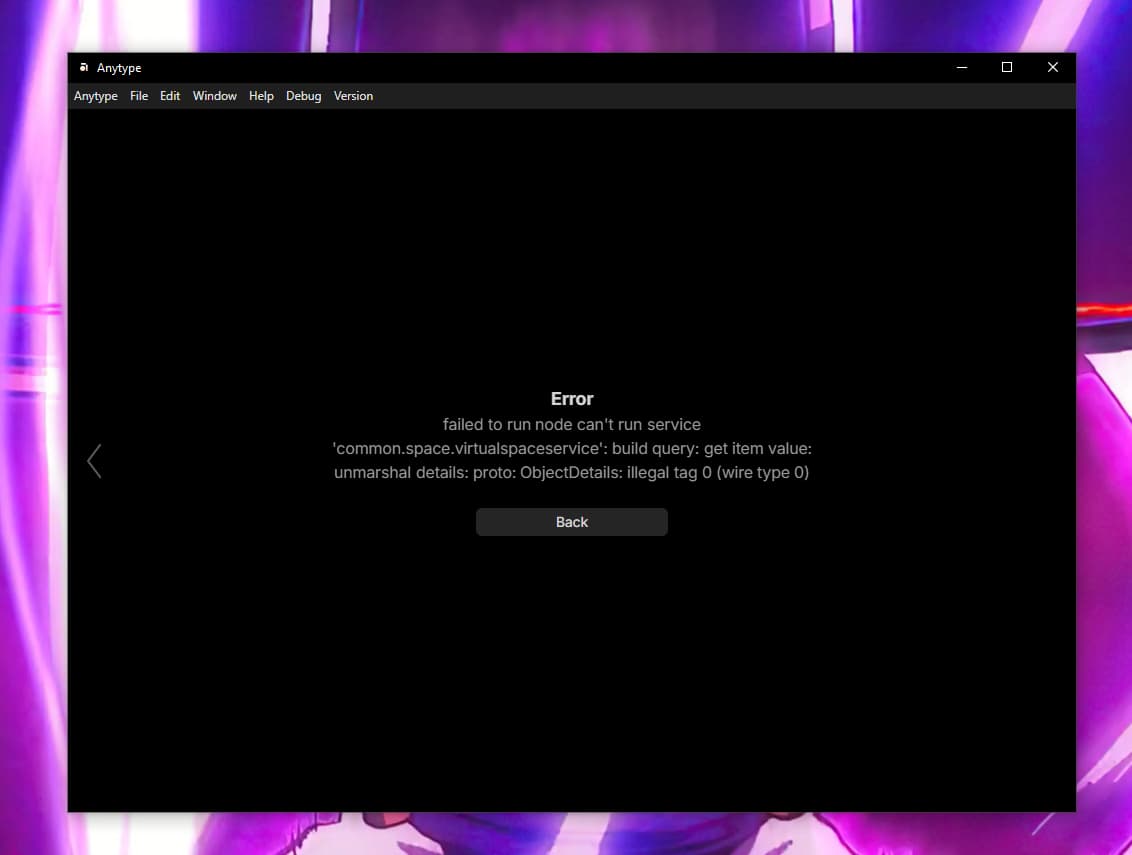
@HeLLoWeRLD This is a db corruption. Some of them are not automatically recovered. In the next months we are going to replace the DB with the more reliable. In the meantime you can use this instruction to fix the issue.
Awesome, thanks. The steps are a little outdated (or it’s just because I’m on Windows 10). Just the first step, though. Wasn’t working for me when I did the app data thing, so just did it another way. The path to the account wasn’t there. Just found the local store file and renamed it.