I’m having the same issue, just with other Devices.
I’ve set up an Local Only Vault on my Windows PC, with the Working Directory being on my NAS and I had no issues connecting the iOS-App, but I’m having the endless syncing bug on my iPad (iPad OS).
Edit:
In the main.log I get dozens of warnings like these:
[2025-04-12 18:19:52.239] [warn]  {"level":"WARN","ts":"2025-04-12T18:19:52.197+0200","logger":"common.commonspace.peermanager","msg":"failed to get responsible peer from common pool","error":"unable to connect"}
{"level":"WARN","ts":"2025-04-12T18:19:52.225+0200","logger":"common.commonspace.peermanager","msg":"failed to get responsible peer from common pool","error":"unable to connect"}
{"level":"WARN","ts":"2025-04-12T18:19:52.229+0200","logger":"common.commonspace.peermanager","msg":"failed to get responsible peer from common pool","error":"unable to connect"}
- When I create a new Space in the Vault on my iPad I see a new Space also popping up in my Windows PC and my iPhone, but on both devices the space has no name and no picture and I can not go to it. I can access it on my iPad tho.
- When I create a new Space on my iPhone, I see it on my Windows PC and my iPad, but with no Name and Picture and I can not access it. On my iPhone I can access it tho.
- When I create a new Space on my Windows PC, I see a new space popping up on my iPhone and iPad, but again, no name, no Picture and I can not access it, however I can access it from my Windows PC.
I can wait indefinitely, but no space is syncing to other devices anymore, despite prior to setting up my iPad, sync was working between PC and iPhone. It was still not very fast, but it was working. Now, after setting up my iPad, sync is not working in any direction anymore…
I’ve tried the App yesterday for the first time, and so far it has (sadly) been a bugfest.
I like the Offline and P2P aka Local Sync aspect very much so, I only need to sync when I’m at home and I would love to use it like that. But I do not want to have my PC on all the time for sync to work, I’d love if my iPhone and iPad could also sync between each other, when the PC is not available and sync back to the PC when it becomes available.
More important however is, as explained, that at the time being, sync is not working at all anymore after setting up the iPad as a second connected device…
Maybe in the feature I’d Self-Host as a Docker (I’m somewhat experienced with Docker, so I’m expecting no issues there)
However before committing to that, I’d like to test the App more with P2P-Sync. For an App that promises exactly that, P2P-Sync not working is a deal-breaker 
Edit 2:
After creating Test-Spaces on my iPad, iPhone and Windows PC, I can not access any Space on my Windows PC anymore despite the one I’ve been thrown in on App-Launch. I can not even access the Spaces I’ve created on the PC yesterday anymore, as well as the “My fist Space”-Space. I’m now stuck on the “test”-Space I’ve created a moment ago.
After noticing that, I installed the Beta (Pre-Release)-Version, but it didn’t change anything.
I also already tried uninstalling and reinstalling the iOS and iPadOS-Apps, but again, no change in behavior at all.
Edit 3:
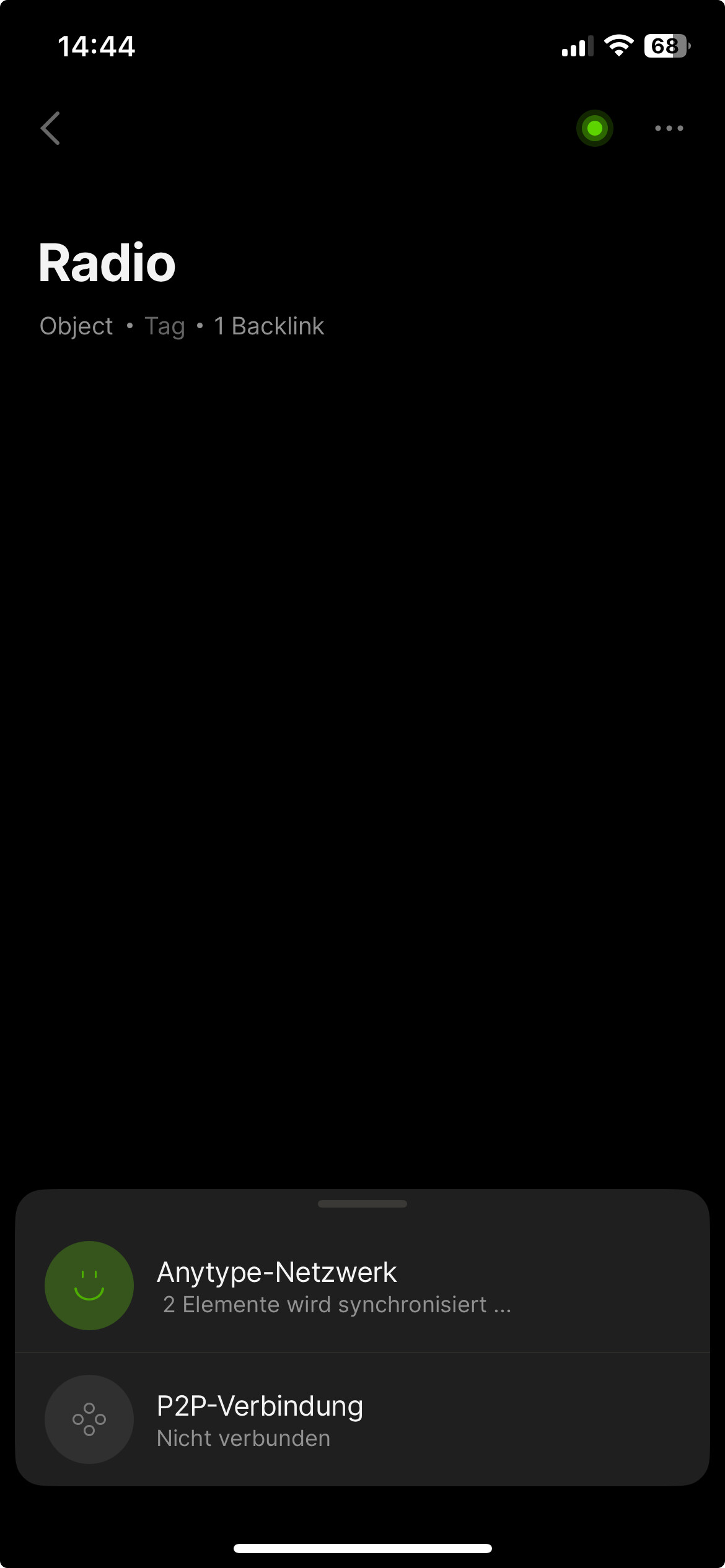
Sync-Status is now showing “no devices connected” despite having the App open on all three Devices.
A few Minutes ago, before installing the Pre-Release and re-installing the Apps on iPad and iPhone, it showed two connected devices (but it still wasn’t syncing more then the empty space with no name and no Icon).
Edit 4:
Now that I’ve looked into the Settings on my Windows PC I can not access ANY space anymore, not even the Test-Space I just created on the PC… What?!
Edit 5:
When hitting the “Back”-Button repeatedly until there is no Back-Button anymore, I have managed to come back to the Test-Space again, but I still can not access any other space other then the Gallery…
Edit 6:
After closing the App on my Windows PC and reopening it, I can now see two devices connected again, but I still can not access any other space then Test on my Windows PC and the other two devices are still not catching up…
I give up now… I can not get all three devices syncing between each other and everything I try makes it worse at best (because now I can not access any other spaces then the Test-Spaces I’ve created on the respective devices anymore, so as of now I can not even look up stuff I’ve saved in my Notes anymore… Very very disappointing 
Edit 7:
The iOS and iPad-OS Apps had an update, sync is working between the Windows PC and the iPhone now and I can access all notes on the PC and the iPhone now, but somehow sync seems to not work properly still on iPad. All Three Devices have the App open and I can see two connected devices in the Sync Status on the PC, but the iPad is still endlessly loading the notes and when I force-close the App on the iPad and reopen it again, it seems to load for a moment and then stops again. I’ve done that a couple of times, but I still can not access any of the Spaces on iPad.
Edit 8:
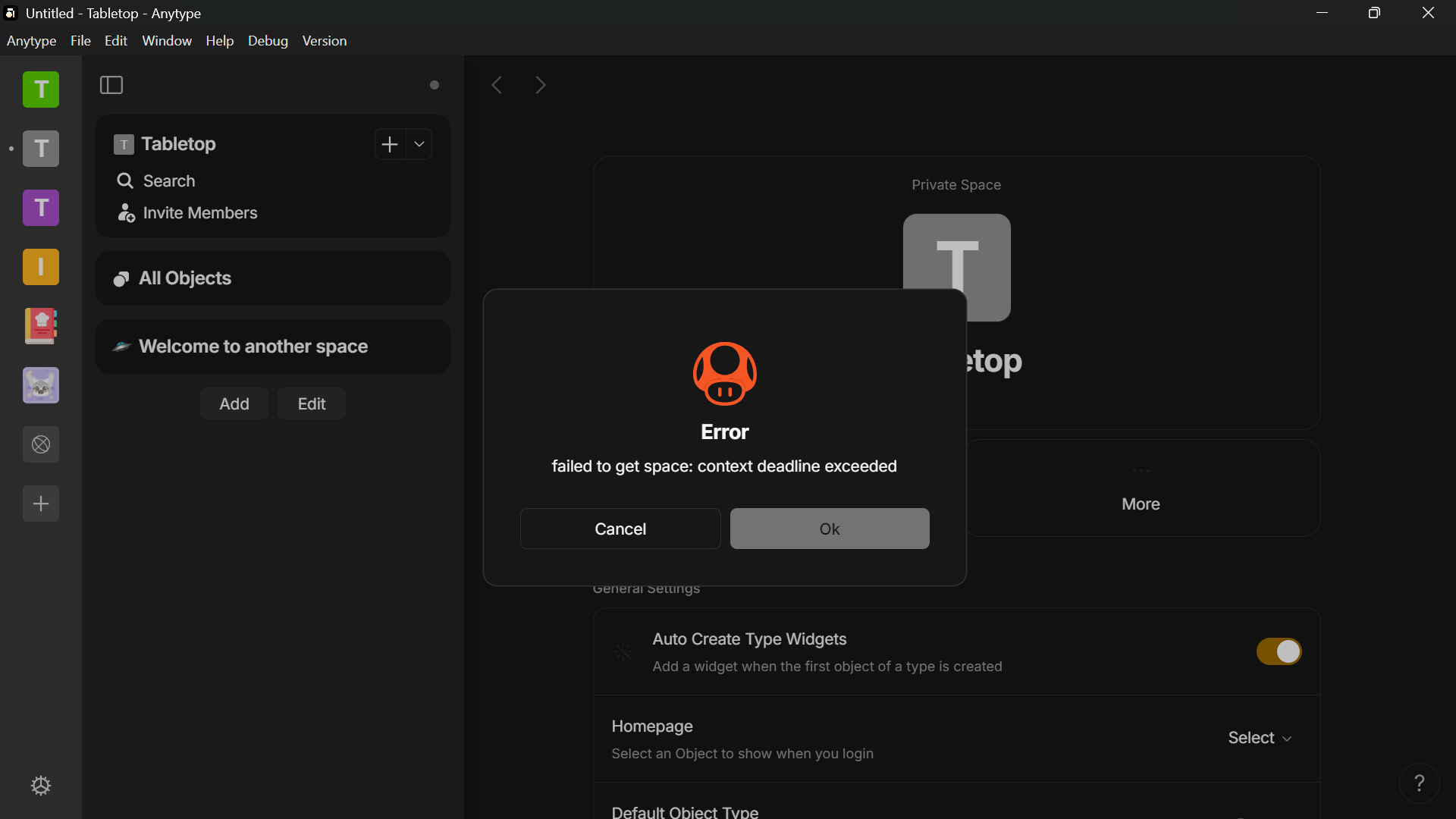
Still having this issue after the latest updates for both PC and iPad. When I create a Space on my iPad while AnyType is open on PC as well, I almost imidiately see the new Space on the PC, when I try to access it, it loads some time and then I get an Error Message:
Edit 9:
Sync is now working using Local-Sync on two Windows PCs, one iPad and one iPhone, even between devices when no PC is currently online.
Only thing still not working properly: I have created four spaces and all of them have a custom 256x256 icon I’ve uploaded there, but somehow some of the spaces do not show the icon on iPhone or iPad.
Let’s just call them A, B, C and D.
On iPad Spaces A, C and D do not have an Icon, but still show the proper background-colors.
On iPhone only Spaces A and D do not have an icon and also do not show any background color, it’s just black.
Space B is showing everything properly on all devices and space C on all except the iPad.
On PC all Spaces look normal anyways, this is an iOS-issue I think, maybe with a broken cached image or something like that.
When I change the Icon of Space A on my iPhone to a different one, all devices show the proper icon, but when I change back using the same icon but still using my iPhone instead of my PC like I initially did, the result is the same like before: Looks broken on iPhone and iPad, but not on PC, there I can see the Image I’ve selected on iPhone just fine.
Also when I go into the Space on iPhone or iPad and go into Space Information, sometimes I can see the Image there, but sometimes still not.
Space A I can see the Image of on iPhone in Space Information, but Space D it’s blank in Space Information on iPhone.
I could do screenshots of everything mentioned, all of it is reproducible.
I’m using the latest available version of AnyType on all my Devices and the Local Directory is also a local one on all devices now (previously I used the NAS as Local Directory on PC, but I think that might have slowed things down a bit, maybe that’s why sync wasn’t working properly previously) and all Devices use the Local-Mode and all devices see each other, I can see the count of syncing devices up and down when I open and close the app on different devices, so it’s no syncing issue anymore, I think.