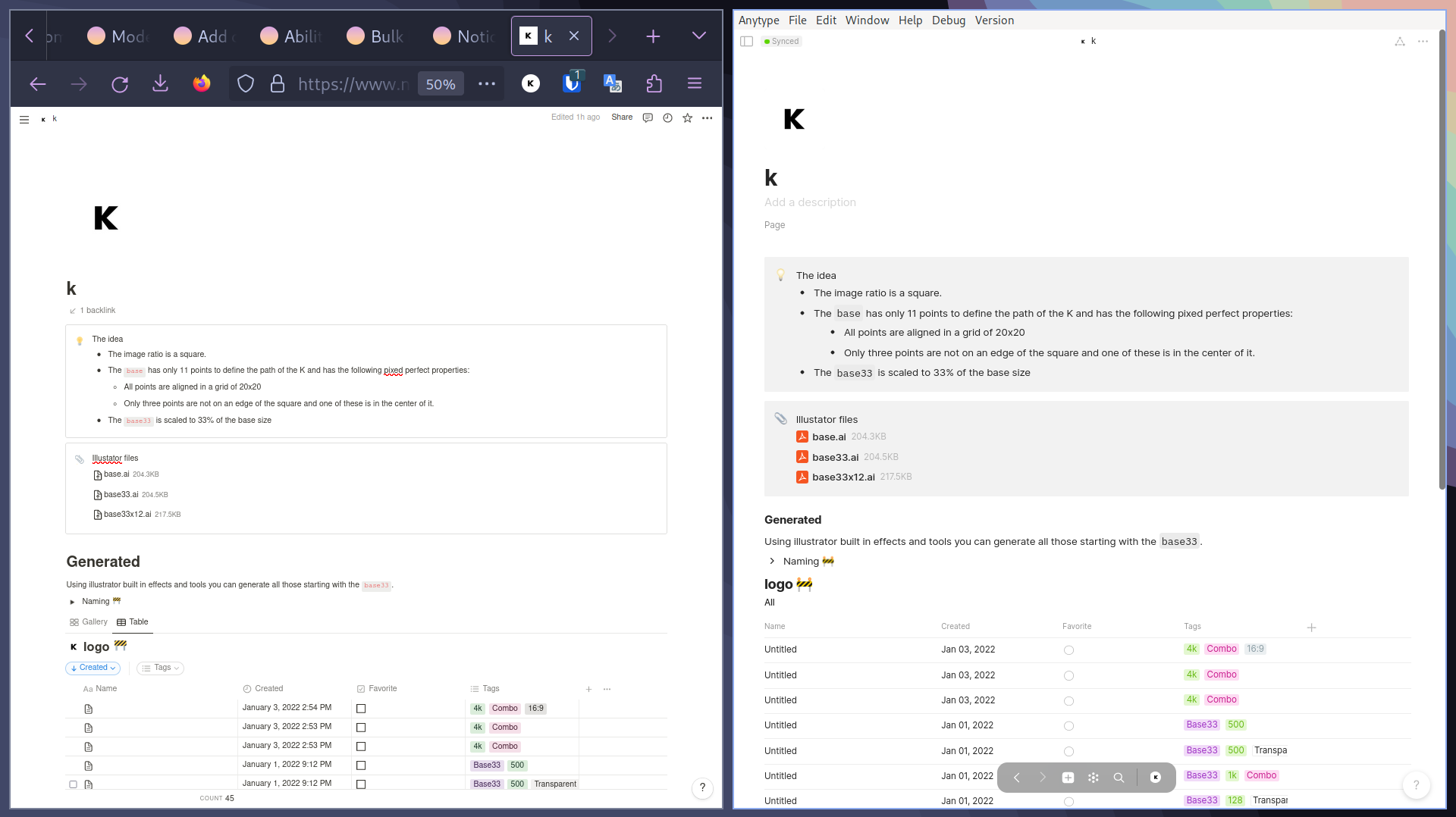
I’ve recently started shifting some of my content from Notion to Anytype, and I’d like to share some initial observations. While the migration works fairly well for single, uncomplicated pages, I’ve run into substantial difficulties when importing more complex databases with hundreds of Notion documents.
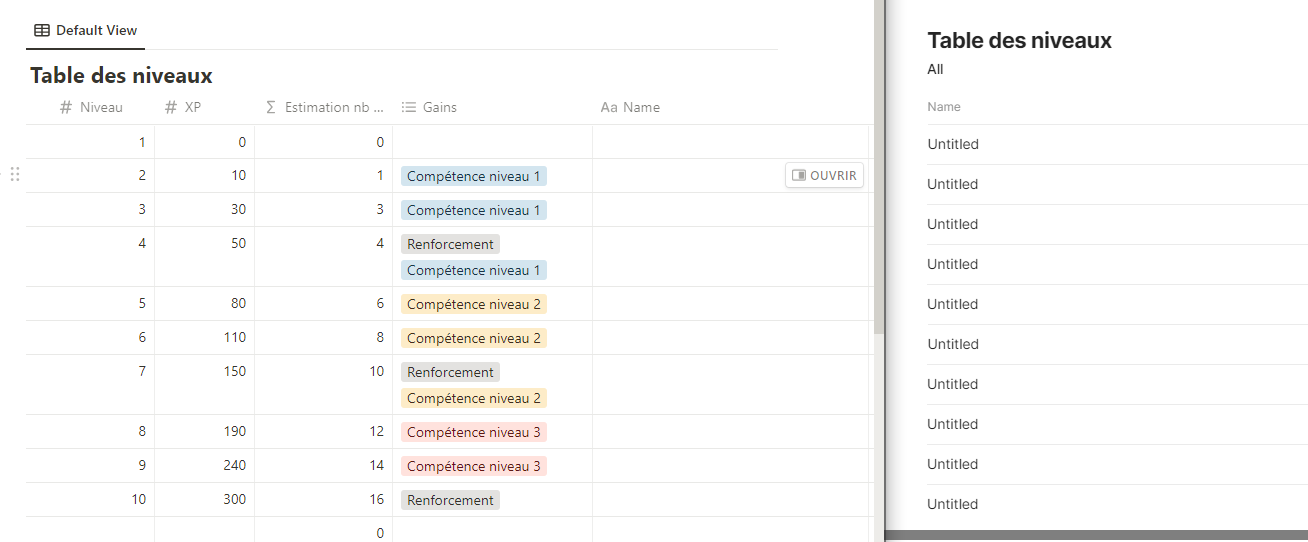
After importing these databases into Anytype, I’ve found that a significant amount of manual editing and corrections are necessary to ensure data consistency. For example, I recently spent 2-3 hours adjusting data post-import, only to lose all changes when I forgot to disconnect the Anytype connection in Notion before the next Notion import.
It’s certainly a plus that the import process avoids creating duplicate entries, but it’s bothersome that the system doesn’t ask for direction when changes have been detected in conflicting documents within Anytype.
Tools for batch editing could undoubtedly help manage some of these issues, but a more comprehensive, guided import process would be even better. This improved process could allow us to tackle potential conflicts and errors before data import (automated resolution of these issues would, of course, be the ideal solution).
For me, and I believe for many others, a smooth and accurate Notion to Anytype import process is vital before fully migrating to Anytype. Over the last ten years, I have collected a large amount of data, first in Evernote, then in Obsidian and Bear, and more recently in Notion. Given the extensive manual work required to ensure data accuracy, it would take weeks of effort before the data appears as it should in Anytype.
edit:
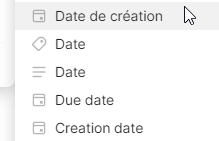
I may be a bit late in realizing this, but I’ve found that renaming the properties on the Notion side before importing saves me a lot of time. For instance, changing ‘tags’ to ‘tag’ has proved beneficial. In the past, I manually added all the tags in ‘tag’ (in Anytype), but now, simply renaming the property to ‘tag’ before importing handles this task automatically 
 Calling all Notion runaways!
 Did Anytype’s Notion import work for you?
 Yes, account import from Notion works fairly well!
 Neutral – Meh… not great, but not terrible.
  No, I don’t recommend. This function isn’t ready for rollout.


 What I did like


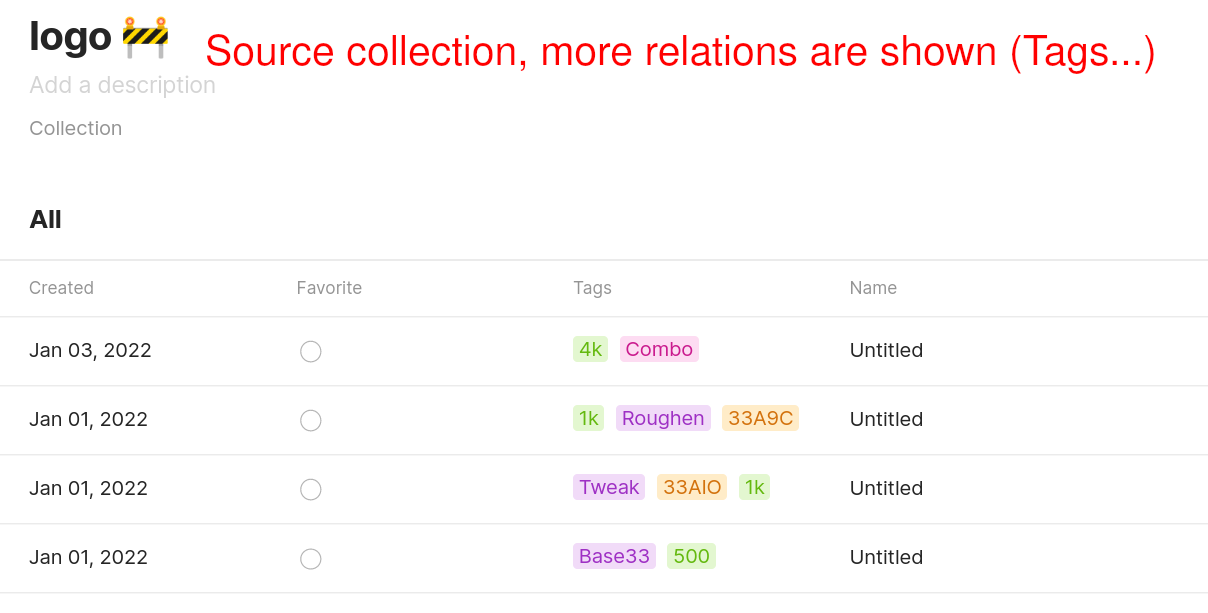
 What I didn’t like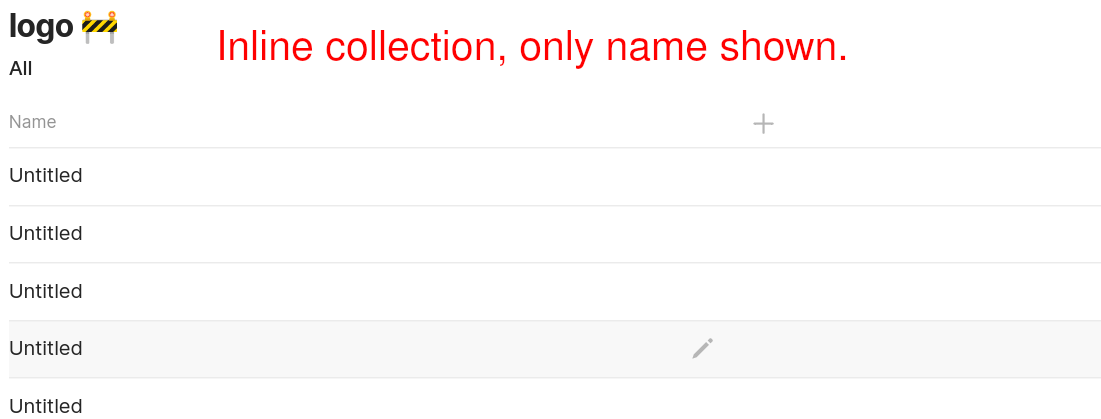


 )
)