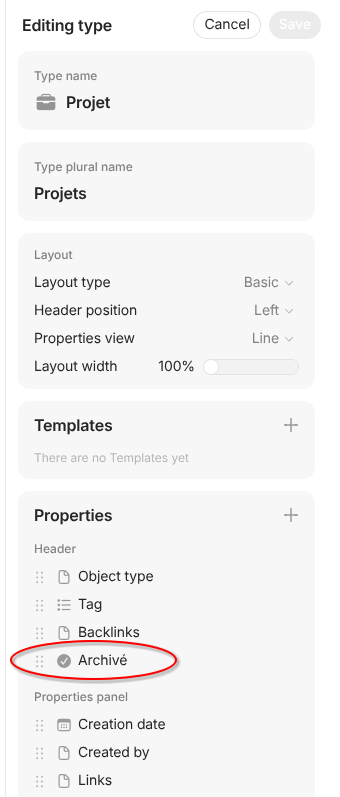
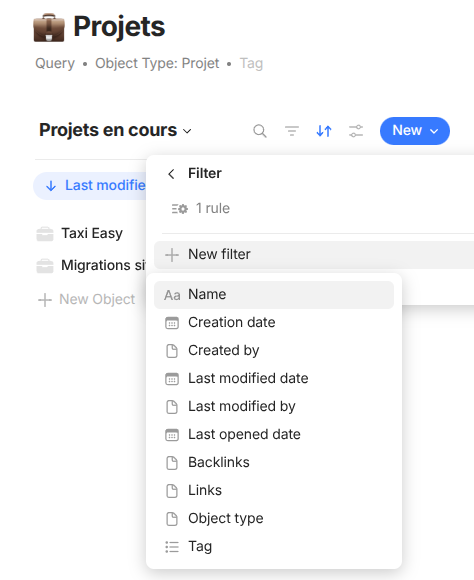
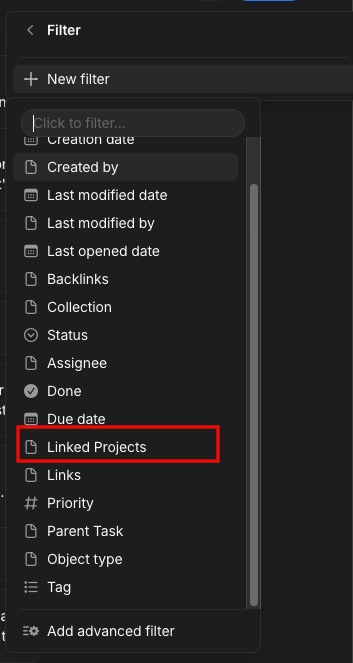
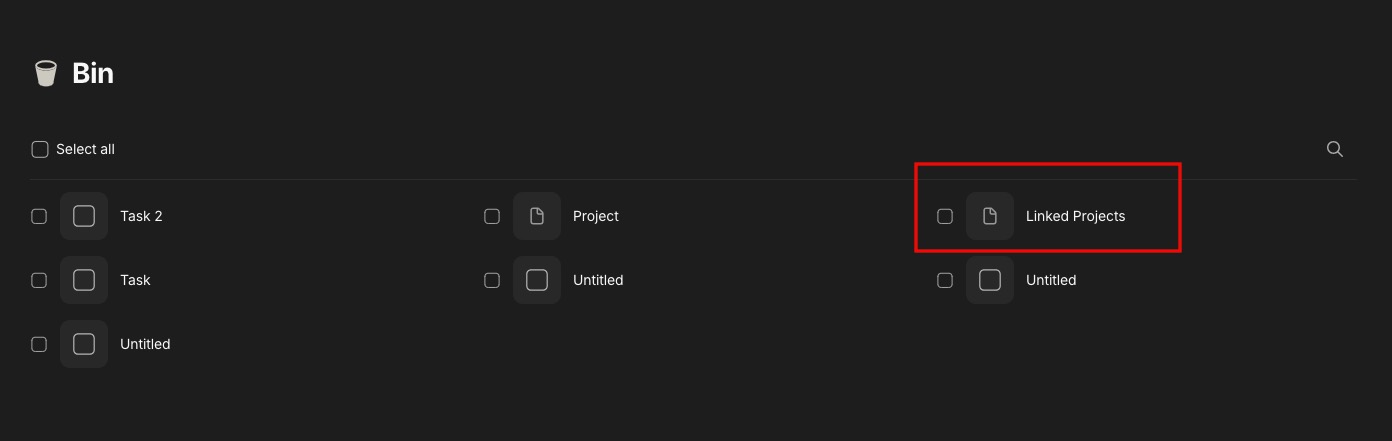
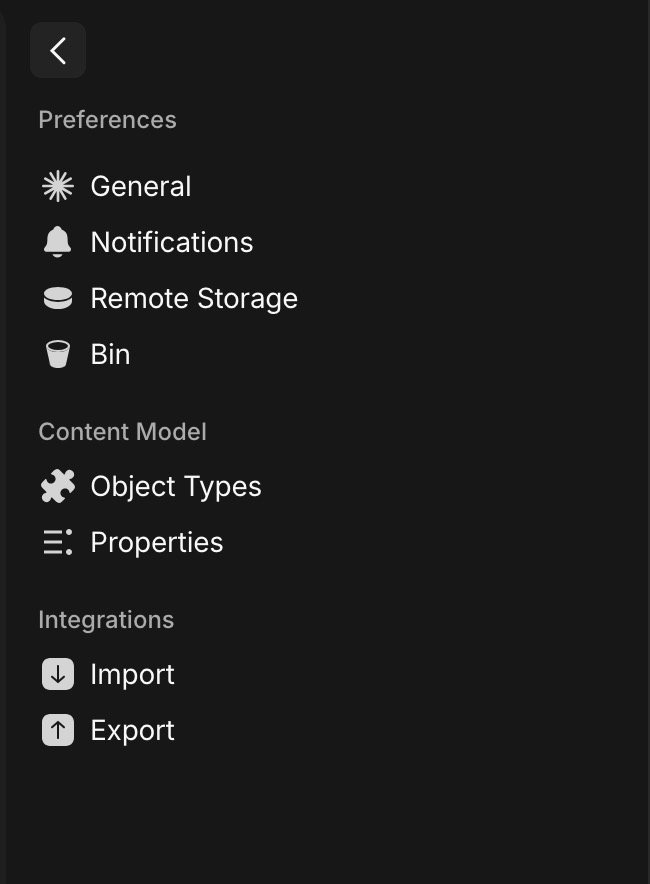
WHAT IS THE BUG When you add a new property in a type, this property doesn’t appear in filters or columns dropdowns in existing views, even after restart.
HOW TO REPRODUCE IT Outline the steps needed to reproduce the behavior in sequence:
Go to type modification panel
Add a new property
Go to an existing view featuring this type (like a query/ integrated query)
Try to add a filter on this new property
THE EXPECTED BEHAVIOR The properties dropdown must show new properties after type change.
I’m not completely sure if the fix is included yet, but on my side the behavior works correctly in the latest dev version.
If you’re comfortable with it, you could try testing it in the latest alpha version and see if the behavior is the same there. Just please avoid using it with your main vault and make sure to create a backup beforehand, just in case.
Good question. Sync through Anytype Network is not the same as having a backup.
Sync keeps your vault data synchronized between devices, but it does not create a separate restore point that you can revert to if something goes wrong.
When we suggest making a backup before testing an alpha version, we mean creating a manual backup of your data. This can be done by exporting your spaces or by copying your vault folder. That way you have a safe version you can restore if needed.
But @Filip, that’s not true (very unfortunately!!!)
Exporting and importing causes a lot trouble – even a kind of data-loss.
As I’ve loudly complained few weeks ago, some relations, especially some date relations become overwritten – and to be honest, I find that FATAL!
– This is data-loss, I can’t call it anything else!
Suddenly does the sorting in Views no longer work as expected, if it has had dependencies from such date relations, if they became overwritten.
“Date as Object” does no longer work as expected. You can’t no longer find certain Objects.
Tha harsh fact is, that Anytype DOES NOT HAVE a decent way to backup & restore data 1 to 1
Also copying the whole vault folder is unexpectedly not a working solution.
If the data on the server become somehow faulty, but they are “newer” then the data in your copied vault folder, then will Anytype’s first thing be that it does after starting it, to resync these files in the fatal wrong direction: from the server to your vault folder. – That means, the faulty data from the server will overwrite your healthy data in your “saved” local vault folder!
Nope, Anytype doesn’t offer the user any truly working way to backup & restore his data!
(And I wonder about myself why on earth do I live with this sword of Damocles hanging over my head?)
The export & import function gives us only the illusion that we can restore our Spaces 1 to 1 after a disaster.
Heyo @Code-Jack, I’m just seeing this thread now and I briefly looked over some of the links you shared. That sucks, I’m sorry for the bugs.
It doesn’t make sense to go too deep here, because it’s a different bug topic, but as a quick note: you’re totally right, we don’t have a good 1:1 backup of Anytype spaces today. Beyond the examples you’ve already provided, this also applies to things like chat messages and space members. When you export/import, this will not fully restore spaces exactly as they were. We are certainly falling short on the promise/vision here.
We are in exploration of backups and recovery (as shown on the roadmap) and aware of the various issues we need to address. Nonetheless, I appreciate you consistently facing these challenges and continually sharing with us bug reports to make the product better.
I will link your issues to our internal system on backups + recovery to ensure we’re reviewing these as we work on these new features.
It’s Incredible what a difference your presence makes here!
In older days, I would have expected sugar-coating (that causes only frustration!).
But you’re different; you don’t deny the problem and I trust you fully that you indeed bring it clearly visible on the team’s table.
It’s been noted, for sure. And I also know that there have been a lot of challenges around fundamental things like file sync, chat message sync, etc. There is no doubt that we have many foundational areas to address, and I totally get why it must also be frustrating to see us work on new ‘shiny’ features when we haven’t fixed these core things.
Again, not the right thread to discuss all these points, but maybe it’s something I’ll address in the next Town Hall. I’d rather not make big promises, but just know that I (and the team) are aware. Thanks again.