I been playing a lot with Anysync, Notion import and syncing between desktop and iOS today. The last couple of hours I’ve been making huge changes on the desktop client (including reimporting from Notion multiple times).
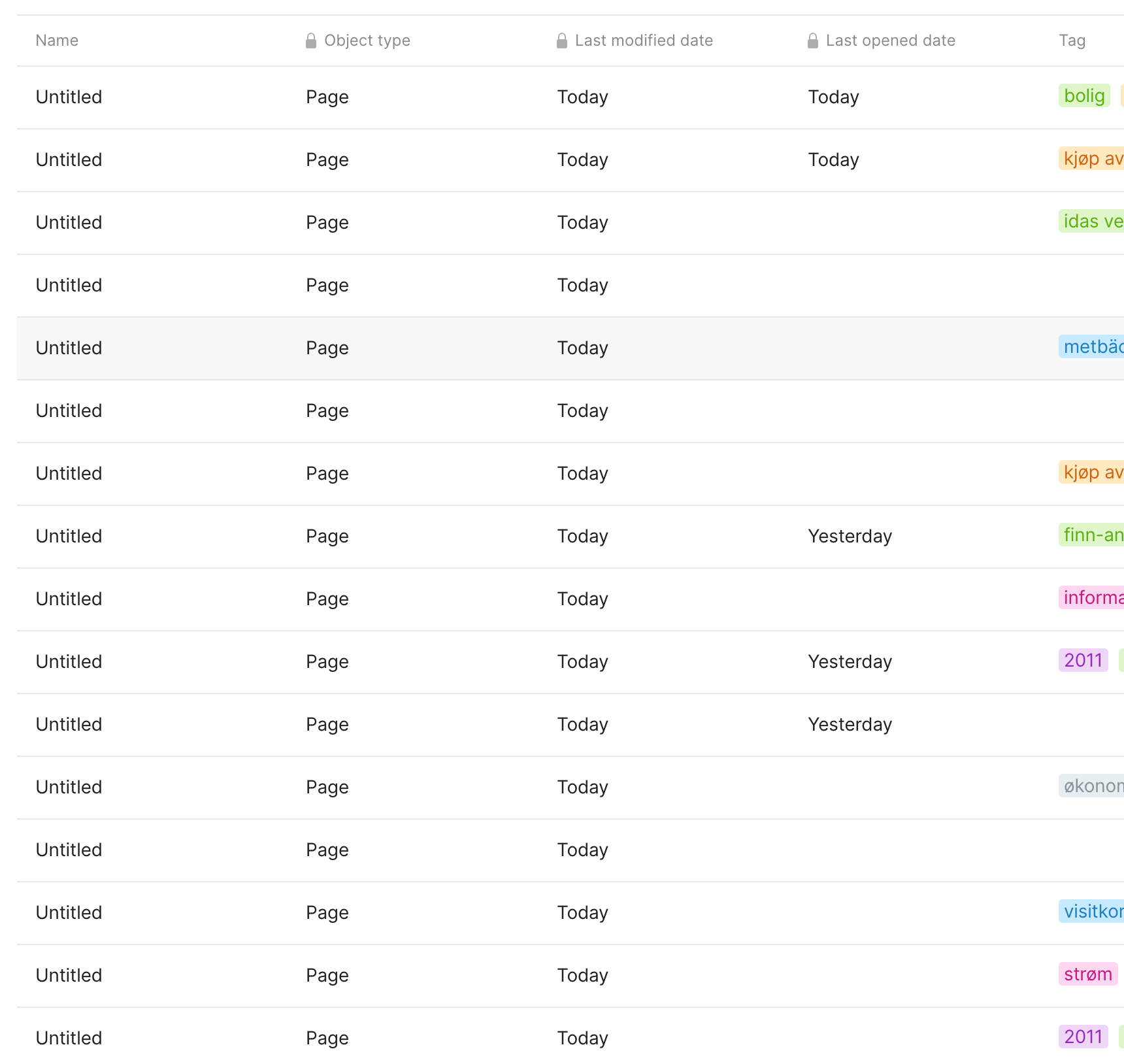
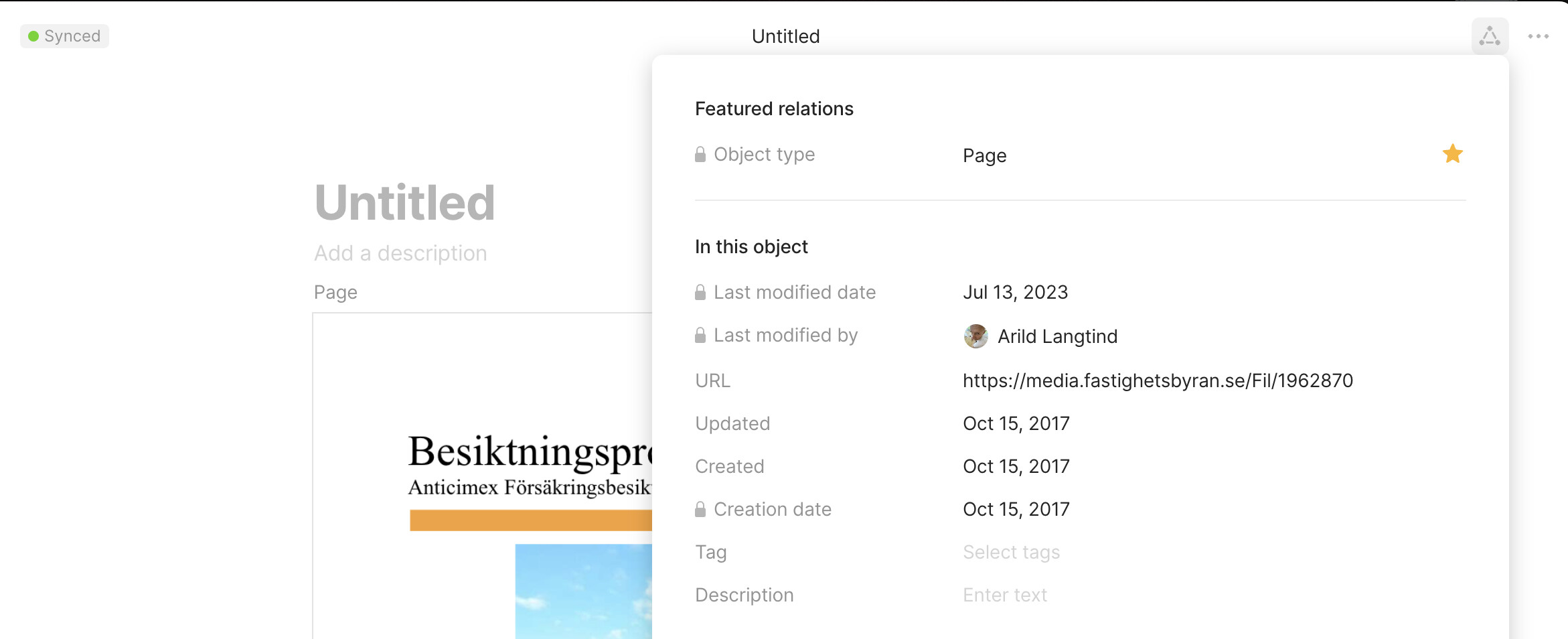
Started the iOS client to sync over the changes, and out of nowhere suddenly hundreds of pages got renamed to “Untitled” (or more precisely, the name was removed, and displayed in the desktop and iOS client as Untitled).
THE EXPECTED BEHAVIOR
Sync should always keep the latest edition of a file…
SYSTEM INFORMATION
Device:
Macbook Pro M1 Max
iPhone 14 Pro
OS:
Sonoma 14 Public Beta 1
iOS 17 beta 3
Anytype Version:
Mac: 0.32.23-beta
iOS: 0.22.1
ADDITIONAL CONTEXT
I have used up my storage, 1gb. Was playing with local sync to see how that works.
Hey @langtind,
sot the title of all those objects is messed up.
Are the contents there correctly?
If you edit one of those, are the contents still synced across devices?
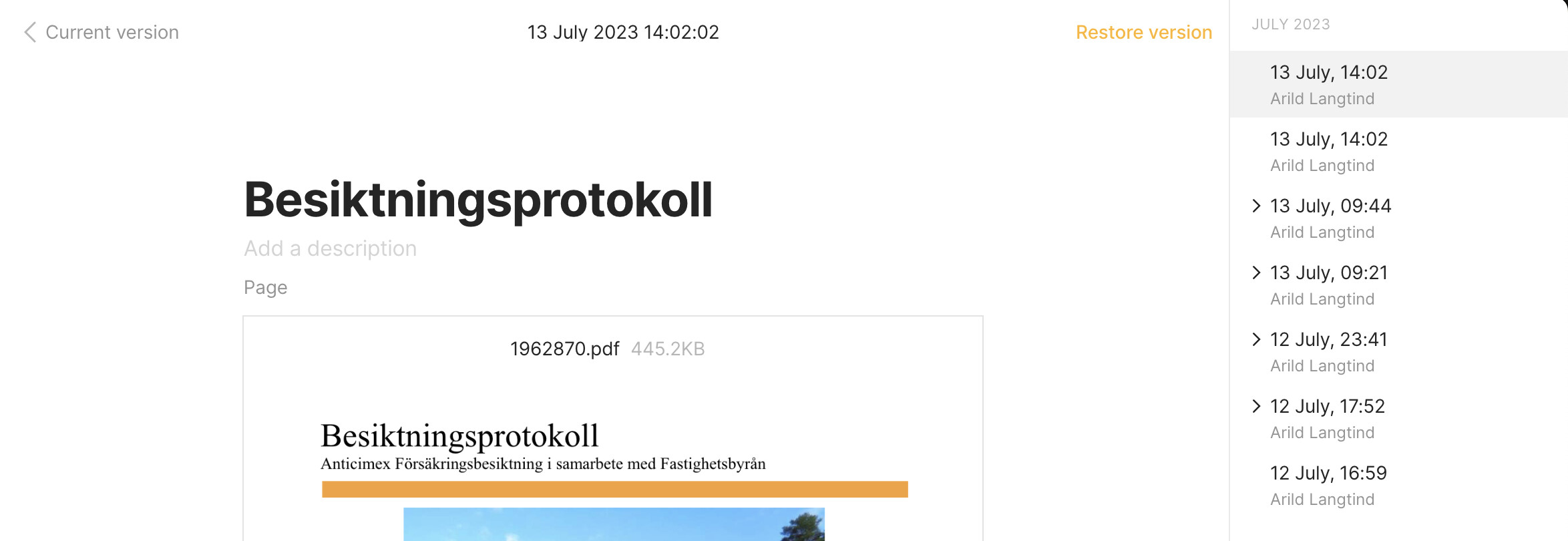
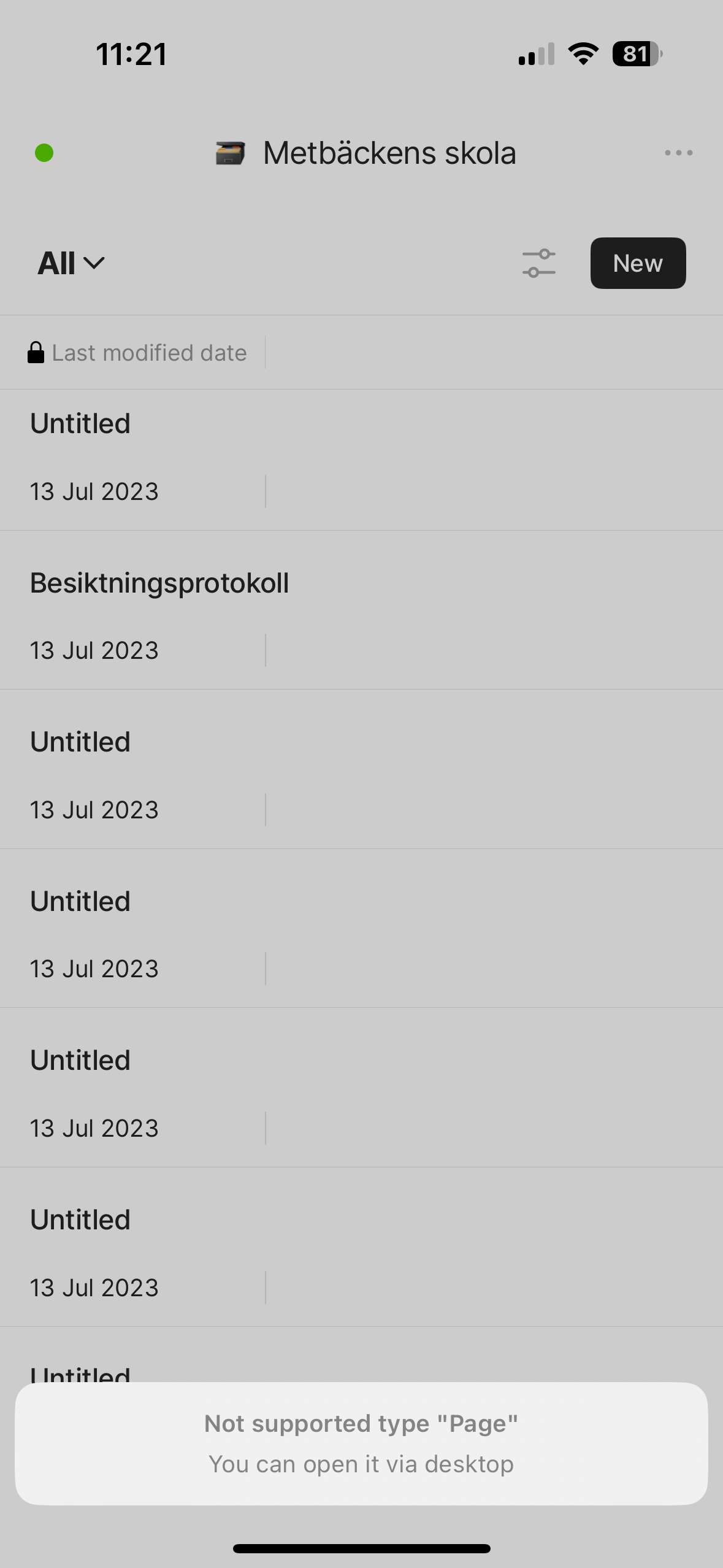
It looks like the content is synced after reverting to the previous version (at least the title is visible on the phone), but I get a message when I try to open the page telling me “Not supported type “Page”. You can open it via desktop”. (should I report this as a separate bug, or is this expected?)
@langtind Are your objects still untitled? Are page objects still un-supported?
Could you update to the latest versions and check again - v.0.28.1 on iOS and v.0.39 on MacOS?
Hello! It’s been quite a while since this issue was resolved. I can’t recall whether it was addressed through a software update or if I resolved it on my own (likely through a software fix, given the large number of objects involved).
I believe this issue can now be considered closed.