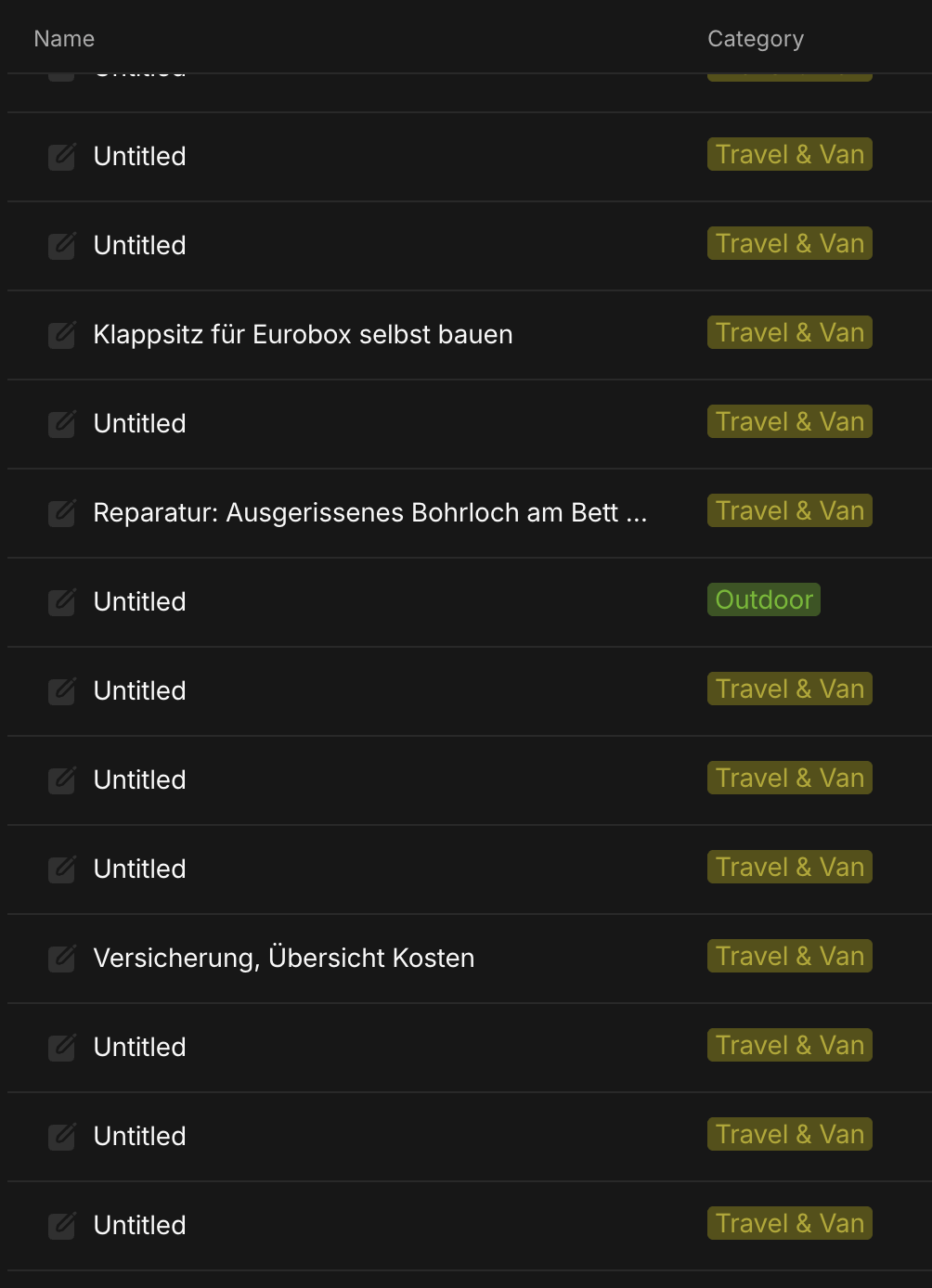
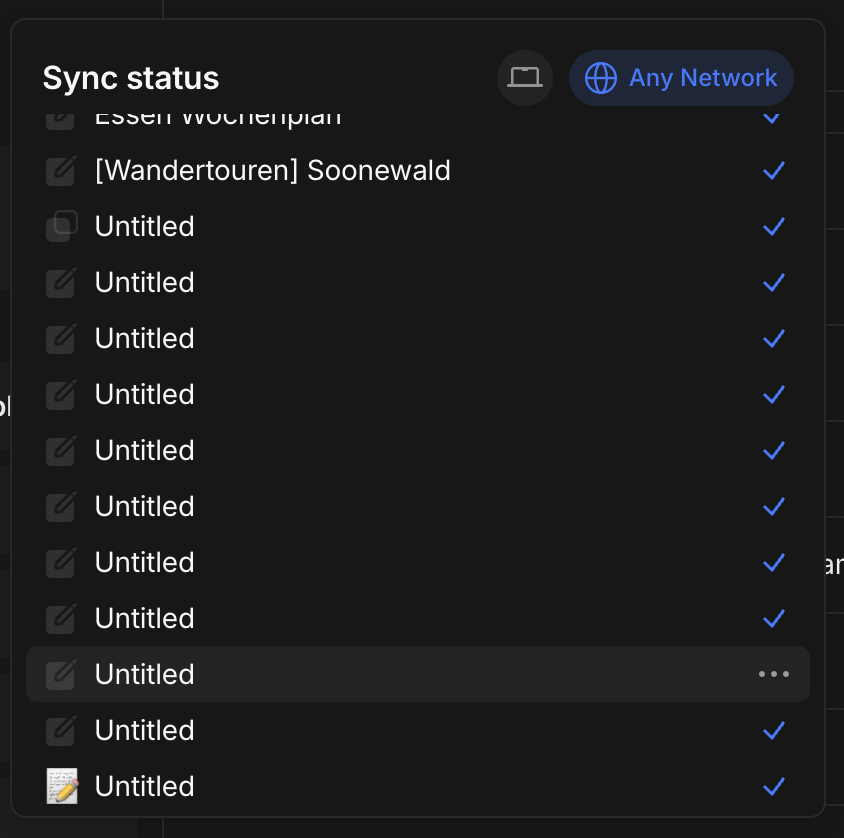
WHAT IS THE BUG
I unfortunately didn’t find an exact match for this bug so far but some that seems similiar.
For instance: Name of hundres of pages removed after sync (Untitled) – but it got marked as „resolved“ (even tho i don’t know if it actually got solved for the user)
The Issue happened to me twice now, both in my private space as well as in a shared space:
- *I previously had a Macbook M2 and changed to a M4 over Christmas: Opened the vault again with my key and all of sudden lots of my Notes (90–95%) got renamed to „Untitled“. When i opened a note the title would still be there. When i closed the note the note’s name returned to it’s previous name from „Untitled“ to it’s „[Original Name]“.
- I share a space with my girl friend. She downloaded anytype yesterday (newest version as of April 13th, Macbook Air, Tahoe), accessed her vault with her secret key and it started syncing. Notes turned up in the space on her end but most, probably 90-95% (not all of them!) of the notes changed their name from their previous names to „Untitled“. The syncing then continued and those notes also changed their name on my end as well to „Untitled“.
- All the titles seem to be messed up on my mobile version as well. So at least it keeps everything in sync, but unfortunately with the wrong names.
It seems to be a syncing-issue. But honestly it makes working with anytype both for me and us in the shared space super frustrating  - i can still search for the items via their original title and they will show up. But everything is full of untitled and i don’t feel like clicking into hundreds of notes to open and close them in order to retrieve their original names.
is there a fix?
THE EXPECTED BEHAVIOR
Titles keeps their names when syncing to a new device for the first time.
TECHNICAL INFORMATION
OS and anytype version
OS version: darwin arm64 26.4.0
App version: 0.54.11
Build number: build on 2026-03-24 15:27:50 +0000 UTC at #c5a40d8f6ff93ccdcdbf0f5487766cc5d54bdeb9
Library version: v0.49.0-rc08
same anytype version on the other macbook air.
devices
Macbook: Apple M4 Pro, tahoe 26.4
Macbook Air: M3/M4 (not entirely sure), tahoe 26.4