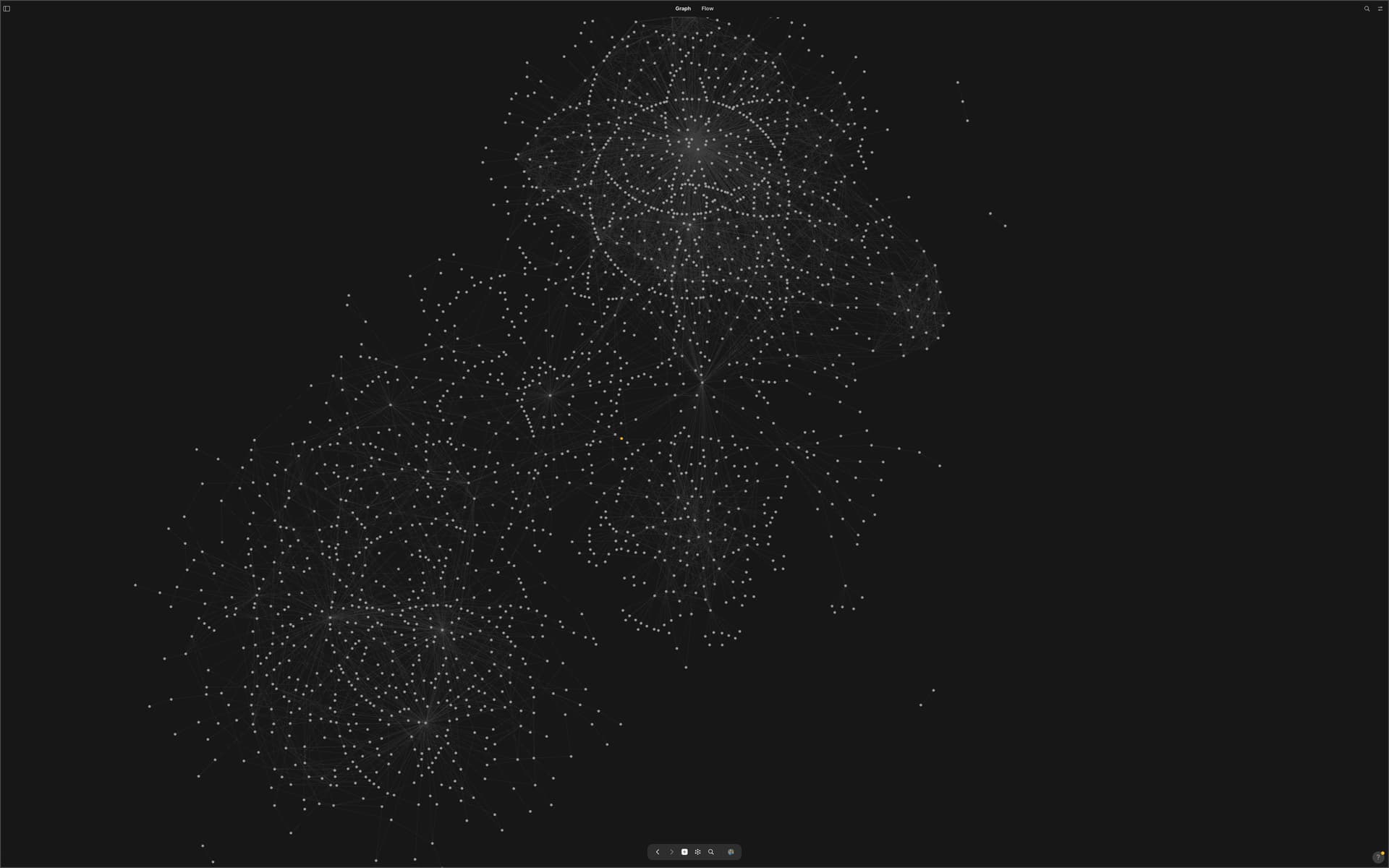
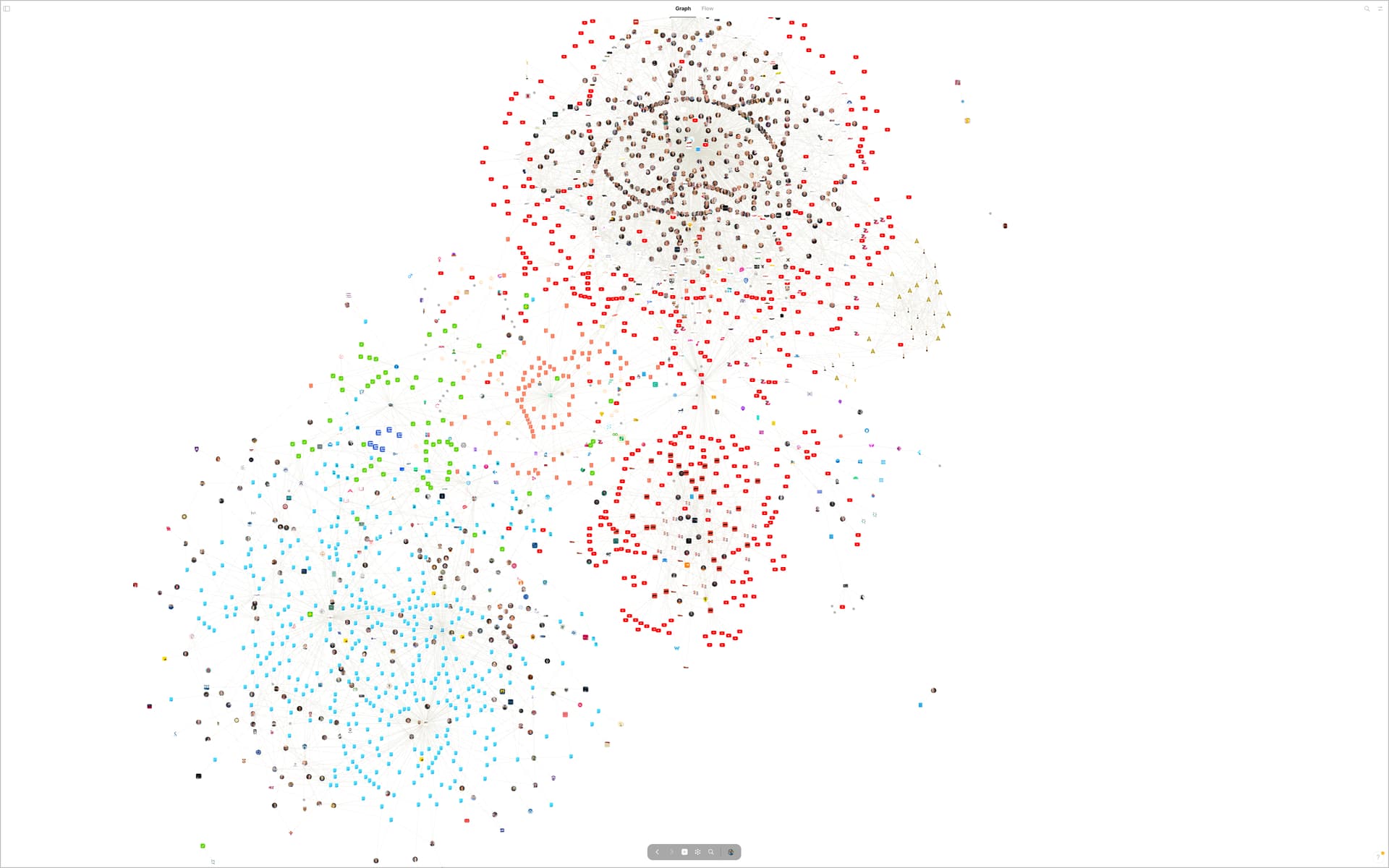
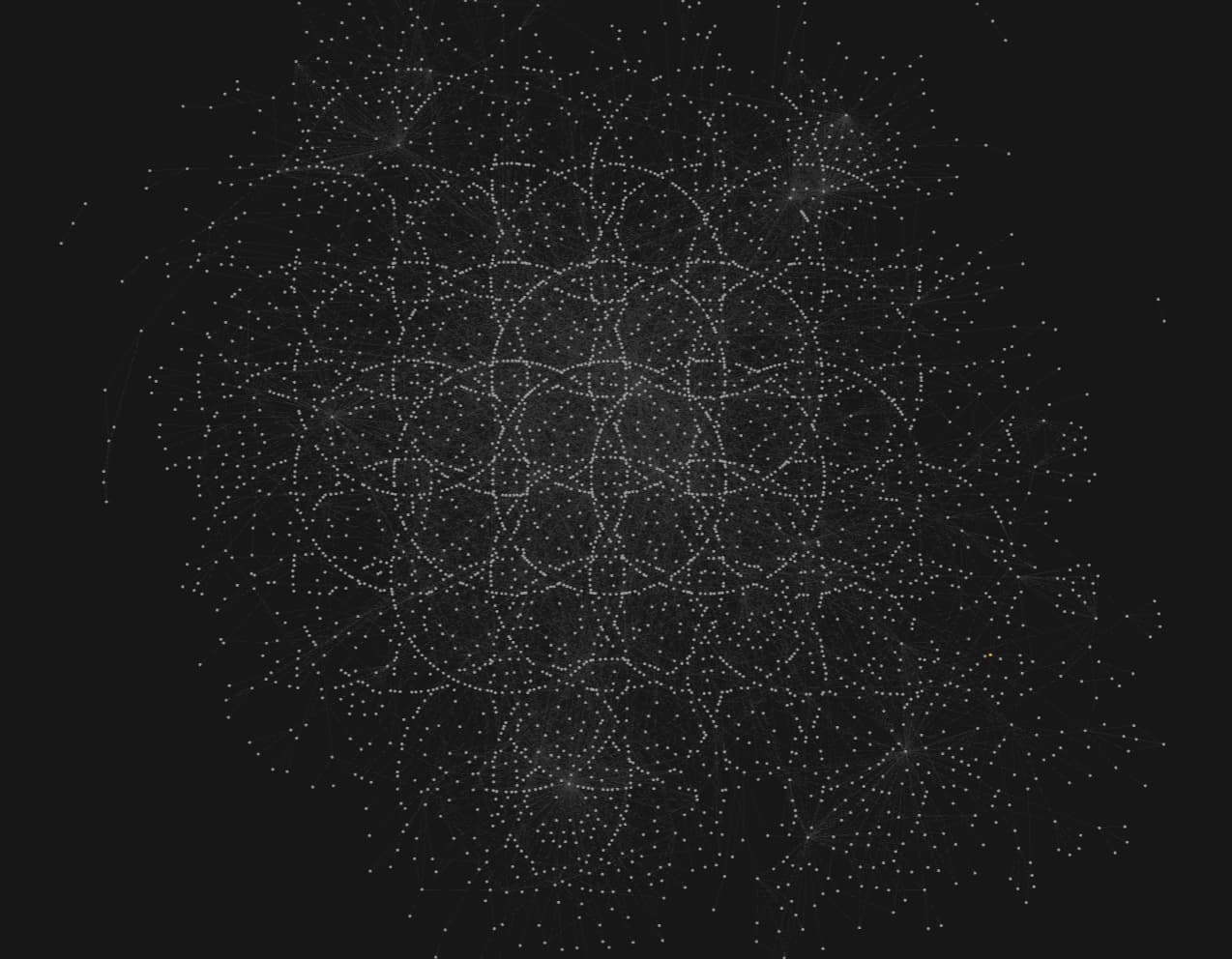
I think it would be fun to have a showcase thread with our biggest constellations
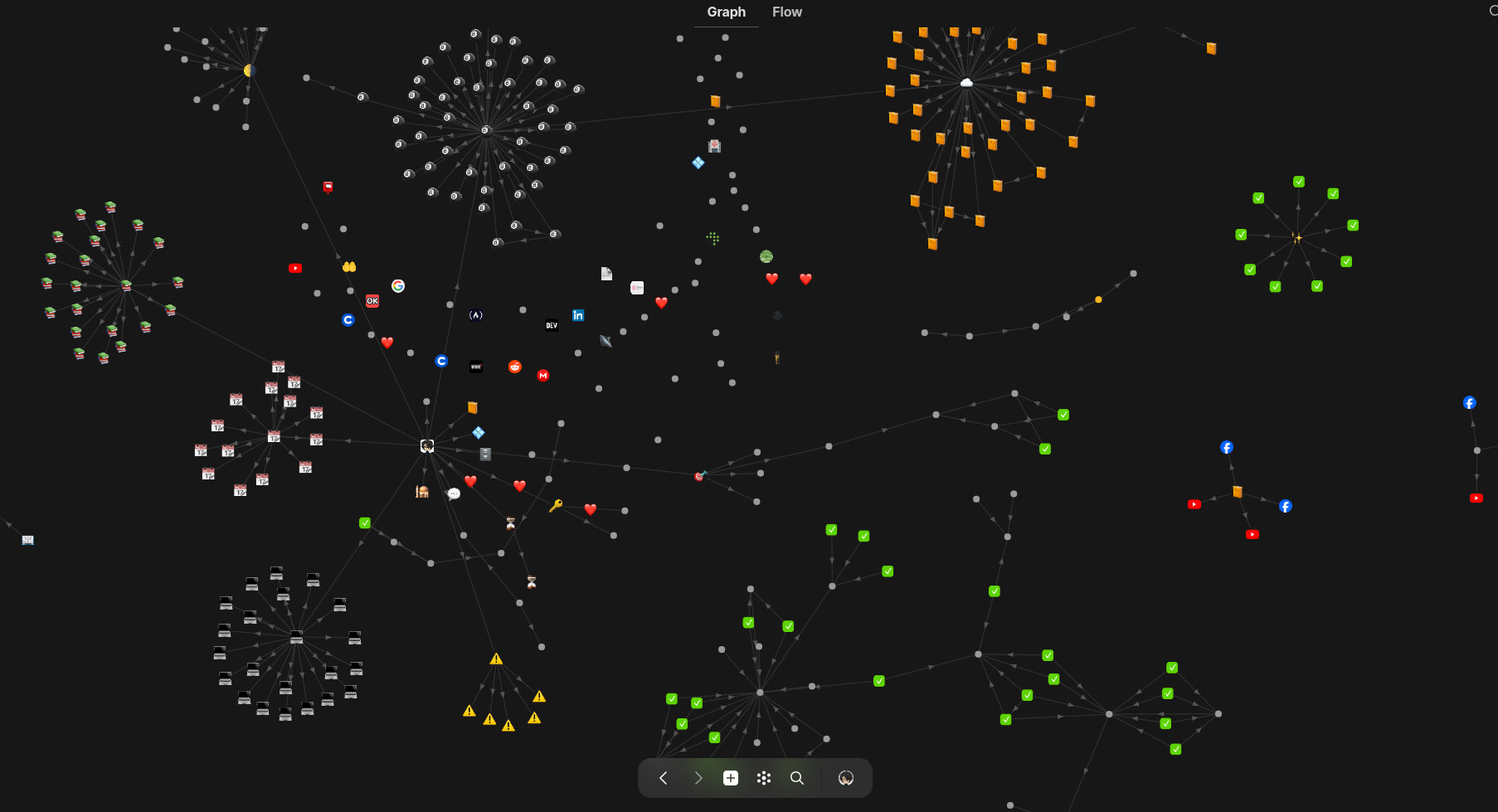
What do I refer to with “constellation”? I call constellation a parent object with such a high quantity of childern objects (or better said in Anytype, “linked” objects) that starts forming a circle when viewed in the graph view
This is my “reflections” collection. Here I store all the information I find about psychology, with each topic (e.g. empathy, sadness, family bonds, etc…) having its own object
I’d love to see the constelations of the community!
I’m surprised by how many objects could a single object be connected to. This looks very complicated!
A single point of focus is not my style, I would rather adopt a micronized approach through creating branches and sub-types when possible, tho this requires a lot of effort to figure out how to categorize those pieces of information
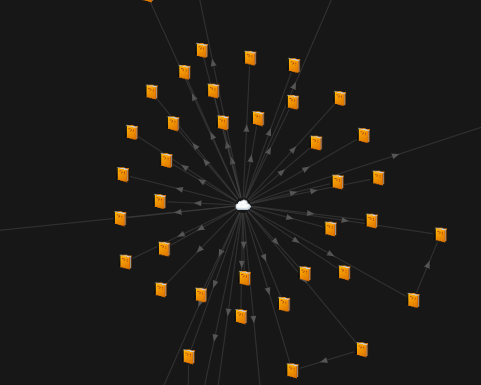
Here’s my biggest point-of-focus note:
And here’s how my graph looks (still under development ):
Hey man, thanks for the good tipp to use Ctrl and “-” for further zoom out!
I didn’t know that. Was always annoyed that I can’t see my graph completely.
Anytype should do such a thing “in one piece”, without the need to switch between mouse and keyboard!
Obsidian can absurdly deep zoom in and out, what I miss here.
By using an Addon, Obsidian even supports a 3D-view for the graph.
I can’t tell WHY I love Anytype somehow more. It has much less features then Obsidian, also the workflow is really not exactly a “flow”. Many unnecessary clicks for simple things and always these permanent switching between keyboard and mouse back and forth.
But for some unknown reason I like Anytype more, still looking forward to the next update in hope for some improvements here and there.
Can’t believe, that there was such a hidden feature all the time and I didn’t know about it!
Press and hold Ctrl. Then repeatedly hit the “-” key (minus).
For me it doesn’t work on the numberpad of the keyboard. But it works if you use the minus that’s integrated in the normal part of the kayboard.
(On a German keyboard left from the right shift key.)
Fine that it helps … even if I did an error! <:-(
I wrote, you should press and hold the Shift key. But that was wrong, it must be the Ctrl key.
Just edited my last posting, mow it’s correct.
My graph… but how to do you guys find the centre points of the constellations, especially with overlapping circles? There are just so much relations and links that I can hardly identify (slightly easier on light mode)
Wow this one is impressive and interesting to read the reddit. Some of the main points mentioned:
The poster on reddit says these are 22.670 objects that took over 2.000 hours to build/maintain in the past 1.5 years! It also is less than 10GB (5.4gb).
It took him 5 screenshots on an ultrawide monitor that where pasted together as one image.
The poster also awnsers a question about performance:
in my less performant devices (ie. Mobile phone) there’s definitely a degradation in performance. The search function is near impossible to use in my Samsung Galaxy S21 Ultra (which has decent hardware specs)
One issue I’ve encountered in that scenario is, if I type too fast while searching, sometimes the object that I’m looking for won’t show. If I type the name of my target object typing at a more moderate speed (or even just typing the last letter of its name after a two second pause), the object I’m looking for will show just fine.
Other than that, my graph takes up several seconds to load, and highlighting connections amongst objects (by hovering over an object) in graph mode is sloooow af


 ):
):

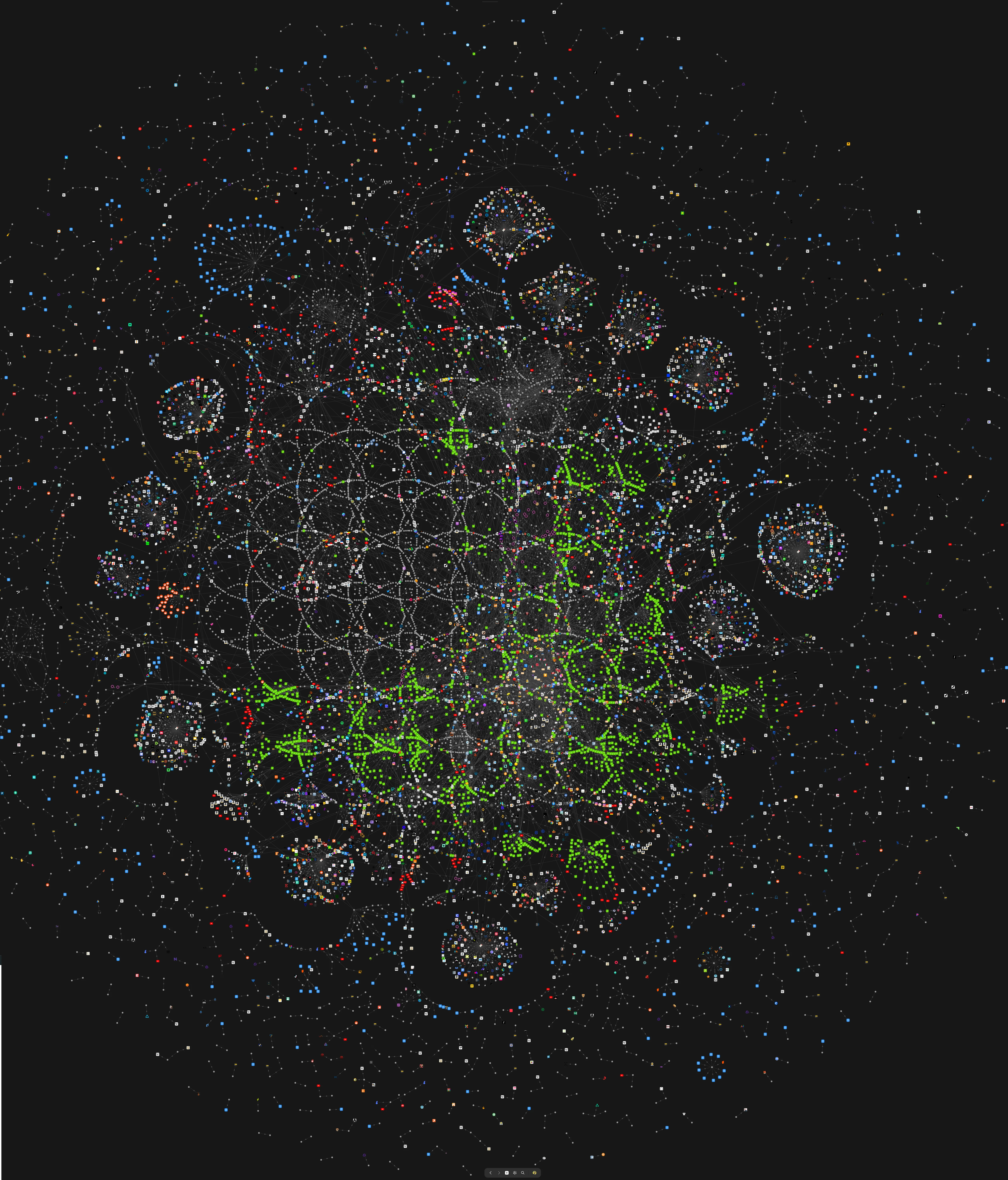


 I thought mine was quite extensive! Amazing space you got there