Kanban boards not working with TAG relation

WHAT IS THE BUG

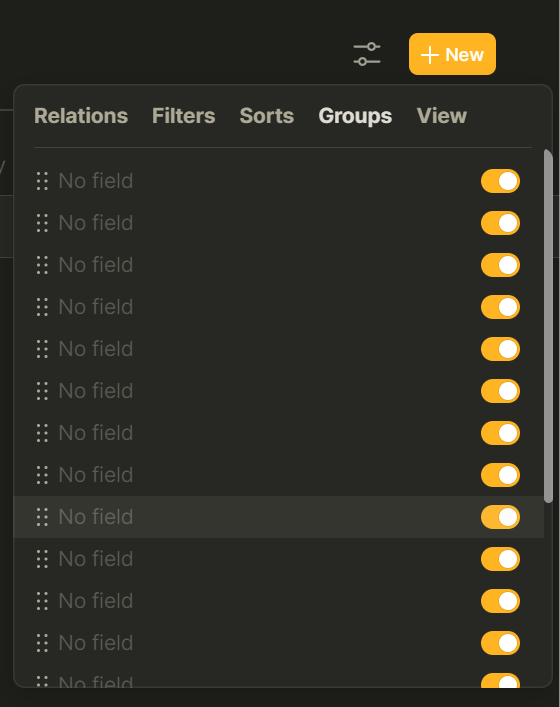
When making a Kanban board you can select different relations to group your pages. But when you select ANY of the TAG relations to group by your kanban board will stay empty and unusable.

HOW TO REPRODUCE IT

  1. Make a set or open a set that has at least one TAG relation.
  2. Make a view and select Kanban.
  3. Select any of the TAG relations and the Kanban board will show empty columms.
  4. Select a status or done relation and the Kanban board works as intended.

THE EXPECTED BEHAVIOR

Expected to list the pages in the correct columm when selecting a TAG relation.

SYSTEM INFORMATIONS

  • OS:
    Windows 10
  • Anytype Version:
    Anytype Desktop 0.28.0

ADDITIONAL CONTEXT

Screenshot with status relation selected:

Screenshot with tag relation selected:

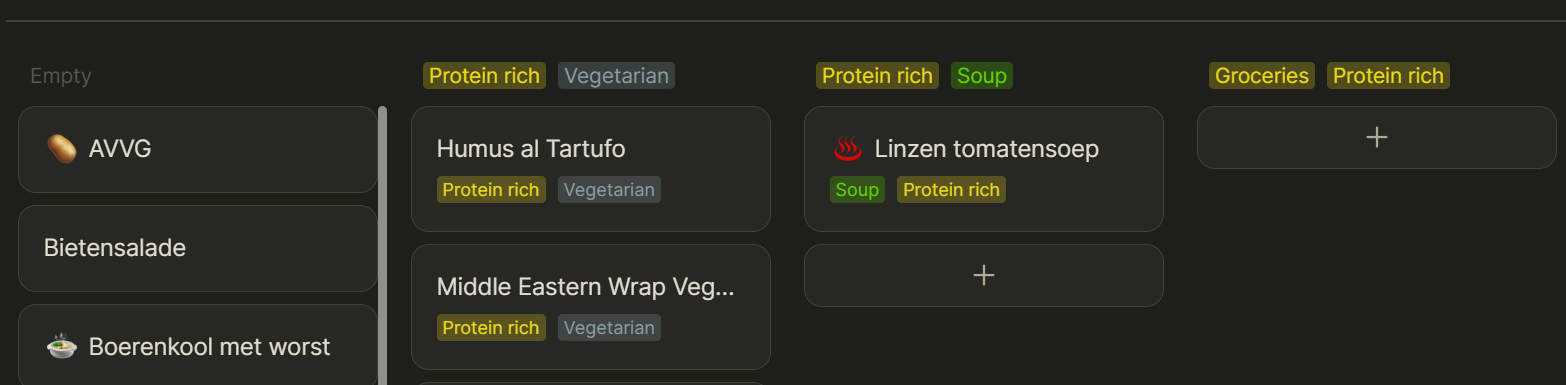
I can confirm this on Windows 11 with Anytype 0.28.0, but not for all Sets. I have one Set showing many “empty” Relations (tags):

And I have another Set that shows all combinations of tags as individual Groups, which I think is the intended behavior.

I can confirm that I’ve encountered this bug too on Mac OS 12.5 Anytype version 0.28. it’s just empty boards without the options existed in the tag.

I also confirm I have gotten this bug in all sets in Linux Manjaro, Anytype 28.0

Can confirm this on todays latest release 0.29.0 too

This is actually working for me on 0.29.0 on Windows:

I did change this from a Grid view to a Kanban view, not sure if that makes a difference.

For me it is still not working, just tried it on multiple sets in 0.29.0 on windows:

Lego set:

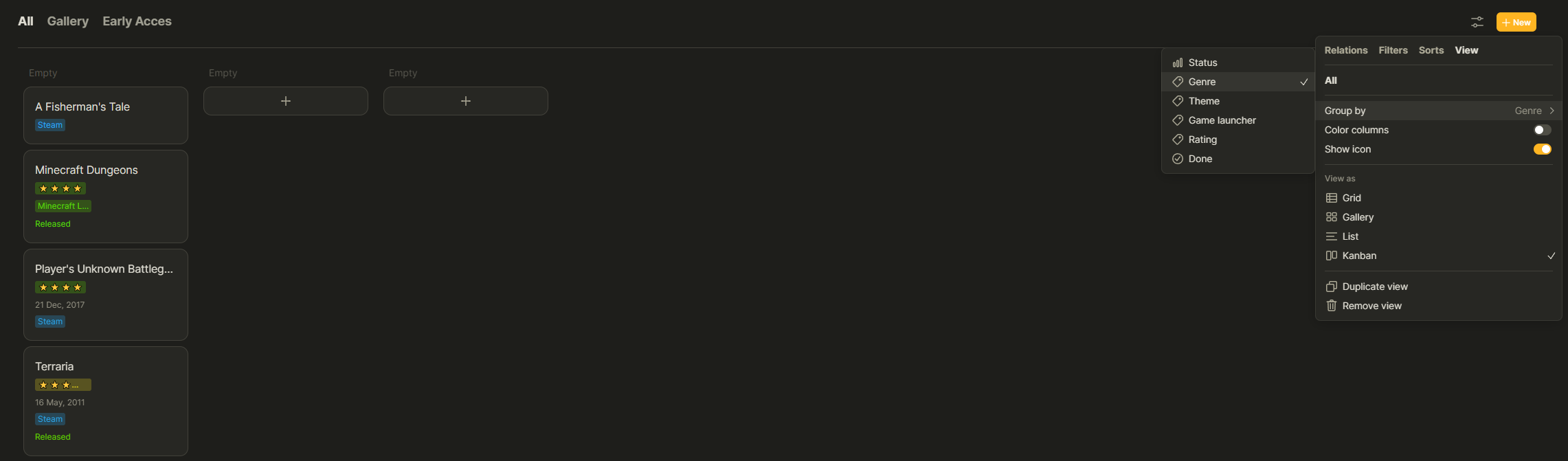
Games set:

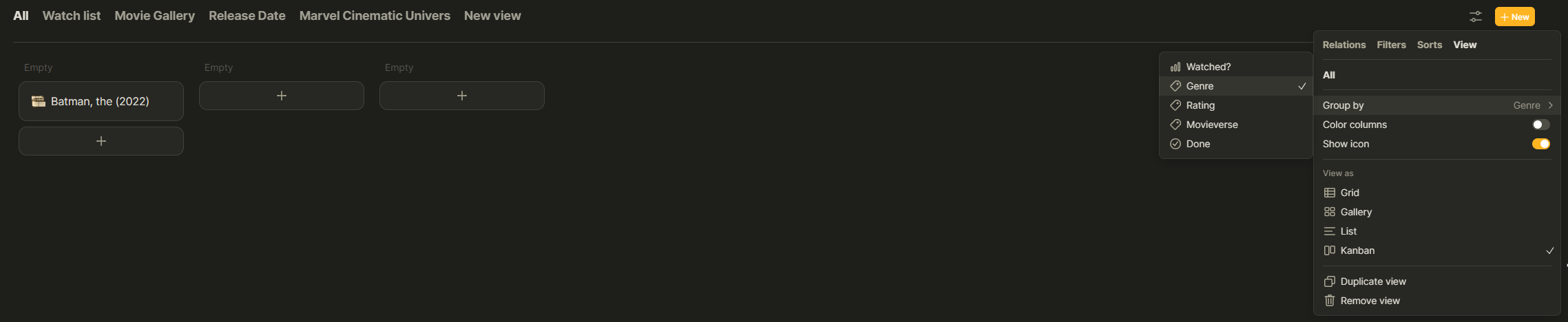
Movie set:

Edit: I switched between view (grid/list/gallery/kanban) and never get it to work with tags relations. Any of them. Even for those where I only use 1 tag per item (like the lego set theme tag).

Could you try this:

  1. Take any View of any Set that is not Kanban
  2. Make sure you have no tags added as Relations
  3. Set the View to Kanban
  4. Close adn reopen the Kanban view to make sure you can see the Group tab in the View options menu
  5. Add a tag Relation
  6. See if the Kanban for tags now works

Nope, still the same result.

Though I am not 100% sure what you mean with step 2? I have a grid view, where I have two tag relations visible. These I close via the relations toggles. Then I set it to Kanban and it is still empty, I see the group tab and it also always shows 3 empty groups.

That is exactly what I meant (Tag Relation is “added” to the View but not active). I shared these steps as those as the steps I took and that was working for me. I’m sorry this is not working for you!

At least I know I did it the right way so no worries, thanks for sharing a possible solution anyways! :smiley:

Maybe when I have time I make a fresh type/set and try it again.

I can confirm that this is working for me on 0.29. If I create or use a “status” relation, it will show in the Kanban view and works as expected.

Although I thought the Kanban view should also work with “tag relations” but it’s not at the moment. is it by design or is it a bug?

I think by design it should work not just for status tags, but for all tags. That said, the Tag system is being reworked, so that might be the reason it is not working for all situations and for everyone at this point, but I hope a dev or product owner can comment on that :slight_smile:

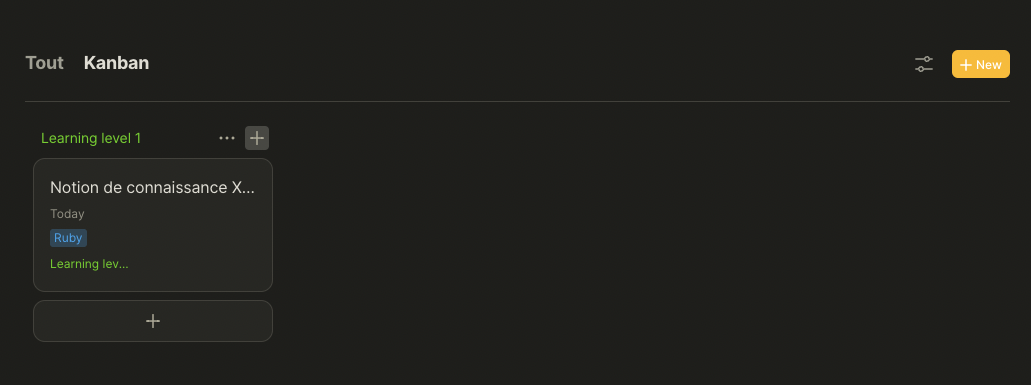
For me on mac 12.6 and anytype 0.29 on the kanban view, all the “+” button (the 3) doesn’t work (expected to create a new object of the set)

That’s what it’s supposed to do… right? I mean the “+” button creates an object with the related relation for it.

There should be an “Untitled” Object be created in the “Empty” column if you click the orange “+ New” button. Is that column visible for you? Make sure in the Groups tab in the View settings that you did not hide that column :slight_smile:

Alternatively, as @dzlg mentions, clicking the “+” buttons at the bottom or top right of any column should create a new item in that column.

Yes it’s exactly what it’s supposed to do :laughing: creating a new object.

Sorry if my post wasn’t clear enought (excuse my french :stuck_out_tongue: my english may have failed)
But I said (pretty clearly :innocent: ) : the “+” buttons aren’t working : Expected to create a new object.

The new object is a new one I created myself BTW, if it could help in something.

Here is a video of my screen :

I tried with a standard object (note) and it works :

So the kanban seems to have a bug with set of custom object.

@Vrizzt your post was pretty clear! Just wanted to note the different options and (expected) behaviors.

This is quite clearly a bug and it is already reported to the devs :slight_smile: . Thanks for posting the video, that is always helpful for the devs!

@dust thanks for your addition that the issue seems to be related to custom Object Types.

Thx to you :blush:

As a dev myself I love to have video as feedback :stuck_out_tongue: