WHAT DO I RECOMMEND?
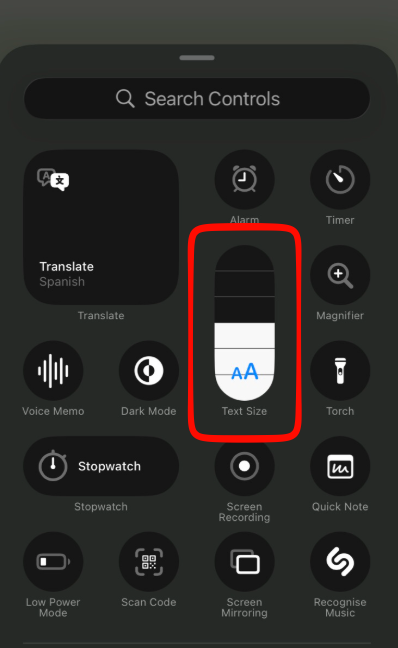
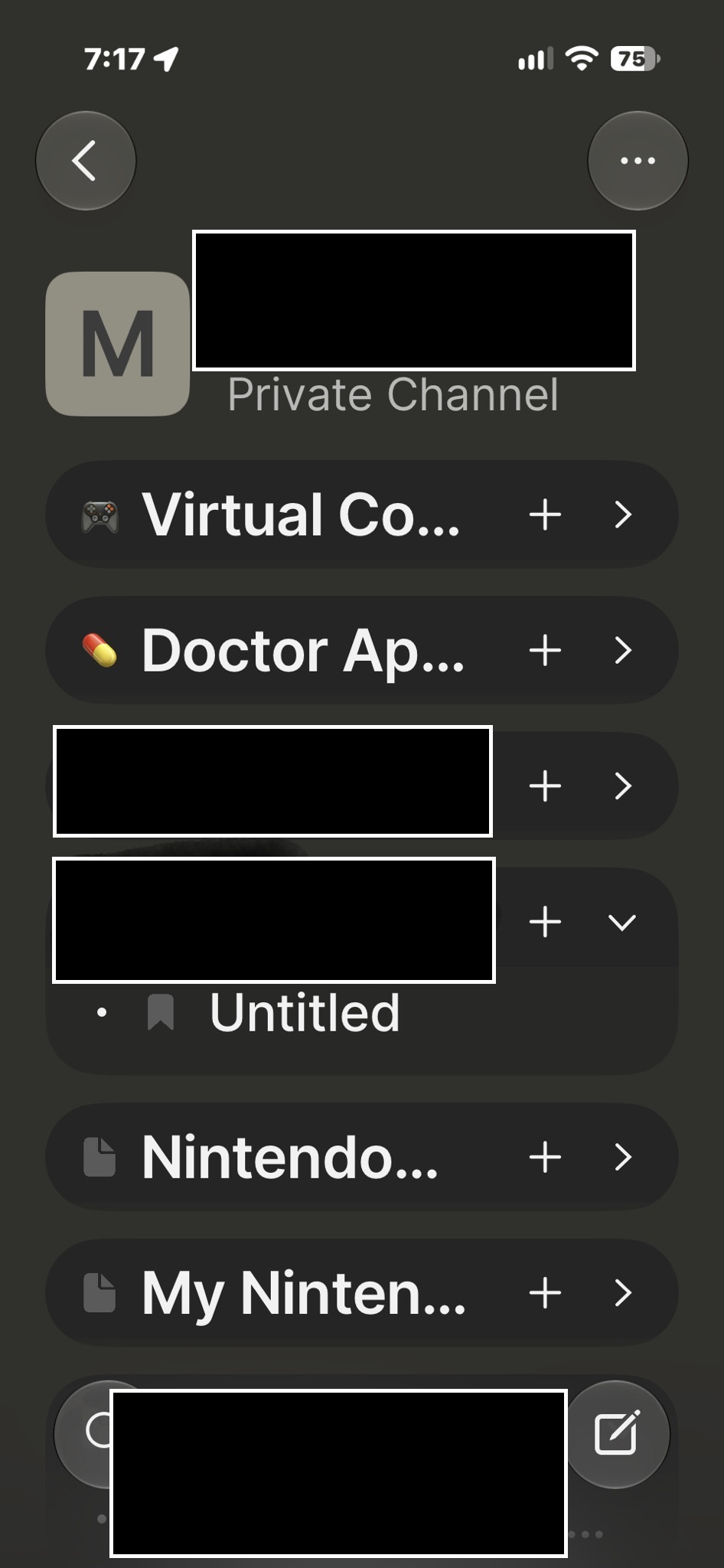
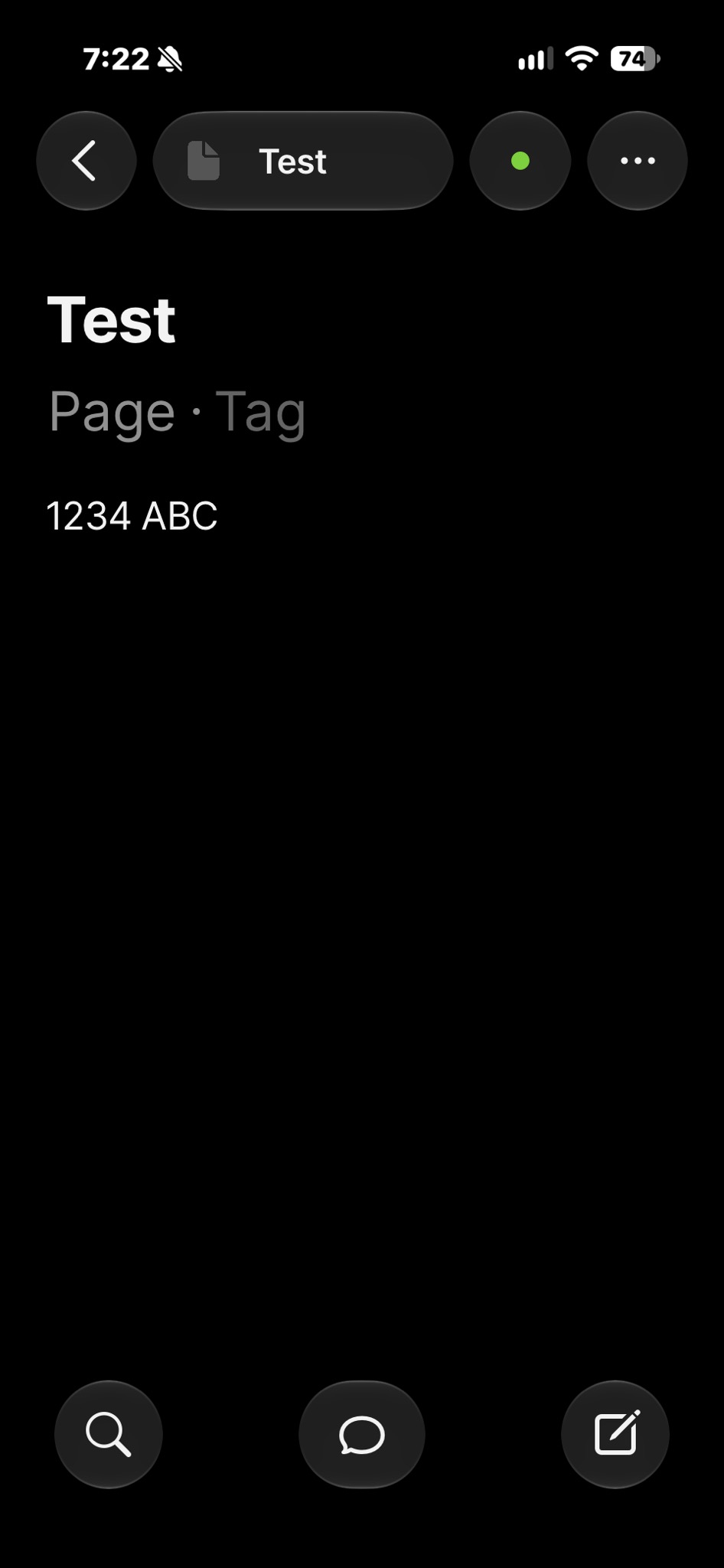
In the iPhone and iPad app for Anytype the note text scaling needs to be allowed to make the text bigger. The list of pages / notes is made into larger text when I scale the text size in the iPhone settings, But the notes themselves are small in text.
(I recently switched from Android to iPhone. In the Android app it scaled nicely if I adjusted the display size and text in the Android settings. The note text scaled up. )
HOW COULD IT BE DONE?
A pinch to Zoom feature would work. Or an option in the Anytype settings to make the default note text larger. Or a per note text size setting.
REAL WORLD USE CASES:
Would help for those with poor eyesight to see the notes on mobile phones..