What’s The Bug?
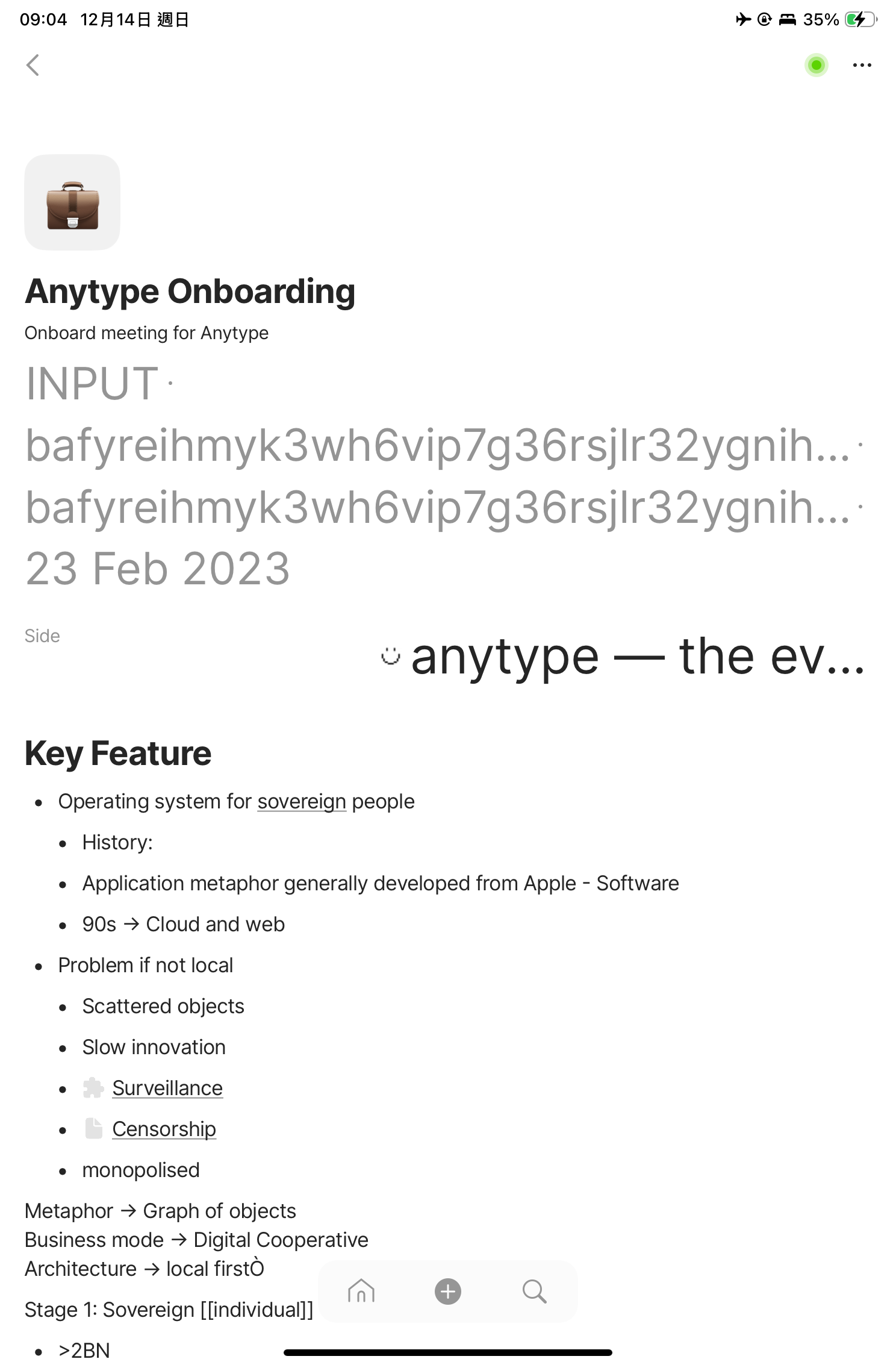
When choosing different text size in iOS system (display and brightness), the text size in blocks is not reflected in editors/blocks.
- Text size of properties, set/collection etc can be adjusted.
How To Reproduce It
- Go to iOS’s system setting - display and brightness and adjust text size (making extreme changes in texts would make the issue more visible) | alternatively, add text size to control centre for quicker control
- Go back to Anytype and open an object with both texts in blocks and properties (as line and/or list)
- See the text size in blocks don’t get changed.
Image or Video
The Expected Behavior
Able to adjust text size in general
Additional Context
I am writing this as bug report because the rationale behind text size adjustments is accessibility, instead of the highly requested FR
Add options to change font size and style which aims for customisability.
Device
iPad mini 6th generation
OS
iPadOS 26.1
Anytype Version
v.0.43.2
Network Mode
Irrelevant
Technical Information
Device: iPad Mini (6th generation)
OS version: 26.1
App version: 0.43.2
Build number: 1
Library version: v0.46.1