Can we start thinking of giving relations the option of adding a custom icon of their own? that would be cool I guess. Like a twitter icon next to the “twitter” relation which is of the type “URL”.
I’m happy to report that as of 0.32.10-beta we finally have transparent background for icons! YaaY! 
But I’m not sure about the decision to add a white border around the icon when it has a transparent background… It feels wierd:

I agree it would be nicer without, but hey, its a step forward! 
Yeah, I agree . I was looking at Notion’s implementation and recognized that in Notion when you apply a background cover, the icon gets smaller whereas in Anytype it stays the same. But more importantly, Half of the icon stays below the cover and the other half on top of it.
I believe the team added the border to further accentuate the icon; Personally I think adding some kind of shadow or go down the Notion’s way would be more minimal and clean looking.
Another thing 
I find it strange that the “profile” layout now has a rounded square border for icons, whereas the icons of that same objects in other part of Anytype like the graph view or in the search or inline mention, etc is still the old circular cut out.
Personally I think having a square or rounded square for “Basic”, and the circular cutout for the “Profile” is more suitable.
After an update on the Desktop app, the page icon has a weird white border if you upload an image.
Before the update there was no such outline. Since the image I’m uploading is an icon, it gets weird, since there is no background, so it’s only the icon and the white border.
HOW TO REPRODUCE IT
- Upload an image as icon
- Set a cover
SYSTEM INFORMATION
- OS:
Windows - Anytype Version:
0.33.2


Coming back here to add that non-rectangular transparent images have this shadow around them in mobile. It really doesn’t go well with stickers.

The behavior should be the same in desktop where the background blends in with the canvas.
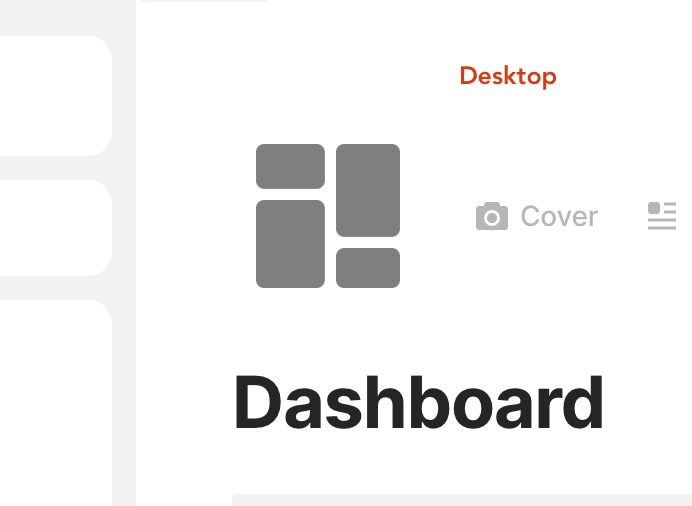
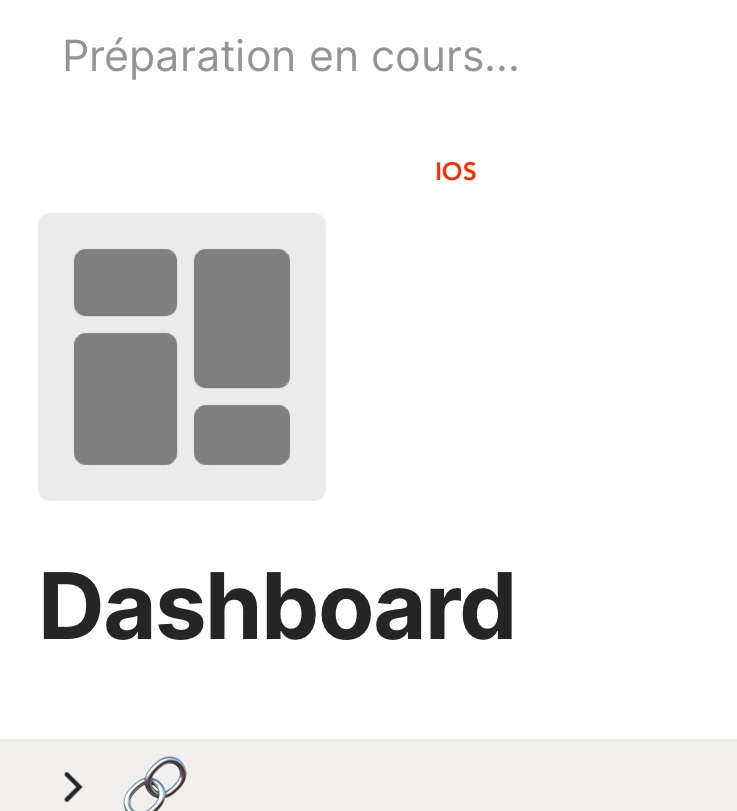
What’s The Bug?
Seems like android app is the only client that doesn’t support transparent background for custom png icons with transparent backgrounds.
It was mentioned back here for windows and mac, but I can’t seem to find a similar issue on android.
I’ve attached thre images, one from android app, one from ios app, and one from mac client.
How To Reproduce It
- upload a transparent background png file on desktop
- use the custom icon from the library (For me I tried on the query)
Image or Video
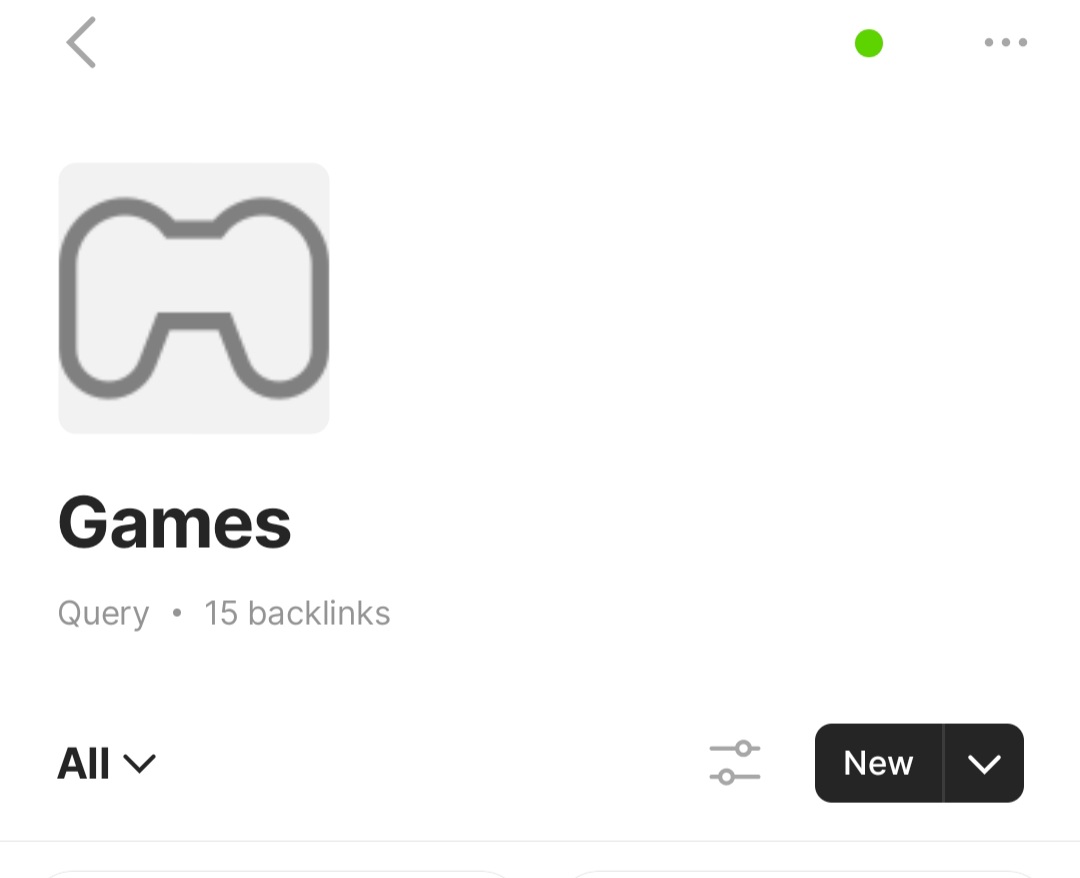

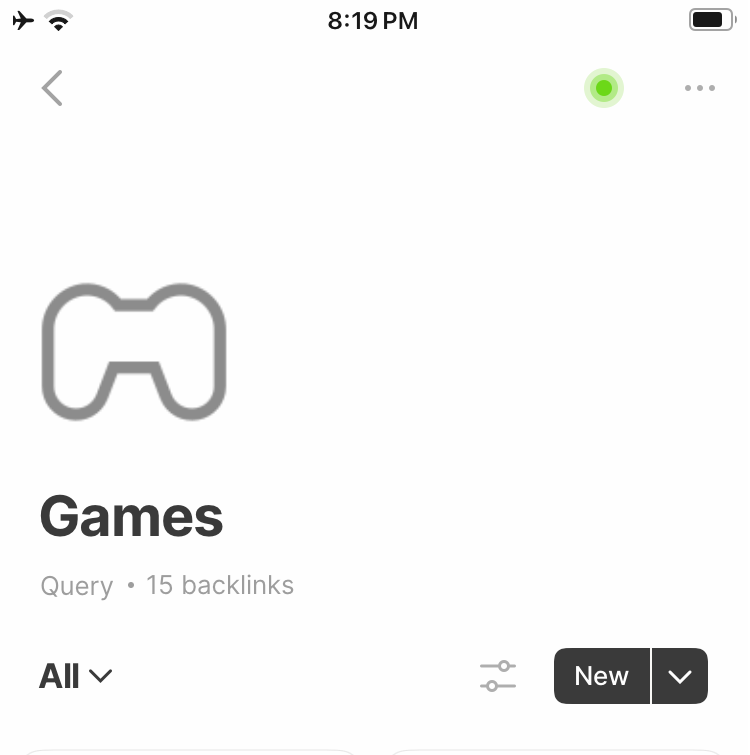
The Expected Behavior
I expect the background to be transparent, just like the other clients.
Device
Galaxy S25+
OS
Android 15
Anytype Version
0.37.15
Network Mode
Anysyc
Technical Information
Device: SM-S936N samsung
Android version: 35
App version: 0.37.15
Build number: 3715
Library version: 0.40.18
Account ID: A98gwWGMcsPUUEJBkTdD52xTwzK1y7UJhahcuKXZvgdRFpUb
Device ID: 12D3KooWBKCf3j9ytjy4JGkeQVMMkfrJMyhVdKVgEpHs2c3qxTan
Analytics ID: 06169065-9fdb-433a-8cbc-a96f01abece6
Ethereum key ID: 0x6672Dc3768839449c804cAD7bFd2311562478a12